Smart Resize Keyboard para PC
ThemesJoy
Descarga Smart Resize Keyboard en PC con GameLoop Emulator
Smart Resize Keyboard en PC
Smart Resize Keyboard, proveniente del desarrollador ThemesJoy, se ejecuta en el sistema Android en el pasado.
Ahora, puedes jugar Smart Resize Keyboard en PC con GameLoop sin problemas.
Descárgalo en la biblioteca de GameLoop o en los resultados de búsqueda. No más mirar la batería o llamadas frustrantes en el momento equivocado nunca más.
Simplemente disfrute de Smart Resize Keyboard PC en la pantalla grande de forma gratuita!
Smart Resize Keyboard Introducción
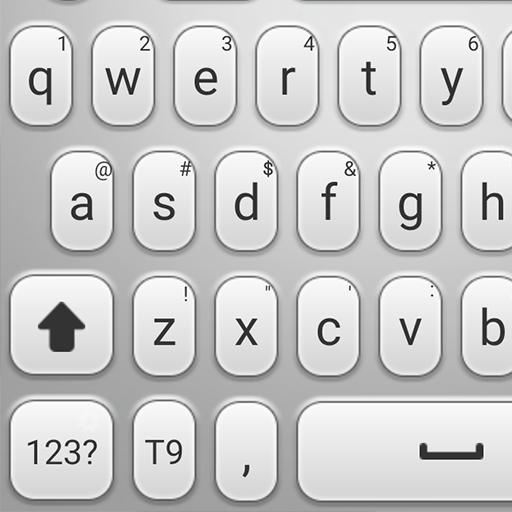
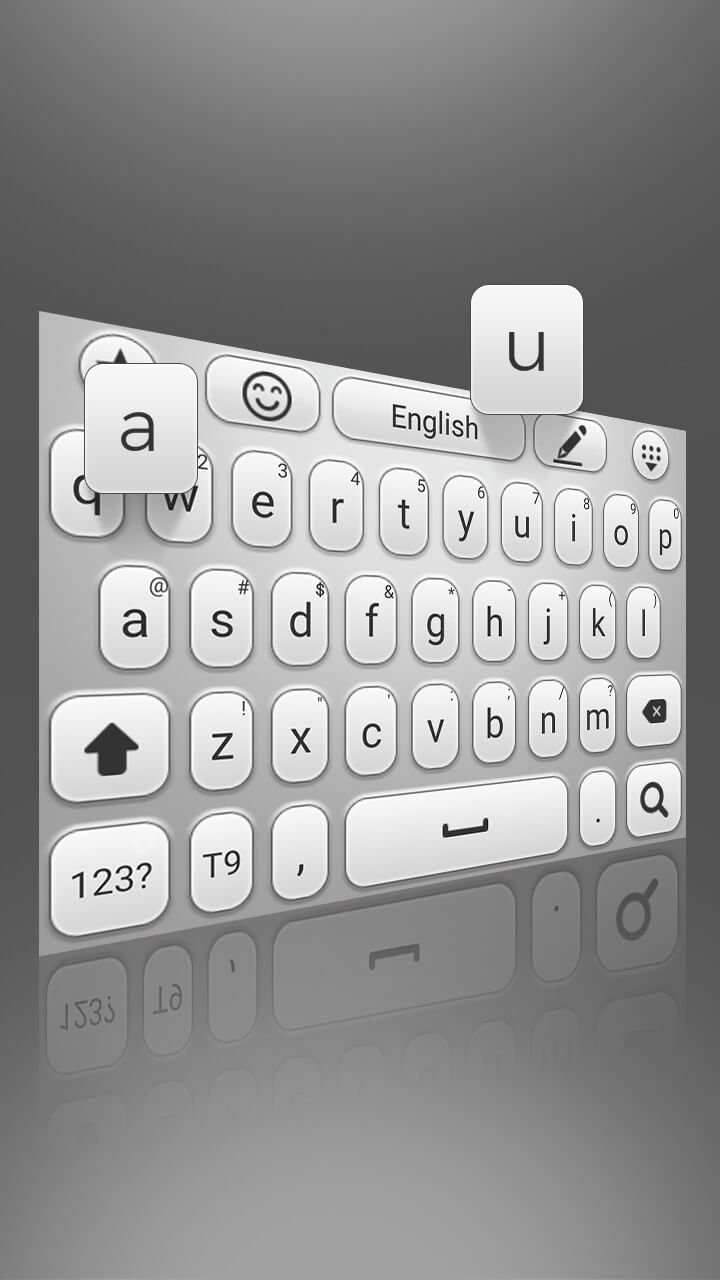
Smart Resize Keyboard is the ultimate keyboard theme for Android, designed to give you full control over how your keyboard looks and feels. With a smooth, clean, and stylish design, this app transforms your typing into a modern and elegant experience.
Tired of the same old keyboard? Smart Resize Keyboard lets you refresh your device with a stunning, unique look. Every detail has been carefully crafted by our design team to ensure your keyboard stands out with a high-quality visual experience you won’t find elsewhere.
Applying the theme is quick and effortless. Just install the app, activate it, and enjoy a brand-new keyboard in seconds—no complicated steps or settings required.
Smart Resize Keyboard is 100% free, with no hidden fees, subscriptions, or locked features. Plus, it's built to be lightweight and responsive, so it won’t slow down your device.
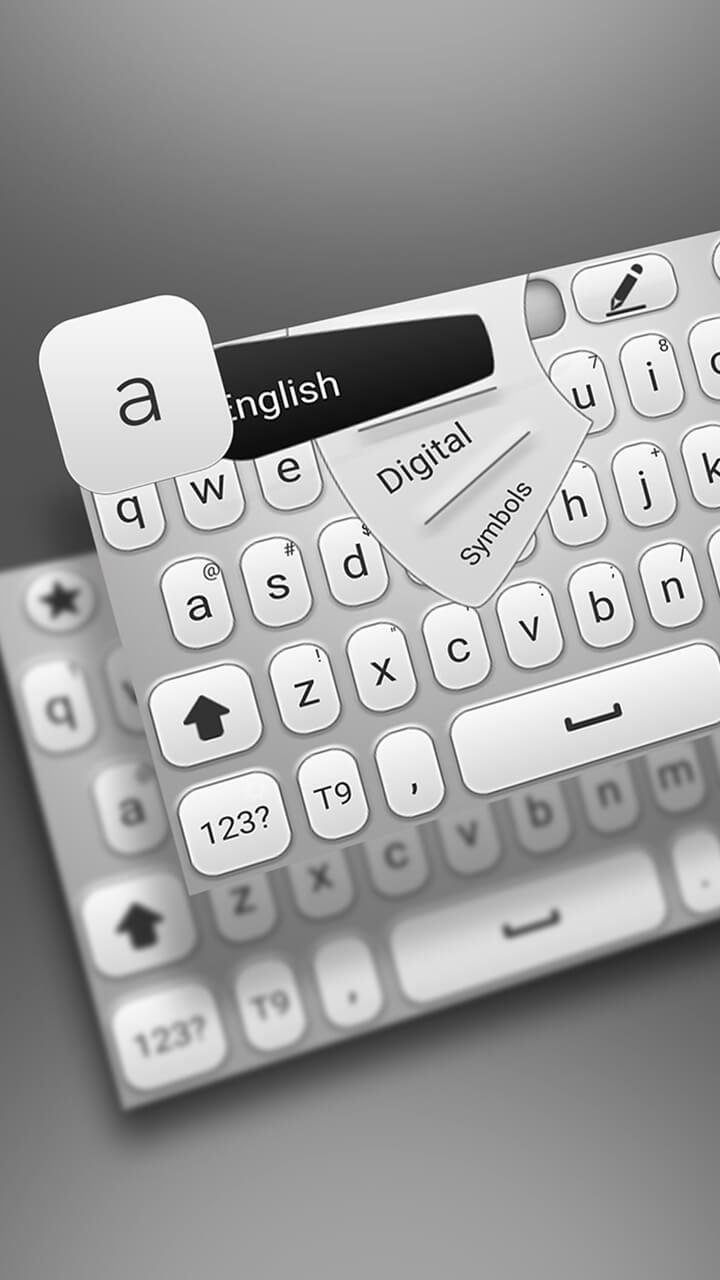
Whether you're sending a quick text, using emojis, or writing long messages, Smart Resize Keyboard delivers both style and performance. Its adjustable layout adapts to your needs, giving you a comfortable and personalized typing experience.
Download Smart Resize Keyboard today and enjoy a beautiful, customizable, and intelligent typing solution made for Android.
Avance
Etiquetas
PersonalizaciónInformación
Desarrollador
ThemesJoy
La última versión
3.0.1
Última actualización
2025-06-04
Categoría
Personalización
Disponible en
Google Play
Mostrar más
Cómo jugar Smart Resize Keyboard con GameLoop en PC
1. Descargue GameLoop desde el sitio web oficial, luego ejecute el archivo exe para instalar GameLoop.
2. Abra GameLoop y busque "Smart Resize Keyboard", busque Smart Resize Keyboard en los resultados de búsqueda y haga clic en "Instalar".
3. Disfruta jugando Smart Resize Keyboard en GameLoop.
Minimum requirements
OS
Windows 8.1 64-bit or Windows 10 64-bit
GPU
GTX 1050
CPU
i3-8300
Memory
8GB RAM
Storage
1GB available space
Recommended requirements
OS
Windows 8.1 64-bit or Windows 10 64-bit
GPU
GTX 1050
CPU
i3-9320
Memory
16GB RAM
Storage
1GB available space