
HopToDesk para PC
HopToDesk
Descarga HopToDesk en PC con GameLoop Emulator
HopToDesk en PC
HopToDesk, proveniente del desarrollador HopToDesk, se ejecuta en el sistema Android en el pasado.
Ahora, puedes jugar HopToDesk en PC con GameLoop sin problemas.
Descárgalo en la biblioteca de GameLoop o en los resultados de búsqueda. No más mirar la batería o llamadas frustrantes en el momento equivocado nunca más.
Simplemente disfrute de HopToDesk PC en la pantalla grande de forma gratuita!
HopToDesk Introducción
Free remote desktop software to easily screen share, transfer files, and securely manage devices with end-to-end encryption.
Boost productivity while working from home, provide seamless IT support, or manage devices effortlessly from anywhere.
HopToDesk highlights include:
+ Screen Share
+ Remote Control
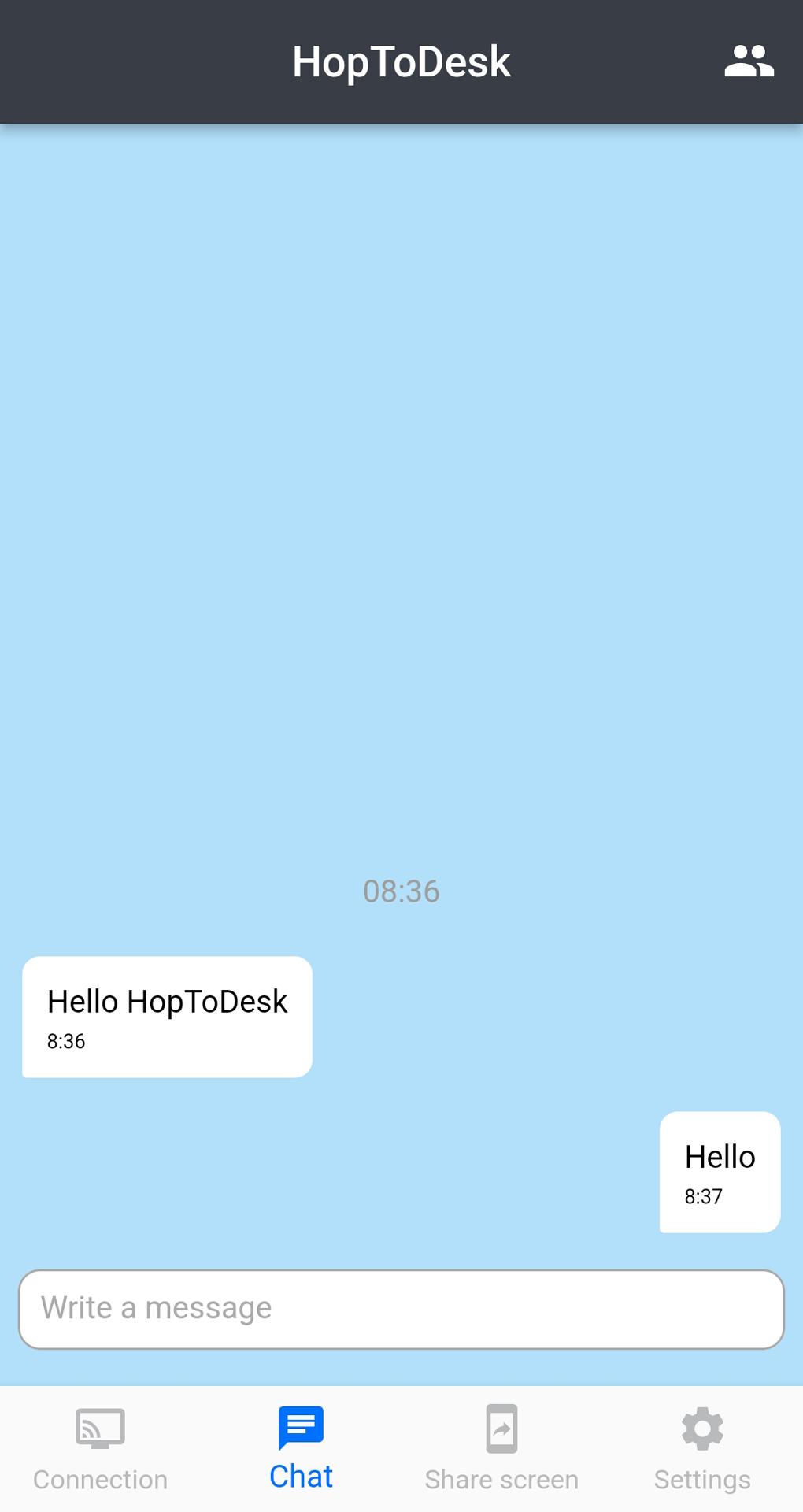
+ Live Chat
+ File Transfer
+ Wake-On-LAN
+ Session Recording
+ Address Book
+ Two-Factor Authentication (2FA)
+ Available in Over 40 Languages
Getting Started
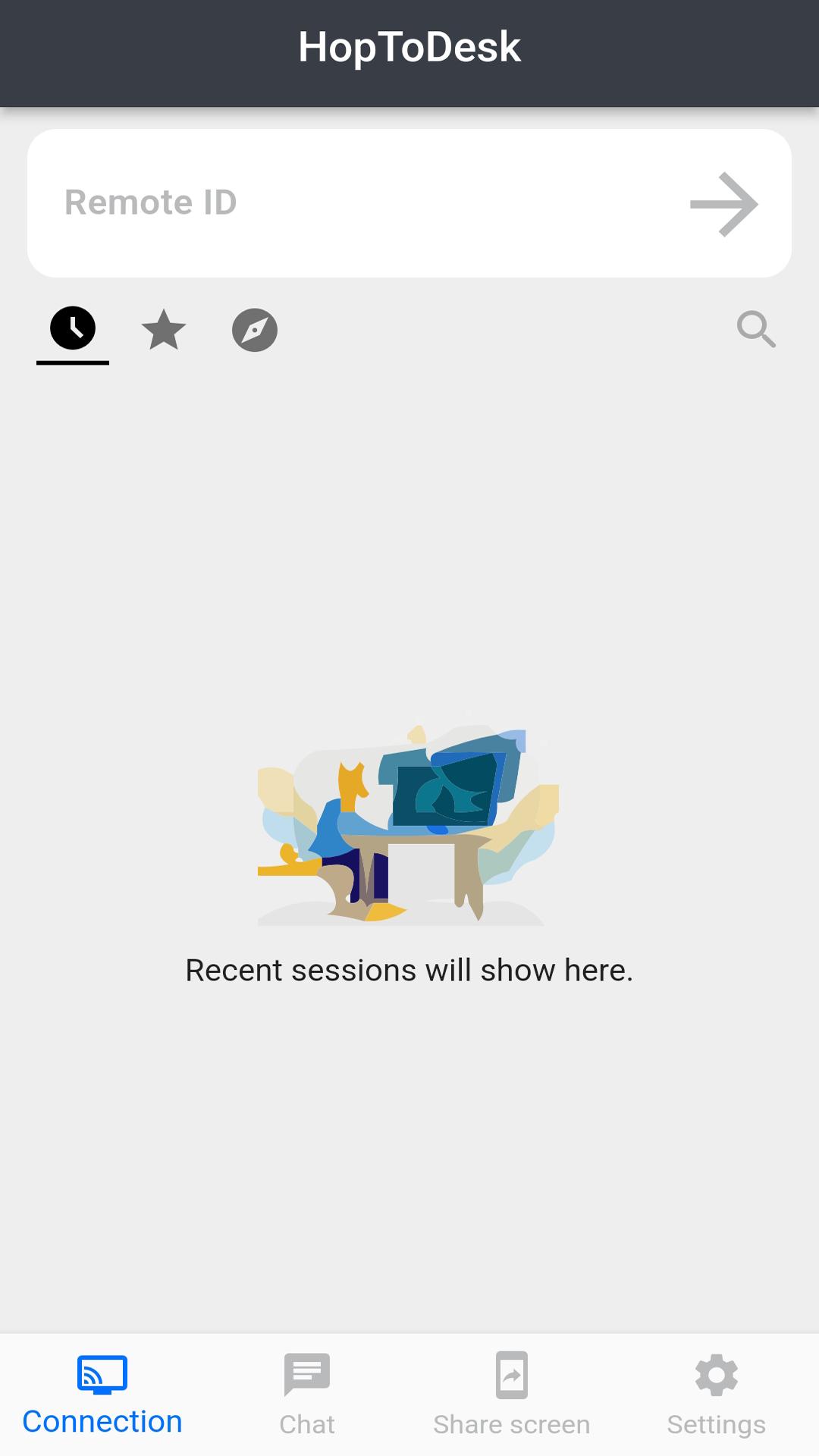
1. Install and open HopToDesk on both devices.
2. Enter the ID of the remote device you wish to connect to.
3. Allow the connection or enter the password to start the remote session.
To enable remote control of your Android device using a mouse or touch, kindly allow HopToDesk to access the "Accessibility" service. HopToDesk utilizes the AccessibilityService API to facilitate seamless remote control functionality.
HopToDesk is free for personal and business use.
Contact us for help and support at https://www.hoptodesk.com
Avance
Etiquetas
EmpresaInformación
Desarrollador
HopToDesk
La última versión
1.44.4
Última actualización
2025-09-02
Categoría
Empresa
Disponible en
Google Play
Mostrar más
Cómo jugar HopToDesk con GameLoop en PC
1. Descargue GameLoop desde el sitio web oficial, luego ejecute el archivo exe para instalar GameLoop.
2. Abra GameLoop y busque "HopToDesk", busque HopToDesk en los resultados de búsqueda y haga clic en "Instalar".
3. Disfruta jugando HopToDesk en GameLoop.
Minimum requirements
OS
Windows 8.1 64-bit or Windows 10 64-bit
GPU
GTX 1050
CPU
i3-8300
Memory
8GB RAM
Storage
1GB available space
Recommended requirements
OS
Windows 8.1 64-bit or Windows 10 64-bit
GPU
GTX 1050
CPU
i3-9320
Memory
16GB RAM
Storage
1GB available space