
Sage Fixed Assets Scanner para PC
Sage Global Services Ltd
Descarga Sage Fixed Assets Scanner en PC con GameLoop Emulator
Sage Fixed Assets Scanner en PC
Sage Fixed Assets Scanner, proveniente del desarrollador Sage Global Services Ltd, se ejecuta en el sistema Android en el pasado.
Ahora, puedes jugar Sage Fixed Assets Scanner en PC con GameLoop sin problemas.
Descárgalo en la biblioteca de GameLoop o en los resultados de búsqueda. No más mirar la batería o llamadas frustrantes en el momento equivocado nunca más.
Simplemente disfrute de Sage Fixed Assets Scanner PC en la pantalla grande de forma gratuita!
Sage Fixed Assets Scanner Introducción
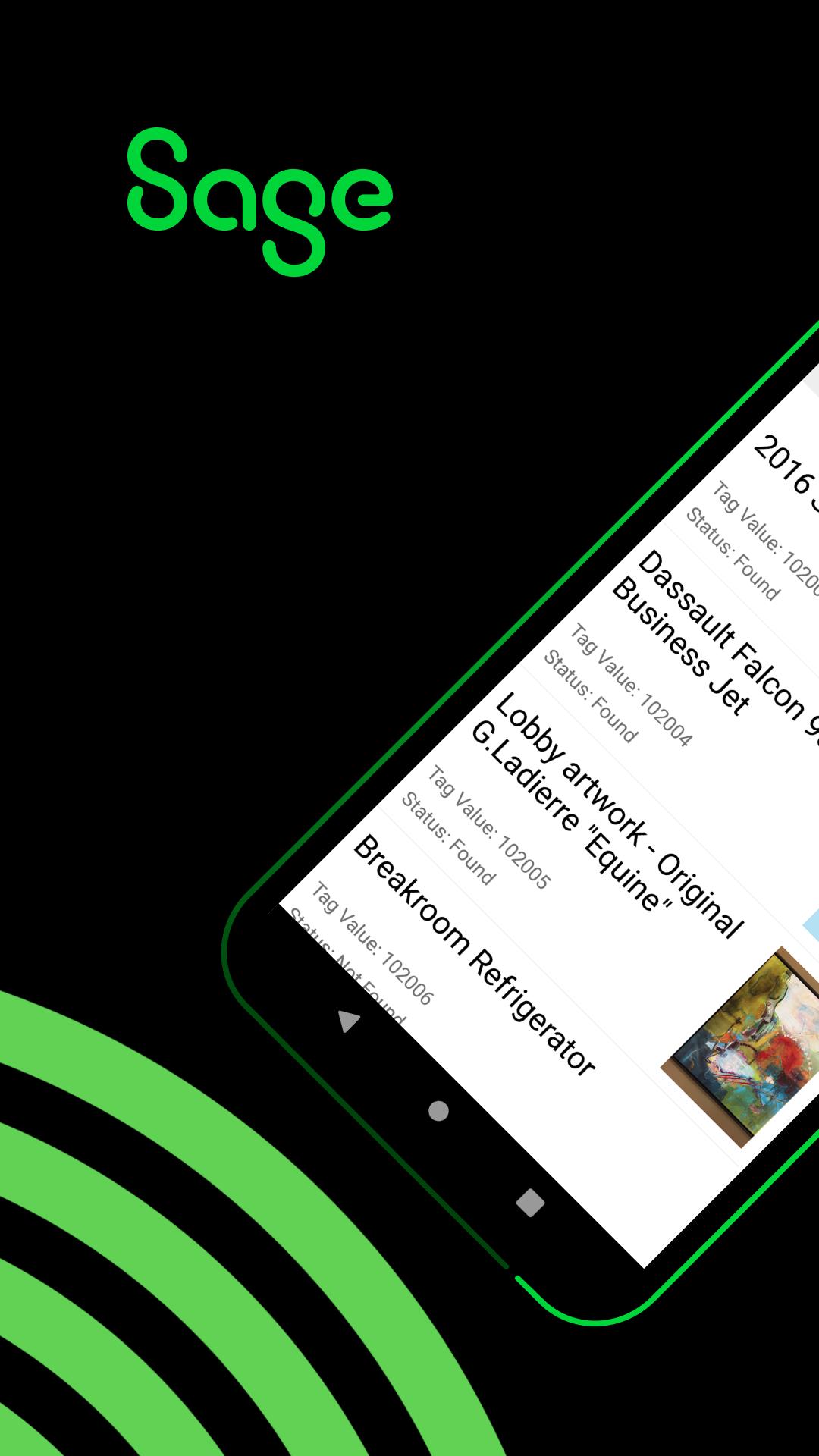
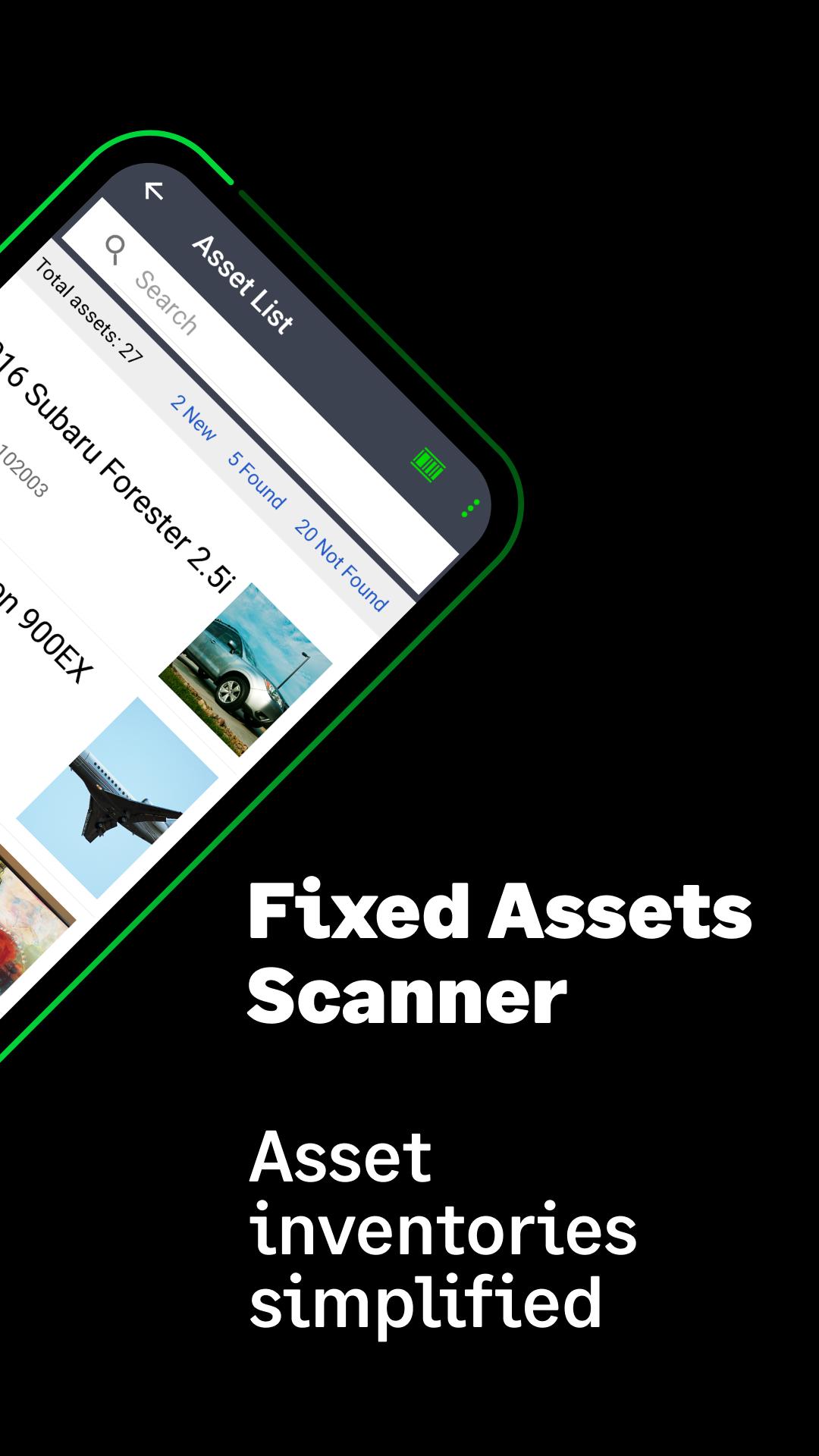
Sage Fixed Assets Scanner simplifies the inventory process of tracking assets.
Wirelessly scan physical assets’ barcode tags and send the results into the Sage Fixed Assets—Tracking application fast and easy using your mobile device. Use the dedicated scanner on select Unitech® Rugged Android Smartphones or use your phone or tablet’s camera to scan most barcode types including QR codes. Download and work multiple inventory lists remotely. Enter or edit asset specifics like description, location, condition, and serial number. Add new assets and attach a picture right from the app.
Sage Fixed Assets—Tracking 2021.1 or later is suggested. Go to ‘Visit Website’ below to learn more about the Sage Fixed Assets suite of solutions.
Avance
Etiquetas
EmpresaInformación
Desarrollador
Sage Global Services Ltd
La última versión
2.2 (Build 24)
Última actualización
2023-09-14
Categoría
Empresa
Disponible en
Google Play
Mostrar más
Cómo jugar Sage Fixed Assets Scanner con GameLoop en PC
1. Descargue GameLoop desde el sitio web oficial, luego ejecute el archivo exe para instalar GameLoop.
2. Abra GameLoop y busque "Sage Fixed Assets Scanner", busque Sage Fixed Assets Scanner en los resultados de búsqueda y haga clic en "Instalar".
3. Disfruta jugando Sage Fixed Assets Scanner en GameLoop.
Minimum requirements
OS
Windows 8.1 64-bit or Windows 10 64-bit
GPU
GTX 1050
CPU
i3-8300
Memory
8GB RAM
Storage
1GB available space
Recommended requirements
OS
Windows 8.1 64-bit or Windows 10 64-bit
GPU
GTX 1050
CPU
i3-9320
Memory
16GB RAM
Storage
1GB available space