
Accurate POS para PC
CPSSoft
Descarga Accurate POS en PC con GameLoop Emulator
Accurate POS en PC
Accurate POS, proveniente del desarrollador CPSSoft, se ejecuta en el sistema Android en el pasado.
Ahora, puedes jugar Accurate POS en PC con GameLoop sin problemas.
Descárgalo en la biblioteca de GameLoop o en los resultados de búsqueda. No más mirar la batería o llamadas frustrantes en el momento equivocado nunca más.
Simplemente disfrute de Accurate POS PC en la pantalla grande de forma gratuita!
Accurate POS Introducción
App that integrates directly with Accurate Online with 200+ reports
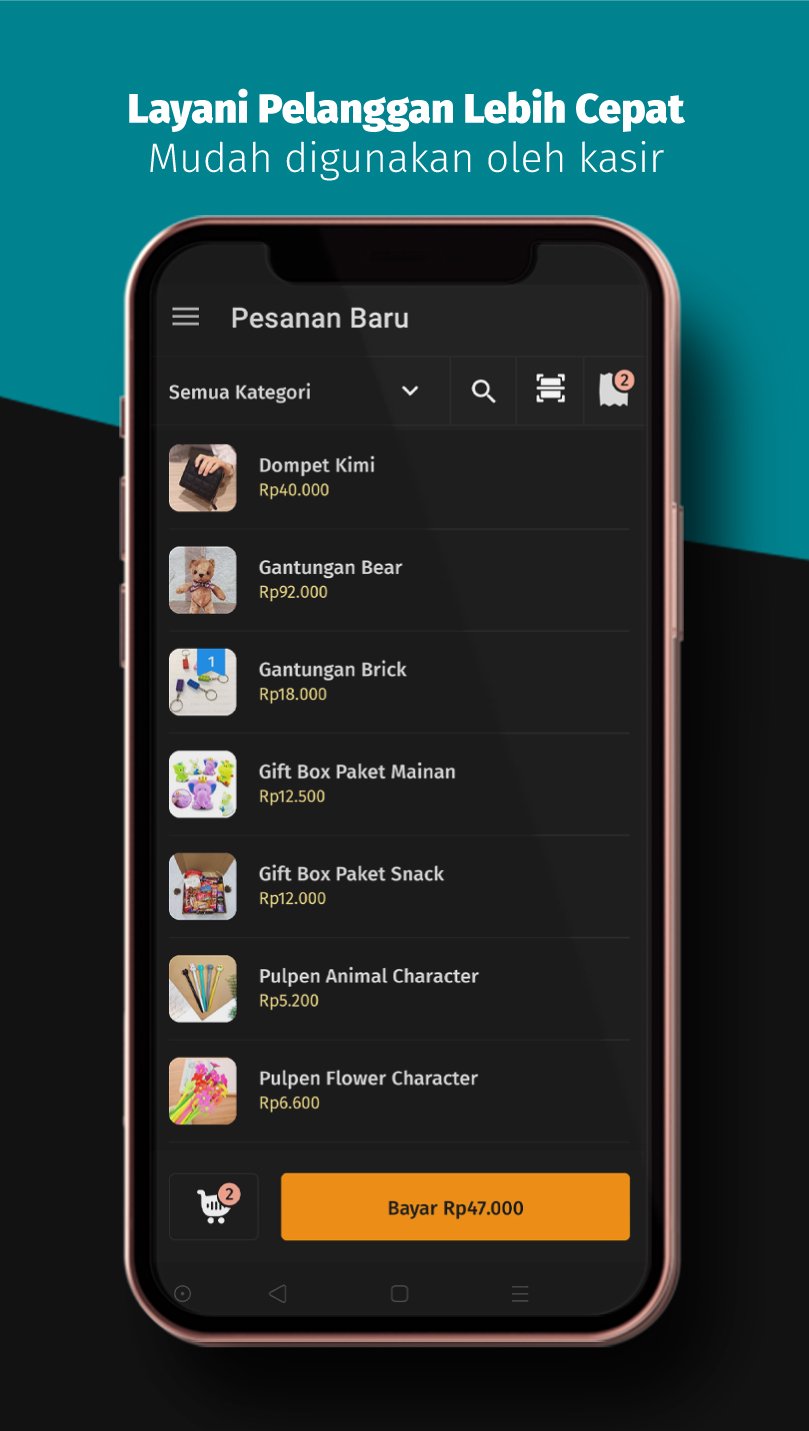
Maximize transactions at your outlets with transaction schemes that can be run offline and online by connecting directly to the most complete accounting software in Indonesia.
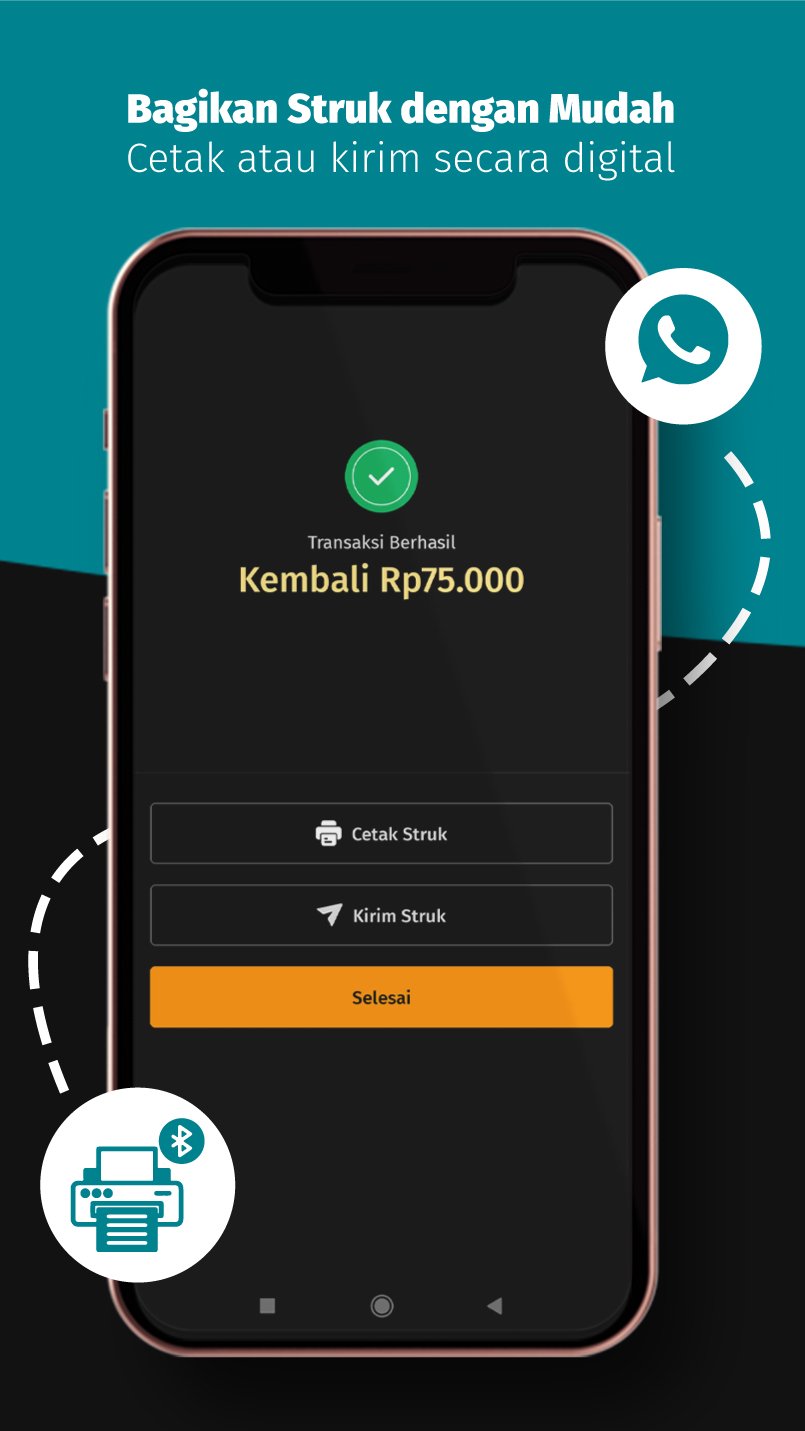
You can manage employees, view outlet reports, connect with multiple devices without internet, print transactions via bluetooth or Wifi/LAN network.
Benefits you can get from Accurate POS:
Sale of goods
Inventory Items
Bundle or group items
Serial numbered item
Goods with raw material scheme for food sales(COGS)
Order management
Order via frontliner or sales
Payment with access rights
Print order for queue
Save temporary order
Give discount on goods
Give a discount on transactions
Change price manually
Transaction returns
Printer support
Support bluetooth printer 58mm and 80mm(Rj-58DRpp02n and Rpp02n)
Support wifi or lan network printer (epson)
Item management
Create an item by adding item code, category, item photo, UPC barcode, price, default discount and serial number
Monitor real-time stock of goods
Manage Warehouse
Tax Record
Multi unit
Customer
Record every customer to monitor every sale
Adjusting the price on each customer's goods (Membership)
Payment scheme
Cash Payment
Non-Cash Payment
Split payment
Manage Bank Account for online payment acceptance(Qris)
Manage employees
Employee shift scheme
Shift report per employee. Payments, transactions, initial capital, cash reports, start of shift, end of shift and cash difference
Employee access rights to make payment orders, change prices, give discounts, transaction history, manage employees, reports and manage multi devices
Print employee shift
outlet sales report
Report per payment account
Employee Report
Transaction report
Return report
Item report
Log in to the Accurate POS Back office via Accurate Online and set up the outlet according to your needs. You can monitor the progress of your business with the support of 200+ reports in your Back office. Accurate POS sales made easy!
Avance
Etiquetas
EmpresaInformación
Desarrollador
CPSSoft
La última versión
2.30.7
Última actualización
2026-03-09
Categoría
Empresa
Disponible en
Google Play
Mostrar más
Cómo jugar Accurate POS con GameLoop en PC
1. Descargue GameLoop desde el sitio web oficial, luego ejecute el archivo exe para instalar GameLoop.
2. Abra GameLoop y busque "Accurate POS", busque Accurate POS en los resultados de búsqueda y haga clic en "Instalar".
3. Disfruta jugando Accurate POS en GameLoop.
Minimum requirements
OS
Windows 8.1 64-bit or Windows 10 64-bit
GPU
GTX 1050
CPU
i3-8300
Memory
8GB RAM
Storage
1GB available space
Recommended requirements
OS
Windows 8.1 64-bit or Windows 10 64-bit
GPU
GTX 1050
CPU
i3-9320
Memory
16GB RAM
Storage
1GB available space