
DeepL Translate para PC
DeepL SE
Descarga DeepL Translate en PC con GameLoop Emulator
DeepL Translate en PC
DeepL Translate, proveniente del desarrollador DeepL SE, se ejecuta en el sistema Android en el pasado.
Ahora, puedes jugar DeepL Translate en PC con GameLoop sin problemas.
Descárgalo en la biblioteca de GameLoop o en los resultados de búsqueda. No más mirar la batería o llamadas frustrantes en el momento equivocado nunca más.
Simplemente disfrute de DeepL Translate PC en la pantalla grande de forma gratuita!
DeepL Translate Introducción
- Camera translation: take a picture with your camera to get instant text translation
- Photo translation: upload a photo to translate the text
- Dictation: translate what you speak out loud
- Text to speech: hear your translated text read out loud
- File translation: translate text from files
- Quick detection: translations begin as you type
- Alternative translations: explore different options for single words and short phrases
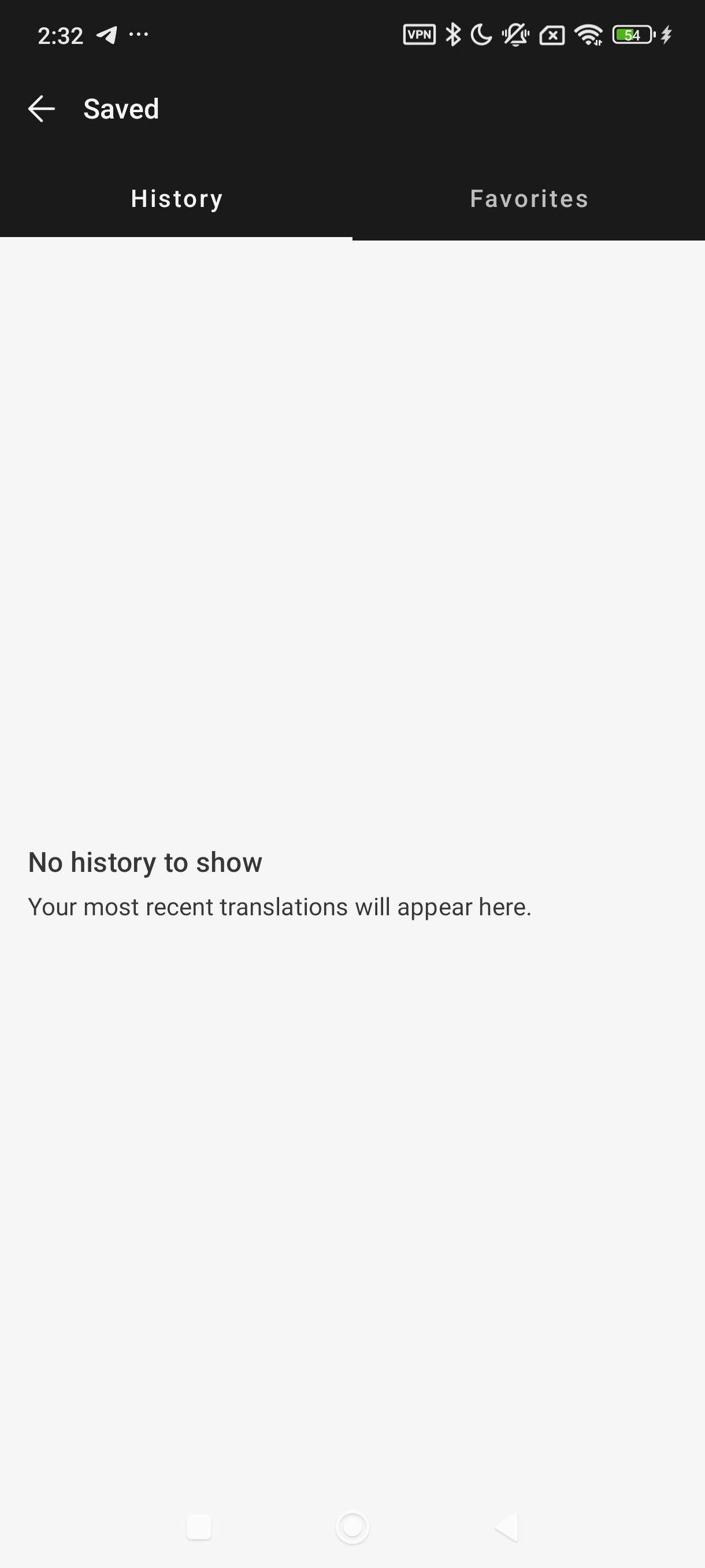
- Favorites: save words and phrases for future reference
- History: easily find, edit, and reuse past translations
- Transliteration: read translations of non-Latin languages, such as Japanese or Russian, in the Latin alphabet
- Glossary: translate key words and phrases as defined by you or your organization (available with a paid plan)
- Tone: choose a formal or informal tone (available with a paid plan)
- Handwriting: draw text characters instead of typing (available on iPad)
- DeepL Write: get intelligent writing suggestions to help you create clear, error-free, and impactful texts with ease
Feature support varies by language. Currently available: Acehnese, Afrikaans, Albanian, Arabic, Aragonese, Armenian, Assamese, Aymara, Azerbaijani, Bashkir, Basque, Belarusian, Bengali, Bhojpuri, Bosnian, Breton, Bulgarian, Burmese, Cantonese, Catalan, Cebuano, Chinese (simplified)*, Chinese (traditional)*, Croatian, Czech, Danish, Dari, Dutch, English (American)*, English (British)*, Esperanto, Estonian, Finnish, French*, Galician, Georgian, German*, Greek, Guarani, Gujarati, Haitian Creole, Hausa, Hebrew, Hindi, Hungarian, Icelandic, Igbo, Indonesian, Irish, Italian*, Japanese*, Javanese, Kapampangan, Kazakh, Konkani, Korean*, Kurdish (Kurmanji), Kurdish (Sorani), Kyrgyz, Latin, Latvian, Lingala, Lithuanian, Lombard, Luxembourgish, Macedonian, Malagasy, Malay, Maithili, Maltese, Maori, Marathi, Mongolian, Nepali, Norwegian (bokmål), Occitan, Pangasinan, Pashto, Persian, Polish, Portuguese*, Portuguese (Brazilian)*, Quechua, Romanian, Russian, Sanskrit, Serbian, Sicilian, Slovak, Slovenian, Spanish*, Spanish (Latin American), Sundanese, Swahili, Swedish, Tagalog, Tajik, Tamil, Tatar, Telugu, Tsonga, Tswana, Turkish, Turkmen, Ukrainian, Urdu, Uzbek, Vietnamese, Welsh, Wolof, Xhosa
*Also available for DeepL Write
Free to download - access core features without cost!
- Enjoy more translation features with a DeepL account
- Log in to your organization's team account via SSO
- To unlock all features, you may need a DeepL paid plan
Like millions of others every day, get DeepL for Android to communicate effortlessly across language barriers—wherever you are.
︎Terms & Conditions: https://www.deepl.com/app-terms
Privacy Policy: https://www.deepl.com/privacy.html
DeepL Support: https://www.deepl.com/support
Avance

Etiquetas
Books-&Información
Desarrollador
DeepL SE
La última versión
25.50
Última actualización
2025-12-11
Categoría
Books-reference
Disponible en
Google Play
Mostrar más
Cómo jugar DeepL Translate con GameLoop en PC
1. Descargue GameLoop desde el sitio web oficial, luego ejecute el archivo exe para instalar GameLoop.
2. Abra GameLoop y busque "DeepL Translate", busque DeepL Translate en los resultados de búsqueda y haga clic en "Instalar".
3. Disfruta jugando DeepL Translate en GameLoop.
Minimum requirements
OS
Windows 8.1 64-bit or Windows 10 64-bit
GPU
GTX 1050
CPU
i3-8300
Memory
8GB RAM
Storage
1GB available space
Recommended requirements
OS
Windows 8.1 64-bit or Windows 10 64-bit
GPU
GTX 1050
CPU
i3-9320
Memory
16GB RAM
Storage
1GB available space