
Tekla BIMsight Note para PC
Trimble Solutions Corporation
Descarga Tekla BIMsight Note en PC con GameLoop Emulator
Tekla BIMsight Note en PC
Tekla BIMsight Note, proveniente del desarrollador Trimble Solutions Corporation, se ejecuta en el sistema Android en el pasado.
Ahora, puedes jugar Tekla BIMsight Note en PC con GameLoop sin problemas.
Descárgalo en la biblioteca de GameLoop o en los resultados de búsqueda. No más mirar la batería o llamadas frustrantes en el momento equivocado nunca más.
Simplemente disfrute de Tekla BIMsight Note PC en la pantalla grande de forma gratuita!
Tekla BIMsight Note Introducción
Tekla BIMsight Note for fast communication
Use your mobile device to take part in BIM workflow!
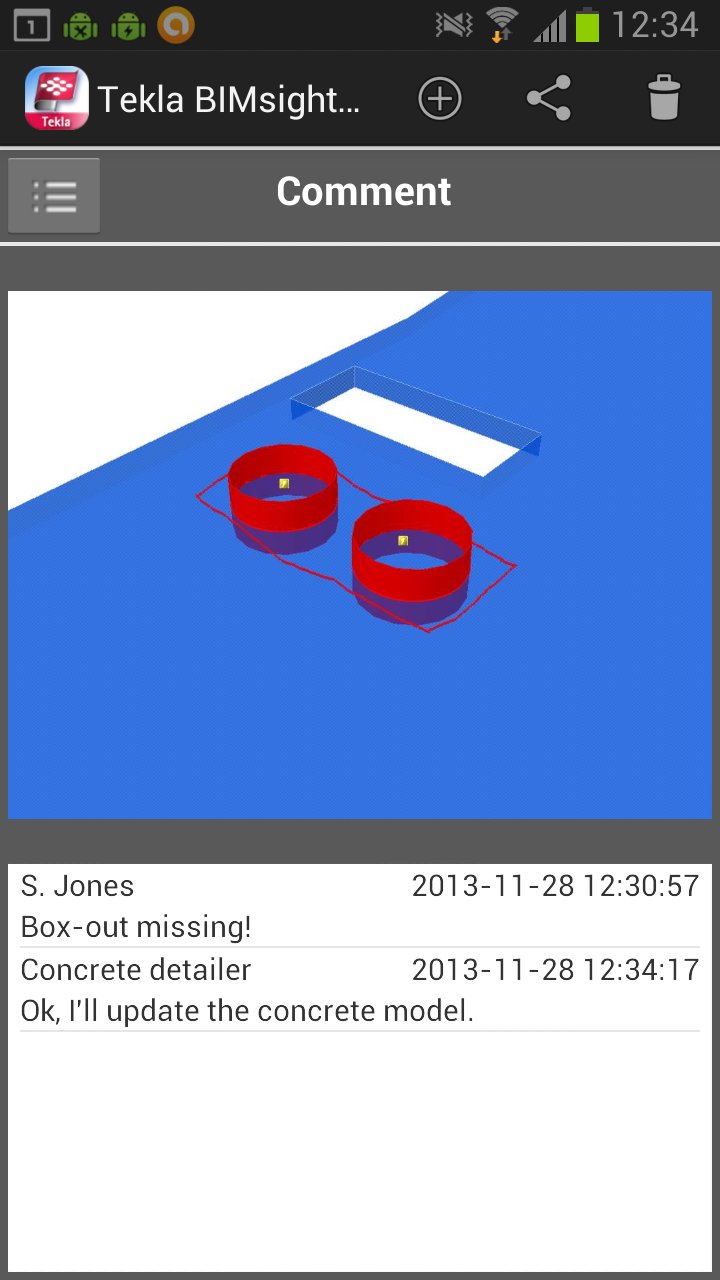
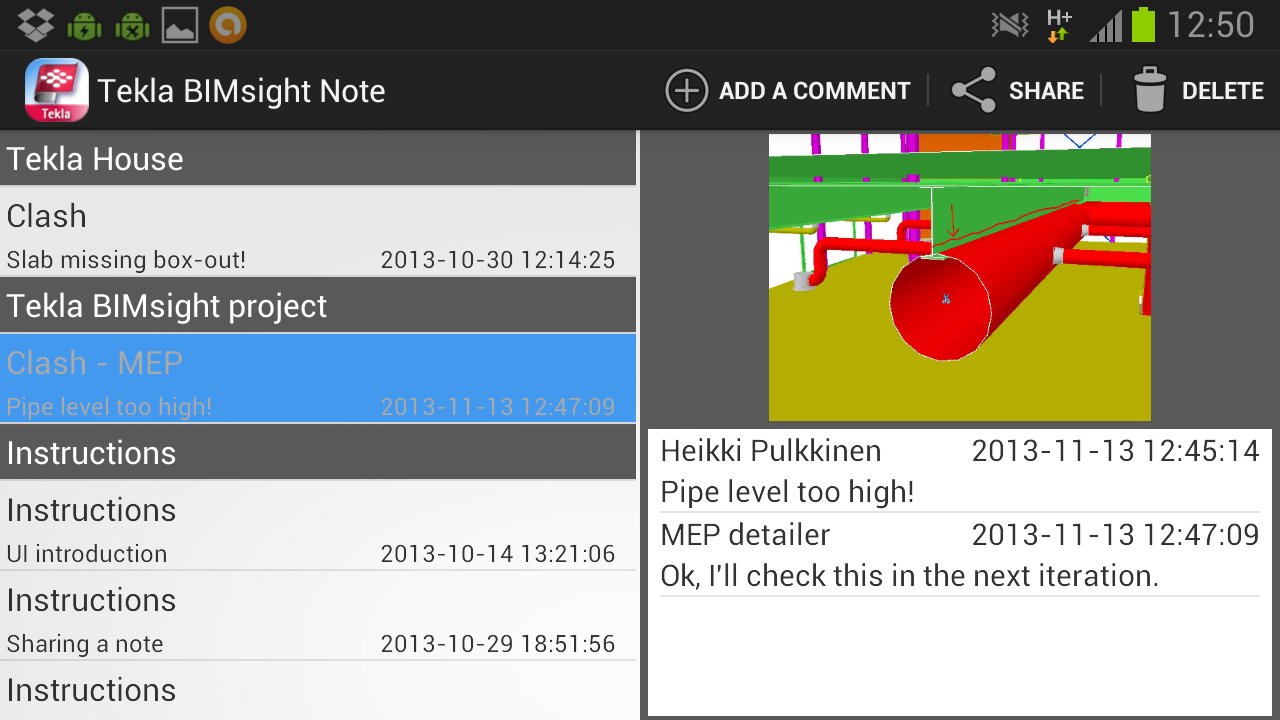
Tekla BIMsight Note is a purpose-built tool for instant communication in construction. You can receive and reply to notes created in Tekla BIMsight with your Android device. Share it with your colleagues to benefit from the seamless model based communication.
Purpose of the app
BIM-based communication is readily available on-site or on-the-move with your mobile device and access to a PC is not required. This communication trail is maintained within the Tekla BIMsight project. Tekla BIMsight Note completes the communication loop by bringing BIM within everyone’s reach regardless of their computing or CAD skills. It is as easy to use as text message or email.
Basic workflow
# User creates a Note using full Tekla BIMsight
# Note is shared from Tekla BIMsight by using email or Dropbox
# Receiver uses Tekla BIMsight Note to read and reply to the Note
# The note can be read back into Tekla BIMsight project with the added comments OR shared with other Tekla BIMsight Note users
Tekla BIMsight Note depends on full Tekla BIMsight to be used on the Design Coordination process; the findings, like clashes, design issues, RFIs or change orders can be easily communicated from Tekla BIMsight to users of Tekla BIMsight Note.
Feature list:
*Read .bcfzip notes (created e.g. in Tekla BIMsight, Tekla Structures, DDS-CAD, Solibri)
*Reply to notes via email or Dropbox
*Delete notes
*Tap to zoom to snapshot in note
*Notes automatically sorted according to the project they're related to
Avance
Etiquetas
ProductividadInformación
Desarrollador
Trimble Solutions Corporation
La última versión
1.0
Última actualización
2014-01-08
Categoría
Productividad
Disponible en
Google Play
Mostrar más
Cómo jugar Tekla BIMsight Note con GameLoop en PC
1. Descargue GameLoop desde el sitio web oficial, luego ejecute el archivo exe para instalar GameLoop.
2. Abra GameLoop y busque "Tekla BIMsight Note", busque Tekla BIMsight Note en los resultados de búsqueda y haga clic en "Instalar".
3. Disfruta jugando Tekla BIMsight Note en GameLoop.
Minimum requirements
OS
Windows 8.1 64-bit or Windows 10 64-bit
GPU
GTX 1050
CPU
i3-8300
Memory
8GB RAM
Storage
1GB available space
Recommended requirements
OS
Windows 8.1 64-bit or Windows 10 64-bit
GPU
GTX 1050
CPU
i3-9320
Memory
16GB RAM
Storage
1GB available space