
Quick Arc Launcher 2 para PC
KEICE SOFT
Descarga Quick Arc Launcher 2 en PC con GameLoop Emulator
Quick Arc Launcher 2 en PC
Quick Arc Launcher 2, proveniente del desarrollador KEICE SOFT, se ejecuta en el sistema Android en el pasado.
Ahora, puedes jugar Quick Arc Launcher 2 en PC con GameLoop sin problemas.
Descárgalo en la biblioteca de GameLoop o en los resultados de búsqueda. No más mirar la batería o llamadas frustrantes en el momento equivocado nunca más.
Simplemente disfrute de Quick Arc Launcher 2 PC en la pantalla grande de forma gratuita!
Quick Arc Launcher 2 Introducción
What is 4 hours of your time worth?
If you value your time at $15/hour, that's $60. Quick Arc Launcher 2 (QAL2) can save you over 4 hours a year! (*Calculation of time saved is detailed below). Plus, it reduces the frustrating search for apps!
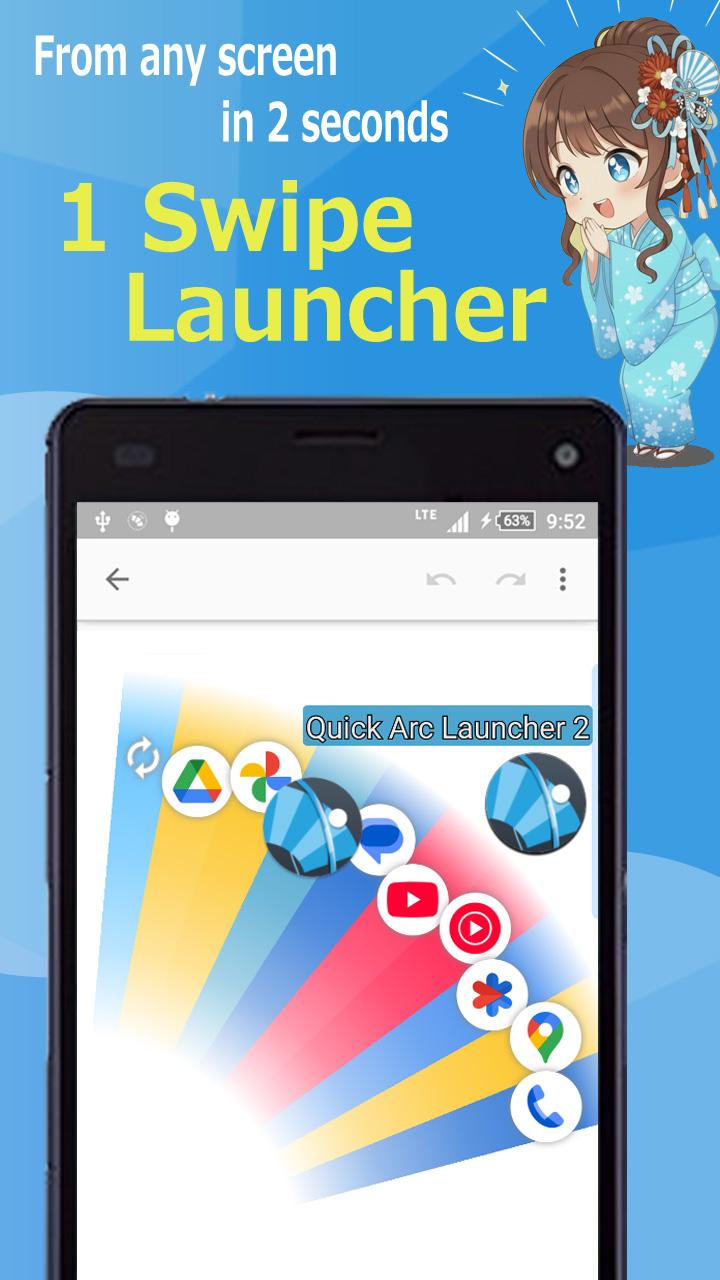
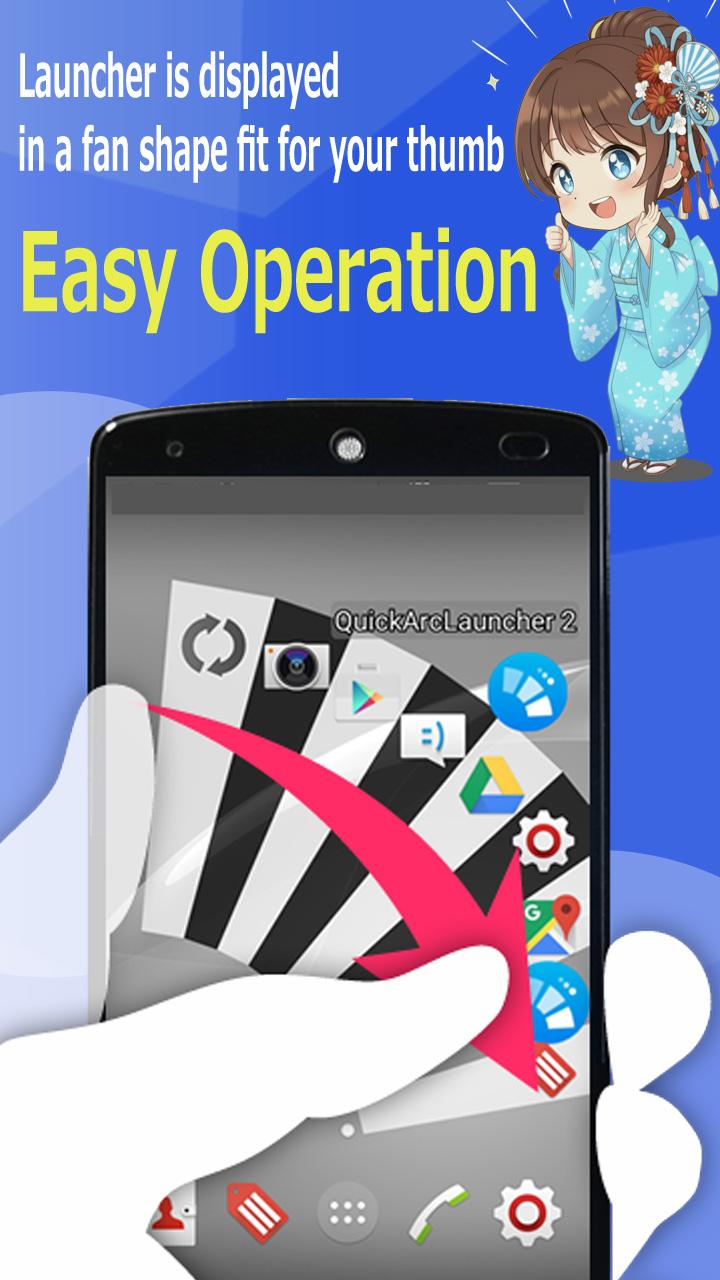
Quick Arc Launcher 2 (QAL2) is a sub-launcher app that lets you launch any app in about 2 seconds.
Experience the time-saving benefits for yourself with a free 3-month trial!
*Calculation of 4.5 Hours Saved:
Standard Launch (from Home/App Drawer): 5 seconds on average
Launch with Quick Arc Launcher 2: 2 seconds on average
→ Daily Savings (15 uses/day): 45 seconds
→ Annual Savings: 16,425 seconds → Approx. 4.5 hours saved!
After the free trial...
You can choose from the following four options:
✓ Purchase a Premium Lifetime License.
✓ Purchase a license for a specific major Android OS version.
✓ Extend the free period for 3 days by watching an ad.
✓ Continue for free with a limit of 8 registered items.
[Q&A]
https://sites.google.com/site/keicesoften/quick-arc-launcher-2/faqs
[About Phone Permission]
This app owns only permission to make a direct call by the shortcut.
This application does not have access permission to read call logs and contacts.
(There is no permission of READ_CALL_LOG, READ_CONTACTS permission)
[About gesture navigation]
The following restrictions apply to the display area of the start area.
・ Vertical length 200dp or less
・ The number of start areas is one ([1] only)
[For those who use smartphones made by Huawei]
This application may be stopped by Huawei's energy-saving function in some cases. Please try the settings below.
· Please approve all in [Settings] - [Applications] - [Quick Arc Launcher 2] - [Notification]. (Please also permit on lock screen)
· Turn OFF applications with high power consumption in [Settings] - [Applications] - [Quick Arc Launcher 2] - [Batteries].
· Please allow this application with [Ignore Battery Optimization] (Settings).
· Set [No limit] in [Background setting].
[For people using LeTV (EUI OS) smartphones]
The application may be dropped by LeTV energy saving function.
Please contact support email address if this problem occurs.
[Facebook]
https://www.facebook.com/QuickArcLauncher
[Webpage]
https://sites.google.com/site/keicesoften/
[Feedback and Comment]
We appreciate if you give us any feedback about this sidebar launcher app.
- An anonymous comment is accepted.
http://goo.gl/forms/ptvuprEjaFV15yM72
[Use service assistance function(AccessibilityService API)]
The action functions of this application (home, back function, etc.) are realized using the AccessibilityService API.
No personal information or data is collected through the AccessibilityService API.
Accessibiliy ON" is displayed in this app while the AccessibilityService API is being used.
Avance
Etiquetas
ProductividadHerramientasPersonalizaciónInformación
Desarrollador
KEICE SOFT
La última versión
2.107.0
Última actualización
2025-11-12
Categoría
Productividad
Disponible en
Google Play
Mostrar más
Cómo jugar Quick Arc Launcher 2 con GameLoop en PC
1. Descargue GameLoop desde el sitio web oficial, luego ejecute el archivo exe para instalar GameLoop.
2. Abra GameLoop y busque "Quick Arc Launcher 2", busque Quick Arc Launcher 2 en los resultados de búsqueda y haga clic en "Instalar".
3. Disfruta jugando Quick Arc Launcher 2 en GameLoop.
Minimum requirements
OS
Windows 8.1 64-bit or Windows 10 64-bit
GPU
GTX 1050
CPU
i3-8300
Memory
8GB RAM
Storage
1GB available space
Recommended requirements
OS
Windows 8.1 64-bit or Windows 10 64-bit
GPU
GTX 1050
CPU
i3-9320
Memory
16GB RAM
Storage
1GB available space