Nippon Paint i-Colour para PC
Colorix SA
Descarga Nippon Paint i-Colour en PC con GameLoop Emulator
Nippon Paint i-Colour en PC
Nippon Paint i-Colour, proveniente del desarrollador Colorix SA, se ejecuta en el sistema Android en el pasado.
Ahora, puedes jugar Nippon Paint i-Colour en PC con GameLoop sin problemas.
Descárgalo en la biblioteca de GameLoop o en los resultados de búsqueda. No más mirar la batería o llamadas frustrantes en el momento equivocado nunca más.
Simplemente disfrute de Nippon Paint i-Colour PC en la pantalla grande de forma gratuita!
Nippon Paint i-Colour Introducción
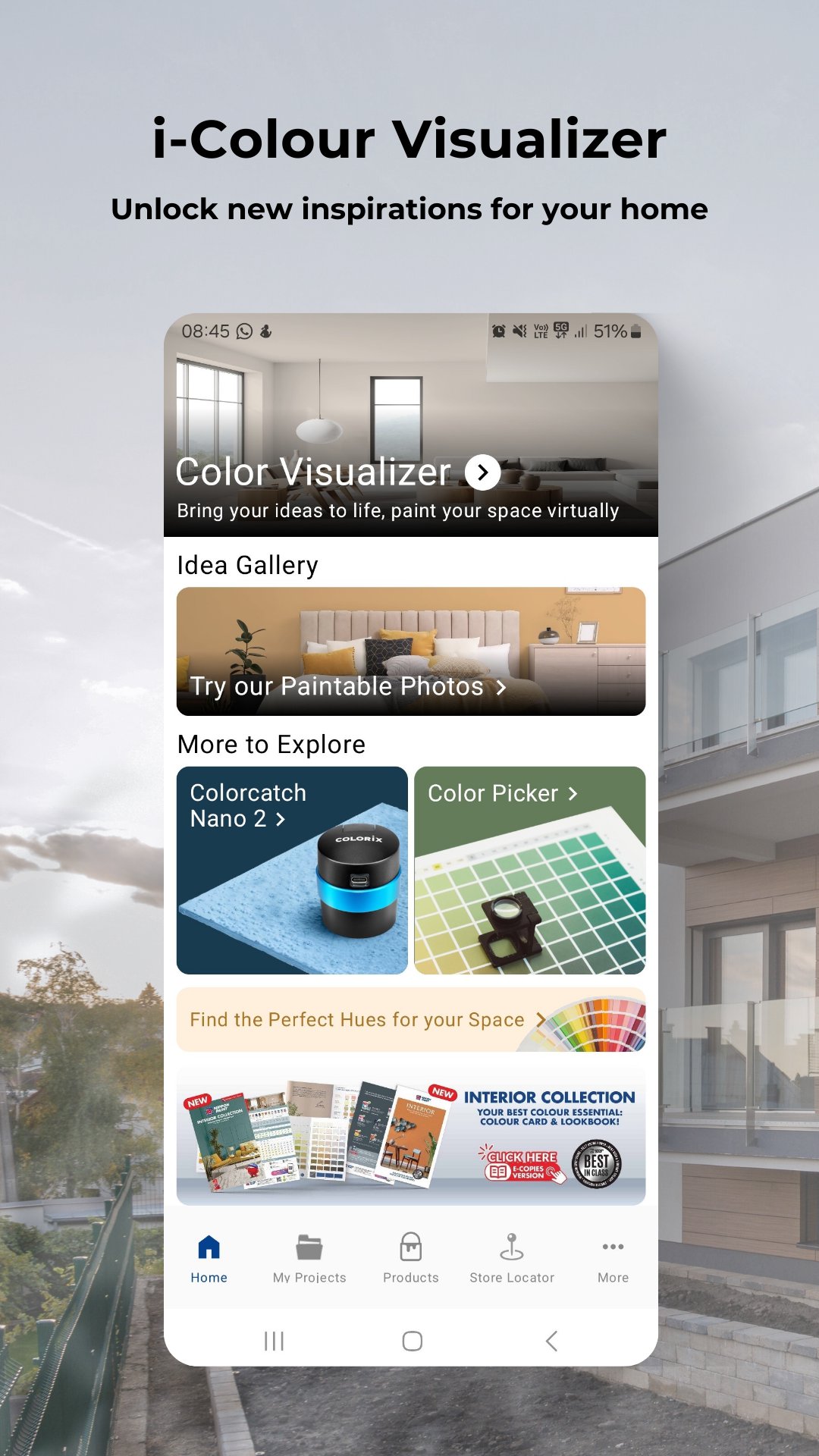
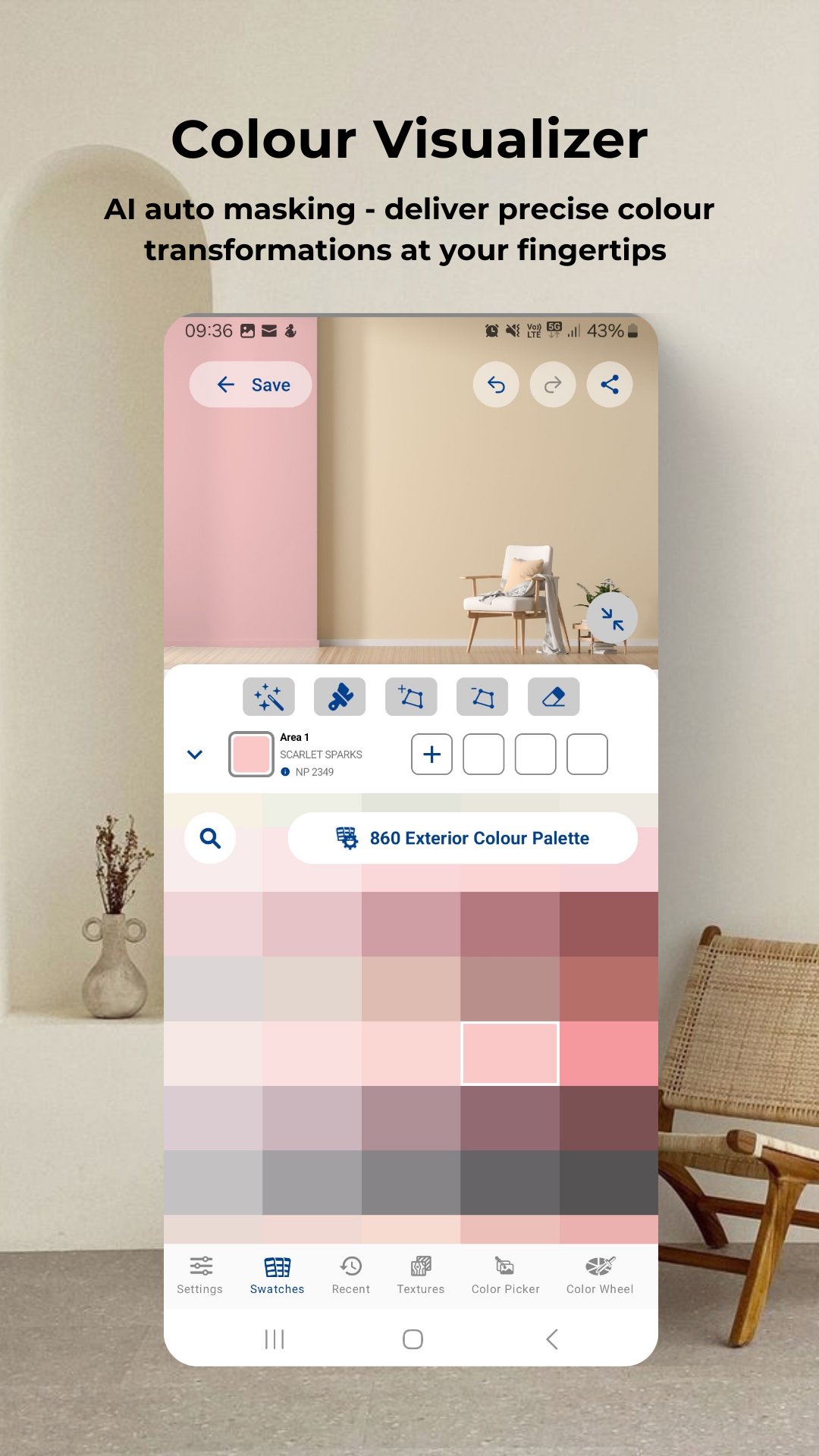
Colour visualizer: Simply upload or take a photo of your room to start virtual painting.
Get inspired: Access the latest trends in colour schemes for the bedroom, café, classroom, exterior, gym, kids' room, kitchen, living room or any spaces!
Colour picker: Activate colour picker tool to move your camera and select the target colour to get closed match colours from database against target colour.
Latest Products: Explore our best-in-class products that offer not only protection but also colour richness like never before.
Store locator: Find the nearest Nippon Paint authorized dealers.
My projects: Organize home or work projects neatly for easy reference or enhance your business presentations professionally.
Thousands of shades await! Explore the Nippon Paint i-Colour app and discover a world of colour possibilities. Don’t wait! Download the app and unlock a world of colours now!
Avance
Etiquetas
ProductividadInformación
Desarrollador
Colorix SA
La última versión
4.07.002
Última actualización
2025-10-15
Categoría
Productividad
Disponible en
Google Play
Mostrar más
Cómo jugar Nippon Paint i-Colour con GameLoop en PC
1. Descargue GameLoop desde el sitio web oficial, luego ejecute el archivo exe para instalar GameLoop.
2. Abra GameLoop y busque "Nippon Paint i-Colour", busque Nippon Paint i-Colour en los resultados de búsqueda y haga clic en "Instalar".
3. Disfruta jugando Nippon Paint i-Colour en GameLoop.
Minimum requirements
OS
Windows 8.1 64-bit or Windows 10 64-bit
GPU
GTX 1050
CPU
i3-8300
Memory
8GB RAM
Storage
1GB available space
Recommended requirements
OS
Windows 8.1 64-bit or Windows 10 64-bit
GPU
GTX 1050
CPU
i3-9320
Memory
16GB RAM
Storage
1GB available space