
simple photo Measure Dimension para PC
Bruno Alexandre (design-it-now)
Descarga simple photo Measure Dimension en PC con GameLoop Emulator
simple photo Measure Dimension en PC
simple photo Measure Dimension, proveniente del desarrollador Bruno Alexandre (design-it-now), se ejecuta en el sistema Android en el pasado.
Ahora, puedes jugar simple photo Measure Dimension en PC con GameLoop sin problemas.
Descárgalo en la biblioteca de GameLoop o en los resultados de búsqueda. No más mirar la batería o llamadas frustrantes en el momento equivocado nunca más.
Simplemente disfrute de simple photo Measure Dimension PC en la pantalla grande de forma gratuita!
simple photo Measure Dimension Introducción
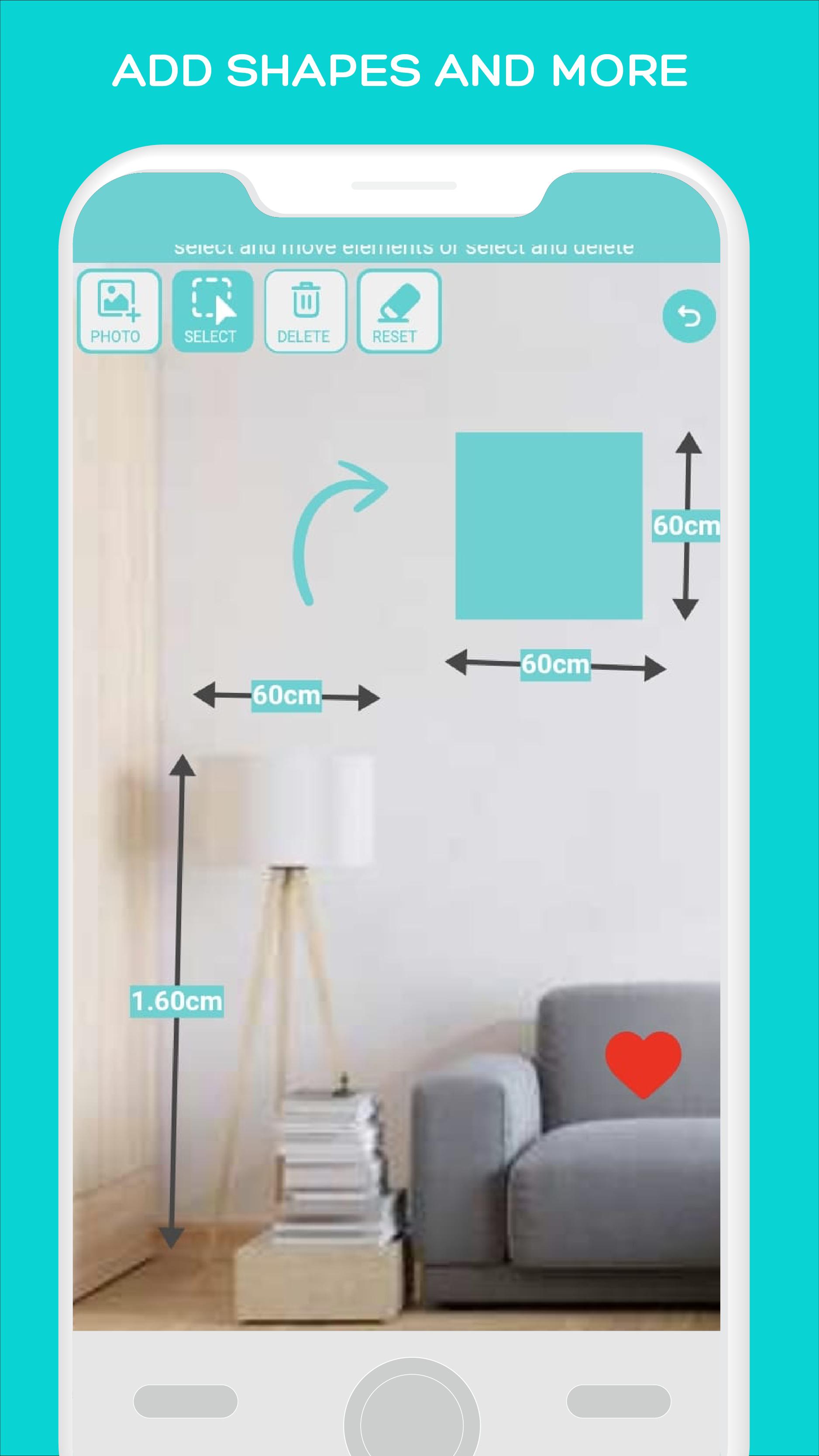
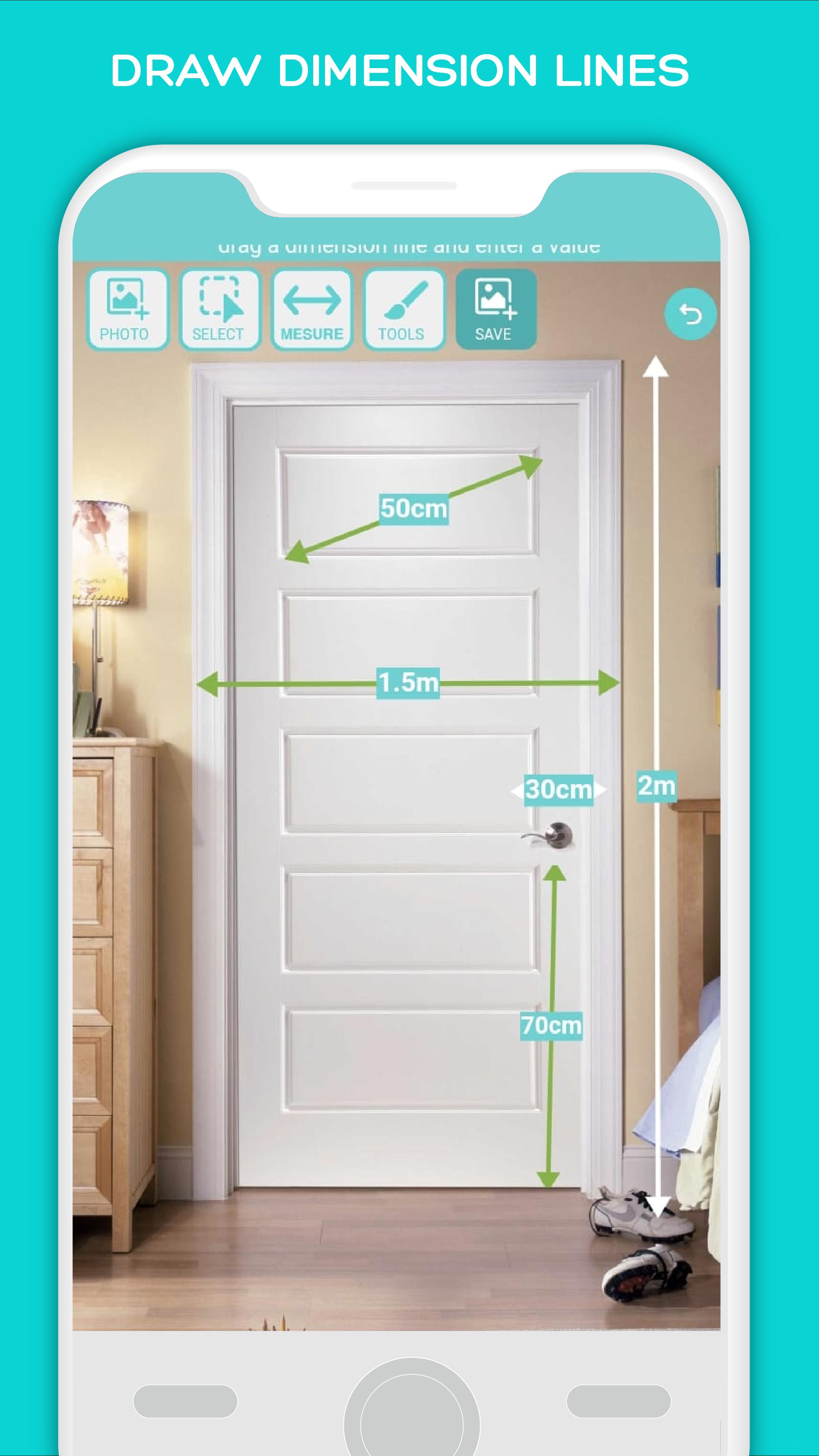
Simple photo Measure enables you to annotate your photos quickly and easily, making it a great tool for architects and designers. With dimension lines, you can measure rooms, objects, and other elements with ease. You can also add shapes and indications to your pictures, making it simple to communicate your ideas visually.
Attention: Manually annotate photos with precise measurements, avoiding the inaccuracies of automatic tools. Ideal for exacting tasks where precision is key
It is not for automaticly measuring although it is for recording measurements on top of a photo
New Features:
Folders for better organization: Now you can easily organize your annotated photos with the new folder feature. This makes it easy to find the photos you need when you need them.
Magnify lens for precision: The new magnify lens feature makes it even easier to measure small objects accurately. You can now zoom in on objects and get precise measurements with ease.
Export to phone gallery: You can now export your annotated photos to your phone gallery with just a few clicks. This makes it easy to share your work with others or use it in other apps.
Other Features:
Measure objects and rooms with dimension lines
Add shapes and indications to your photos
Easy to use interface for quick annotation
Ideal for architects and designers who need to get precise measurements quickly and accurately
Avance
Etiquetas
ProductividadInformación
Desarrollador
Bruno Alexandre (design-it-now)
La última versión
1.7.0
Última actualización
2024-10-19
Categoría
Productividad
Disponible en
Google Play
Mostrar más
Cómo jugar simple photo Measure Dimension con GameLoop en PC
1. Descargue GameLoop desde el sitio web oficial, luego ejecute el archivo exe para instalar GameLoop.
2. Abra GameLoop y busque "simple photo Measure Dimension", busque simple photo Measure Dimension en los resultados de búsqueda y haga clic en "Instalar".
3. Disfruta jugando simple photo Measure Dimension en GameLoop.
Minimum requirements
OS
Windows 8.1 64-bit or Windows 10 64-bit
GPU
GTX 1050
CPU
i3-8300
Memory
8GB RAM
Storage
1GB available space
Recommended requirements
OS
Windows 8.1 64-bit or Windows 10 64-bit
GPU
GTX 1050
CPU
i3-9320
Memory
16GB RAM
Storage
1GB available space