
Plume Home para PC
Plume Design, Inc.
Descarga Plume Home en PC con GameLoop Emulator
Plume Home en PC
Plume Home, proveniente del desarrollador Plume Design, Inc., se ejecuta en el sistema Android en el pasado.
Ahora, puedes jugar Plume Home en PC con GameLoop sin problemas.
Descárgalo en la biblioteca de GameLoop o en los resultados de búsqueda. No más mirar la batería o llamadas frustrantes en el momento equivocado nunca más.
Simplemente disfrute de Plume Home PC en la pantalla grande de forma gratuita!
Plume Home Introducción
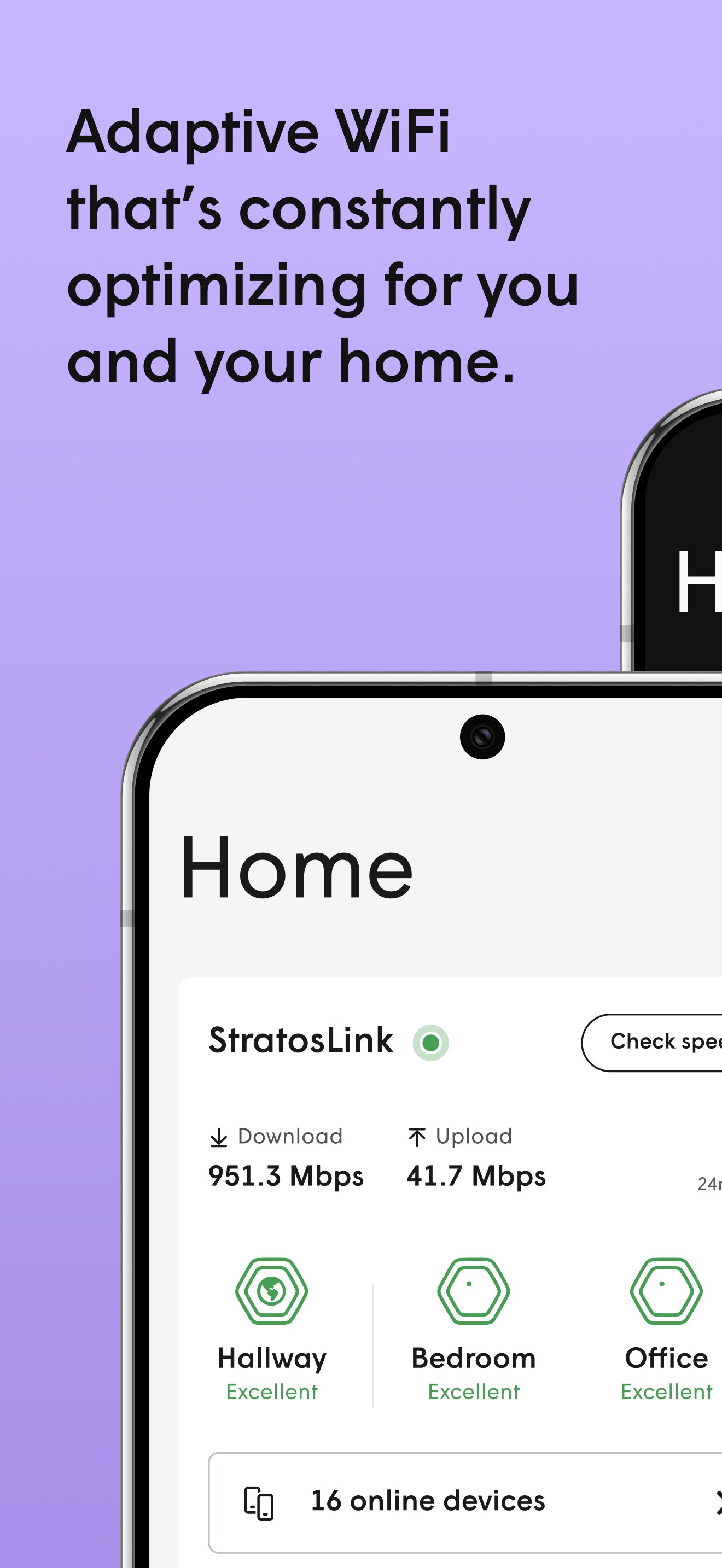
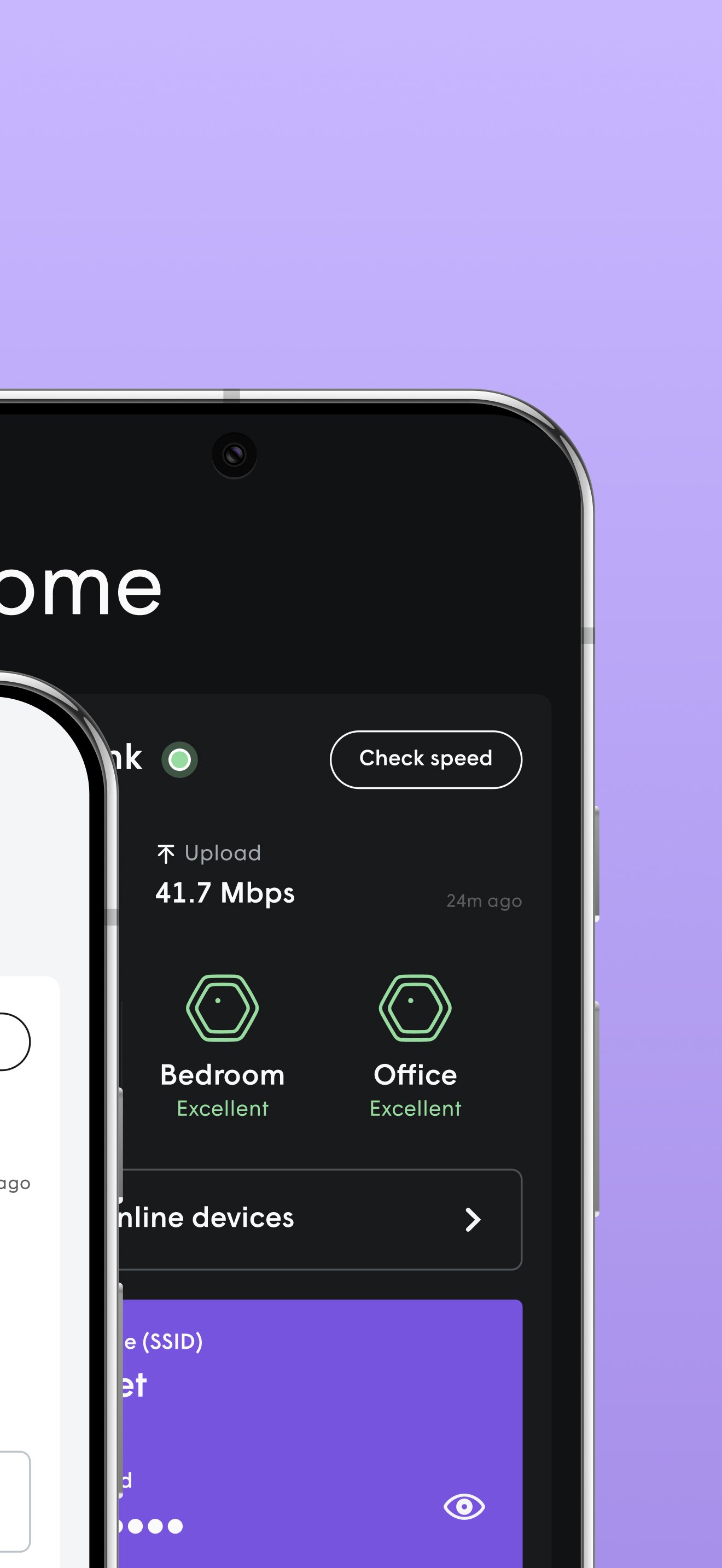
The Plume Home app brings together WiFi intelligence, security and easy management of your network and household to enhance your connectivity experience. Unlike other mesh WiFi systems, Plume automatically fine-tunes your network for peak performance—blocking interference, allocating bandwidth appropriately to all your connected devices, and prioritizing speed to live apps like video conferencing and streaming. All managed through a single mobile app.
- Simple setup
In a matter of minutes you will be able to add all your connected devices and ensure extenders are properly placed around the home for optimal coverage.
- Profiles and groups
Create user profiles for each member of the household to assign devices to them or even assign devices to groups like ‘light bulbs’ or ‘living room’ to easily manage them. Use profiles and device groups to set security policies, schedule Focus time, apply internet Timeouts, and optimize bandwidth with Traffic Boosts—giving you better control over online time and network performance.
- Traffic Boost
Prioritize your network how you want to. Choose to make sure specific applications, profiles, devices, or whole app categories are first in line for bandwidth. Feel confident that your video meeting, live TV stream, or gaming session has what it needs. Want Plume to handle it? Plume Home’s default Automatic Mode will prioritize any live traffic that needs it.
- Home security
Protect your devices from cyber threats like malware and phishing. No one home? Prioritize the network for security devices and applications like smart locks and cameras, and get instant alerts for any unusual activity. Use Motion to detect any movement when the home should be empty.
- Parental controls
Set predefined access profiles for kids, teens, or adults to automatically filter restricted content. Schedule Focus time to pause connectivity for specific profiles, devices, app categories, or the entire network. Need a quick break? Instantly restrict internet access from the home dashboard with a Timeout. Want to see where your bandwidth is going? See detailed usage graphs for all profiles and devices down to individual apps.
Avance
Etiquetas
ProductividadInformación
Desarrollador
Plume Design, Inc.
La última versión
26.2.210.0-409447
Última actualización
2026-03-30
Categoría
Productividad
Disponible en
Google Play
Mostrar más
Cómo jugar Plume Home con GameLoop en PC
1. Descargue GameLoop desde el sitio web oficial, luego ejecute el archivo exe para instalar GameLoop.
2. Abra GameLoop y busque "Plume Home", busque Plume Home en los resultados de búsqueda y haga clic en "Instalar".
3. Disfruta jugando Plume Home en GameLoop.
Minimum requirements
OS
Windows 8.1 64-bit or Windows 10 64-bit
GPU
GTX 1050
CPU
i3-8300
Memory
8GB RAM
Storage
1GB available space
Recommended requirements
OS
Windows 8.1 64-bit or Windows 10 64-bit
GPU
GTX 1050
CPU
i3-9320
Memory
16GB RAM
Storage
1GB available space