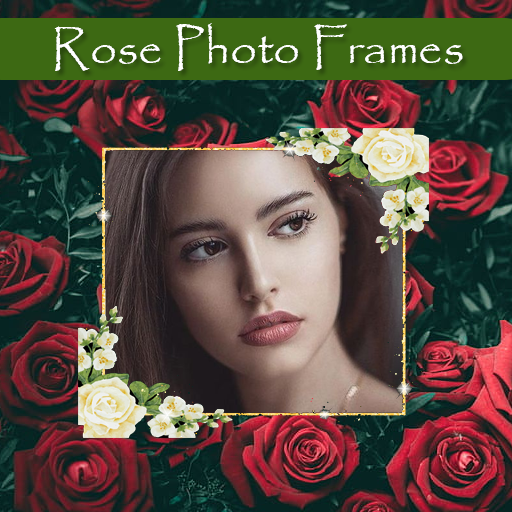
Rose Photo Frames: Pic Effects para PC
RamkumarApps
Descarga Rose Photo Frames: Pic Effects en PC con GameLoop Emulator
Rose Photo Frames: Pic Effects en PC
Rose Photo Frames: Pic Effects, proveniente del desarrollador RamkumarApps, se ejecuta en el sistema Android en el pasado.
Ahora, puedes jugar Rose Photo Frames: Pic Effects en PC con GameLoop sin problemas.
Descárgalo en la biblioteca de GameLoop o en los resultados de búsqueda. No más mirar la batería o llamadas frustrantes en el momento equivocado nunca más.
Simplemente disfrute de Rose Photo Frames: Pic Effects PC en la pantalla grande de forma gratuita!
Rose Photo Frames: Pic Effects Introducción
🌹 Rose Photo Frames 🌹
Transform your photos into stunning creations with our Rose Photo Frames app! Whether you’re looking to add a touch of romance with Romantic Photo Frames, enhance your images with beautiful Flower Photo Frames, or create the perfect Valentine’s Day Frames, our app has you covered. With a wide variety of Love Frames for Photos and Floral Photo Frames, you can easily find the perfect style to suit any occasion.
✨ App Features ✨
✔ Choose a Photo: Select a photo from your gallery or capture one in real-time using your camera phone. It's quick and easy to start editing!
✔ Personalize with Text: Add a personal touch by including text on your frames. You can change the size, color, and font of the text at any time, ensuring your message stands out just the way you want.
✔ Adjust with Precision: Rotate, scale, zoom in, zoom out, or drag your photo to fit the frame perfectly. Our Rose Frame Editor gives you full control over how your images appear.
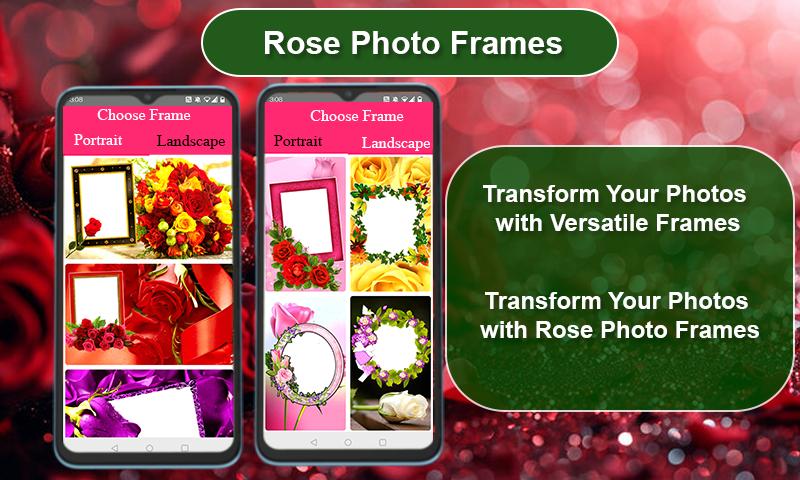
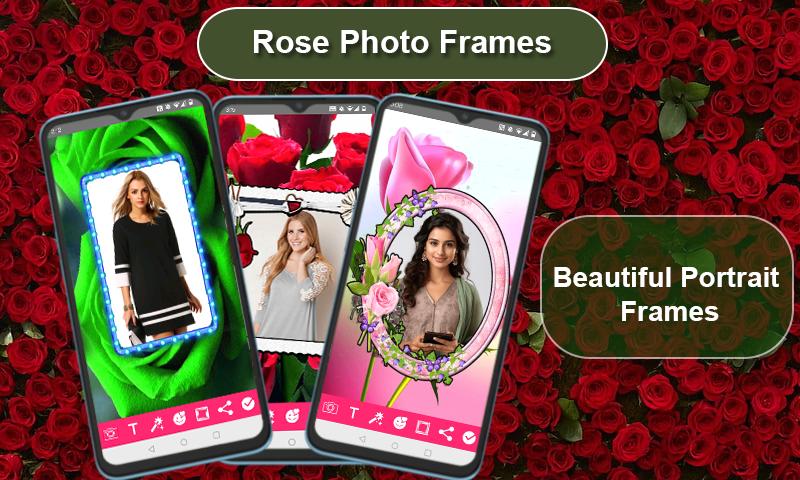
✔ Wide Variety of Frames: Explore more than 100 HD quality, beautifully designed portrait and landscape Rose Picture Frames, Heart and Rose Frames, and more. Whether you prefer simple Rose Border Frames or elaborate Rose Themed Photo Editor designs, there’s something for everyone.
✔ High-Resolution Support: Our app supports all screen resolutions of mobile and tablet devices, ensuring your photos look great no matter what device you’re using.
✔ Instant Sharing: Once you’ve finished editing, save your new image and share it instantly on your favorite social networks. Show off your creativity with ease!
✔ User-Friendly: The Roses Photo Frames app is designed for simplicity. It’s easy to use, making it perfect for everyone from beginners to experienced photo editors.
✔ Completely Free: Enjoy all these features at no cost. The Rose Photo Editor is completely free to download and use.
Download Rose Photo Frames now and start creating beautiful, romantic, and memorable photos today! 🌸📸
Avance
Etiquetas
FotografíaInformación
Desarrollador
RamkumarApps
La última versión
4.3
Última actualización
2024-09-16
Categoría
Fotografía
Disponible en
Google Play
Mostrar más
Cómo jugar Rose Photo Frames: Pic Effects con GameLoop en PC
1. Descargue GameLoop desde el sitio web oficial, luego ejecute el archivo exe para instalar GameLoop.
2. Abra GameLoop y busque "Rose Photo Frames: Pic Effects", busque Rose Photo Frames: Pic Effects en los resultados de búsqueda y haga clic en "Instalar".
3. Disfruta jugando Rose Photo Frames: Pic Effects en GameLoop.
Minimum requirements
OS
Windows 8.1 64-bit or Windows 10 64-bit
GPU
GTX 1050
CPU
i3-8300
Memory
8GB RAM
Storage
1GB available space
Recommended requirements
OS
Windows 8.1 64-bit or Windows 10 64-bit
GPU
GTX 1050
CPU
i3-9320
Memory
16GB RAM
Storage
1GB available space