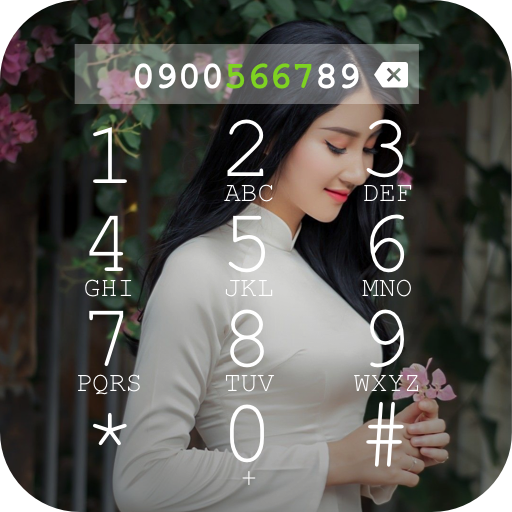
My Photo Phone Dialer para PC
Judi Studio
Descarga My Photo Phone Dialer en PC con GameLoop Emulator
My Photo Phone Dialer en PC
My Photo Phone Dialer, proveniente del desarrollador Judi Studio, se ejecuta en el sistema Android en el pasado.
Ahora, puedes jugar My Photo Phone Dialer en PC con GameLoop sin problemas.
Descárgalo en la biblioteca de GameLoop o en los resultados de búsqueda. No más mirar la batería o llamadas frustrantes en el momento equivocado nunca más.
Simplemente disfrute de My Photo Phone Dialer PC en la pantalla grande de forma gratuita!
My Photo Phone Dialer Introducción
My Photo Phone Dialer is the ultimate app to personalize your calling experience! Transform your phone's dialer with photos, colorful themes, and stylish designs. Make every call unique, vibrant, and fun while enjoying a fast, easy-to-use interface.
➡️➡️SMS or Call Log Permission➡️➡️
This permission is used to display call history on the dialer screen and enable quick message replies when rejecting a call. It is only utilized when you set the app as the default phone handler. Call history will not be stored in any form to ensure the security of your data.
➡️➡️What is a Default Phone Dialer?➡️➡️
A default phone dialer is the main app your phone uses to make and receive calls. With My Photo Phone Dialer, you can replace your default dialer to add exciting features like photo customization and colorful caller screens.
➡️➡️Key Features➡️➡️
✅Default Phone Handler: Functions as a complete phone solution, managing incoming and outgoing calls seamlessly..
✅Caller ID Display: Easily identify calls from friends, family, or unknown numbers.
✅ Photo Customization: Set your own photo or favorite image as the background for the dialer.
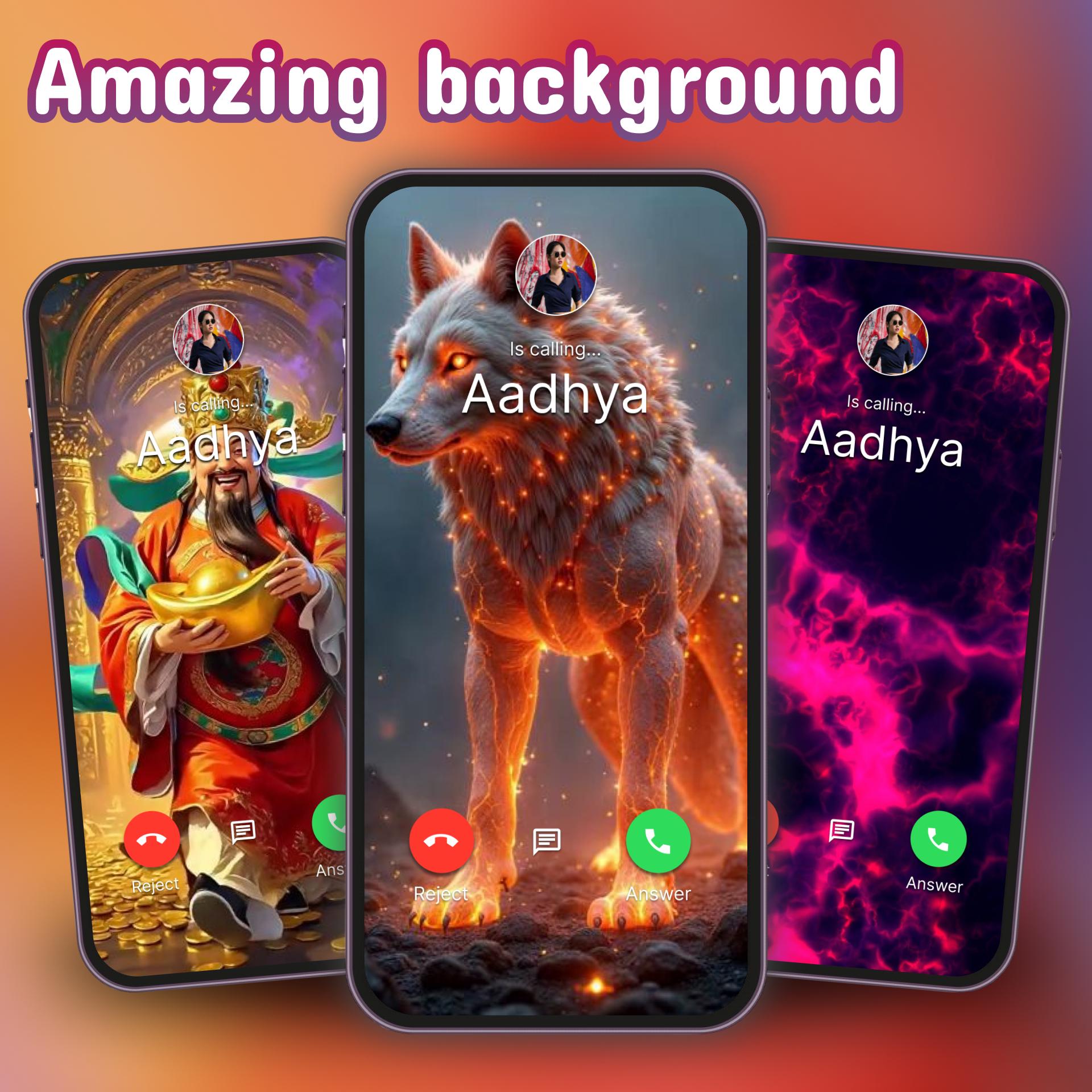
✅ Colorful Themes: Choose from a wide variety of vibrant, stylish themes to enhance your calling experience.
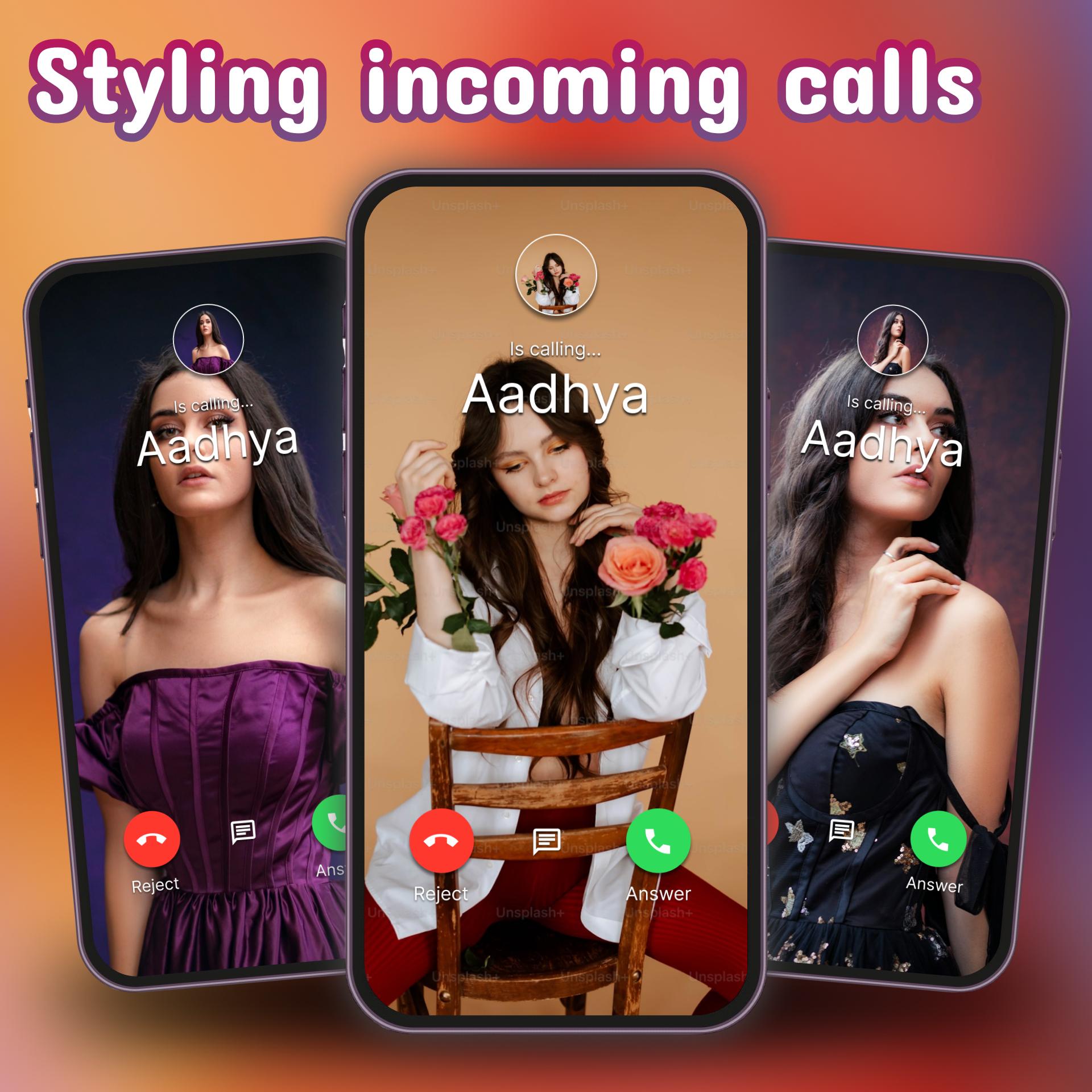
✅ Stylish Caller Screen: Personalize incoming and outgoing call screens with unique designs.
✅ Smart Contact Management: Quickly search and access your contacts with ease.
✅ Free and Lightweight: Enjoy all features for free in a lightweight app that won't slow down your device.
✅Call Color Effects: Brighten your screen with fun color flash effects during calls.
✅Color Phone Features: Add creativity to your calling experience with stunning visuals.
➡️➡️Upgrade your phone's calling experience with My Photo Phone Dialer. It's not just a dialer—it's your personal touch for every call! Download now for free and enjoy a more colorful, creative, and functional way to connect.
Avance
Etiquetas
PersonalizaciónInformación
Desarrollador
Judi Studio
La última versión
7.2.5
Última actualización
2025-07-08
Categoría
Personalización
Disponible en
Google Play
Mostrar más
Cómo jugar My Photo Phone Dialer con GameLoop en PC
1. Descargue GameLoop desde el sitio web oficial, luego ejecute el archivo exe para instalar GameLoop.
2. Abra GameLoop y busque "My Photo Phone Dialer", busque My Photo Phone Dialer en los resultados de búsqueda y haga clic en "Instalar".
3. Disfruta jugando My Photo Phone Dialer en GameLoop.
Minimum requirements
OS
Windows 8.1 64-bit or Windows 10 64-bit
GPU
GTX 1050
CPU
i3-8300
Memory
8GB RAM
Storage
1GB available space
Recommended requirements
OS
Windows 8.1 64-bit or Windows 10 64-bit
GPU
GTX 1050
CPU
i3-9320
Memory
16GB RAM
Storage
1GB available space