Auto blur: blur background para PC
Judi Studio
Descarga Auto blur: blur background en PC con GameLoop Emulator
Auto blur: blur background en PC
Auto blur: blur background, proveniente del desarrollador Judi Studio, se ejecuta en el sistema Android en el pasado.
Ahora, puedes jugar Auto blur: blur background en PC con GameLoop sin problemas.
Descárgalo en la biblioteca de GameLoop o en los resultados de búsqueda. No más mirar la batería o llamadas frustrantes en el momento equivocado nunca más.
Simplemente disfrute de Auto blur: blur background PC en la pantalla grande de forma gratuita!
Auto blur: blur background Introducción
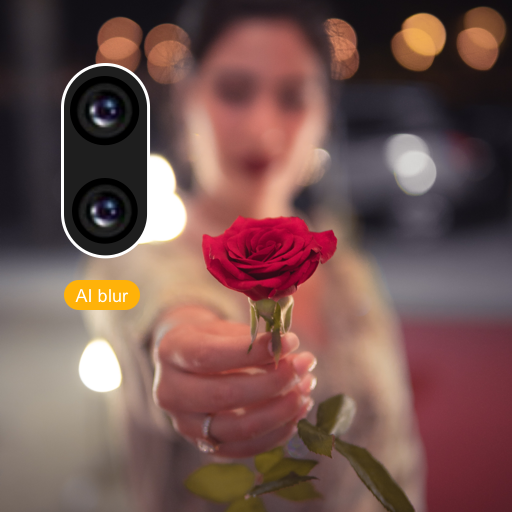
Auto blur background is fast and easy to use app to create amazing blur background effect pictures.
--Features---
- Smart focus area selection application automatically recognize the focus area.
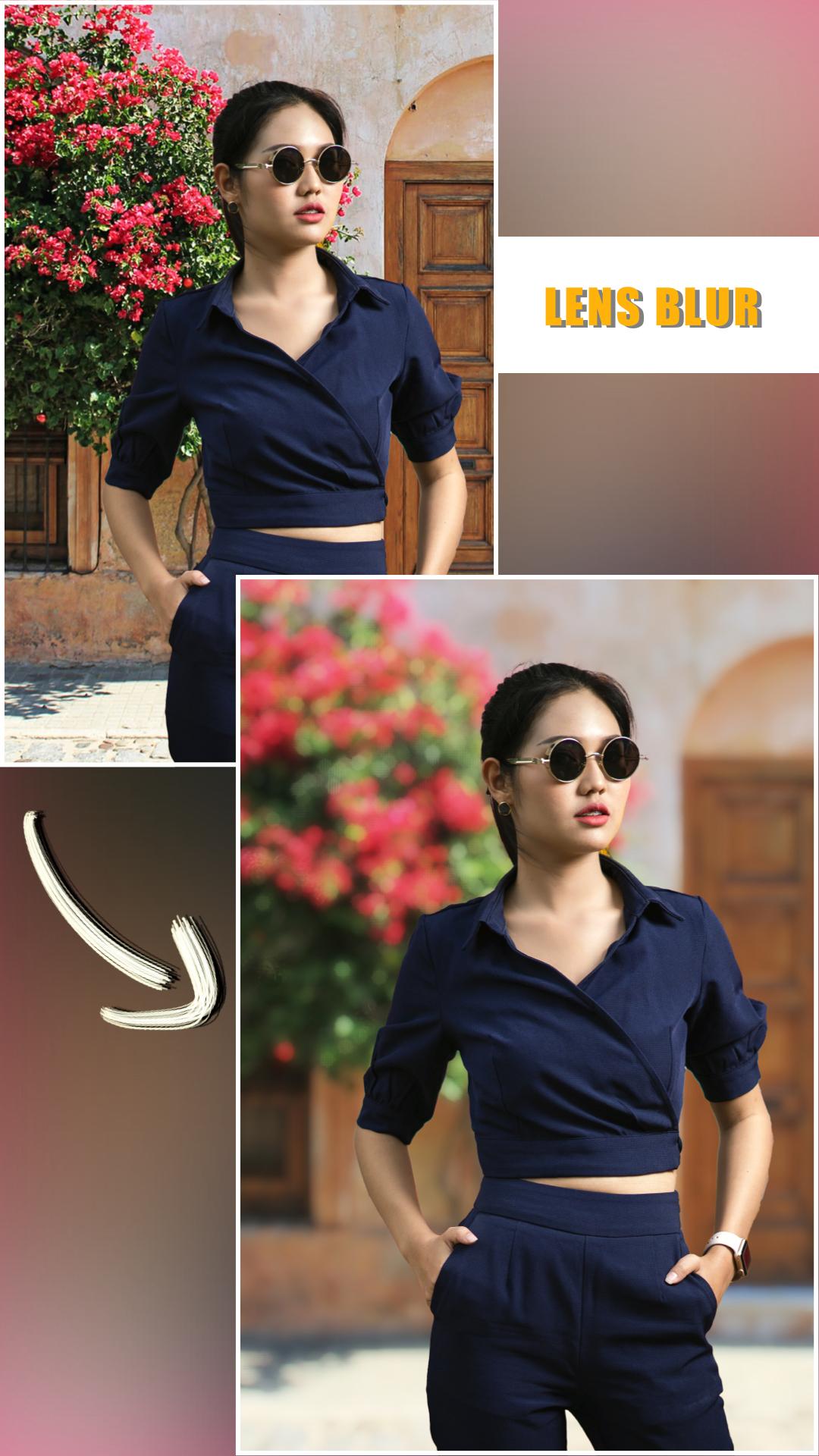
- Background Blur effect app offers dozens of blur effects
- Picture Blur intensity adjustment adjust the image blur intensity, in order, to give a bigger blur effect, to the picture to be blurred, using this blur pic editor or speed blur app.
- Create the most realistic blur effect with various aperture styles just like DSLR camera.
- You can emphasize the light spot on the background using Bokeh effect and overlay effect like snow, feathers,...
- Portrait photography app has lots of photo blurring, bokeh tools. Using them you can easily make your own DSLR Bokeh Effect.
- Blur image background is an effective blur photo editor, which can be used blur unwanted portions of a pic effectively. It will make your picture to look same as obscure dslr camera yield
- Bokeh Effects app is your ultimate blur effect app. Now, you don't need a DSLR camera or you don't need be a professional photographer to make a DSLR Style Blur Background effect on your photo.
- DSLR Camera Blur Effects is perfect combination of beauty and functionality. And it is Ideal for creating AfterFocus Photo or Blur Background Pictures. Try Now!!
Avance

Etiquetas
FotografíaInformación
Desarrollador
Judi Studio
La última versión
2.7.2
Última actualización
2025-03-31
Categoría
Fotografía
Disponible en
Google Play
Mostrar más
Cómo jugar Auto blur: blur background con GameLoop en PC
1. Descargue GameLoop desde el sitio web oficial, luego ejecute el archivo exe para instalar GameLoop.
2. Abra GameLoop y busque "Auto blur: blur background", busque Auto blur: blur background en los resultados de búsqueda y haga clic en "Instalar".
3. Disfruta jugando Auto blur: blur background en GameLoop.
Minimum requirements
OS
Windows 8.1 64-bit or Windows 10 64-bit
GPU
GTX 1050
CPU
i3-8300
Memory
8GB RAM
Storage
1GB available space
Recommended requirements
OS
Windows 8.1 64-bit or Windows 10 64-bit
GPU
GTX 1050
CPU
i3-9320
Memory
16GB RAM
Storage
1GB available space