
TheDayBefore (days countdown) para PC
TheDayBefore, Inc.
Descarga TheDayBefore (days countdown) en PC con GameLoop Emulator
TheDayBefore (days countdown) en PC
TheDayBefore (days countdown), proveniente del desarrollador TheDayBefore, Inc., se ejecuta en el sistema Android en el pasado.
Ahora, puedes jugar TheDayBefore (days countdown) en PC con GameLoop sin problemas.
Descárgalo en la biblioteca de GameLoop o en los resultados de búsqueda. No más mirar la batería o llamadas frustrantes en el momento equivocado nunca más.
Simplemente disfrute de TheDayBefore (days countdown) PC en la pantalla grande de forma gratuita!
TheDayBefore (days countdown) Introducción
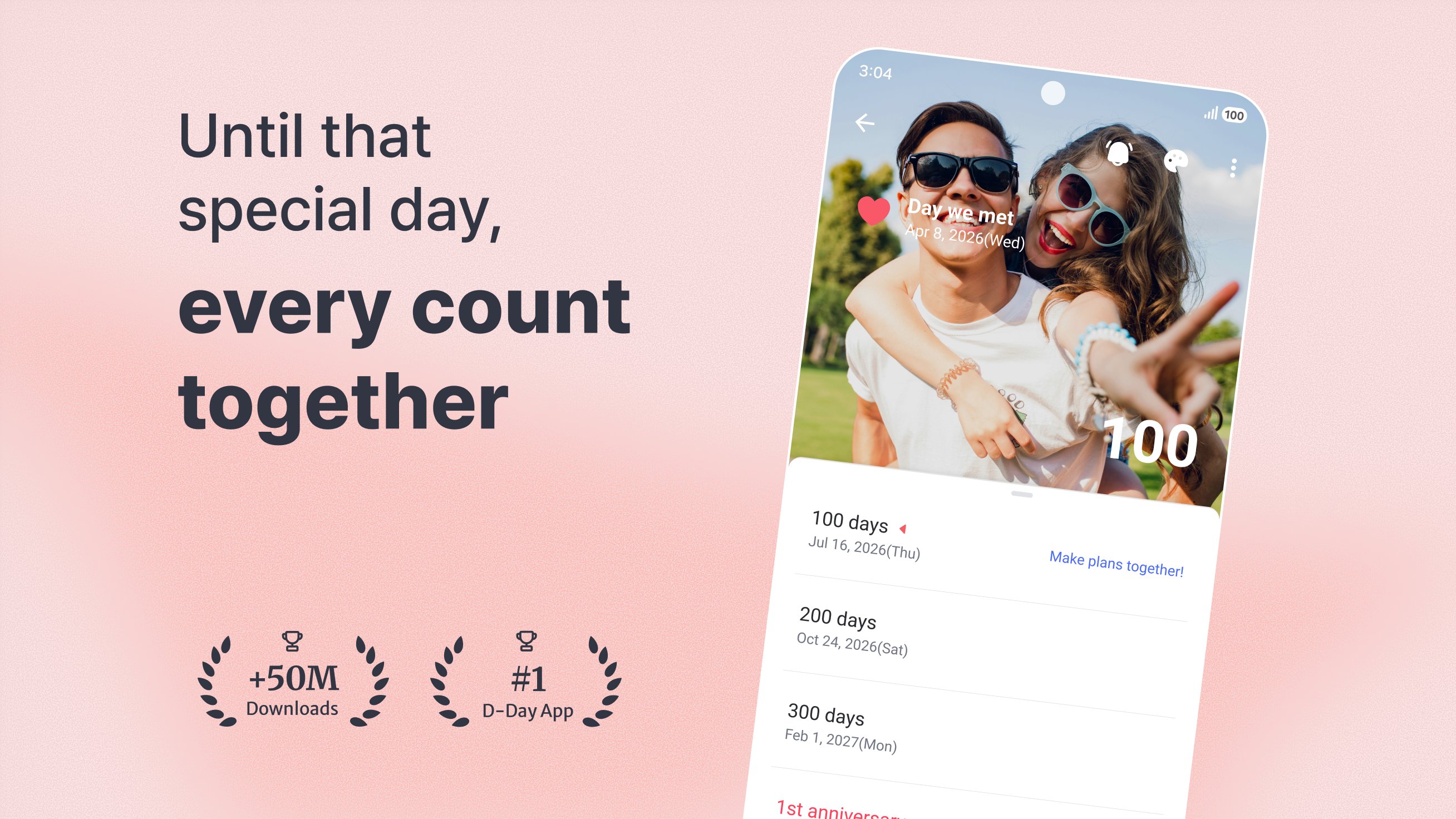
From big exams and anniversaries to fandom days and graduation,
turn every day you're waiting for into a event — managed with widgets, notifications, and stories.
The Event app, The Day Before
For students counting down to exams, couples tracking anniversaries, friends counting down to graduation, and fans marking their favorite artist's next release —
— count every day with The Day Before.
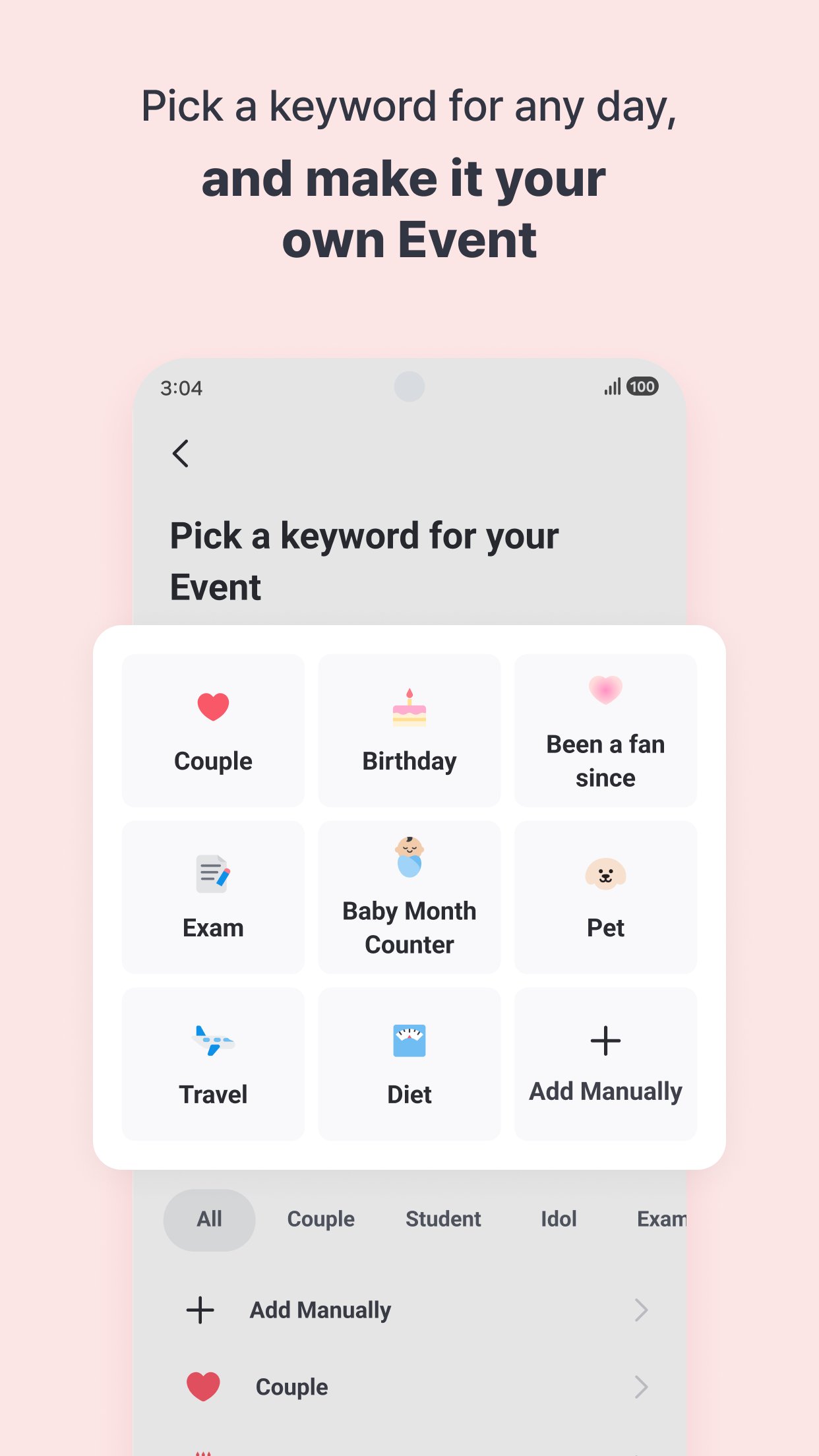
● Make any day your own event
· Choose from 80+ keywords including exams, couple anniversaries, graduation, fandom days, and baby milestones.
· Never miss lunar calendar dates like lunar birthdays, memorial services, and holidays.
· Select a keyword and the icon, background, and notifications are set up automatically.
● Pin your event as a widget on the screen you see every day
· Check your event anytime with home screen and lock screen widgets.
· Multiple sizes and styles — perfect for personalizing your phone.
● We'll remind you so you never forget your event
· Get custom notifications on the day, D-7, D-3, or D-1 — whenever you want.
· Anniversary notifications like 100 days and 1-year milestones are set automatically.
● Customize your event in your own style
· Choose your own background photo, icon, effects, stickers, and fonts.
· Your customized design shows up on your widget too.
● Capture today's excitement with a Story
· Save special moments with photos and text for each date.
· Upload up to 8 photos per story.
● Count together with people who share your vibe
· Meet others waiting for the same day in Recommended events.
· Album drops, weddings, new jobs — turns out you're not counting alone.
· Connect with others through comments on Recommended events.
[Optional Permissions]
· Files & Media (Photos/Media/Files): Used to load and save photos when using or sharing background images.
· Phone: Used to check call status and prevent the first screen from appearing during a call.
· Location: Used to provide weather information on the first screen.
· Camera: Used to take and attach photos to your Stories.
· You can still use the app without granting optional permissions, except for features that require them.
Feel free to reach out anytime with questions about the app.
· Email: help@thedaybefore.kr
Avance
Etiquetas
Estilo de vidaInformación
Desarrollador
TheDayBefore, Inc.
La última versión
v5.3.0
Última actualización
Yesterday
Categoría
Estilo de vida
Disponible en
Google Play
Mostrar más
Cómo jugar TheDayBefore (days countdown) con GameLoop en PC
1. Descargue GameLoop desde el sitio web oficial, luego ejecute el archivo exe para instalar GameLoop.
2. Abra GameLoop y busque "TheDayBefore (days countdown)", busque TheDayBefore (days countdown) en los resultados de búsqueda y haga clic en "Instalar".
3. Disfruta jugando TheDayBefore (days countdown) en GameLoop.
Minimum requirements
OS
Windows 8.1 64-bit or Windows 10 64-bit
GPU
GTX 1050
CPU
i3-8300
Memory
8GB RAM
Storage
1GB available space
Recommended requirements
OS
Windows 8.1 64-bit or Windows 10 64-bit
GPU
GTX 1050
CPU
i3-9320
Memory
16GB RAM
Storage
1GB available space