
Webtic Starplex Cinema para PC
CREA Informatica srl
Descarga Webtic Starplex Cinema en PC con GameLoop Emulator
Webtic Starplex Cinema en PC
Webtic Starplex Cinema, proveniente del desarrollador CREA Informatica srl, se ejecuta en el sistema Android en el pasado.
Ahora, puedes jugar Webtic Starplex Cinema en PC con GameLoop sin problemas.
Descárgalo en la biblioteca de GameLoop o en los resultados de búsqueda. No más mirar la batería o llamadas frustrantes en el momento equivocado nunca más.
Simplemente disfrute de Webtic Starplex Cinema PC en la pantalla grande de forma gratuita!
Webtic Starplex Cinema Introducción
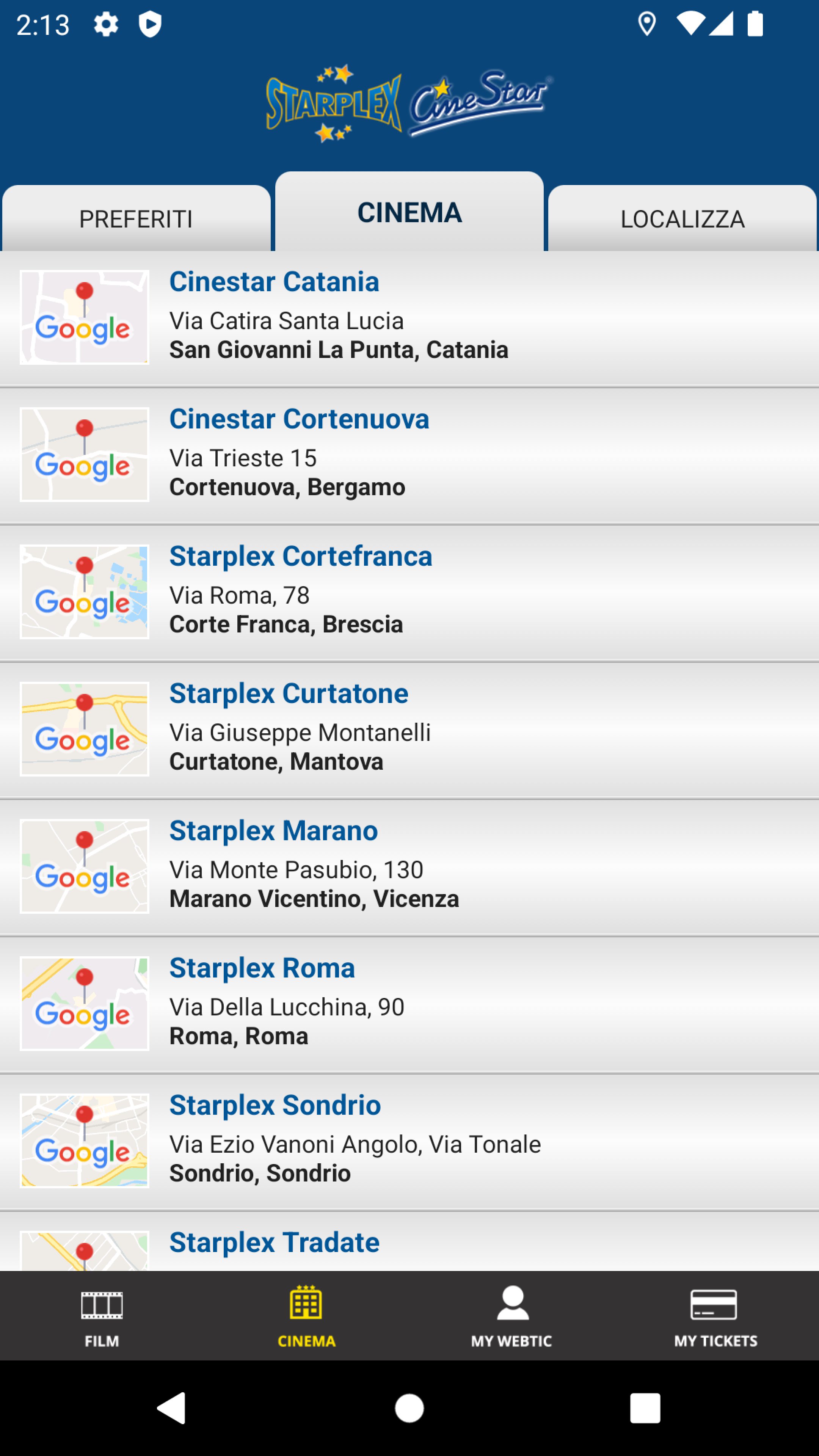
Crea Informatica application, for the purchase and reservation of seats in the prestigious Starplex and Cinestar cinemas in Marano Vicentino, Rome, Sondrio, Curtatone, Catania, Cortefranca and Tradate.
Multiplexes equipped with the latest technologies and high-level services.
You can easily choose your seats from the map of the rooms and decide whether to book them by collecting them at the box office at least 30 minutes in advance.
You can book a maximum of 8 seats per day, even for different films.
We recommend our customers to consult the website www.starplex.it for more commercial information.
Tickets booked and not collected on time will be automatically canceled from the system.
Avance

Etiquetas
EntretenimientoInformación
Desarrollador
CREA Informatica srl
La última versión
1.5.0
Última actualización
2025-08-20
Categoría
Entretenimiento
Disponible en
Google Play
Mostrar más
Cómo jugar Webtic Starplex Cinema con GameLoop en PC
1. Descargue GameLoop desde el sitio web oficial, luego ejecute el archivo exe para instalar GameLoop.
2. Abra GameLoop y busque "Webtic Starplex Cinema", busque Webtic Starplex Cinema en los resultados de búsqueda y haga clic en "Instalar".
3. Disfruta jugando Webtic Starplex Cinema en GameLoop.
Minimum requirements
OS
Windows 8.1 64-bit or Windows 10 64-bit
GPU
GTX 1050
CPU
i3-8300
Memory
8GB RAM
Storage
1GB available space
Recommended requirements
OS
Windows 8.1 64-bit or Windows 10 64-bit
GPU
GTX 1050
CPU
i3-9320
Memory
16GB RAM
Storage
1GB available space