Cute Pixel Art Color by Number para PC
Color by Number: Pixel Art by Peaksel
Descarga Cute Pixel Art Color by Number en PC con GameLoop Emulator
Cute Pixel Art Color by Number en PC
Cute Pixel Art Color by Number, proveniente del desarrollador Color by Number: Pixel Art by Peaksel, se ejecuta en el sistema Android en el pasado.
Ahora, puedes jugar Cute Pixel Art Color by Number en PC con GameLoop sin problemas.
Descárgalo en la biblioteca de GameLoop o en los resultados de búsqueda. No más mirar la batería o llamadas frustrantes en el momento equivocado nunca más.
Simplemente disfrute de Cute Pixel Art Color by Number PC en la pantalla grande de forma gratuita!
Cute Pixel Art Color by Number Introducción
Cute Pixel Art - Relaxing Coloring Book For Everyone!
During any moment of the day, the Cute Pixel Art: Color By Number experience becomes a cozy conglomeration of creative calm, Cute Pixel Art: Color By Number collages exposing the warmth and relaxed focus of peaceful, artistic expression. Every drawing activity helps you unwind, whether simple icons, detailed scenes, or digital art to save and share. Your choice of simple designs or detailed artwork will bring lots of joy and creative charm while smoothing out the Pixel Color By Numbers dazzling guidance.You feel the relaxing flow of drawing and Pixel Art Game: Paint By Numbers with each picture. The Pixel Art Number: Coloring Book provides a delightful variety of classic designs and modern artwork, Color by Numbers steps, and filled cells. The stress disappears and the creativity ignites. Drawing: Pixel Art Game: Paint By Numbers brings you satisfying peace during every session.
📄 Cute Pixel Art Key Features:📄
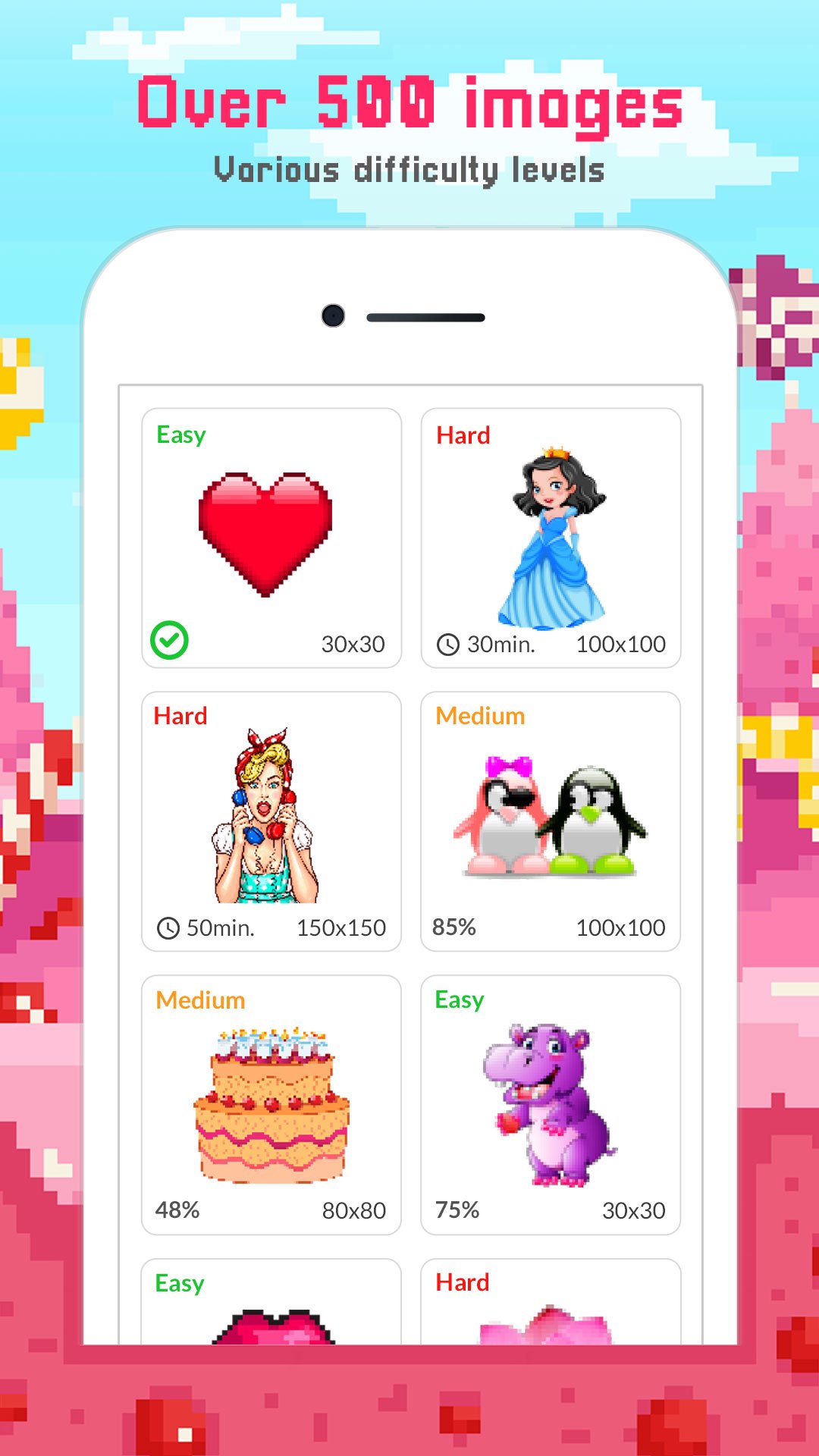
🎨 More than 500 cute-themed images that can be digitally colored using Color By Numbers;
🎨 A camera feature that allows you to upload photos that can be turned into Cute Pixel Art: Color By Number;
🎨 Magic tools that allow you to quickly color large areas as well as enhance drawings;
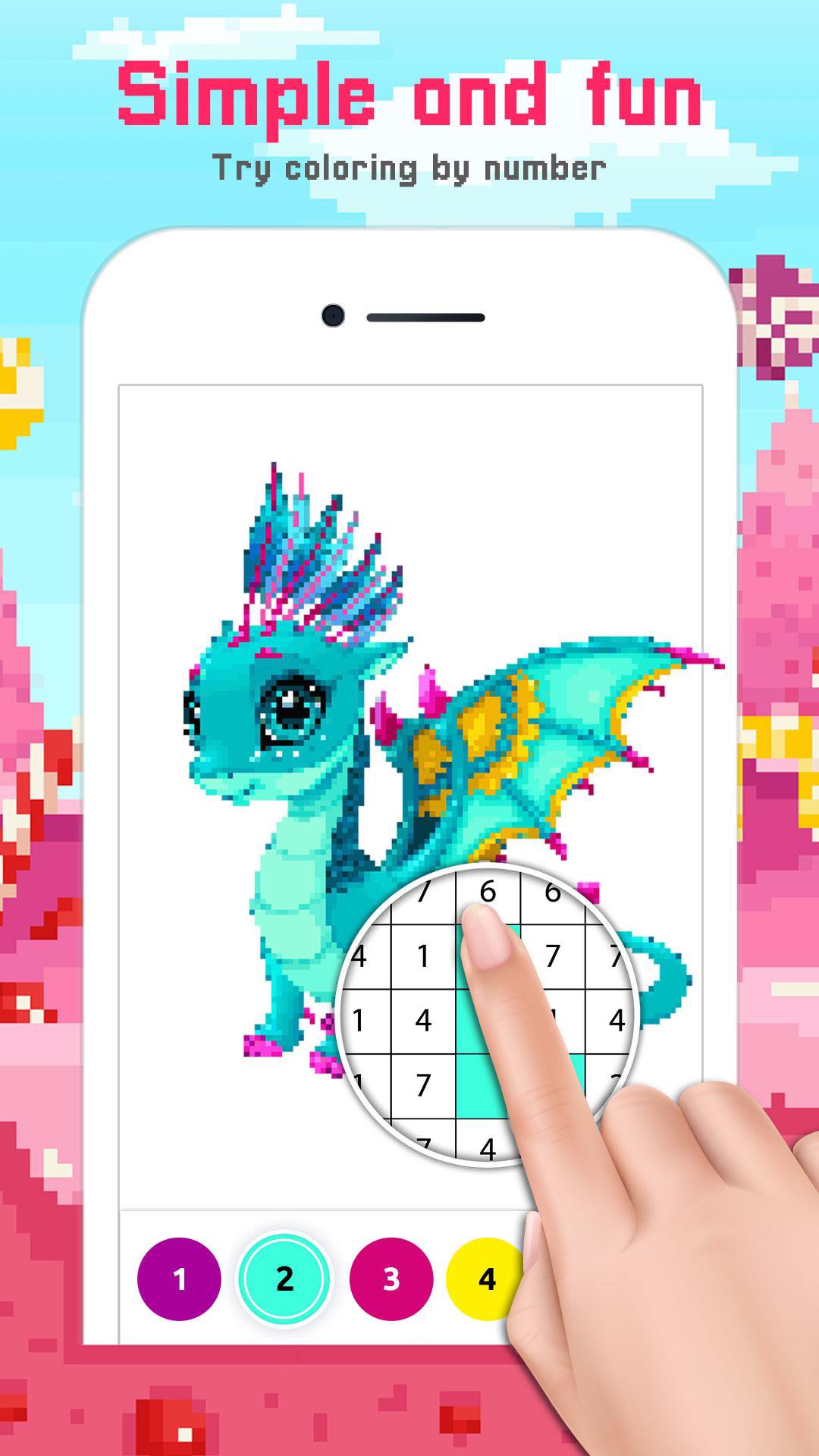
🎨 A smooth zooming feature that allows you to color by numbers with precision;
🎨 Continuous coloring with a long press;
🎨 Error vibration ON/OFF feature for a more seamless experience;
🎨 Various levels of creative filters, effects, and backgrounds;
🎨 Color guided selection to relieve anxiety;
🎨 Pixel Art Number: Coloring Book available in offline mode;
🎨 Pixel Color By Numbers activity designed for relaxation.
Magic of Relaxing Coloring!
It is a Pixel Art Number: Coloring Book that taps into the joyous and comforting spirit of creative focus while using Color By Numbers for art therapy. Every picture is satisfying to complete, while the digital art therapy and soothing scenes combat stress and enhance focus, creativity, and patience.Enjoy a Peaceful Coloring Activity:🎨
Color By Numbers allows you to escape to a peaceful and fulfilling coloring world as each cell becomes part of a beautiful design. The Pixel Art Number: Coloring Book includes many illustrations that are happy and comforting. Together with the peaceful pace of Drawing: Pixel Art Game: Paint By Numbers, each piece of art is a calming moment.
Design Your Own Cute Art:🖼️
With the new features of Cute Pixel Art: Color By Number, you can easily turn photos into charming creations. The Pixel Art Number: Coloring Book easily combines coloring by instruction and creative free drawing, while Drawing: Pixel Art Game: Paint By Numbers takes attention to each and every detail of your artwork.
Worry-Free Coloring:🖌️
Color By Numbers takes away the pressure of color selection while letting you experience the joy of coloring. The Cute Pixel Art: Color By Number world is a warm and inviting place to escape to for a break from a busy day.
Start Getting Creative With Cute Pixel Art!
Enjoy relaxing and creative moments with Cute Pixel Art: Color By Number scenes and join in on the Pixel Color By Numbers activities. Your cute masterpiece will be completed in no time and you will be able to paint to your heart's content with the Drawing Pixel Art Game: Paint By Numbers!Avance
Etiquetas
EntretenimientoInformación
Desarrollador
Color by Number: Pixel Art by Peaksel
La última versión
5.1.0
Última actualización
2025-11-26
Categoría
Entretenimiento
Disponible en
Google Play
Mostrar más
Cómo jugar Cute Pixel Art Color by Number con GameLoop en PC
1. Descargue GameLoop desde el sitio web oficial, luego ejecute el archivo exe para instalar GameLoop.
2. Abra GameLoop y busque "Cute Pixel Art Color by Number", busque Cute Pixel Art Color by Number en los resultados de búsqueda y haga clic en "Instalar".
3. Disfruta jugando Cute Pixel Art Color by Number en GameLoop.
Minimum requirements
OS
Windows 8.1 64-bit or Windows 10 64-bit
GPU
GTX 1050
CPU
i3-8300
Memory
8GB RAM
Storage
1GB available space
Recommended requirements
OS
Windows 8.1 64-bit or Windows 10 64-bit
GPU
GTX 1050
CPU
i3-9320
Memory
16GB RAM
Storage
1GB available space