
AWM para PC
Asian World Media
Descarga AWM en PC con GameLoop Emulator
AWM en PC
AWM, proveniente del desarrollador Asian World Media, se ejecuta en el sistema Android en el pasado.
Ahora, puedes jugar AWM en PC con GameLoop sin problemas.
Descárgalo en la biblioteca de GameLoop o en los resultados de búsqueda. No más mirar la batería o llamadas frustrantes en el momento equivocado nunca más.
Simplemente disfrute de AWM PC en la pantalla grande de forma gratuita!
AWM Introducción
ABOUT US
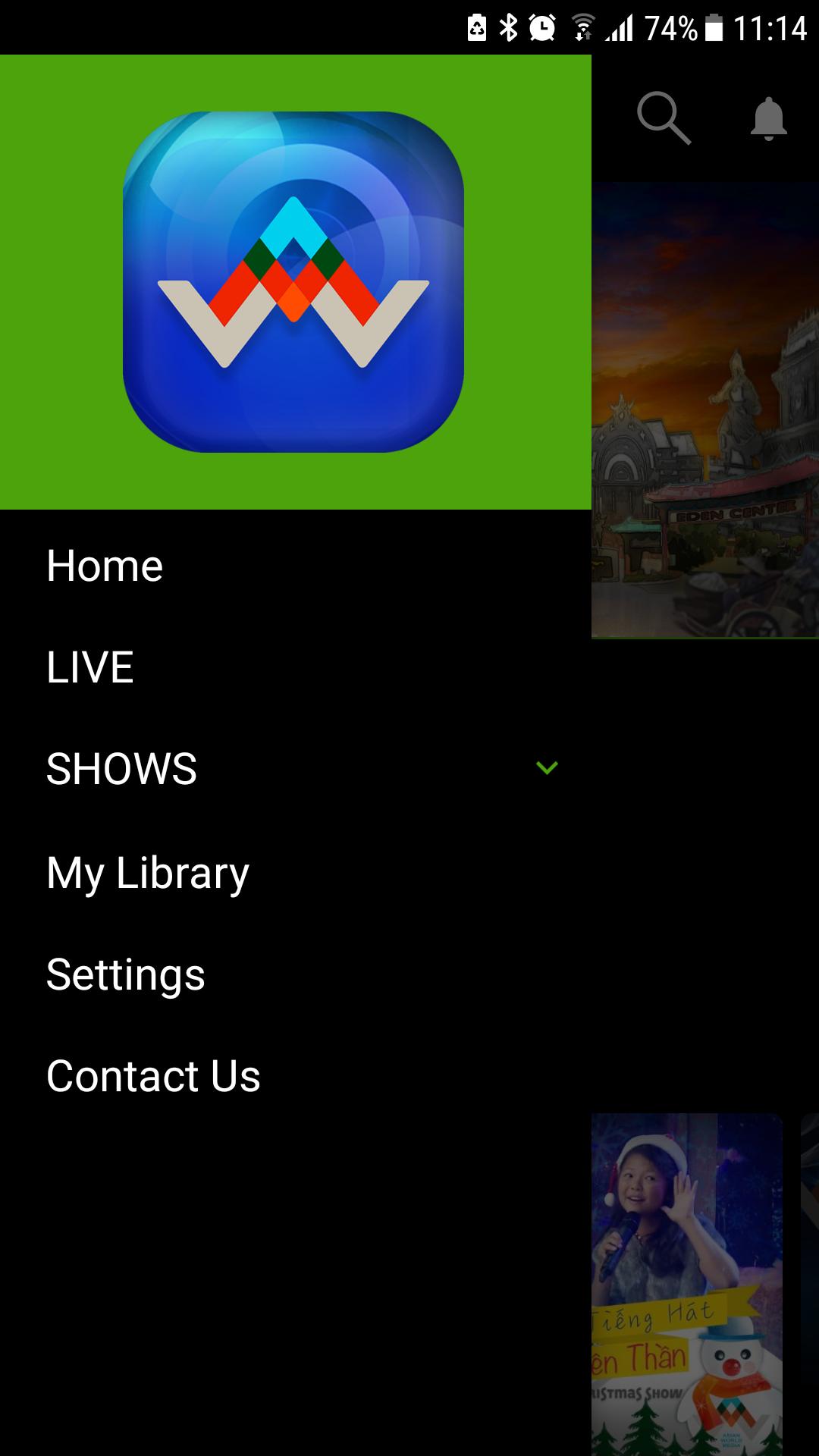
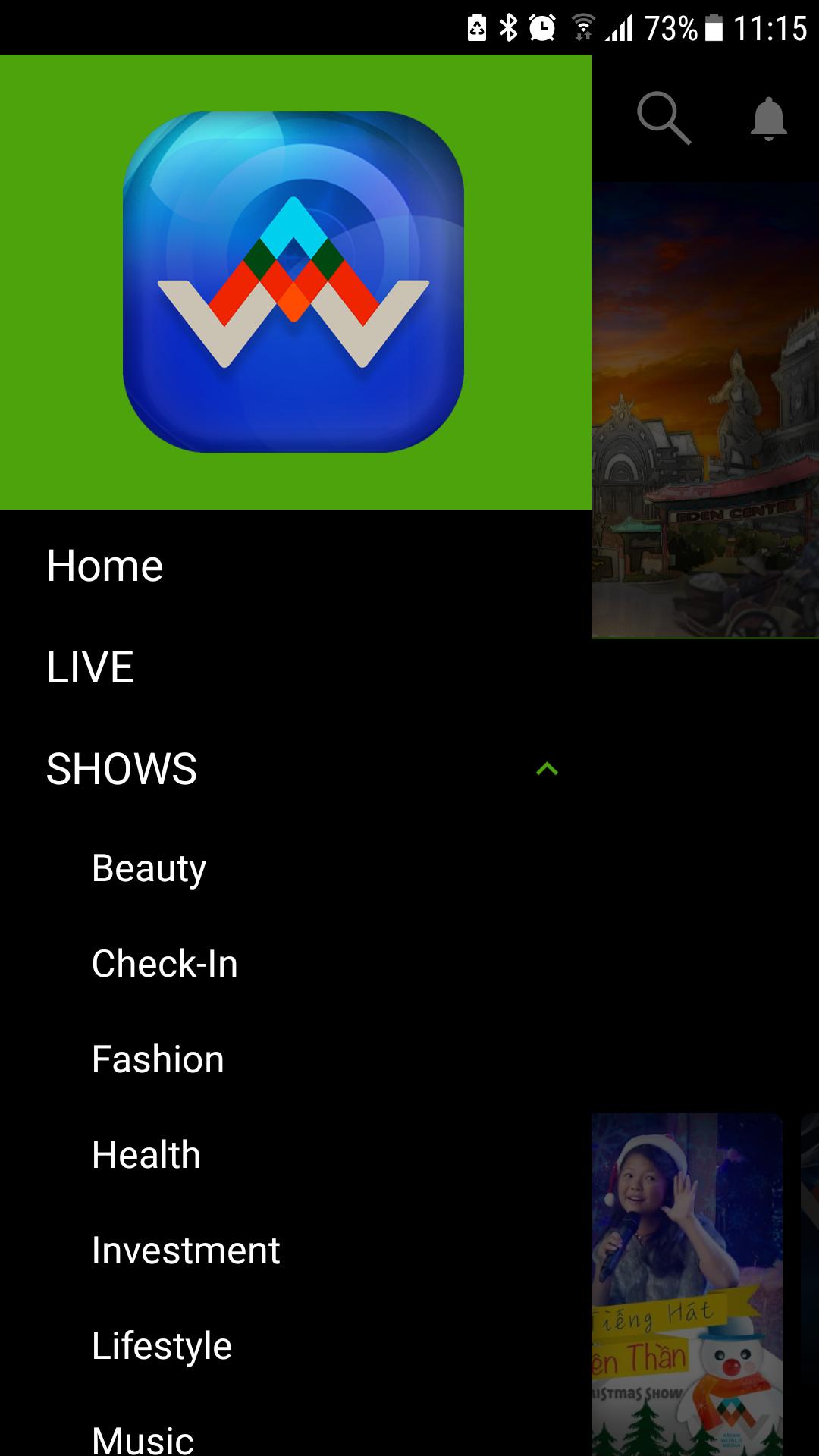
Asian World Media is created by the talented and passionate team to deliver high-quality entertainments for Vietnamese community throughout the world.
"The impressions you need at an impression value"
OUR HISTORY
Asian World Media is one of the leading Vietnamese entertainment companies in the production, development, marketing of entertainment, updates, and information to a global audience.
Asian World Media owns and runs a portfolio of broadcasting networks, and operates in leading Vietnamese productions. You can see us on several operators, including Direct TV 2023 and KVMD 57.15.
"Target Win. And Win again."
OUR MISSION
Our mission at AWM is to create a platform to preserve the Vietnamese culture while bridging one generation to the next. We accomplish this through our passion for establishing unparalleled contents and delivering in a unity atmosphere across the Vietnamese community.
We are your one-stop entertainment center to feel at home without being at home. We believe in everything we do, and everything we make must be the best possible.
"Reach the audience you want."
Avance
Etiquetas
EntretenimientoInformación
Desarrollador
Asian World Media
La última versión
2.0.1
Última actualización
2020-01-24
Categoría
Entretenimiento
Disponible en
Google Play
Mostrar más
Cómo jugar AWM con GameLoop en PC
1. Descargue GameLoop desde el sitio web oficial, luego ejecute el archivo exe para instalar GameLoop.
2. Abra GameLoop y busque "AWM", busque AWM en los resultados de búsqueda y haga clic en "Instalar".
3. Disfruta jugando AWM en GameLoop.
Minimum requirements
OS
Windows 8.1 64-bit or Windows 10 64-bit
GPU
GTX 1050
CPU
i3-8300
Memory
8GB RAM
Storage
1GB available space
Recommended requirements
OS
Windows 8.1 64-bit or Windows 10 64-bit
GPU
GTX 1050
CPU
i3-9320
Memory
16GB RAM
Storage
1GB available space