Valves para PC
saVRee
Descarga Valves en PC con GameLoop Emulator
Valves en PC
Valves, proveniente del desarrollador saVRee, se ejecuta en el sistema Android en el pasado.
Ahora, puedes jugar Valves en PC con GameLoop sin problemas.
Descárgalo en la biblioteca de GameLoop o en los resultados de búsqueda. No más mirar la batería o llamadas frustrantes en el momento equivocado nunca más.
Simplemente disfrute de Valves PC en la pantalla grande de forma gratuita!
Valves Introducción
Learn about valve components, designs, actuators and applications!
This app includes detailed information about the ball, butterfly, check, diaphragm, gate, globe, needle, pinch, plug, relief and safety valves! The app also includes information relating to the four different types of main valve actuator (electric, hydraulic, mechanical and pneumatic).
Each valve and actuator includes:
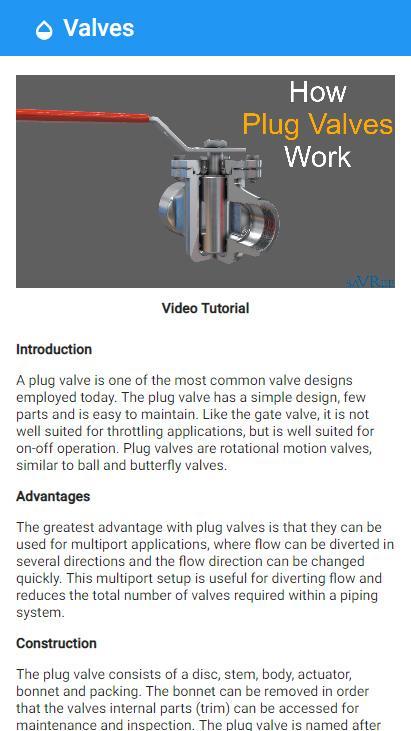
• A written article discussing its construction, applications, advantages and disadvantages.
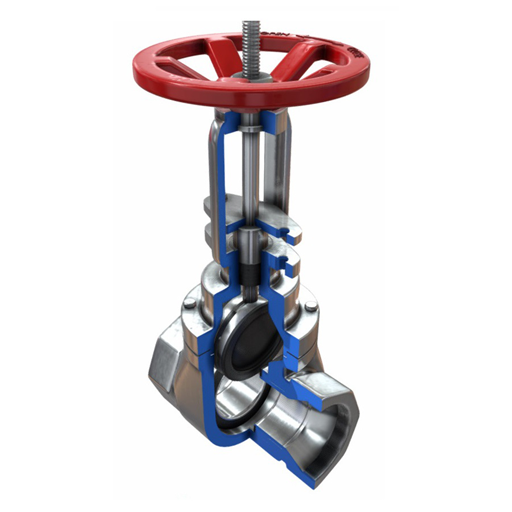
• A cross-sectional image to expose its internal workings.
• A 3D animation showing how it works.
• A video lesson/tutorial explaining how it works.
If you have ever wondered:
• Why do we need so many different valve types?
• What kind of valve is correct for x,y,z application?
• What are the pros and cons of each valve type?
• Why do valves have weird names i.e. butterfly valve?
Then this App will help you answer all these questions and many many more!
The App is designed to take you from zero to hero concerning valve knowledge and is 100% free with no annoying adverts!
After using this app you will be able to:
• Identify and name valve components.
• Identify common valve types.
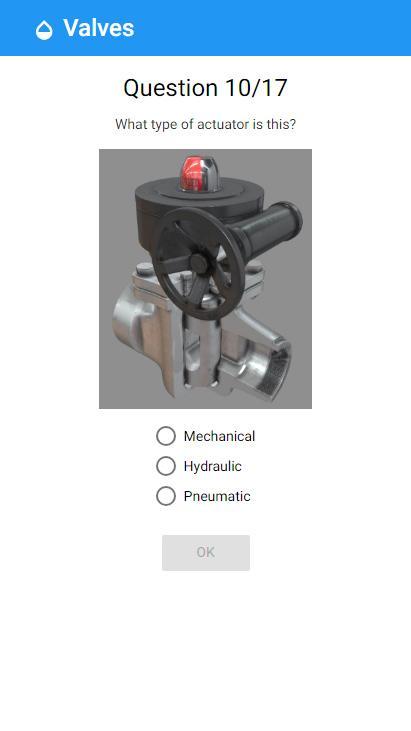
• Identify common valve actuators.
• Know the characteristics and applications of different valve types.
• Choose a suitable valve for any application.
• And much much more!
So what are you waiting for?
Avance
Etiquetas
EducaciónInformación
Desarrollador
saVRee
La última versión
1.5.0
Última actualización
2019-03-04
Categoría
Educación
Disponible en
Google Play
Mostrar más
Cómo jugar Valves con GameLoop en PC
1. Descargue GameLoop desde el sitio web oficial, luego ejecute el archivo exe para instalar GameLoop.
2. Abra GameLoop y busque "Valves", busque Valves en los resultados de búsqueda y haga clic en "Instalar".
3. Disfruta jugando Valves en GameLoop.
Minimum requirements
OS
Windows 8.1 64-bit or Windows 10 64-bit
GPU
GTX 1050
CPU
i3-8300
Memory
8GB RAM
Storage
1GB available space
Recommended requirements
OS
Windows 8.1 64-bit or Windows 10 64-bit
GPU
GTX 1050
CPU
i3-9320
Memory
16GB RAM
Storage
1GB available space