TX CDL DMV Permit Test Prep Ed para PC
driver-start.com
Descarga TX CDL DMV Permit Test Prep Ed en PC con GameLoop Emulator
TX CDL DMV Permit Test Prep Ed en PC
TX CDL DMV Permit Test Prep Ed, proveniente del desarrollador driver-start.com, se ejecuta en el sistema Android en el pasado.
Ahora, puedes jugar TX CDL DMV Permit Test Prep Ed en PC con GameLoop sin problemas.
Descárgalo en la biblioteca de GameLoop o en los resultados de búsqueda. No más mirar la batería o llamadas frustrantes en el momento equivocado nunca más.
Simplemente disfrute de TX CDL DMV Permit Test Prep Ed PC en la pantalla grande de forma gratuita!
TX CDL DMV Permit Test Prep Ed Introducción
About This App
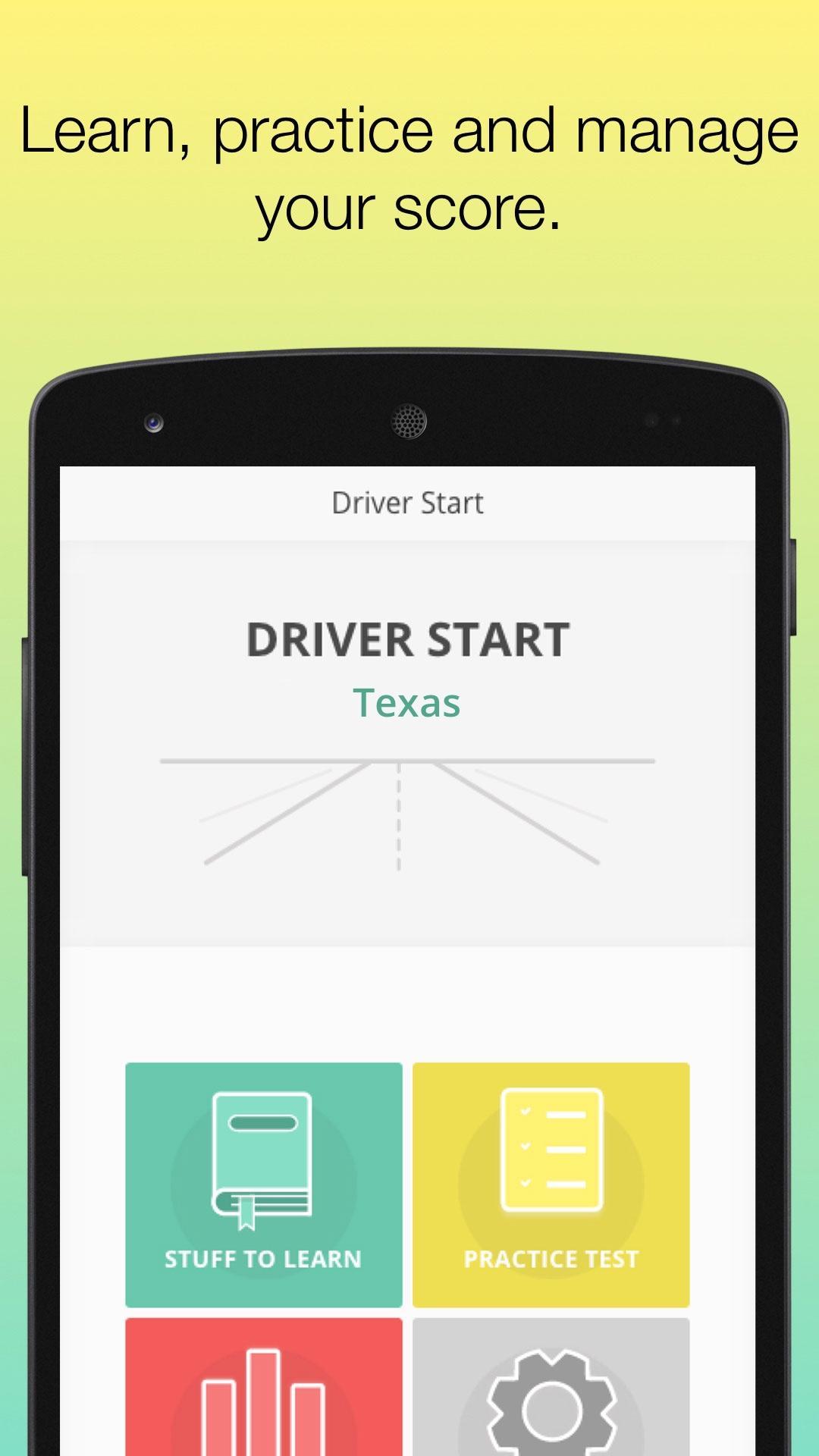
Getting ready for your Texas commercial driver license (CDL) permit test? This app offers realistic CDL practice tests, flashcards, and topic-based quizzes using the latest content from the 2025 Texas Commercial Driver Handbook. Built to simulate the actual knowledge exam given by the Texas Department of Public Safety (DPS), it helps commercial driving candidates study smarter and with confidence.
Driver-Start.com is a private educational tool and is not affiliated with or endorsed by the Texas Department of Public Safety (DPS), the U.S. Department of Transportation, or any government agency. All practice questions are based on publicly available content from the official Texas CDL handbook.
Who This App Is For
Best for:
First-time CDL applicants in Texas
Commercial driving students preparing for the written exam
Trucking school instructors and students
Experienced drivers renewing their license or endorsements
Anyone wanting to brush up on CDL knowledge requirements
What You Can Do
Study the 2025 Texas CDL handbook content by topic
Take practice tests that follow the format of the actual DPS knowledge test
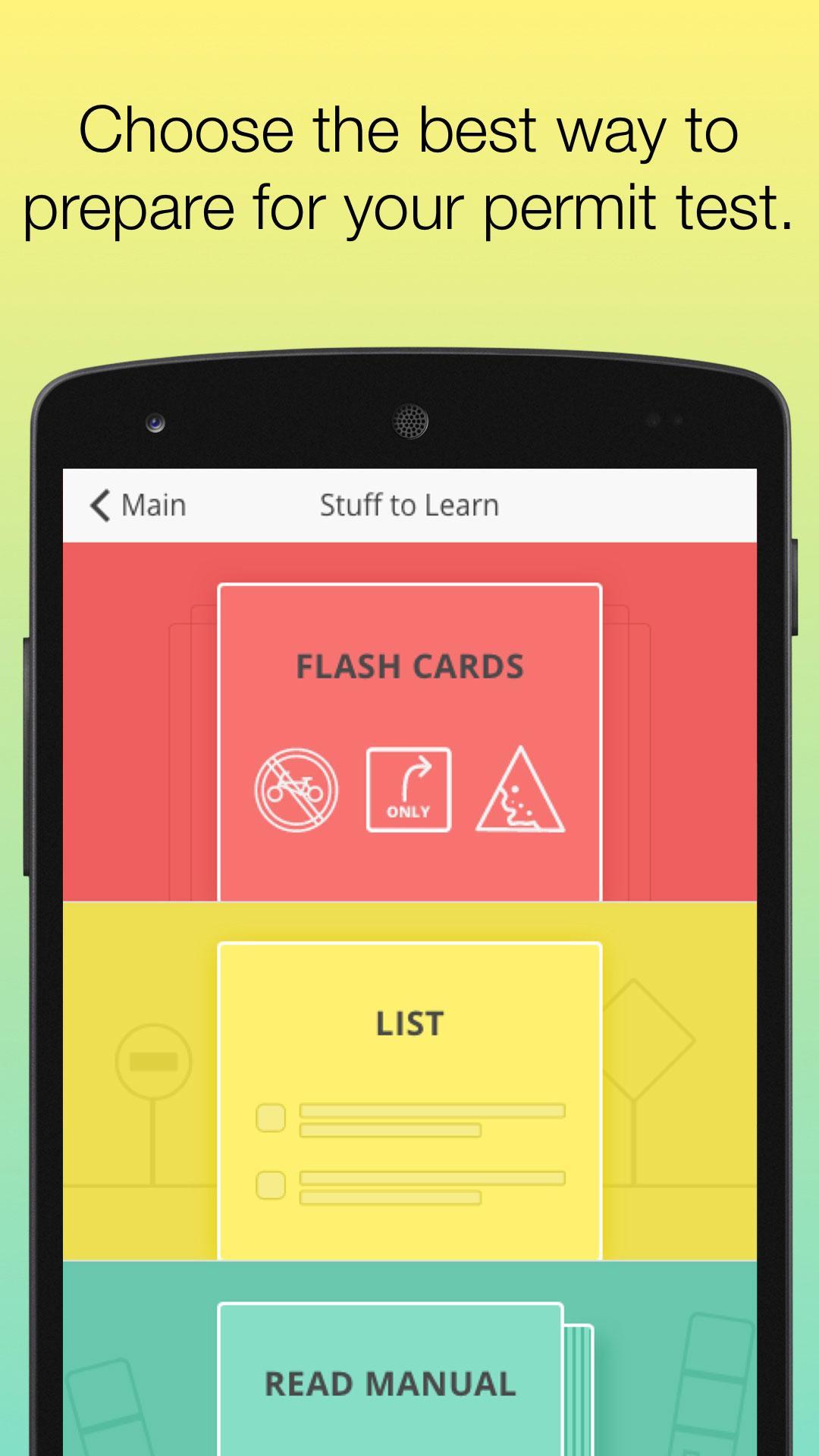
Use flashcards to memorize key facts and terms
Focus on specific categories like air brakes, hazmat, or combination vehicles
Track your learning progress with in-app analytics
Study offline once the content is downloaded
All tools are structured around the actual exam categories.
Study Modes
Flashcards – Visual study aid for rules, signs, and technical terms
Topic Quizzes – Focused drills on specific subject areas
Practice Tests – Simulations of the official Texas CDL exam
Marathon Mode – Go through the full question set in one session
Why CDL Learners Use Driver-Start.com
Free to download — no subscription or hidden costs
Easy to use with large buttons and clean layout
Works well for both self-study and classroom environments
Based on the 2025 Texas CDL Handbook
Optional online version:
https://driver-start.com
Privacy & Data Use
This app:
Does not collect any personal or sensitive data
Requires no login or account registration
Uses anonymous usage data to improve content accuracy
Read the full privacy policy:
https://driver-start.com/info_pages/privacy_policy/
Important Note
This is not an official DPS product. Driver-Start.com is an independent study app and is not affiliated with the Texas Department of Public Safety or the U.S. Department of Transportation. For official CDL licensing materials or services, visit:
https://www.dps.texas.gov
Start preparing for your Texas CDL permit test with Driver-Start.com — your trusted learning partner for the 2025 DPS exam.
Avance
Etiquetas
EducaciónInformación
Desarrollador
driver-start.com
La última versión
3.4.89
Última actualización
2025-07-25
Categoría
Educación
Disponible en
Google Play
Mostrar más
Cómo jugar TX CDL DMV Permit Test Prep Ed con GameLoop en PC
1. Descargue GameLoop desde el sitio web oficial, luego ejecute el archivo exe para instalar GameLoop.
2. Abra GameLoop y busque "TX CDL DMV Permit Test Prep Ed", busque TX CDL DMV Permit Test Prep Ed en los resultados de búsqueda y haga clic en "Instalar".
3. Disfruta jugando TX CDL DMV Permit Test Prep Ed en GameLoop.
Minimum requirements
OS
Windows 8.1 64-bit or Windows 10 64-bit
GPU
GTX 1050
CPU
i3-8300
Memory
8GB RAM
Storage
1GB available space
Recommended requirements
OS
Windows 8.1 64-bit or Windows 10 64-bit
GPU
GTX 1050
CPU
i3-9320
Memory
16GB RAM
Storage
1GB available space