
Paraphrasing Tool: AI Rewriter para PC
Tech Boeing
Descarga Paraphrasing Tool: AI Rewriter en PC con GameLoop Emulator
Paraphrasing Tool: AI Rewriter en PC
Paraphrasing Tool: AI Rewriter, proveniente del desarrollador Tech Boeing, se ejecuta en el sistema Android en el pasado.
Ahora, puedes jugar Paraphrasing Tool: AI Rewriter en PC con GameLoop sin problemas.
Descárgalo en la biblioteca de GameLoop o en los resultados de búsqueda. No más mirar la batería o llamadas frustrantes en el momento equivocado nunca más.
Simplemente disfrute de Paraphrasing Tool: AI Rewriter PC en la pantalla grande de forma gratuita!
Paraphrasing Tool: AI Rewriter Introducción
Write Better with the Paraphrase App – Humanize AI
Writing from scratch can be tough, and sometimes paraphrasing can be even trickier. That’s why this paraphrase app makes rewriting effortless. Whether it’s an essay, a blog post, or just a few lines for work—you know what you want to say, but the words don’t land right.
That’s where this paraphrasing app comes in. It’s not just another rewriting app. Humanize AI one actually helps you reword content in a way that sounds like you. So if you're stuck trying to fix a sentence or rework a paragraph, this AI paraphraser can help—without making it feel robotic.
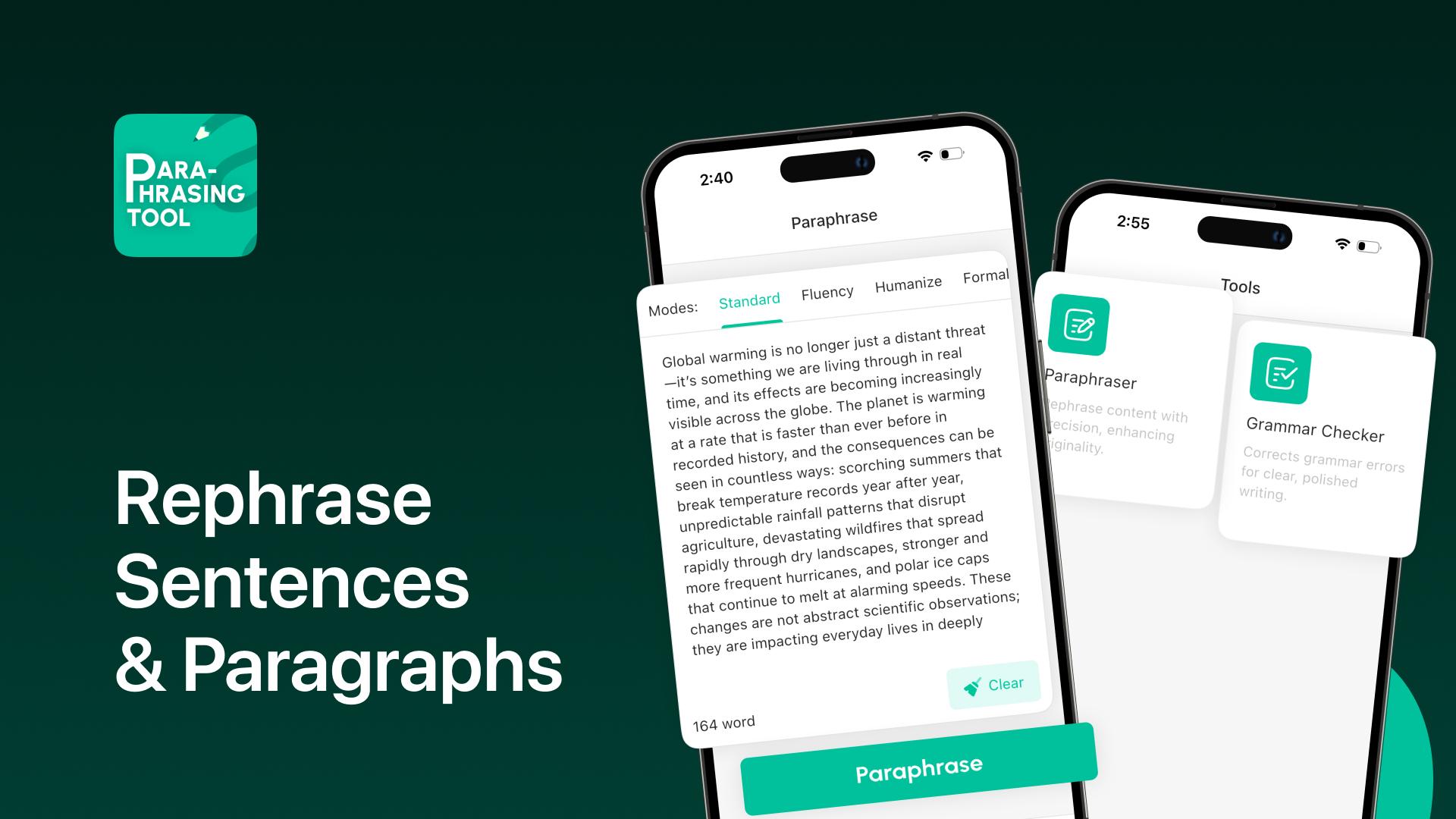
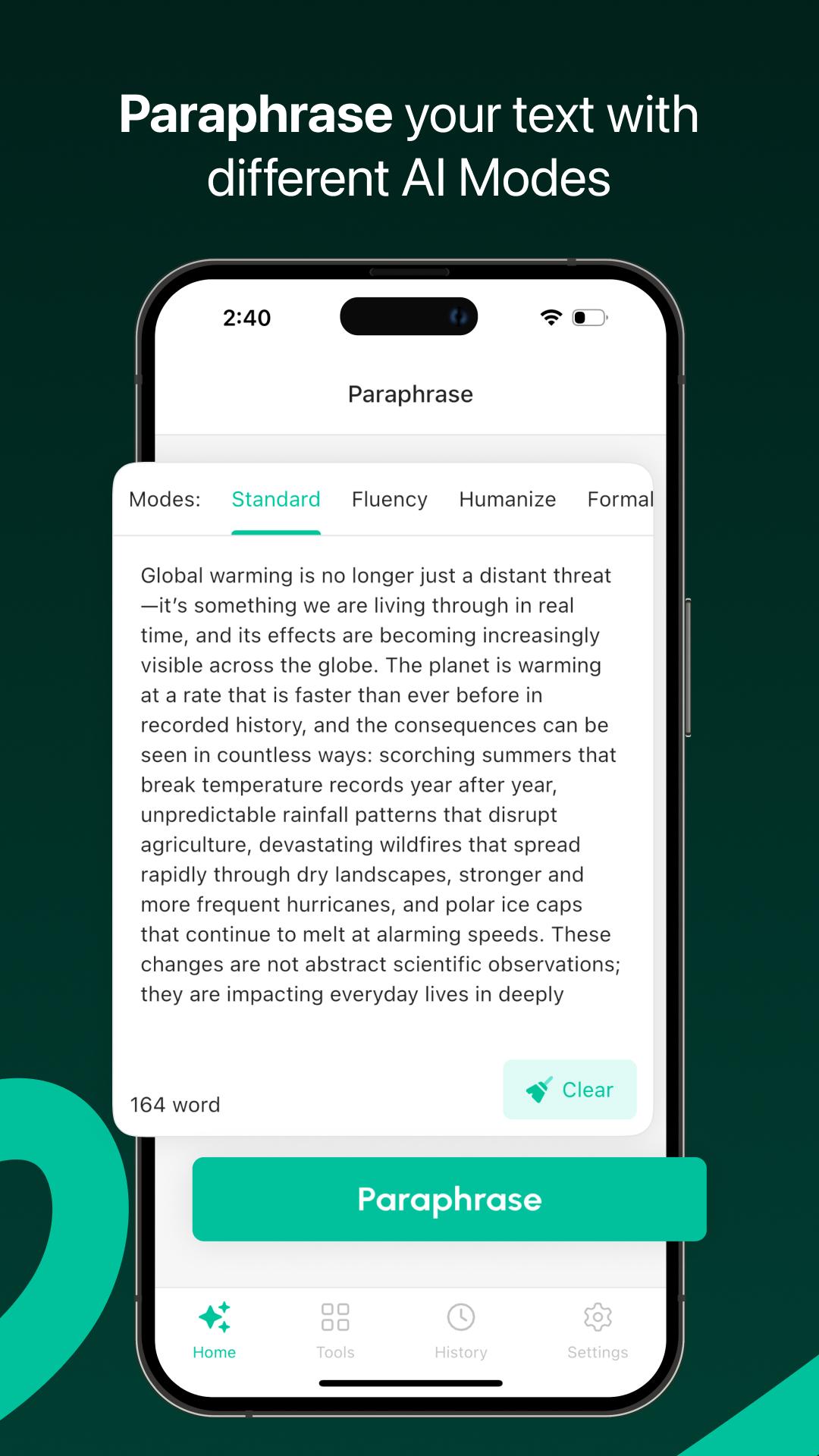
You don’t need to do much. Just drop in your text, pick a tone—maybe formal, maybe something more casual—and this text rewriter will give you a better way to say it. Same message, just humanize and smoother. There’s a built-in grammar check too, so you catch small errors as you go.
---
What You Can Do with Paraphrasing Tool:
Paraphrase sentences, humanize articles, and essays in multiple tones (academic, casual, professional)
Fix grammar or punctuation errors with Grammar Check Ai
Upload full documents and have them rephrased instantly
View original and rephrased versions side-by-side
Use this AI rephrase app freely—no limits, no locked features
---
Why It’s Useful
Some people use it to fix email drafts, others polish assignments. Freelancers and writers love it for overcoming blocks or editing faster. No matter your writing needs, this AI paraphrasing tool gives your words a second life—without changing your message as a humanized style.
You’re always in control—your ideas, just written better.
---
Who’s It Good For?
This Paraphrasing Tool-Humanize ai is useful for all kinds of people. Whether you’re a student trying to clean up an essay without rewriting the whole thing, it helps a lot. Teachers use it to make their notes easier to read, and bloggers or writers use it when stuck on drafts. Paraphrasing is also great for non-native English speakers—it makes it easier to rewrite sentences or polish ideas so they sound natural.
So, if you've ever looked at something you wrote and thought, "This could be better," this paraphrase app might be exactly what you need to rewrite effortlessly.
---
Key Features:
Unlimited Paraphrasing Modes: Choose from formal, casual, or academic tones for your text.
Plagiarism-Free Rewriting: Generate unique content every time with humanize AI.
Grammar & Spelling Fixes: Correct errors while paraphrasing.
Text Rewriting: Quickly paraphrase large essays or paragraphs.
AI-Powered: Fast and accurate paraphrasing with artificial intelligence AI.
Free to Use: Enjoy full access with no hidden fees.
---
How to Use the Paraphrasing App
1. Paste your text or upload a document.
2. Select your paraphrasing tone and style.
3. Click "Paraphrase" and watch the app rework your text.
4. Edit, save, or share your rephrased content.
---
Download now and make your writing clearer, faster, and plagiarism-free with the ultimate paraphrasing tool.
[Minimum supported app version: 1.5.0]
Avance
Etiquetas
EducaciónProductividadInformación
Desarrollador
Tech Boeing
La última versión
1.5.2
Última actualización
2025-10-20
Categoría
Educación
Disponible en
Google Play
Mostrar más
Cómo jugar Paraphrasing Tool: AI Rewriter con GameLoop en PC
1. Descargue GameLoop desde el sitio web oficial, luego ejecute el archivo exe para instalar GameLoop.
2. Abra GameLoop y busque "Paraphrasing Tool: AI Rewriter", busque Paraphrasing Tool: AI Rewriter en los resultados de búsqueda y haga clic en "Instalar".
3. Disfruta jugando Paraphrasing Tool: AI Rewriter en GameLoop.
Minimum requirements
OS
Windows 8.1 64-bit or Windows 10 64-bit
GPU
GTX 1050
CPU
i3-8300
Memory
8GB RAM
Storage
1GB available space
Recommended requirements
OS
Windows 8.1 64-bit or Windows 10 64-bit
GPU
GTX 1050
CPU
i3-9320
Memory
16GB RAM
Storage
1GB available space