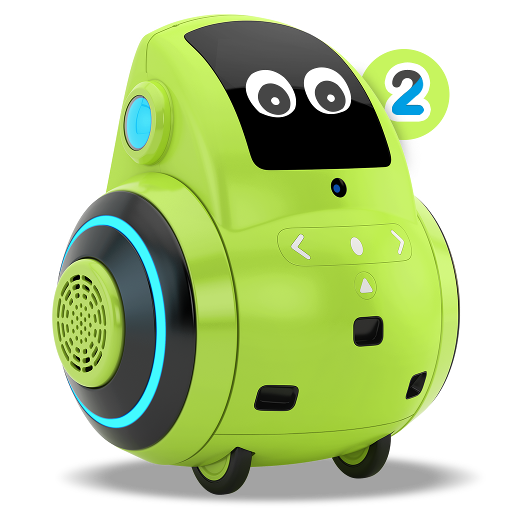
Miko 2 para PC
Emotix
Descarga Miko 2 en PC con GameLoop Emulator
Miko 2 en PC
Miko 2, proveniente del desarrollador Emotix, se ejecuta en el sistema Android en el pasado.
Ahora, puedes jugar Miko 2 en PC con GameLoop sin problemas.
Descárgalo en la biblioteca de GameLoop o en los resultados de búsqueda. No más mirar la batería o llamadas frustrantes en el momento equivocado nunca más.
Simplemente disfrute de Miko 2 PC en la pantalla grande de forma gratuita!
Miko 2 Introducción
Miko 2 is the latest offering from Miko, an advanced consumer robotics innovation lab, passionate about bringing the best of technology to young learners everywhere. Miko 2 is the most advanced personal robot for kids powered with super smarts to Engage, Educate and Entertain children. This Miko 2 application is for the parents and caregivers to set up their Miko 2 and unlock the amazing possibilities that the adorable little bot holds.
Here's a sneak peek into the Miko 2 app:
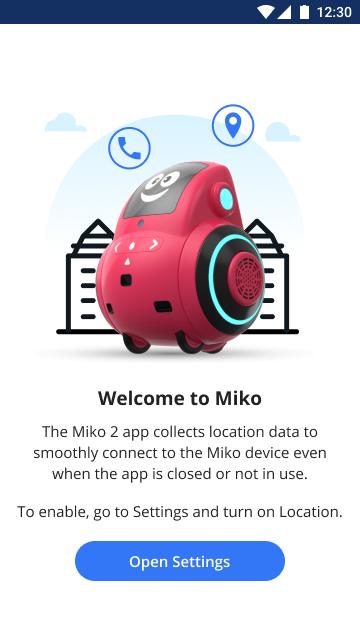
•Connecting Miko 2: This app helps you connect Miko 2 to your Bluetooth and Wi-Fi.
•Talent House: This contains the list of fun games and story apps that are available for your child on the Miko 2 device.
•Teleconnect: This feature lets you video-call your child through Miko 2 and be present from wherever you want, whenever you want!
•Things to try: Get suggestions about how to explore Miko 2's potential.
Download now and uncover more interesting features to ensure deep learning and development in your child. Miko 2 opens up your child's world to millions of possibilities.
Avance
Etiquetas
EducaciónInformación
Desarrollador
Emotix
La última versión
2.4.1
Última actualización
2021-11-17
Categoría
Educación
Disponible en
Google Play
Mostrar más
Cómo jugar Miko 2 con GameLoop en PC
1. Descargue GameLoop desde el sitio web oficial, luego ejecute el archivo exe para instalar GameLoop.
2. Abra GameLoop y busque "Miko 2", busque Miko 2 en los resultados de búsqueda y haga clic en "Instalar".
3. Disfruta jugando Miko 2 en GameLoop.
Minimum requirements
OS
Windows 8.1 64-bit or Windows 10 64-bit
GPU
GTX 1050
CPU
i3-8300
Memory
8GB RAM
Storage
1GB available space
Recommended requirements
OS
Windows 8.1 64-bit or Windows 10 64-bit
GPU
GTX 1050
CPU
i3-9320
Memory
16GB RAM
Storage
1GB available space