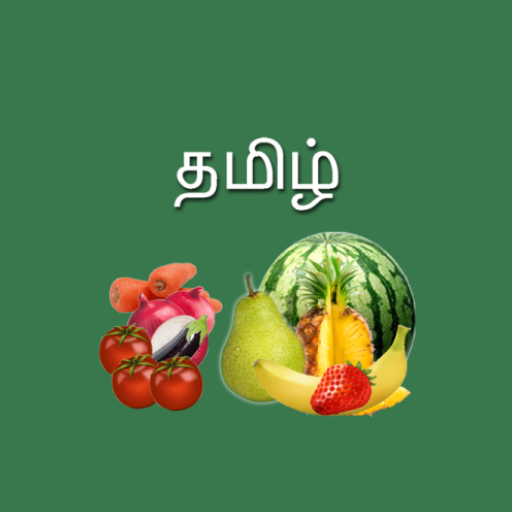
Fruits and Vegetables in Tamil para PC
Sathish Shanmugam
Descarga Fruits and Vegetables in Tamil en PC con GameLoop Emulator
Fruits and Vegetables in Tamil en PC
Fruits and Vegetables in Tamil, proveniente del desarrollador Sathish Shanmugam, se ejecuta en el sistema Android en el pasado.
Ahora, puedes jugar Fruits and Vegetables in Tamil en PC con GameLoop sin problemas.
Descárgalo en la biblioteca de GameLoop o en los resultados de búsqueda. No más mirar la batería o llamadas frustrantes en el momento equivocado nunca más.
Simplemente disfrute de Fruits and Vegetables in Tamil PC en la pantalla grande de forma gratuita!
Fruits and Vegetables in Tamil Introducción
Fruits and Vegetables in Tamil – Learn with Quiz, Voice & Offline Support
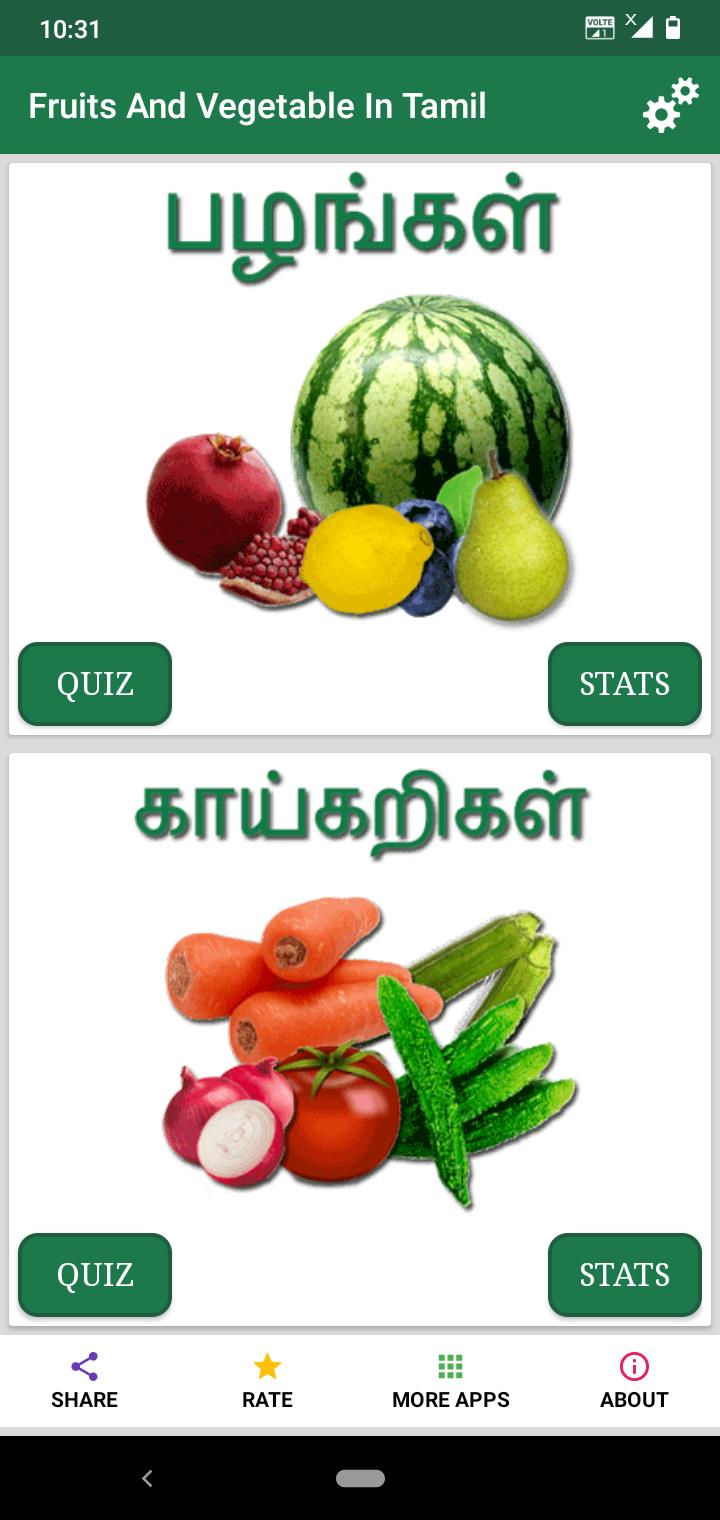
Fruits and Vegetables in Tamil is a free, offline-supported educational app that helps you learn the names of various fruits and vegetables in the Tamil language through fun visuals, audio, and quizzes.
Flip through colorful pages, listen to the correct pronunciation, and reinforce your knowledge through puzzle games and performance tracking — all in one simple and effective app.
🍎 Key Features:
🥦 Learn Fruits and Vegetables in Tamil
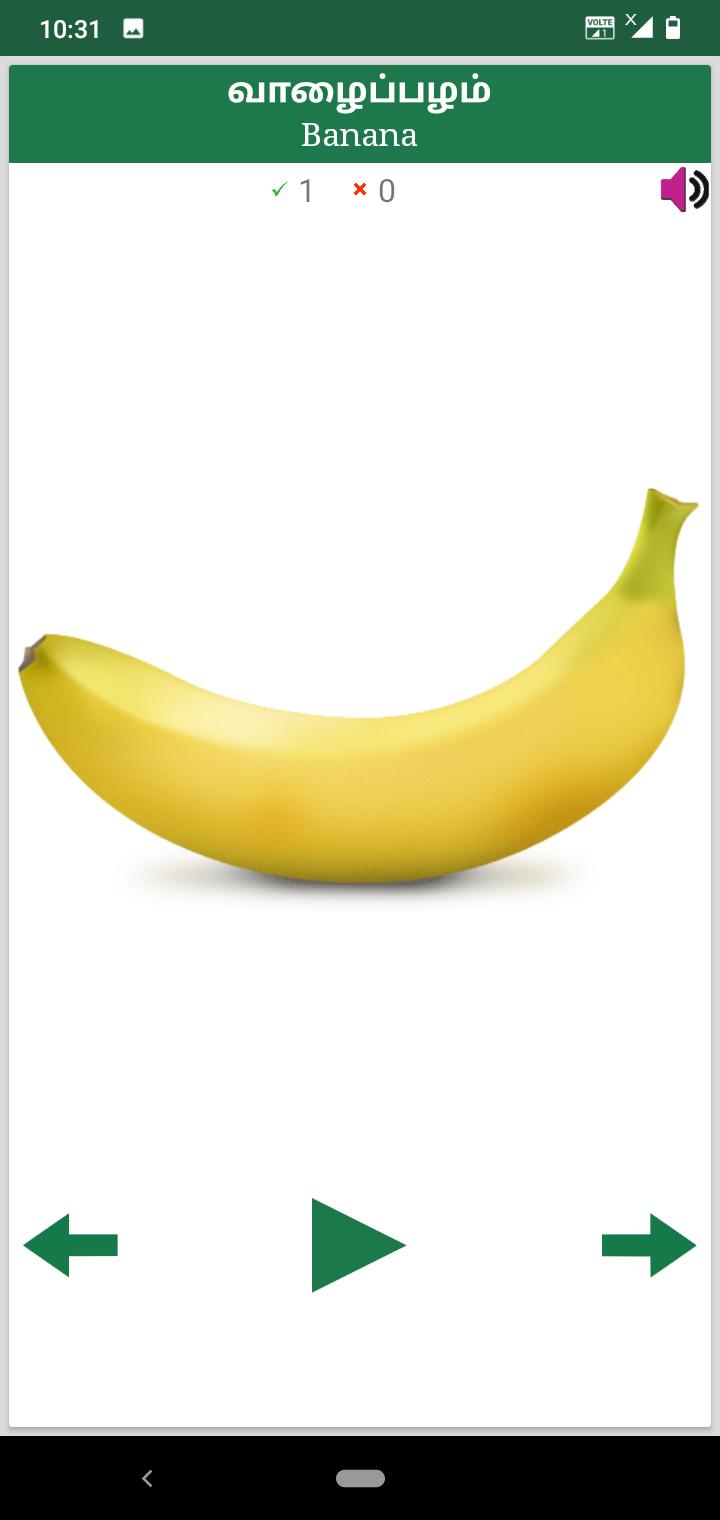
Flip cards help you visually explore and memorize names easily.
🔊 Voice Support with Mute Option
Listen to Tamil pronunciation or mute the voice for silent learning.
🧩 Puzzle Games for Practice
Strengthen your memory and recognition skills in a fun way.
📈 Performance Stats
Track your progress and improve with quiz-based performance feedback.
📶 Offline Support
Use the app anytime, even without an internet connection.
Whether you're learning Tamil for the first time or expanding your vocabulary, this app is a fun and interactive way to master the names of fruits and vegetables.
💬 We always welcome your feedback and comments!
Let us know how we can make your learning journey even better.
Avance
Etiquetas
EducaciónInformación
Desarrollador
Sathish Shanmugam
La última versión
1.8
Última actualización
2025-07-20
Categoría
Educación
Disponible en
Google Play
Mostrar más
Cómo jugar Fruits and Vegetables in Tamil con GameLoop en PC
1. Descargue GameLoop desde el sitio web oficial, luego ejecute el archivo exe para instalar GameLoop.
2. Abra GameLoop y busque "Fruits and Vegetables in Tamil", busque Fruits and Vegetables in Tamil en los resultados de búsqueda y haga clic en "Instalar".
3. Disfruta jugando Fruits and Vegetables in Tamil en GameLoop.
Minimum requirements
OS
Windows 8.1 64-bit or Windows 10 64-bit
GPU
GTX 1050
CPU
i3-8300
Memory
8GB RAM
Storage
1GB available space
Recommended requirements
OS
Windows 8.1 64-bit or Windows 10 64-bit
GPU
GTX 1050
CPU
i3-9320
Memory
16GB RAM
Storage
1GB available space