Real- Time FPS Meter para PC
Alpha Boat Studio
Descarga Real- Time FPS Meter en PC con GameLoop Emulator
Real- Time FPS Meter en PC
Real- Time FPS Meter, proveniente del desarrollador Alpha Boat Studio, se ejecuta en el sistema Android en el pasado.
Ahora, puedes jugar Real- Time FPS Meter en PC con GameLoop sin problemas.
Descárgalo en la biblioteca de GameLoop o en los resultados de búsqueda. No más mirar la batería o llamadas frustrantes en el momento equivocado nunca más.
Simplemente disfrute de Real- Time FPS Meter PC en la pantalla grande de forma gratuita!
Real- Time FPS Meter Introducción
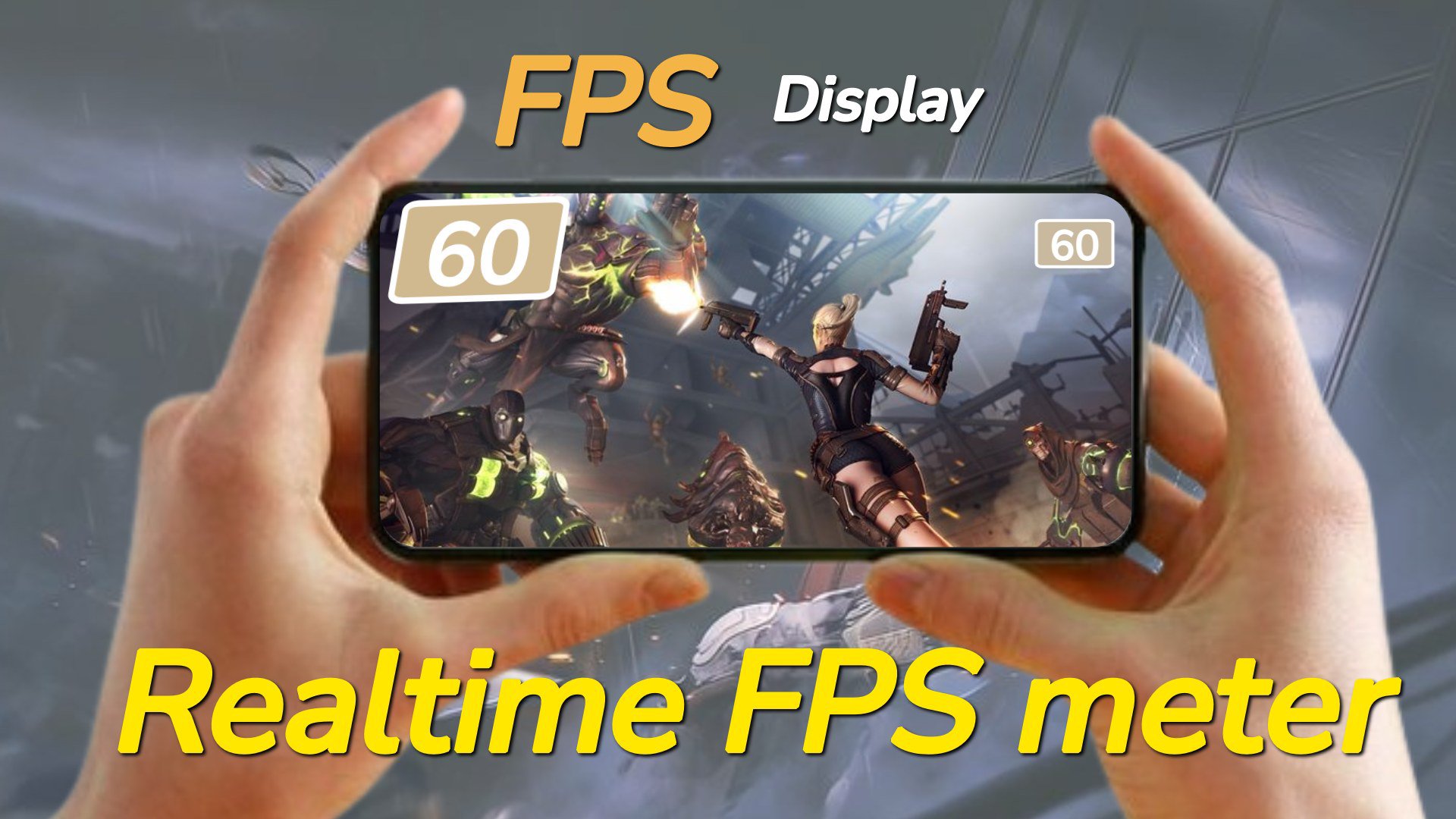
Get real-time performance information and customization for your device. 📲Track FPS rate, screen refresh rate, CPU & GPU info and display details. ⚡️
Main Features:
⏱️FPS Meter Display:
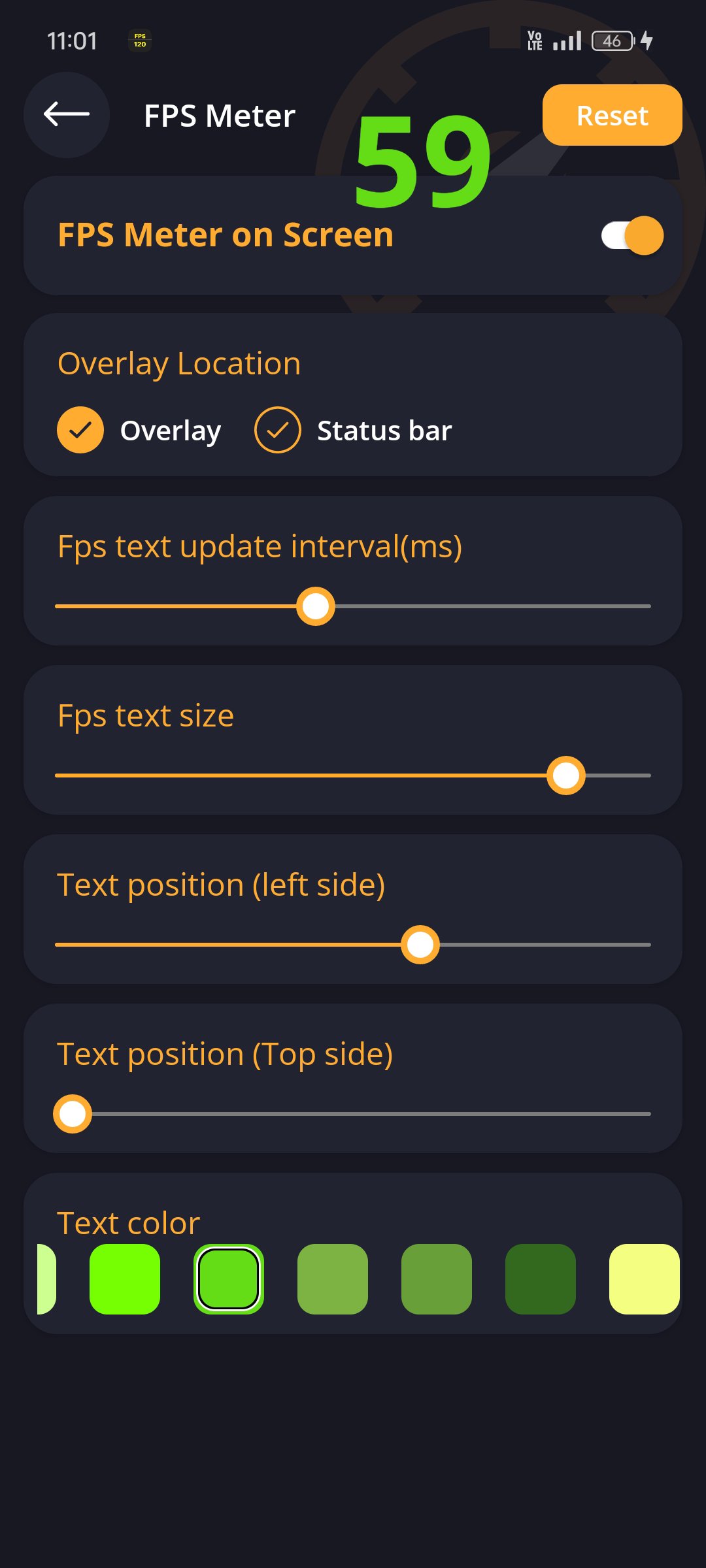
- Display frames per second (FPS) rate🎮 on your screen.
- Customize🎨 the FPS meter's appearance, including overlay and status bar options.
- Customize✍️ FPS rate text size, color and position.
- Easily toggle⚙️ the display of FPS rate on or off from the screen.
🔄Screen Refresh Rate Display:
- View the screen refresh rate🔄 on your device's screen.
- Customize the appearance of the refresh rate display🎚️, including overlay and status bar options.
- Customize refresh rate text size✏️, color and position.
- Turn on or off the screen rate display from the screen📲.
Avance
Etiquetas
HerramientasInformación
Desarrollador
Alpha Boat Studio
La última versión
0.24
Última actualización
2025-08-30
Categoría
Educación
Disponible en
Google Play
Mostrar más
Cómo jugar Real- Time FPS Meter con GameLoop en PC
1. Descargue GameLoop desde el sitio web oficial, luego ejecute el archivo exe para instalar GameLoop.
2. Abra GameLoop y busque "Real- Time FPS Meter", busque Real- Time FPS Meter en los resultados de búsqueda y haga clic en "Instalar".
3. Disfruta jugando Real- Time FPS Meter en GameLoop.
Minimum requirements
OS
Windows 8.1 64-bit or Windows 10 64-bit
GPU
GTX 1050
CPU
i3-8300
Memory
8GB RAM
Storage
1GB available space
Recommended requirements
OS
Windows 8.1 64-bit or Windows 10 64-bit
GPU
GTX 1050
CPU
i3-9320
Memory
16GB RAM
Storage
1GB available space