
ExamView Student para PC
Turning Technologies
Descarga ExamView Student en PC con GameLoop Emulator
ExamView Student en PC
ExamView Student, proveniente del desarrollador Turning Technologies, se ejecuta en el sistema Android en el pasado.
Ahora, puedes jugar ExamView Student en PC con GameLoop sin problemas.
Descárgalo en la biblioteca de GameLoop o en los resultados de búsqueda. No más mirar la batería o llamadas frustrantes en el momento equivocado nunca más.
Simplemente disfrute de ExamView Student PC en la pantalla grande de forma gratuita!
ExamView Student Introducción
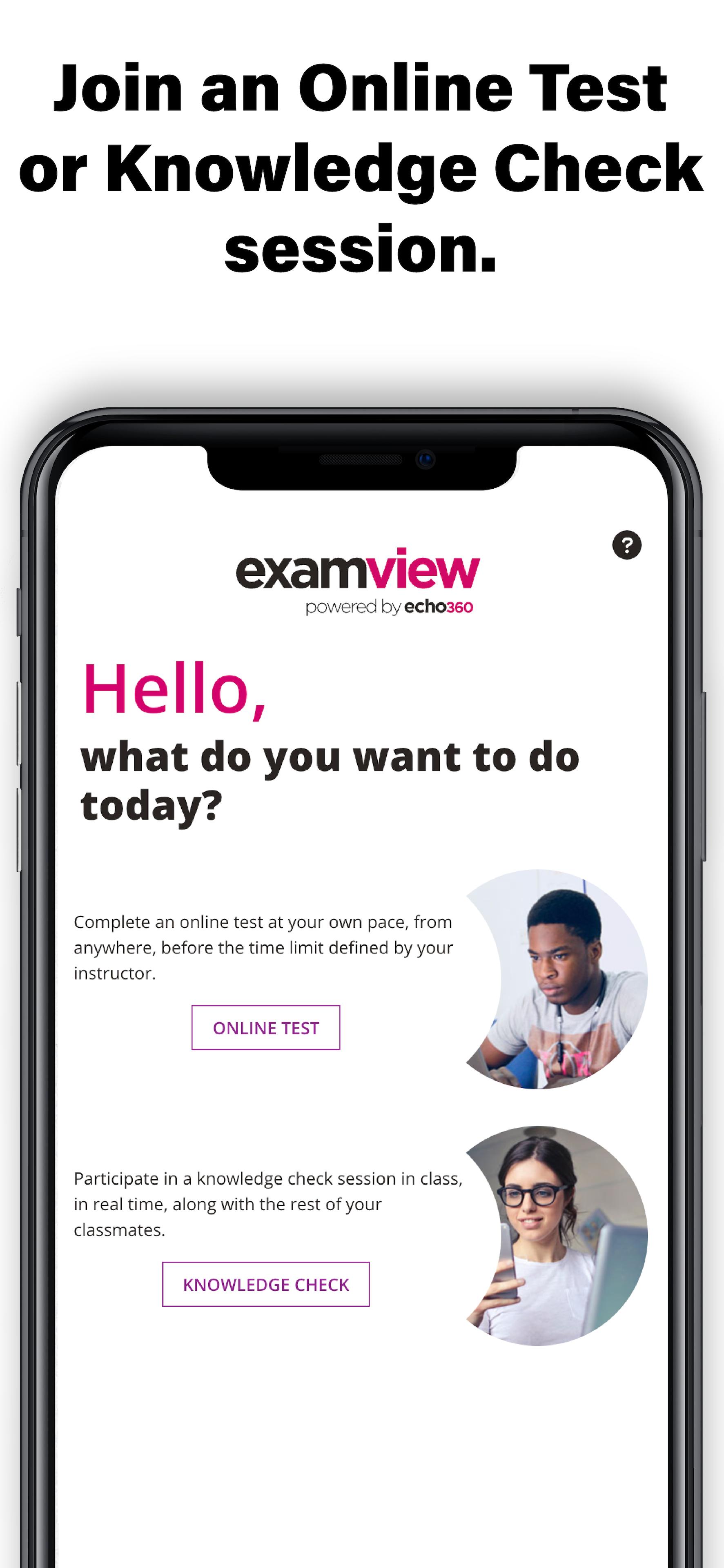
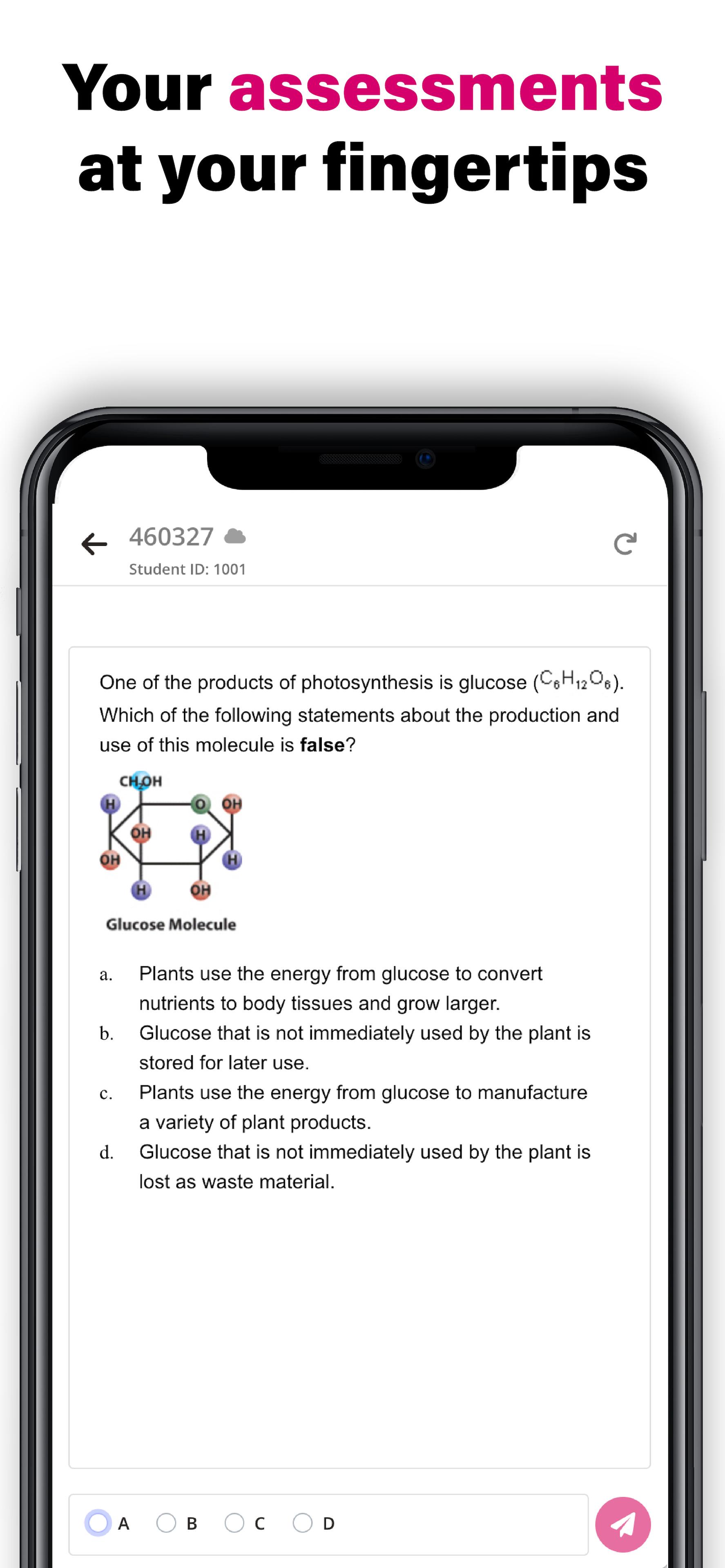
The ExamView Student app allows students to use their web-enabled smartphone to respond to questions. Student responses are collected in ExamView Assessment Suite desktop software.
The ExamView Student app allows students to
- Access and respond to questions in an online assessments
- Join a polling session and engage in either teacher-led or student-managed assessments
The ExamView Student app allows instructors to
- Engage students with various question types including multiple choice, true/false, yes/no, multiple response, numeric response, completion, matching, and short answer
- Assess student understanding in real-time
- Engage students in teacher-led and student-managed knowledge check sessions
The ExamView Student app works exclusively with ExamView Assessment Suite v11 and ExamView Premium license. The ExamView Student app also requires the installation of ExamView Assessment Suite v11 on the instructor’s desktop computer. Combined with ExamView Assessment Suite, instructors can ensure that content is resonating and objectives are met.
Avance
Etiquetas
EducaciónInformación
Desarrollador
Turning Technologies
La última versión
2.0.18
Última actualización
2023-10-23
Categoría
Educación
Disponible en
Google Play
Mostrar más
Cómo jugar ExamView Student con GameLoop en PC
1. Descargue GameLoop desde el sitio web oficial, luego ejecute el archivo exe para instalar GameLoop.
2. Abra GameLoop y busque "ExamView Student", busque ExamView Student en los resultados de búsqueda y haga clic en "Instalar".
3. Disfruta jugando ExamView Student en GameLoop.
Minimum requirements
OS
Windows 8.1 64-bit or Windows 10 64-bit
GPU
GTX 1050
CPU
i3-8300
Memory
8GB RAM
Storage
1GB available space
Recommended requirements
OS
Windows 8.1 64-bit or Windows 10 64-bit
GPU
GTX 1050
CPU
i3-9320
Memory
16GB RAM
Storage
1GB available space