
English In Everyday Life para PC
Arnon sana
Descarga English In Everyday Life en PC con GameLoop Emulator
English In Everyday Life en PC
English In Everyday Life, proveniente del desarrollador Arnon sana, se ejecuta en el sistema Android en el pasado.
Ahora, puedes jugar English In Everyday Life en PC con GameLoop sin problemas.
Descárgalo en la biblioteca de GameLoop o en los resultados de búsqueda. No más mirar la batería o llamadas frustrantes en el momento equivocado nunca más.
Simplemente disfrute de English In Everyday Life PC en la pantalla grande de forma gratuita!
English In Everyday Life Introducción
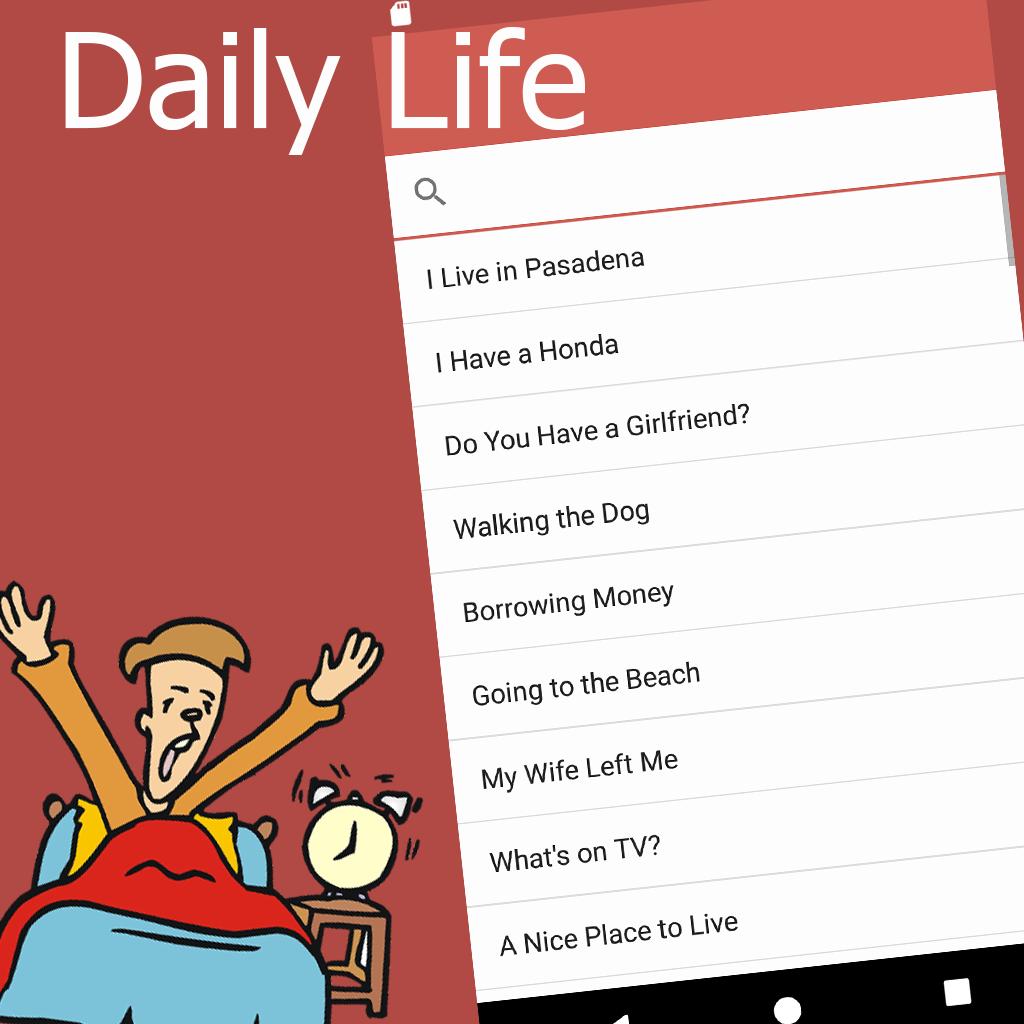
Everyday English Apps that compile English articles about the content of the subject. Daily life is the most readable article. Those interested in studying English should have this app installed. Can be read. Pronunciation based on the inside of the app, in addition to the article also. The sound of the article in MP3 format online where you can go to learn, anywhere, anytime. In the article is also hidden vocabulary, basic English-related aspects of everyday life you should know to be taken to the basics of learning English at a higher level.
In addition to English articles related to everyday life, the app also has. English Short Story Many of the short stories that you have to practice English. Use the exam to study, work, study and so on, as you are interested and a good foundation for learning the language.
The app is designed to be beautiful to use to benefit. Can listen to anywhere, anytime.
Avance

Etiquetas
EducaciónInformación
Desarrollador
Arnon sana
La última versión
2.0
Última actualización
2019-09-08
Categoría
Educación
Disponible en
Google Play
Mostrar más
Cómo jugar English In Everyday Life con GameLoop en PC
1. Descargue GameLoop desde el sitio web oficial, luego ejecute el archivo exe para instalar GameLoop.
2. Abra GameLoop y busque "English In Everyday Life", busque English In Everyday Life en los resultados de búsqueda y haga clic en "Instalar".
3. Disfruta jugando English In Everyday Life en GameLoop.
Minimum requirements
OS
Windows 8.1 64-bit or Windows 10 64-bit
GPU
GTX 1050
CPU
i3-8300
Memory
8GB RAM
Storage
1GB available space
Recommended requirements
OS
Windows 8.1 64-bit or Windows 10 64-bit
GPU
GTX 1050
CPU
i3-9320
Memory
16GB RAM
Storage
1GB available space