GMAT: Practice,Prep,Flashcards para PC
Varsity Tutors LLC
Descarga GMAT: Practice,Prep,Flashcards en PC con GameLoop Emulator
GMAT: Practice,Prep,Flashcards en PC
GMAT: Practice,Prep,Flashcards, proveniente del desarrollador Varsity Tutors LLC, se ejecuta en el sistema Android en el pasado.
Ahora, puedes jugar GMAT: Practice,Prep,Flashcards en PC con GameLoop sin problemas.
Descárgalo en la biblioteca de GameLoop o en los resultados de búsqueda. No más mirar la batería o llamadas frustrantes en el momento equivocado nunca más.
Simplemente disfrute de GMAT: Practice,Prep,Flashcards PC en la pantalla grande de forma gratuita!
GMAT: Practice,Prep,Flashcards Introducción
*** From the Makers of Varsity Learning Tools - Best Education App - 2016 Appy Awards ***
The first step toward a Master’s degree in business is to do well on the Graduate Management Admission Test. A high GMAT score can open doors to your dream graduate program, and a low score can just as easily close those doors.
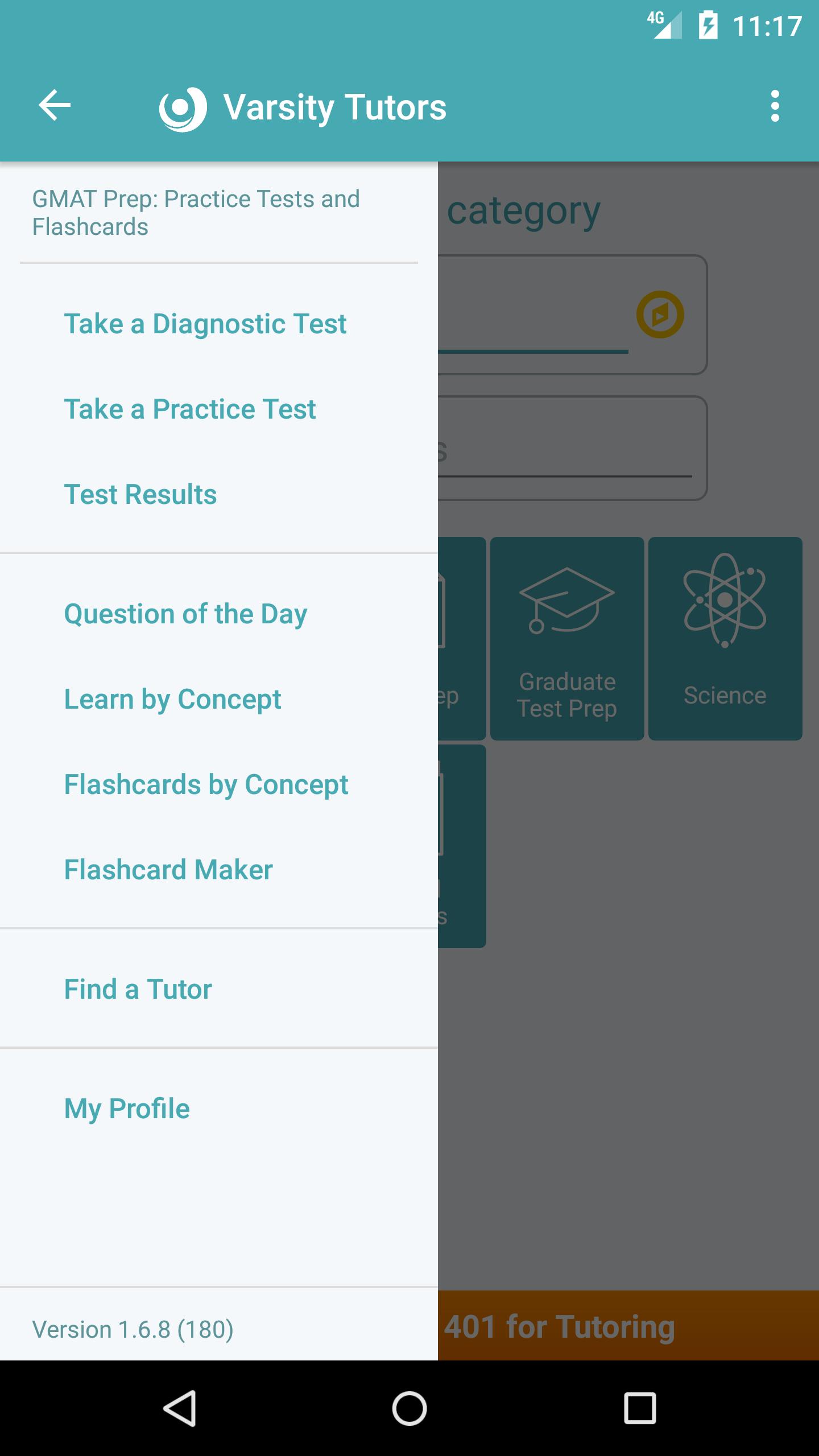
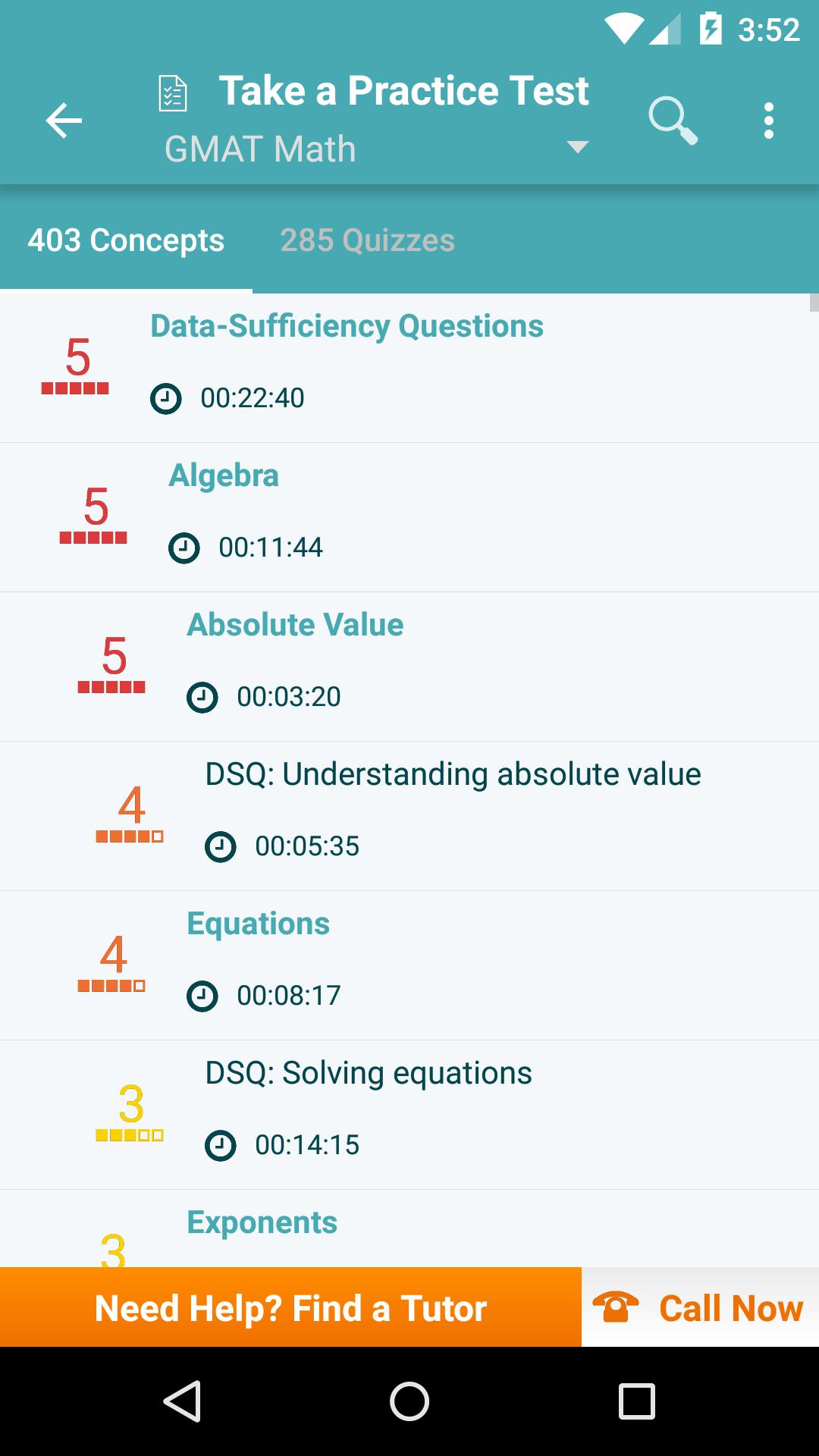
Maximize your prep time with the free Varsity Tutors GMAT Prep app for Android devices. The GMAT Prep app provides all of the information a student needs to prepare for the three-and-a-half-hour exam’s Verbal Reasoning, Quantitative Reasoning, Integrated Reasoning, and Analytical Writing sections.
The app uses multiple practice and diagnostic tests to assess your ability to evaluate, analyze, and draw conclusions from data. Students can also choose to learn more about individual concepts, like how to understand the content of mixed passages or how to analyze argumentative claims and bias. The app provides a trove of professionally written practice questions to prepare students for the analytical and interpretive questions they will face on the GMAT, and it also offers comprehensive explanations for more difficult concepts.
The GMAT can mean months of preparation. Downloading the free Varsity Tutors GMAT Prep app for Android-powered smartphones and tablets adds a high-value tool to your study arsenal.
Avance
Etiquetas
EducaciónInformación
Desarrollador
Varsity Tutors LLC
La última versión
1.8.8
Última actualización
2024-03-09
Categoría
Educación
Disponible en
Google Play
Mostrar más
Cómo jugar GMAT: Practice,Prep,Flashcards con GameLoop en PC
1. Descargue GameLoop desde el sitio web oficial, luego ejecute el archivo exe para instalar GameLoop.
2. Abra GameLoop y busque "GMAT: Practice,Prep,Flashcards", busque GMAT: Practice,Prep,Flashcards en los resultados de búsqueda y haga clic en "Instalar".
3. Disfruta jugando GMAT: Practice,Prep,Flashcards en GameLoop.
Minimum requirements
OS
Windows 8.1 64-bit or Windows 10 64-bit
GPU
GTX 1050
CPU
i3-8300
Memory
8GB RAM
Storage
1GB available space
Recommended requirements
OS
Windows 8.1 64-bit or Windows 10 64-bit
GPU
GTX 1050
CPU
i3-9320
Memory
16GB RAM
Storage
1GB available space