
Al-Huda Live para PC
Alhuda International
Descarga Al-Huda Live en PC con GameLoop Emulator
Al-Huda Live en PC
Al-Huda Live, proveniente del desarrollador Alhuda International, se ejecuta en el sistema Android en el pasado.
Ahora, puedes jugar Al-Huda Live en PC con GameLoop sin problemas.
Descárgalo en la biblioteca de GameLoop o en los resultados de búsqueda. No más mirar la batería o llamadas frustrantes en el momento equivocado nunca más.
Simplemente disfrute de Al-Huda Live PC en la pantalla grande de forma gratuita!
Al-Huda Live Introducción
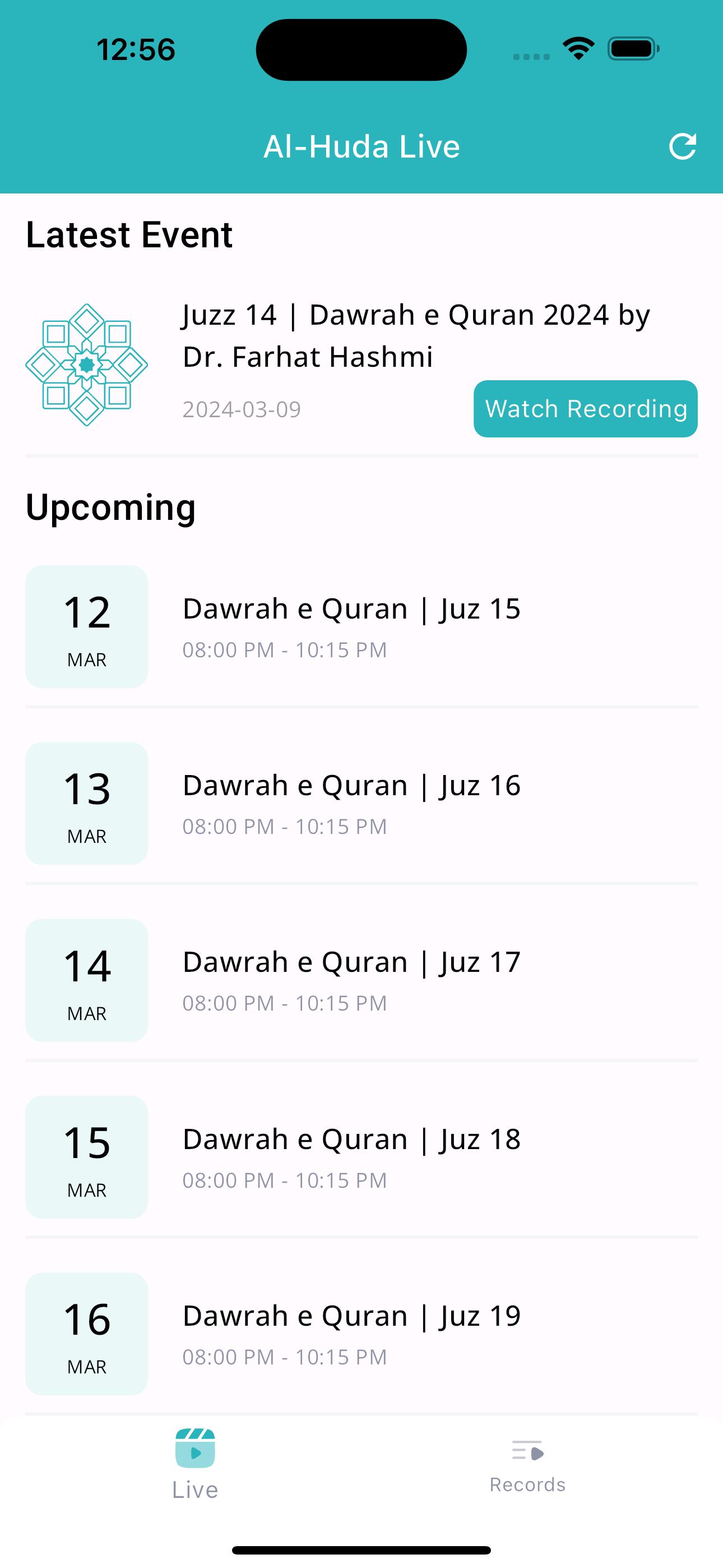
Al-Huda Live app allow users to listen to live broadcast of audio and video lectures by Dr. Farhat Hashmi. This app also includes the recording of those broadcasted lectures which the users can easily gain access to later in case they have missed the live transmission.
Note: This app is only meant for Live lectures and also includes unedited recorded version of Live lectures which are available for a limited time period only. Use "Quran in Hand" app for all recorded lectures with download feature for offline listening.
Features:
1. Live streaming of Audio/Video lectures by Dr. Farhat Hashmi.
2. Live Sessions' recordings available for later listening.
3. Display of content being shown during live sessions.
4. Content can include power point presentations or subject notes in pdf format.
5. Users can zoom in at the content for better visiblility.
6. Time Table of upcoming live sessions.
7. Notification of live sessions and events.
Avance

Etiquetas
EducaciónInformación
Desarrollador
Alhuda International
La última versión
3.1.2
Última actualización
2025-07-13
Categoría
Educación
Disponible en
Google Play
Mostrar más
Cómo jugar Al-Huda Live con GameLoop en PC
1. Descargue GameLoop desde el sitio web oficial, luego ejecute el archivo exe para instalar GameLoop.
2. Abra GameLoop y busque "Al-Huda Live", busque Al-Huda Live en los resultados de búsqueda y haga clic en "Instalar".
3. Disfruta jugando Al-Huda Live en GameLoop.
Minimum requirements
OS
Windows 8.1 64-bit or Windows 10 64-bit
GPU
GTX 1050
CPU
i3-8300
Memory
8GB RAM
Storage
1GB available space
Recommended requirements
OS
Windows 8.1 64-bit or Windows 10 64-bit
GPU
GTX 1050
CPU
i3-9320
Memory
16GB RAM
Storage
1GB available space