
Zello PTT Custom Button - Fast para PC
www.SmartWalkie.com
Descarga Zello PTT Custom Button - Fast en PC con GameLoop Emulator
Zello PTT Custom Button - Fast en PC
Zello PTT Custom Button - Fast, proveniente del desarrollador www.SmartWalkie.com, se ejecuta en el sistema Android en el pasado.
Ahora, puedes jugar Zello PTT Custom Button - Fast en PC con GameLoop sin problemas.
Descárgalo en la biblioteca de GameLoop o en los resultados de búsqueda. No más mirar la batería o llamadas frustrantes en el momento equivocado nunca más.
Simplemente disfrute de Zello PTT Custom Button - Fast PC en la pantalla grande de forma gratuita!
Zello PTT Custom Button - Fast Introducción
Use Volume Down or any custom button to start PTT (Push to Talk) for Walkie Talkie Apps like Zello and VoicePing.
This app uses accessibility permission to detect a button press. You can select a volume button or a custom button to start a Push-To-Talk.
Features
- Compatible with Zello and VoicePing.
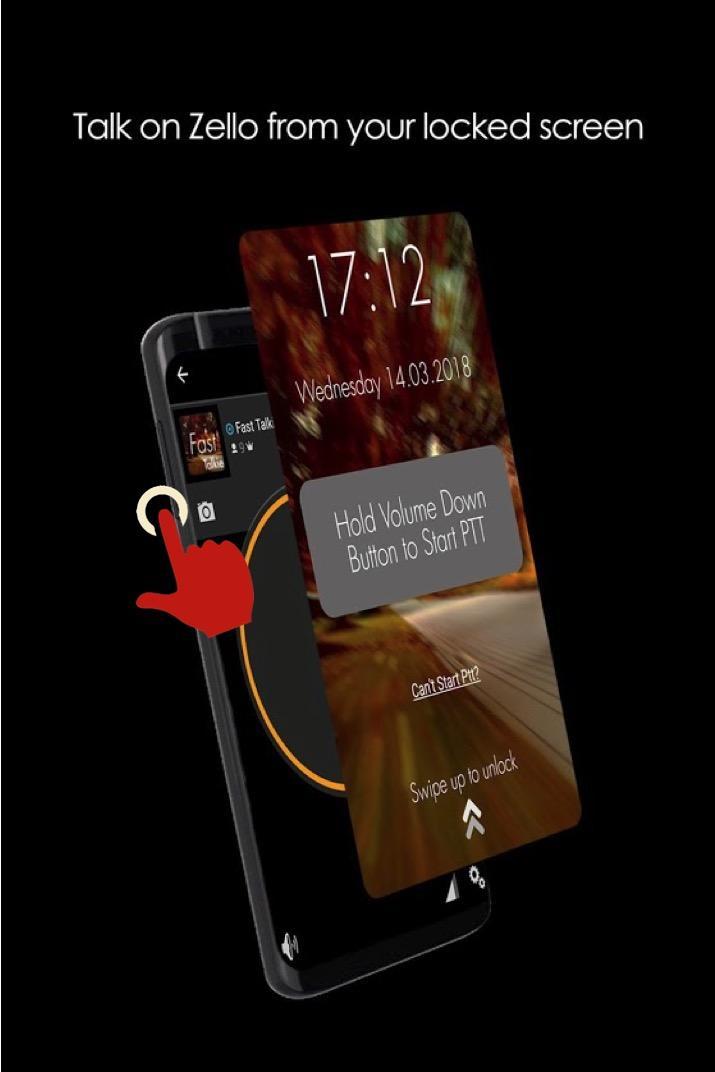
- Push to Talk without unlocking your phone.
- Accessibility Mode: Allow PTT as long as screen is switched on. Depending on your smartphone, this could even allow PTT even if screen is switched off
PRO Features
- Use a Custom Button (i.e SOS/Programmable/Camera buttons) for PTT
- Use any supported PTT App (Normally only Zello and VoicePing)
- Next Channel Button for apps that support changing channels
- PTT Only when screen is ON: Useful if your PTT button is too sensitive
How It Works
The fastest way to start or reply to PTT
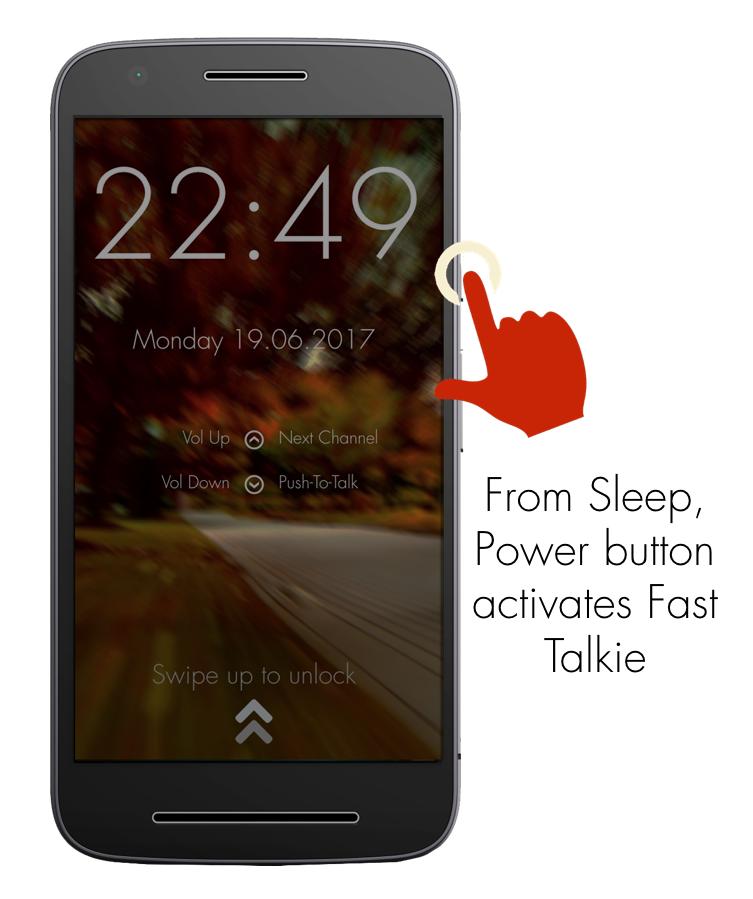
1: Press Power button to wake up phone
2: Hold Volume Down/Custom button to PTT in the previously selected Zello/VoicePing Channel
Required Setup
1: Install Fast Talkie
2: Enable Accessibility Permission
3: Choose a Zello Contact or Channel
4: Hold your selected PTT button
Verified Phone models that work with custom button even when screen off
- Samsung Xcover Pro, Samsung Xcover 5
- Blackview Series
PTT Intent generated by Fast Talkie
- android.intent.action.PTT.down
- android.intent.action.PTT.up
Reach out to us via our website: https://www.fasttalkie.com/
Avance
Etiquetas
ComunicacionesInformación
Desarrollador
www.SmartWalkie.com
La última versión
3.0.2
Última actualización
2022-08-24
Categoría
Comunicaciones
Disponible en
Google Play
Mostrar más
Cómo jugar Zello PTT Custom Button - Fast con GameLoop en PC
1. Descargue GameLoop desde el sitio web oficial, luego ejecute el archivo exe para instalar GameLoop.
2. Abra GameLoop y busque "Zello PTT Custom Button - Fast", busque Zello PTT Custom Button - Fast en los resultados de búsqueda y haga clic en "Instalar".
3. Disfruta jugando Zello PTT Custom Button - Fast en GameLoop.
Minimum requirements
OS
Windows 8.1 64-bit or Windows 10 64-bit
GPU
GTX 1050
CPU
i3-8300
Memory
8GB RAM
Storage
1GB available space
Recommended requirements
OS
Windows 8.1 64-bit or Windows 10 64-bit
GPU
GTX 1050
CPU
i3-9320
Memory
16GB RAM
Storage
1GB available space