
Walkie Talkie App: VoicePing para PC
www.SmartWalkie.com
Descarga Walkie Talkie App: VoicePing en PC con GameLoop Emulator
Walkie Talkie App: VoicePing en PC
Walkie Talkie App: VoicePing, proveniente del desarrollador www.SmartWalkie.com, se ejecuta en el sistema Android en el pasado.
Ahora, puedes jugar Walkie Talkie App: VoicePing en PC con GameLoop sin problemas.
Descárgalo en la biblioteca de GameLoop o en los resultados de búsqueda. No más mirar la batería o llamadas frustrantes en el momento equivocado nunca más.
Simplemente disfrute de Walkie Talkie App: VoicePing PC en la pantalla grande de forma gratuita!
Walkie Talkie App: VoicePing Introducción
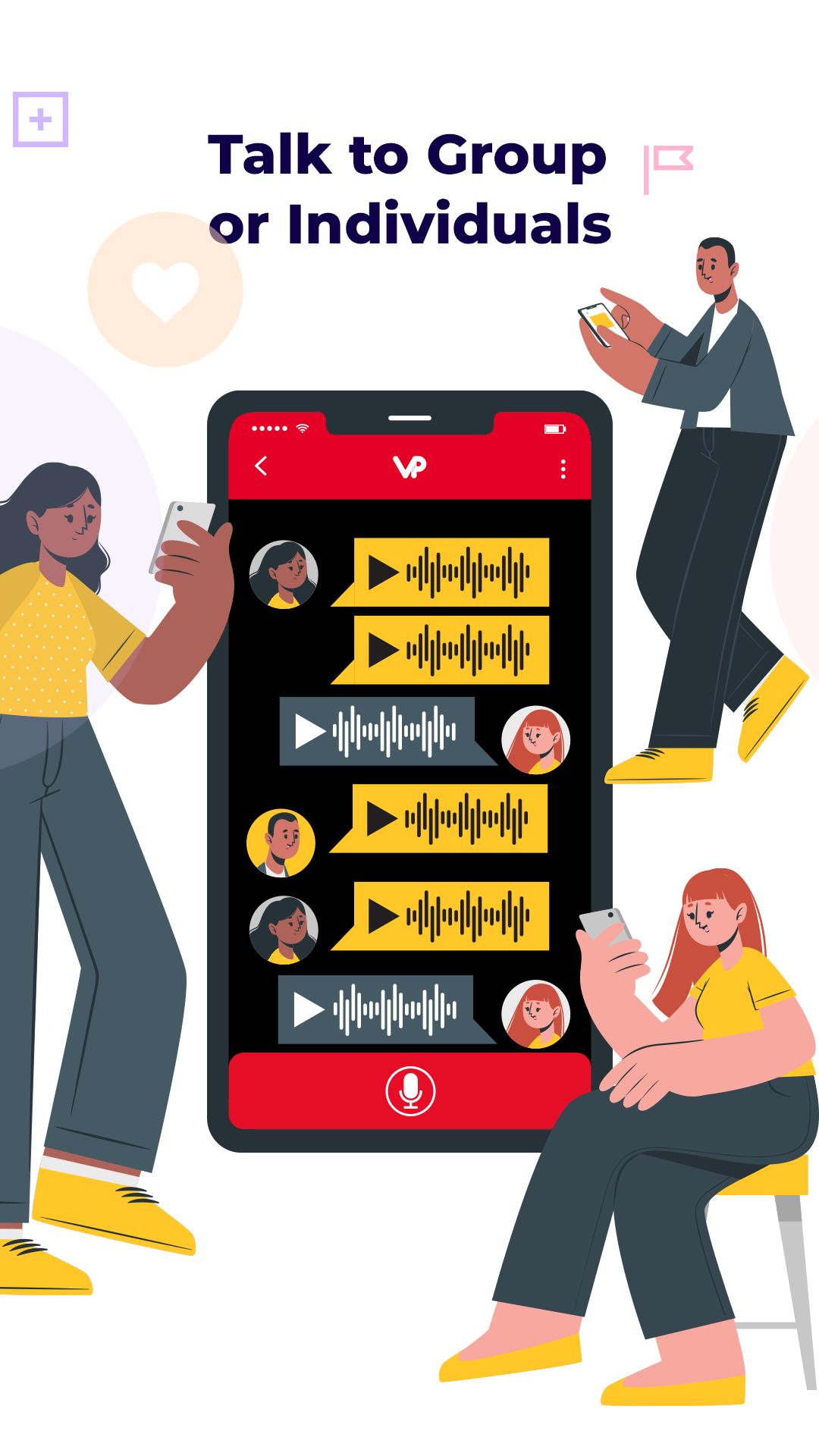
VoicePing gives you a Walkie Talkie App for long range walkie talkie. You can walkie talkie in a group or to an individual no matter how far they are from you even if their phone is locked. Enjoy texting, picture and video messaging unified in one app.
Walkie Talkie Long Range Communication
► When you work as a team, voice communication enables you to get things done faster.
► VoicePing App allows you to get your voice to your entire team no matter how far they are from you.
► Fast Sub second U.S. based server for best walkie talkie experience.
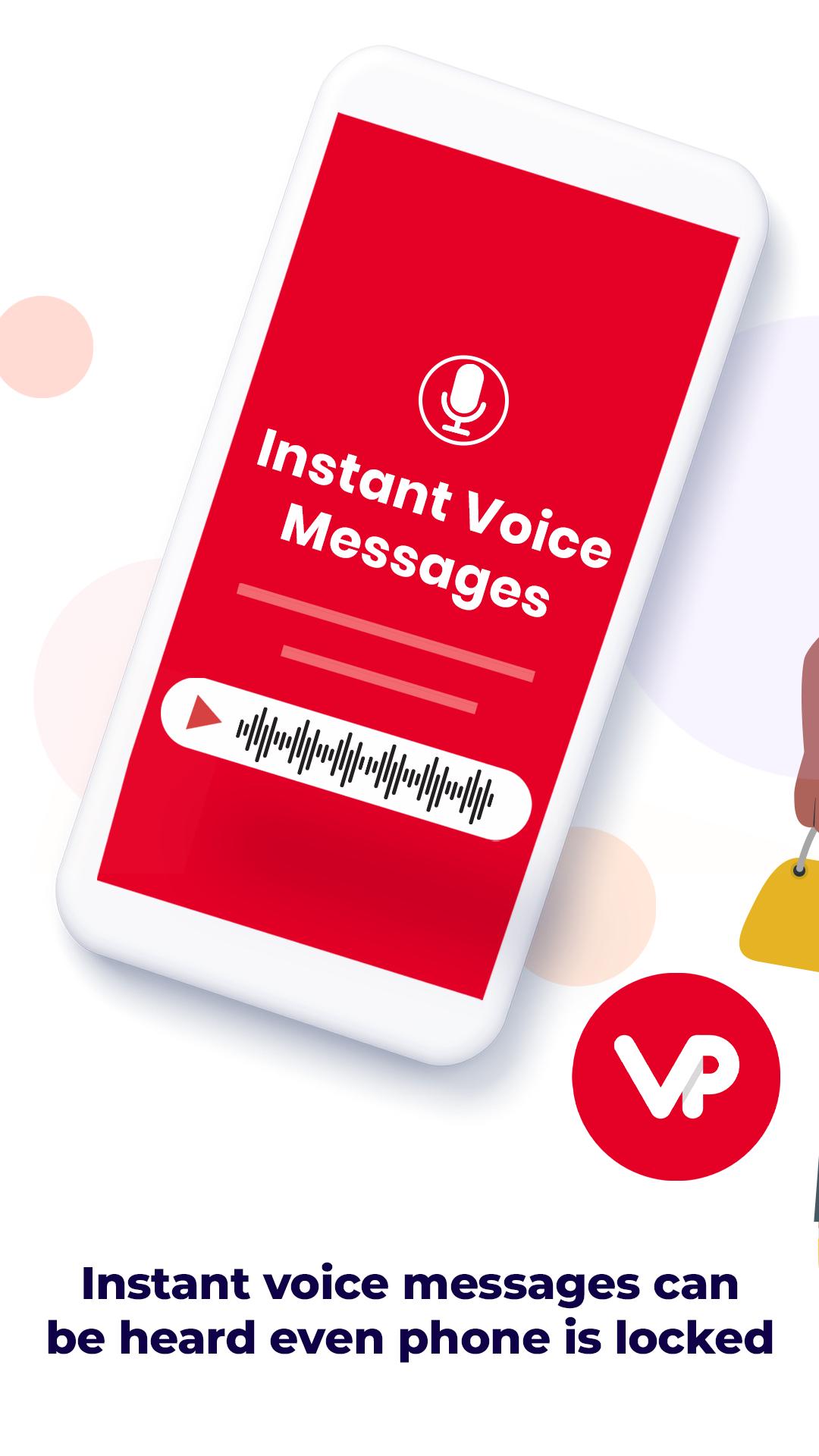
► Send and hear instant voice messages from your colleagues even if the app is in the background or your phone is locked.
► Texting, picture and video messaging unified on one screen.
► Communicate in Groups and Private channels to get work done faster
► You can see where everyone is with location maps (GPS) both on mobile and web desktop.
► Page or send SOS so you can get help quickly.
► Desktop Version available for a more seamless communication between in-office and field workers
► Multi platform support on Android, iOS and Web Desktop
► Professional Walkie Talkie Phones and Bluetooth Accessories supported for ease of use.
Free Forever for Public and Personal Use
► Thousands of Public Channels: Choose from 9999 public channels. Unlimited people can join.
► Family Channel: Request own private Channel in app. Only your family can join your private channel. 5 free users.
「Enterprise Channels」: Unlimited Private Channels. All channels are private. All users are controlled via administrative tool.
Enterprise Features
– 1 Enterprise Directory: Easy to find colleagues and add as contacts
– 2 Private Domain: We do not allow anybody to join your walkie talkie channel other than your co-workers
– 3 Admin Portal: Allows the administrator to Add, Manage & Remove users.
– 4 Web Desktop: Give your telephone operator, dispatchers or managers in the office the ability to send text and walkie talkie via desktop web.
– 5 Recordings: Download all messages within a specified time from the Server via the Admin Dashboard. (Read)
– 6 Bluetooth Support: Bluetooth Walkie Talkie App Headsets are supported & compatible on the VoicePing Enterprise App
– 7 API: Access Access to our API if you need to integrate with your systems.
– 8 Support: We provide technical support via phone & email during Business Days/Hours.
– 9 SLA: We provide a 99.95% Service Level Agreement to ensure no down time for your business. (Read)
– 10 Private Server: We offer On-Premise Deployments if you have your own data center. We also offer a Intranet Appliance that is easy to setup and works without Internet.
Supported Walkie Talkie Phone Models with PTT button Support
– Samsung: Xcover Pro, Xcover 5, Xcover 6 Pro
– Sonim: XP5, XP5s, XP6, XP8, XP9, XP3 Plus,
– AGM: H3, Glory
– CAT Phones: S31,S41, S42, S42H+, S61, S62 Pro,
– Inrico: S100, S200, S300, T320, TM-9, TM-7Plus, T310, T320, T368
– Blackview: BV6600, BV9900, BV9800, BV5900, BV6000
– Ulefone: Armor 11 5G, Armor 8 Pro, Armor 9, Armor X8
– Ruggear: RG360, RG530, RG725, RG655, RG650
– Kyocera; DuraForce Ultra, DuraForce PRO 2
and many more
Requirement
You need to be connected to the internet to use this product. It can be on WiFi or on Mobile data like AT&T, T-mobile or Verizon SIM cards. We offer intranet servers for closed network. Contact us to find out more. https://www.voicepingapp.com
Privacy policy: https://www.voicepingapp.com/blog/voiceping-terms-of-use
Avance
Etiquetas
ComunicacionesInformación
Desarrollador
www.SmartWalkie.com
La última versión
3.2.0.ps-10970-071e9
Última actualización
2025-07-28
Categoría
Comunicaciones
Disponible en
Google Play
Mostrar más
Cómo jugar Walkie Talkie App: VoicePing con GameLoop en PC
1. Descargue GameLoop desde el sitio web oficial, luego ejecute el archivo exe para instalar GameLoop.
2. Abra GameLoop y busque "Walkie Talkie App: VoicePing", busque Walkie Talkie App: VoicePing en los resultados de búsqueda y haga clic en "Instalar".
3. Disfruta jugando Walkie Talkie App: VoicePing en GameLoop.
Minimum requirements
OS
Windows 8.1 64-bit or Windows 10 64-bit
GPU
GTX 1050
CPU
i3-8300
Memory
8GB RAM
Storage
1GB available space
Recommended requirements
OS
Windows 8.1 64-bit or Windows 10 64-bit
GPU
GTX 1050
CPU
i3-9320
Memory
16GB RAM
Storage
1GB available space