
Dice Roll SNS para PC
Senyuk
Descarga Dice Roll SNS en PC con GameLoop Emulator
Dice Roll SNS en PC
Dice Roll SNS, proveniente del desarrollador Senyuk, se ejecuta en el sistema Android en el pasado.
Ahora, puedes jugar Dice Roll SNS en PC con GameLoop sin problemas.
Descárgalo en la biblioteca de GameLoop o en los resultados de búsqueda. No más mirar la batería o llamadas frustrantes en el momento equivocado nunca más.
Simplemente disfrute de Dice Roll SNS PC en la pantalla grande de forma gratuita!
Dice Roll SNS Introducción
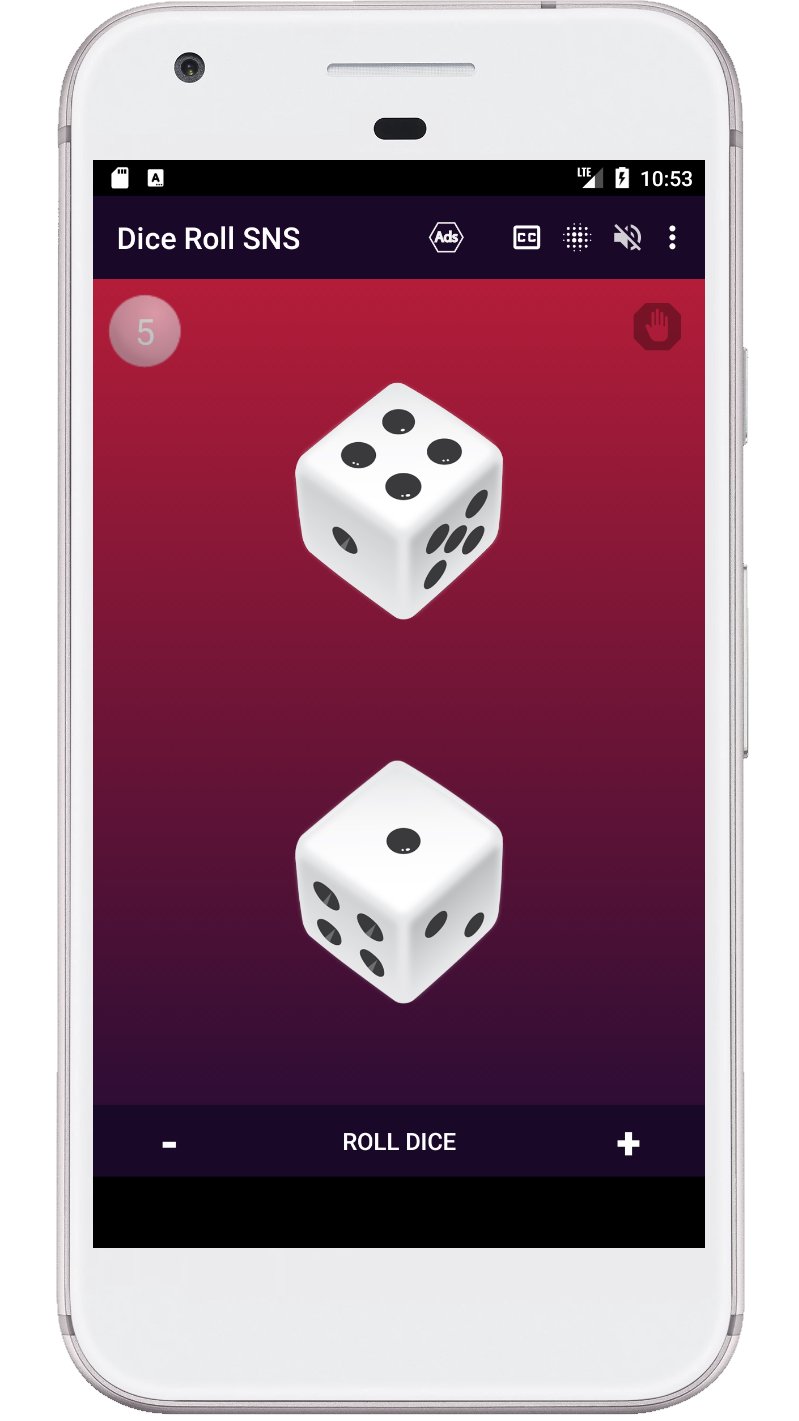
Dice Roll SNS is the app that lets you experience the thrill and excitement of rolling dice virtually. With its intuitive design, you can easily customize your dice rolling experience by selecting the number of dice, color themes, and sound effects. The app has a rich cultural and historical tradition, inspired by the various games and activities that have used dices throughout history, such as craps, board games, and more.
With the "Dice Roll SNS" app, you have complete control over your dice rolling experience. You can change the number of dice, set a hold on a particular dice, select from a range of color themes, turn on and off visual effects, and turn on and off sound. Whether you are a fan of traditional dice games or just looking for a fun way to pass the time, the "Dice Roll SNS" app has everything you need to bring the excitement of dice rolling to your Android device.
Dice game features:
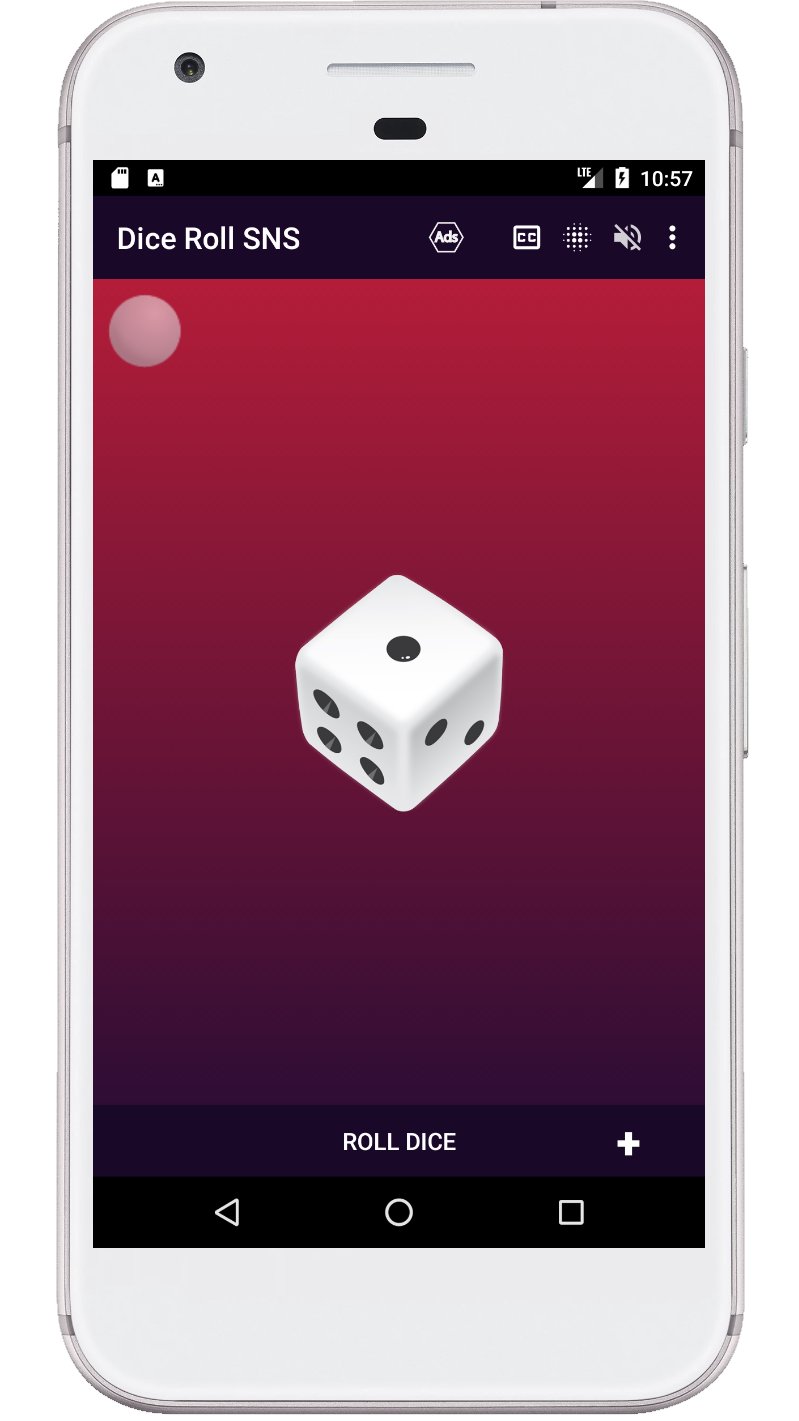
- Roll one to six d6 dice at a time.
- The ability to roll a die by pressing a die or a button.
- Shake your device to roll the dice.
- The sum of all dice is voiced after each roll.
- Displaying the sum of all dices on the screen.
- You can turn the visual effects on and off when spinning the dice.
- The dice can be used with or without sound.
- The last page with the number of dice is remembered.
Keywords: virtual dice, dice roller, dice rolling, dice game, craps, board game, custom dice, color themes, sound effects, dice simulator.
Avance
Etiquetas
DadoCasualInformación
Desarrollador
Senyuk
La última versión
71.0
Última actualización
2026-01-08
Categoría
Juegos de mesa
Disponible en
Google Play
Mostrar más
Cómo jugar Dice Roll SNS con GameLoop en PC
1. Descargue GameLoop desde el sitio web oficial, luego ejecute el archivo exe para instalar GameLoop.
2. Abra GameLoop y busque "Dice Roll SNS", busque Dice Roll SNS en los resultados de búsqueda y haga clic en "Instalar".
3. Disfruta jugando Dice Roll SNS en GameLoop.
Minimum requirements
OS
Windows 8.1 64-bit or Windows 10 64-bit
GPU
GTX 1050
CPU
i3-8300
Memory
8GB RAM
Storage
1GB available space
Recommended requirements
OS
Windows 8.1 64-bit or Windows 10 64-bit
GPU
GTX 1050
CPU
i3-9320
Memory
16GB RAM
Storage
1GB available space