
Chess Online & Offline para PC
Hagstrom Dev
Descarga Chess Online & Offline en PC con GameLoop Emulator
Chess Online & Offline en PC
Chess Online & Offline, proveniente del desarrollador Hagstrom Dev, se ejecuta en el sistema Android en el pasado.
Ahora, puedes jugar Chess Online & Offline en PC con GameLoop sin problemas.
Descárgalo en la biblioteca de GameLoop o en los resultados de búsqueda. No más mirar la batería o llamadas frustrantes en el momento equivocado nunca más.
Simplemente disfrute de Chess Online & Offline PC en la pantalla grande de forma gratuita!
Chess Online & Offline Introducción
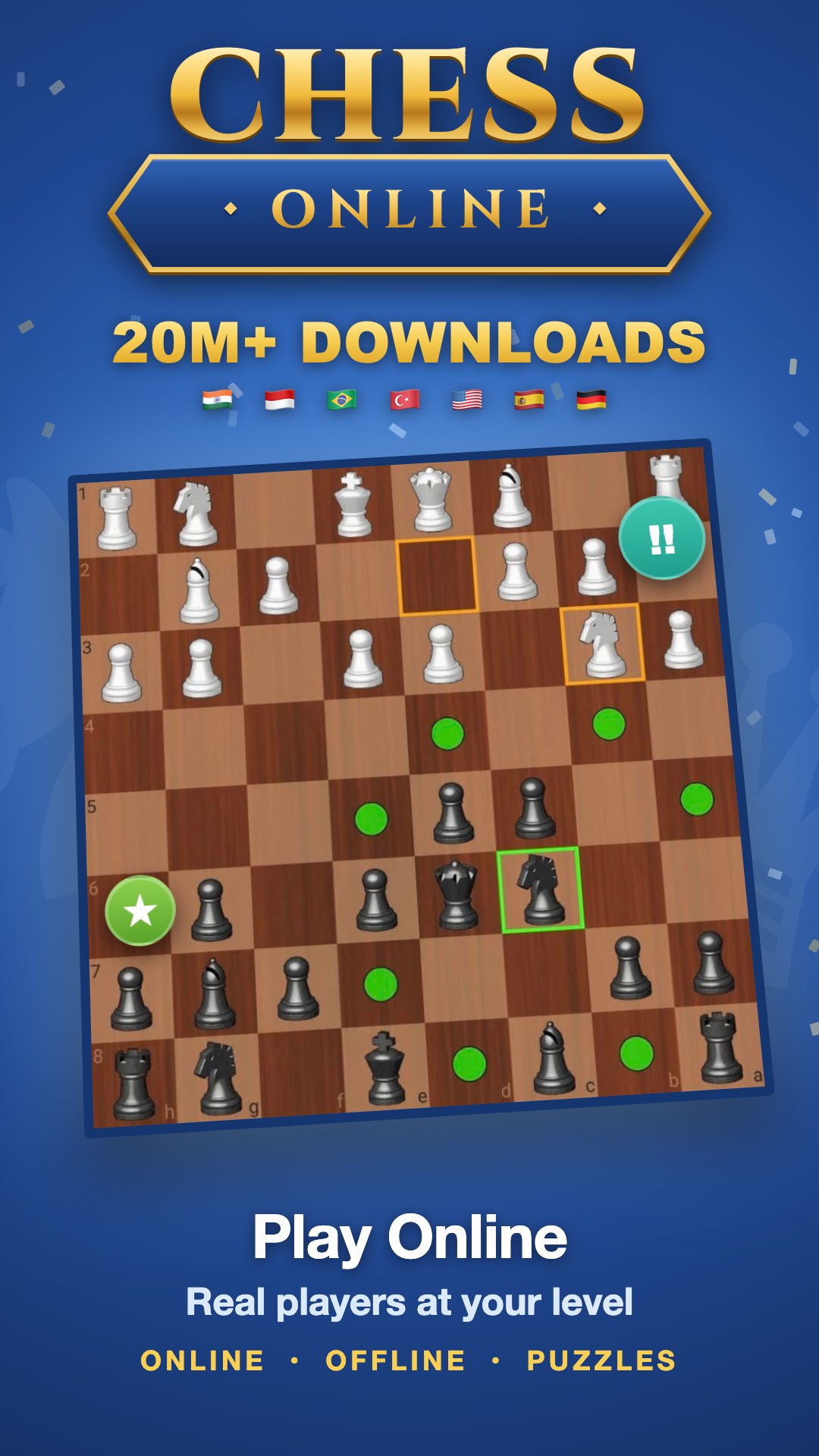
Play chess online against real opponents around the world, or play chess offline against the computer. Fast matchmaking, 50,000 chess puzzles, and a full game review after every match. Free, no account needed to start.
♟ PLAY CHESS ONLINE Matchmaking finds you a real opponent near your own rating, usually within seconds. Choose the pace that suits you: • Bullet — 2 min + 1 sec per move • Blitz — 3 min, or 5 min + 3 sec per move • Rapid — 10 min • Chill — 60 seconds per move, when you would rather think Online games are rated, so your rank moves with your results.
♟ CHESS WITH FRIENDS Add friends, see who is online, and challenge them whenever you like. Or open a private room and send the link — one tap and they are sitting at the board with you. Chat during the game with quick phrases or your own messages.
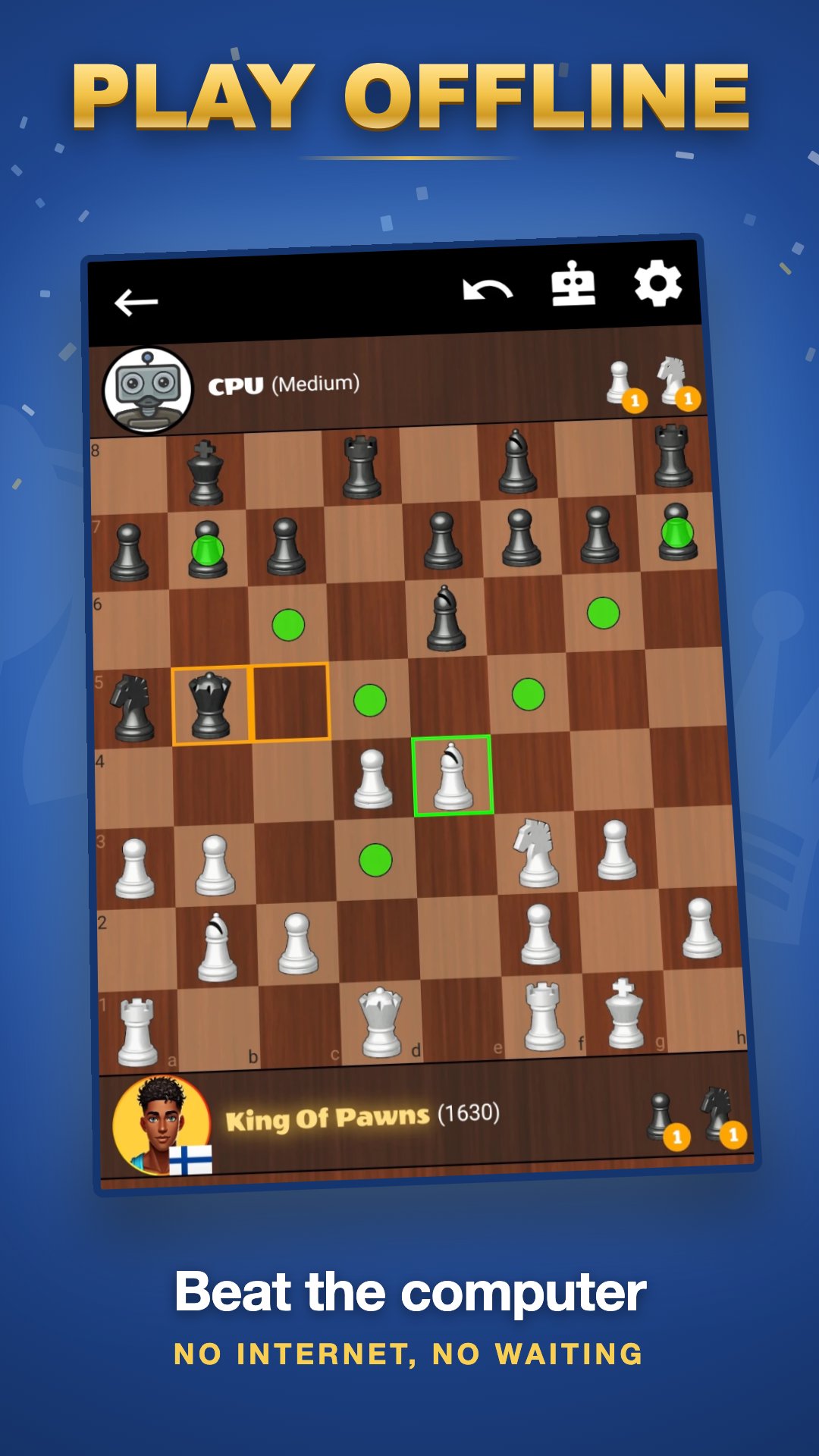
♟ CHESS OFFLINE — NO INTERNET NEEDED The whole single-player side runs on your device. Play chess against the computer at Easy, Medium or Hard, driven by a real chess engine rather than a random move generator. The chess bot plays from a genuine opening book covering the main chess openings, so no two games begin the same way, and it never hands you a free piece. Your offline game saves as you go — close the app mid-game and pick it up later.
♟ 50,000 CHESS PUZZLES Work through a huge puzzle library at your own pace, from one-move mates to tactics that take real thought. Puzzles run offline too, so they are there on the train, on a flight, or anywhere with no signal.
♟ GAME REVIEW & CHESS ANALYSIS After every game, find out exactly where it turned. Every move is graded — book, best, excellent, good, inaccuracy, mistake, blunder, missed win — and both players get an accuracy score. Step through the game move by move and spot the moment it slipped away. Your best moments become shareable highlights: brilliant moves, clever traps, gambits, comebacks and the occasional disaster.
♟ CLIMB THE RANKINGS Global and country leaderboards with a Top 100 to chase. Daily missions keep giving you something to aim at, and coins unlock new boards, piece sets and avatars. Your stats track games per day, average match length and how many countries you have beaten players from.
♟ FULL CHESS RULES, PROPERLY IMPLEMENTED Castling, en passant, pawn promotion, the fifty-move rule, threefold repetition, stalemate and insufficient material are all handled correctly — whether you are playing online, offline or solving puzzles.
♟ EASY TO START • Free to play • No account needed — begin as a guest, sign up later if you want to • Works on phone and tablet • Available in 12 languages • Light on battery and data
2 player chess against a real human, a quiet offline game against the computer, or fifty thousand puzzles to sharpen your tactics. Chess is one of the finest board games ever invented, and this is the simplest way to play it — whether you are learning the moves or chasing a rating.
Download Chess Online & Offline and play your next game.
Avance
Etiquetas
estrategia abstractaAjedrezCasualmultijugadormultijugador competitivoUn solo jugadorRealistaDesconectadoCompetitiveInformación
Desarrollador
Hagstrom Dev
La última versión
594
Última actualización
2026-11-19
Categoría
Juegos de mesa
Disponible en
Google Play
Mostrar más
Cómo jugar Chess Online & Offline con GameLoop en PC
1. Descargue GameLoop desde el sitio web oficial, luego ejecute el archivo exe para instalar GameLoop.
2. Abra GameLoop y busque "Chess Online & Offline", busque Chess Online & Offline en los resultados de búsqueda y haga clic en "Instalar".
3. Disfruta jugando Chess Online & Offline en GameLoop.
Minimum requirements
OS
Windows 8.1 64-bit or Windows 10 64-bit
GPU
GTX 1050
CPU
i3-8300
Memory
8GB RAM
Storage
1GB available space
Recommended requirements
OS
Windows 8.1 64-bit or Windows 10 64-bit
GPU
GTX 1050
CPU
i3-9320
Memory
16GB RAM
Storage
1GB available space