BlueDriver OBD2 Scan Tool para PC
Lemur Vehicle Monitors
Descarga BlueDriver OBD2 Scan Tool en PC con GameLoop Emulator
BlueDriver OBD2 Scan Tool en PC
BlueDriver OBD2 Scan Tool, proveniente del desarrollador Lemur Vehicle Monitors, se ejecuta en el sistema Android en el pasado.
Ahora, puedes jugar BlueDriver OBD2 Scan Tool en PC con GameLoop sin problemas.
Descárgalo en la biblioteca de GameLoop o en los resultados de búsqueda. No más mirar la batería o llamadas frustrantes en el momento equivocado nunca más.
Simplemente disfrute de BlueDriver OBD2 Scan Tool PC en la pantalla grande de forma gratuita!
BlueDriver OBD2 Scan Tool Introducción
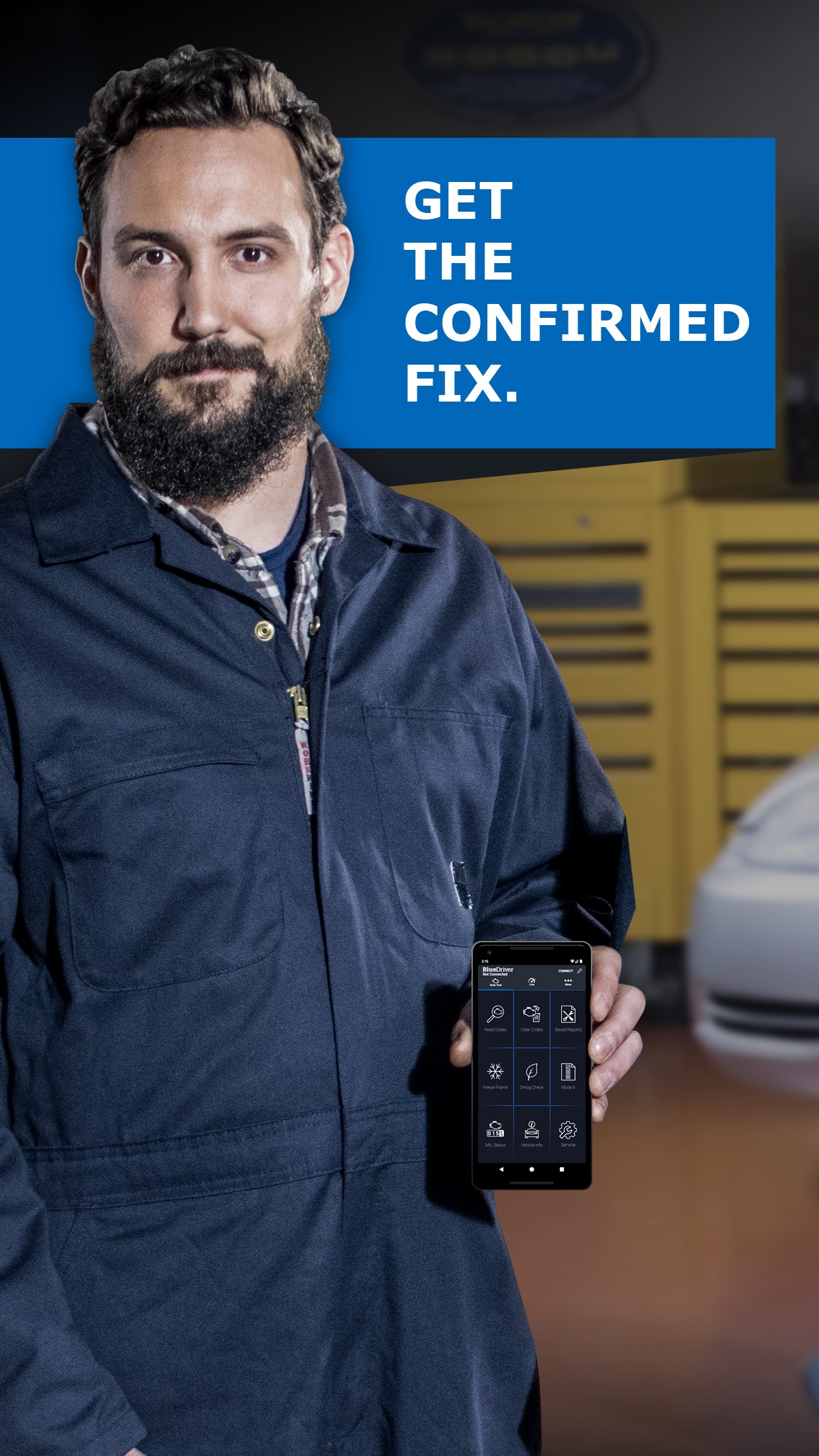
BlueDriver® transforms your phone or tablet into a powerful OBD2 scan tool – trusted by over 1 million drivers, from professional mechanics to DIYers. Paired with the BlueDriver Bluetooth® Sensor (sold separately), it lets you read codes, diagnose issues, and fix your car with confidence—no wires, no guesswork.
Whether you're checking a check engine light, running a smog test, or diving into enhanced diagnostics like ABS or transmission codes, BlueDriver gives you the tools you need to understand your vehicle and make smarter repair decisions – with clear, easy-to-understand information.
What You Can Do with BlueDriver
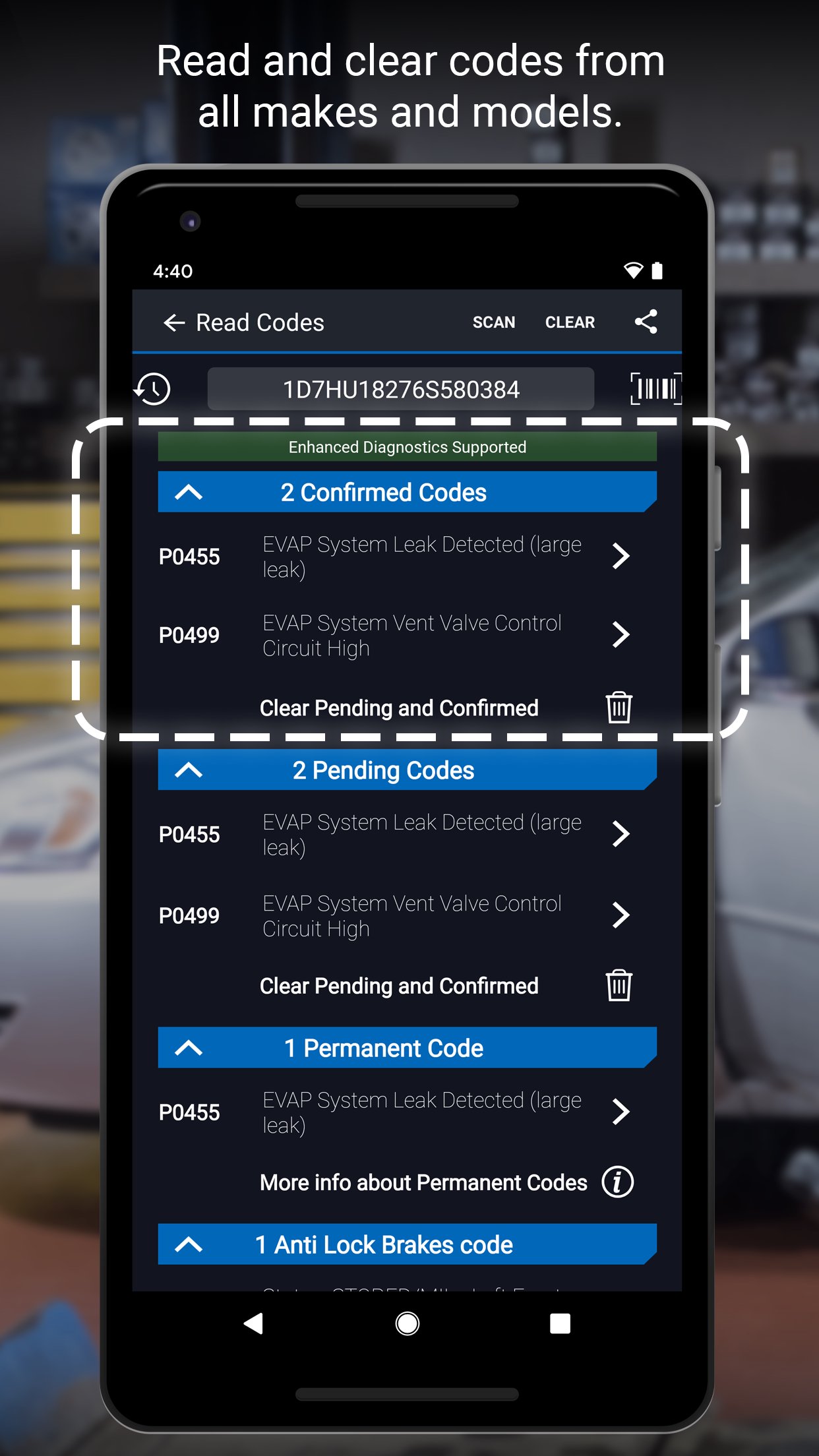
· Read and clear trouble codes - including check engine, ABS, airbag, transmission, and more
· Generate, save, and share professional-grade Repair Reports based on your exact vehicle and trouble code
· Access Mode 6 on-board monitoring test results
· Check smog readiness and freeze frame data
· View live data with multi-PID interactive graphing
· Scan your vehicle wirelessly with Bluetooth—no cables required
· Choose between metric and imperial settings
· Get likely fixes for your vehicle’s issues, explained in plain language
Enhanced Diagnostics Coverage
· GM, Ford, Chrysler, Toyota, Nissan, Mazda, Mercedes (2005+ models)
· Mitsubishi (2008+), Hyundai/Kia (2012+) – available worldwide
· BMW/Mini, Honda/Acura, Volkswagen/Audi – available in North America
· Subaru – available in the United States
What Makes BlueDriver Different?
· No subscription required
· Backed by a database of millions real-world fixes
· Repair Reports are specific to your vehicle’s year, make, and model
· Works globally with the BlueDriver Sensor
· App is free to install—just pair with the Sensor to start scanning
You can even preview a Repair Report without a Sensor by entering your VIN and a trouble code.
Account Setup Made Easy
You’ll create a BlueDriver account during setup—it’s quick and easy, and gives you secure access to all your scans, reports, and new features across any device.
Important Info
The BlueDriver Sensor plugs into your vehicle’s data port (found in every car built since 1996). It connects to the app via Bluetooth® to deliver full diagnostic functionality.
Sensor sold separately in-app or at www.BlueDriver.com
Avance
Etiquetas
Auto-&Información
Desarrollador
Lemur Vehicle Monitors
La última versión
8.9
Última actualización
2026-03-31
Categoría
Auto-vehicles
Disponible en
Google Play
Mostrar más
Cómo jugar BlueDriver OBD2 Scan Tool con GameLoop en PC
1. Descargue GameLoop desde el sitio web oficial, luego ejecute el archivo exe para instalar GameLoop.
2. Abra GameLoop y busque "BlueDriver OBD2 Scan Tool", busque BlueDriver OBD2 Scan Tool en los resultados de búsqueda y haga clic en "Instalar".
3. Disfruta jugando BlueDriver OBD2 Scan Tool en GameLoop.
Minimum requirements
OS
Windows 8.1 64-bit or Windows 10 64-bit
GPU
GTX 1050
CPU
i3-8300
Memory
8GB RAM
Storage
1GB available space
Recommended requirements
OS
Windows 8.1 64-bit or Windows 10 64-bit
GPU
GTX 1050
CPU
i3-9320
Memory
16GB RAM
Storage
1GB available space