
TomatoStores for PC
Webkul
Unduh TomatoStores di PC Dengan Emulator GameLoop
TomatoStores di PC
TomatoStores, berasal dari pengembang Webkul, berjalan di sistem Android di masa lalu.
Sekarang, Anda dapat memainkan TomatoStores di PC dengan GameLoop dengan lancar.
Unduh di perpustakaan GameLoop atau hasil pencarian. Tidak ada lagi memperhatikan baterai atau panggilan frustasi pada waktu yang salah lagi.
Nikmati saja TomatoStores PC di layar besar secara gratis!
TomatoStores Pengantar
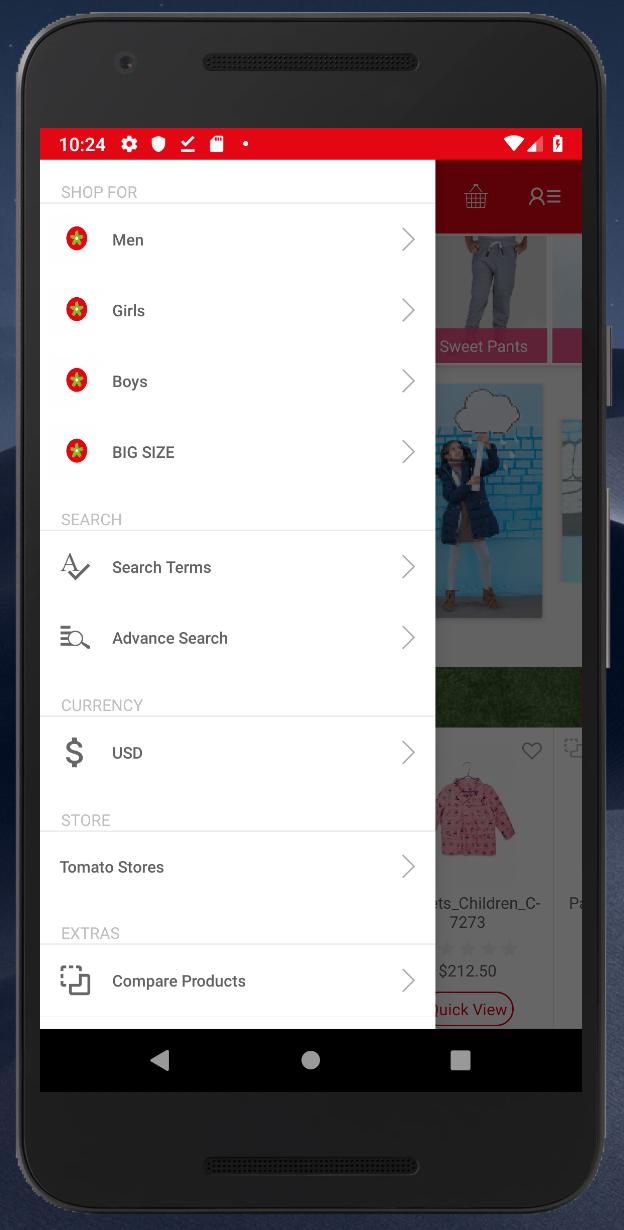
Historically, Egyptian clothing was known worldwide for its high-quality materials and manufacturing mastery. Based on that legacy, TOMATO began a journey to build a strong entity and reclaim consumer confidence in the value and modernism of our national products by offering competitive prices and internationally renowned quality.
Established over 20 years ago (1994, to be exact), TOMATO’s policy has been to provide products that are special and unique in the fashion industry. Initially, our activities focused on import and distribution, until we took the turn to the direct customer sales through our extended chain of stores across the country.
Our first store was opened at Loran, Alexandria, where manufacturing perfection and collection diversity were merged with competitive prices. It was not long before we launched other stores in Alexandria and expanded to other governorates
Pratinjau

Informasi
Pengembang
Webkul
Versi Terbaru
1.01
Terakhir Diperbarui
2019-03-04
Kategori
Belanja
Tersedia di
Google Play
Menampilkan lebih banyak
Cara memainkan TomatoStores dengan GameLoop di PC
1. Download GameLoop dari situs resminya, lalu jalankan file exe untuk menginstal GameLoop.
2. Buka GameLoop dan cari “TomatoStores”, temukan TomatoStores di hasil pencarian dan klik “Install”.
3. Nikmati bermain TomatoStores di GameLoop.
Minimum requirements
OS
Windows 8.1 64-bit or Windows 10 64-bit
GPU
GTX 1050
CPU
i3-8300
Memory
8GB RAM
Storage
1GB available space
Recommended requirements
OS
Windows 8.1 64-bit or Windows 10 64-bit
GPU
GTX 1050
CPU
i3-9320
Memory
16GB RAM
Storage
1GB available space