
Icon Changer - Walls & Widgets for PC
Lutech Ltd
Unduh Icon Changer - Walls & Widgets di PC Dengan Emulator GameLoop
Icon Changer - Walls & Widgets di PC
Icon Changer - Walls & Widgets, berasal dari pengembang Lutech Ltd, berjalan di sistem Android di masa lalu.
Sekarang, Anda dapat memainkan Icon Changer - Walls & Widgets di PC dengan GameLoop dengan lancar.
Unduh di perpustakaan GameLoop atau hasil pencarian. Tidak ada lagi memperhatikan baterai atau panggilan frustasi pada waktu yang salah lagi.
Nikmati saja Icon Changer - Walls & Widgets PC di layar besar secara gratis!
Icon Changer - Walls & Widgets Pengantar
Icon Changer: Change 7ikon aplikasi7: Easy to make your own home screen!
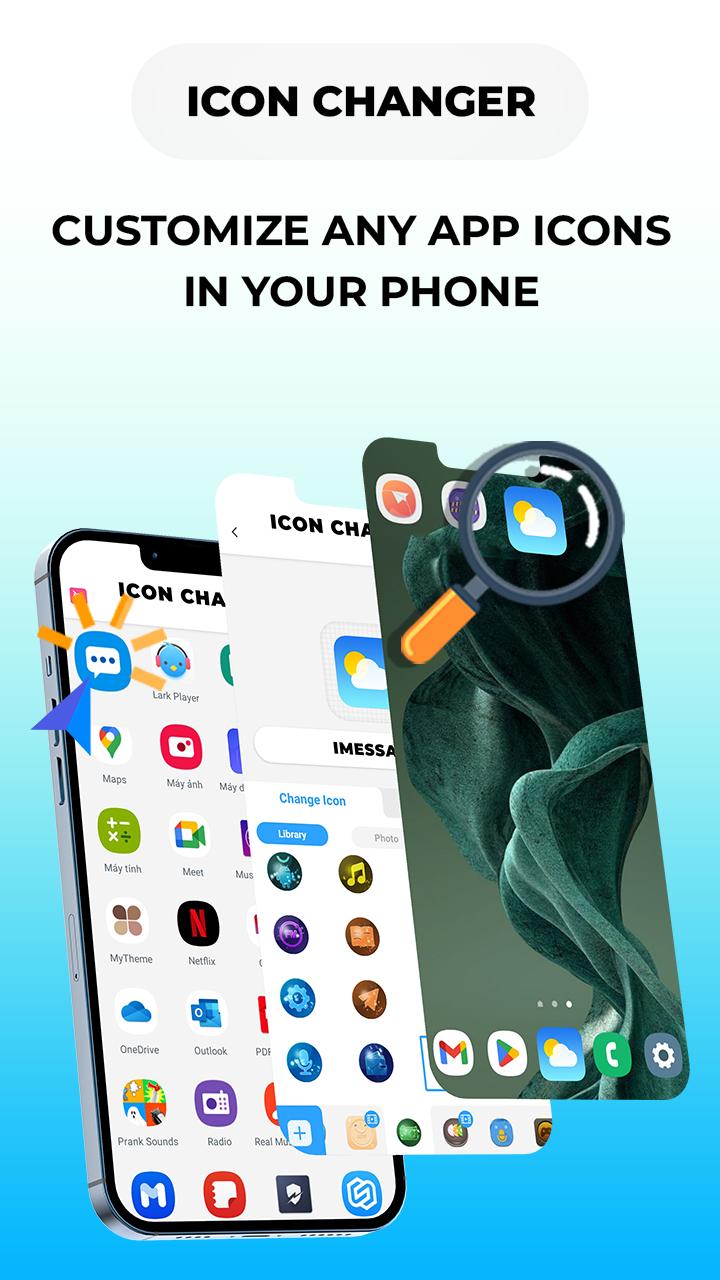
Are you tired of looking at old 7ikon aplikasi7 on your phone or do you want to hide 7ikon aplikasi7 (original icon)? Do you want to add a little personality to your device? Look no further than Icon Changer - 7ikon aplikasi7 Customizer.
Discover why this is the Best Icon Changer App👇👇👇
KEY FEATURE OF ICON CHANGER
🌈 Set new icon from icon pack
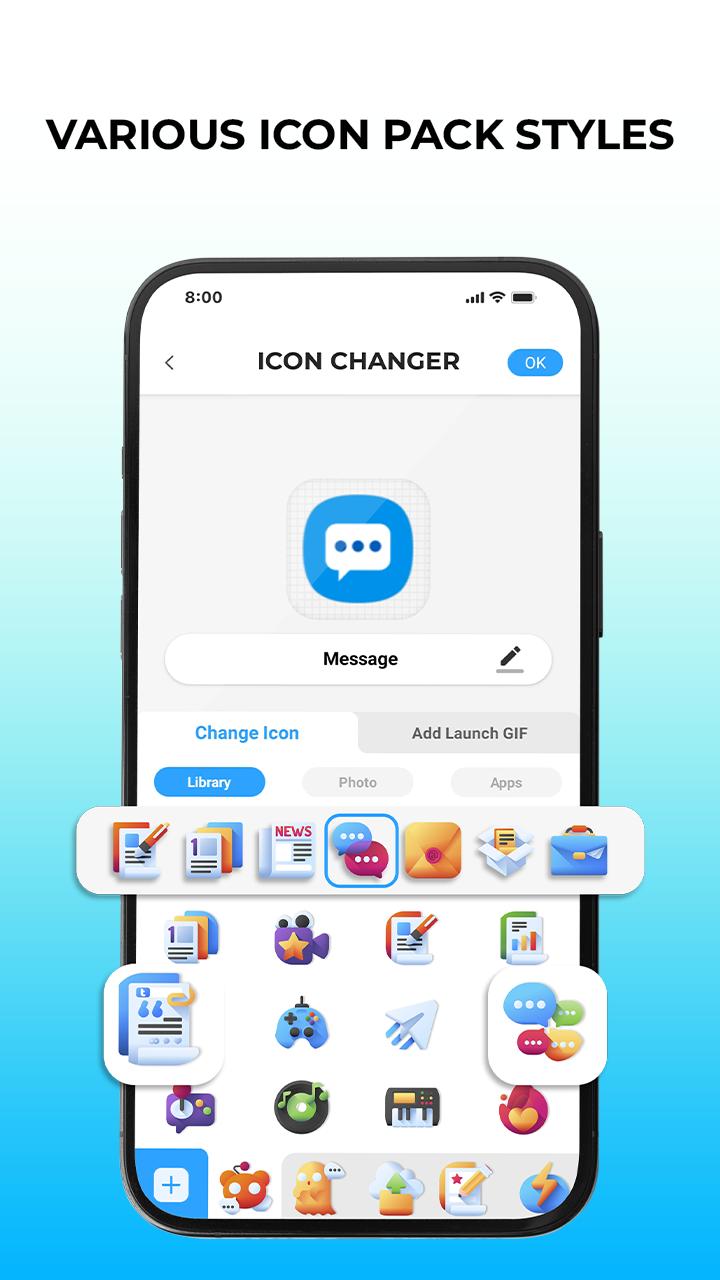
Free Icon Changer & 7ikon aplikasi7 Modifications offers a wide variety of beautifully designed icons pack, themes to change and customize icons to favicon according to your personality and interests, and 7ikon aplikasi7 changer that will make your home screen look aesthetic and make it easy to distinguish similar apps.
🌆 Set new icon from photo gallery
With the custom icons feature, you can set your own photo with replacement for the app's original icon images by choosing your favorite pictures and photos from the album to change 7ikon aplikasi7 and lots of personalized icon pack to decorate your android phone interface.
📲 Set new icon from another 7ikon aplikasi7
Especially in this aesthetic Icon Changer, you can freely change icons app to another 7ikon aplikasi7 in your phone such as social media icons pattern (convert whats7ikon aplikasi7 pattern to facebook icons pattern). This makes you look more unique. Well, it can help you disguise icon apps that you don't want others to click on.
⭐ Best 7ikon aplikasi7 Themer
Free Icon Changer App provides a wealth of 7ikon aplikasi7 sets, themes in different styles to every taste: naruto, anime icon maker, flowers, aesthetics, fresh, sci-fi, landscape, cute cat, universe, liveliness, neon and many more. Inside these free icon pack are 1000+ Customize 7ikon aplikasi7 Changer, wallpapers and widgets waiting for you to discover!
In addition, 7ikon aplikasi7 Changer Pro support:
- Modifying app name for any apps.
- Add GIF maker to play an interesting GIF animation of a free 7ikon aplikasi7 editor: happy birthday gif, good morning gif, kiss gif, merry christmas gif, meme gif, etc.
- Avoid Watermark Icons: Change 7ikon aplikasi7 without any watermarks using widget technology.
*How to use:
1. Download Icon Changer & 7ikon aplikasi7 Pack.
2. Choose an app to change icon.
3. Select a new icon pattern from built-in best icon pack library, your photo gallery or convert icons app to another 7ikon aplikasi7.
4. Change app name for the app (if you want).
5. Go to the home screen to see the new 7ikon aplikasi7 shortcut.
5. Add interesting GIF animation to set icons animated when launching (if you want).
Beautiful icons themes come in different colors and styles that are designed to help you feel happier, reduce stress, and fight fatigue in your daily life. We believe that an aesthetic phone can not only look better but also have a positive impact on your overall well-being.
Just Download Icon Changer & 7ikon aplikasi7 Pack Android now, goodbye to depleting screen!👋
💌Contact: teammarketing@lutech.ltd
Pratinjau
Tag
PersonalisasiInformasi
Pengembang
Lutech Ltd
Versi Terbaru
16.0
Terakhir Diperbarui
2024-01-15
Kategori
Personalisasi
Tersedia di
Google Play
Menampilkan lebih banyak
Cara memainkan Icon Changer - Walls & Widgets dengan GameLoop di PC
1. Download GameLoop dari situs resminya, lalu jalankan file exe untuk menginstal GameLoop.
2. Buka GameLoop dan cari “Icon Changer - Walls & Widgets”, temukan Icon Changer - Walls & Widgets di hasil pencarian dan klik “Install”.
3. Nikmati bermain Icon Changer - Walls & Widgets di GameLoop.
Minimum requirements
OS
Windows 8.1 64-bit or Windows 10 64-bit
GPU
GTX 1050
CPU
i3-8300
Memory
8GB RAM
Storage
1GB available space
Recommended requirements
OS
Windows 8.1 64-bit or Windows 10 64-bit
GPU
GTX 1050
CPU
i3-9320
Memory
16GB RAM
Storage
1GB available space