AppLock: Lock apps Fingerprint for PC
Lutech Ltd
Unduh AppLock: Lock apps Fingerprint di PC Dengan Emulator GameLoop
AppLock: Lock apps Fingerprint di PC
AppLock: Lock apps Fingerprint, berasal dari pengembang Lutech Ltd, berjalan di sistem Android di masa lalu.
Sekarang, Anda dapat memainkan AppLock: Lock apps Fingerprint di PC dengan GameLoop dengan lancar.
Unduh di perpustakaan GameLoop atau hasil pencarian. Tidak ada lagi memperhatikan baterai atau panggilan frustasi pada waktu yang salah lagi.
Nikmati saja AppLock: Lock apps Fingerprint PC di layar besar secara gratis!
AppLock: Lock apps Fingerprint Pengantar
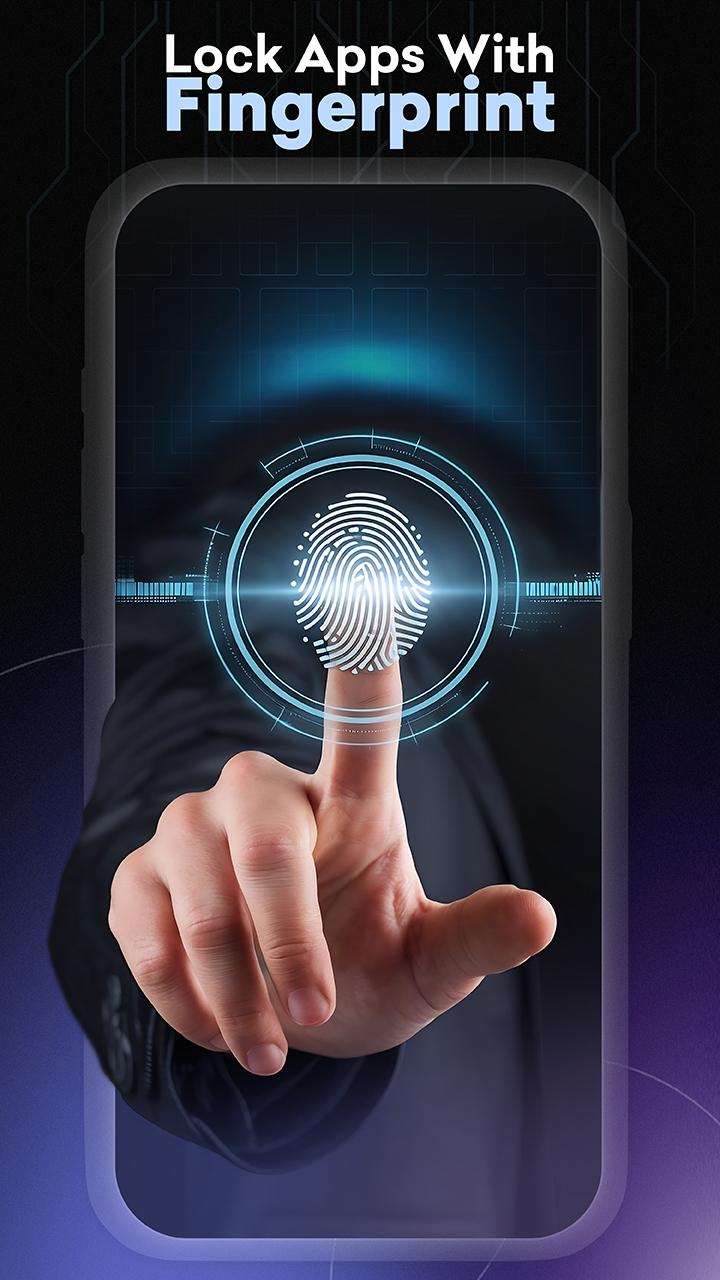
AppLock: Lock apps Fingerprint protect your private data with one click. Guard your phone with pattern, password or fingerprint. Applock Fingerprint helps you lock app and hide photos to protect your data. Prevent unauthorized access and easily guard your privacy.
⭐️Special Features of AppLock: Lock apps Fingerprint
🔐Lock apps
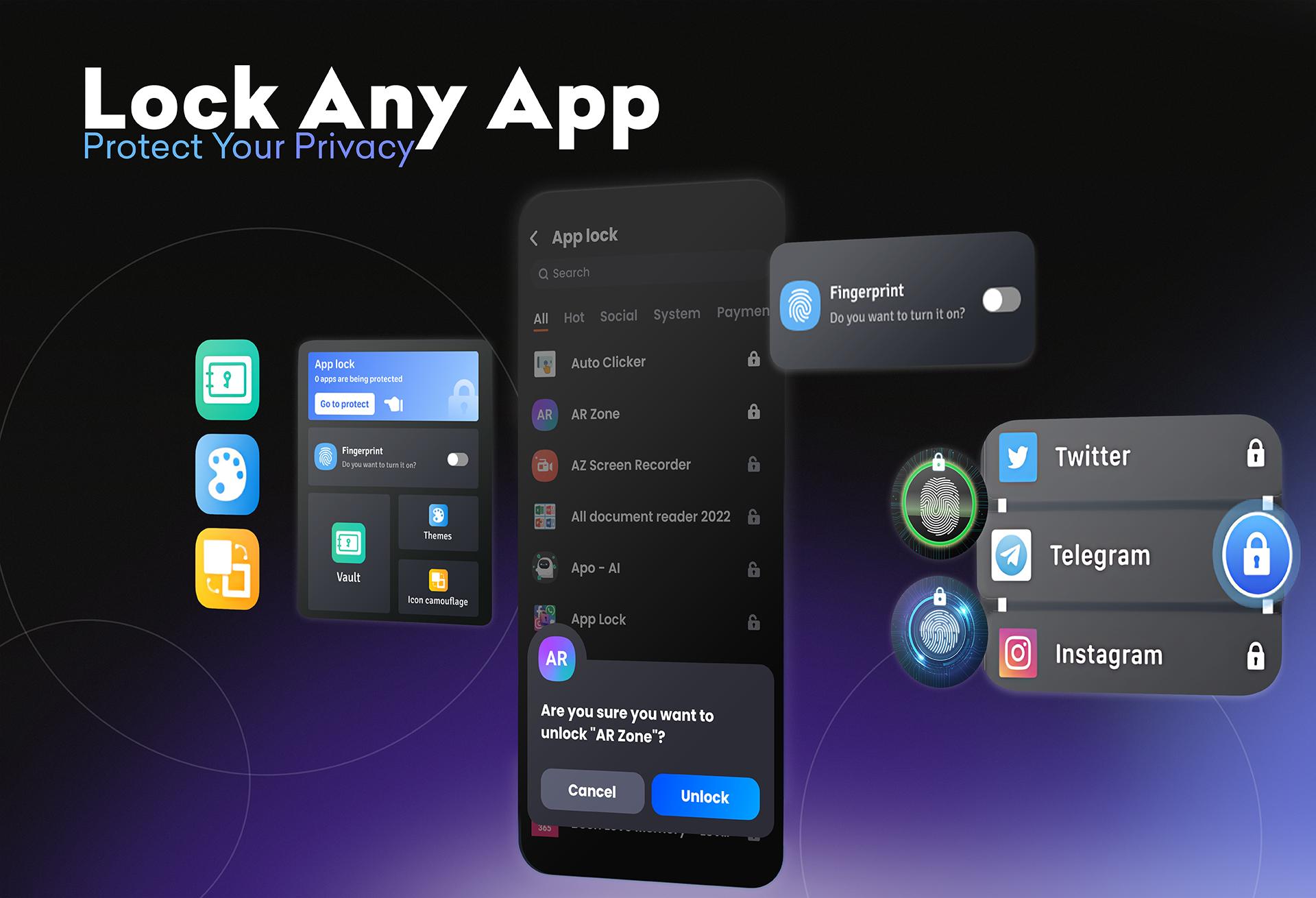
🛡️ AppLock lock and guard social apps: Facebook, WhatsApp, Messenger, Snapchat, Play Store, Telegram, Gmail, etc. No one can peek into your private conversations anymore
🛡️ AppLock can lock System apps: SMS, Gallery, Gmail, Settings, Contacts, incoming calls and any app you choose. Prevent unauthorized access and guard privacy and security
🛡️ AppLock has a photo vault: Keep your photo gallery safe and hide photos, hide videos without worrying about others seeing sensitive photos.
App/ Phone Guardian ensures security while you share photos, shop online or chat with friends on any app.
Themes Lock Screen
🛡️ Block Apps has rich themes: We built-in beautiful Pattern and PIN themes for you to choose, will continue to update. In addition, fingerprint lock app also contains countless backgrounds for users to easily customize such as cool wallpapers, anime background images, cute wallpaper aesthetic background and 4k wallpapers.
Vault only visible to you
Vault function on applock allows you to make use of specific features without searching for them in individual apps. It brings all the important notifications and app features together with folder locker. Here you can find the features you need most and use them without even starting the app. You can call a cab, take a note, and view the results of the game you missed all in one place
Put the file in the vault, it will not be displayed in the photo vault and file management and other places, making the file safer and more hidden.
Icon Camouflage
Disguise Applock as another app by converting the icon and replacing the original app icon with app themes. Confuse peepers to prevent this app from being discovered by others.
🌈 Custom App lock Pattern
Pattern lock in Block Apps is a non-paid with beautiful wallpaper engine that is secure, and easy install to change lock type in multiple ways with PIN, pattern or fingerprint lock screen. Beside setting a beautiful pattern design on phone guardian lock screen, This AppLock: Lock apps Fingerprint also includes a no-pay password pin, pattern screen off and pattern lock feature or fingerprint. With groundbreaking features as follows:
- Hide pattern draw path: Your pattern is invisible to others
- Random keyboard: No one can guess your password
- Relock settings: Relock after exit, screen off; or you can custom relock time
- Detect if new apps are installed and quickly lock apps with one click
In addition, Block Apps also has extra features:
★ Turn on lock new app mode to automatically lock new apps when downloading quickly without being missed
★ Other Advanced Features of locker app
Vibration, Line visibility, System status, New App Alert, Lock recent Apps Menu. AppLock is optimized for battery and ram usage.
▶ FAQ
★ How can I prevent AppLock from being uninstalled?
Firstly you should lock all critical apps locker. Secondly, you should activate "Hide Icon" in the preferences tab.
★ Why are permissions required?
AppLock contains advanced features. All necessary permissions are required to implement advanced features. For example, "Photos / Media / Files Permissions" is required to select a background image.
The Foreground Service permission ensures the appropriate use of user-facing foreground services. For apps targeting Android 14 and above, you must specify a valid foreground service type for each foreground service used in my app.
AppLock : Lock app & phone Guardian is a privacy defense, made simple. Enjoy a secure mobile phone environment. We'll continue to improve our app. Any questions contact: teammarketing@lutech.ltd
Pratinjau
Tag
AlatInformasi
Pengembang
Lutech Ltd
Versi Terbaru
9400
Terakhir Diperbarui
2025-05-26
Kategori
Alat
Tersedia di
Google Play
Menampilkan lebih banyak
Cara memainkan AppLock: Lock apps Fingerprint dengan GameLoop di PC
1. Download GameLoop dari situs resminya, lalu jalankan file exe untuk menginstal GameLoop.
2. Buka GameLoop dan cari “AppLock: Lock apps Fingerprint”, temukan AppLock: Lock apps Fingerprint di hasil pencarian dan klik “Install”.
3. Nikmati bermain AppLock: Lock apps Fingerprint di GameLoop.
Minimum requirements
OS
Windows 8.1 64-bit or Windows 10 64-bit
GPU
GTX 1050
CPU
i3-8300
Memory
8GB RAM
Storage
1GB available space
Recommended requirements
OS
Windows 8.1 64-bit or Windows 10 64-bit
GPU
GTX 1050
CPU
i3-9320
Memory
16GB RAM
Storage
1GB available space