Image to PDF Converter App 電腦版
EAGLE APPS
用GameLoop模拟器在電腦上玩Image to PDF Converter App
Image to PDF Converter App 電腦版
來自發行商 EAGLE APPS 的 Image to PDF Converter App 能夠在安卓系統上運行。
現在,您可以在電腦上使用 GameLoop 模擬器流暢地玩 Image to PDF Converter App。
在 GameLoop 遊戲庫或搜索結果中下載。 不需要再暢玩遊戲時盯著電池電量或被令人懊惱的來電打斷。
只需在電腦大屏幕上免費下載暢玩Image to PDF Converter App 電腦版!
Image to PDF Converter App 簡介
Do you want to convert images to PDF? Well, we have made it very easy.
Image to PDF converter app is a simple tool to convert any photo to PDF. Get your Image to PDF converter app now.
Convert Any Image to PDF:
Image to PDF converter app not only converts JPG to PDF but other image formats as well. You can also convert PNG, JPEG, TIF etc.
Key Features of JPG to PDF converter – PDF Maker:
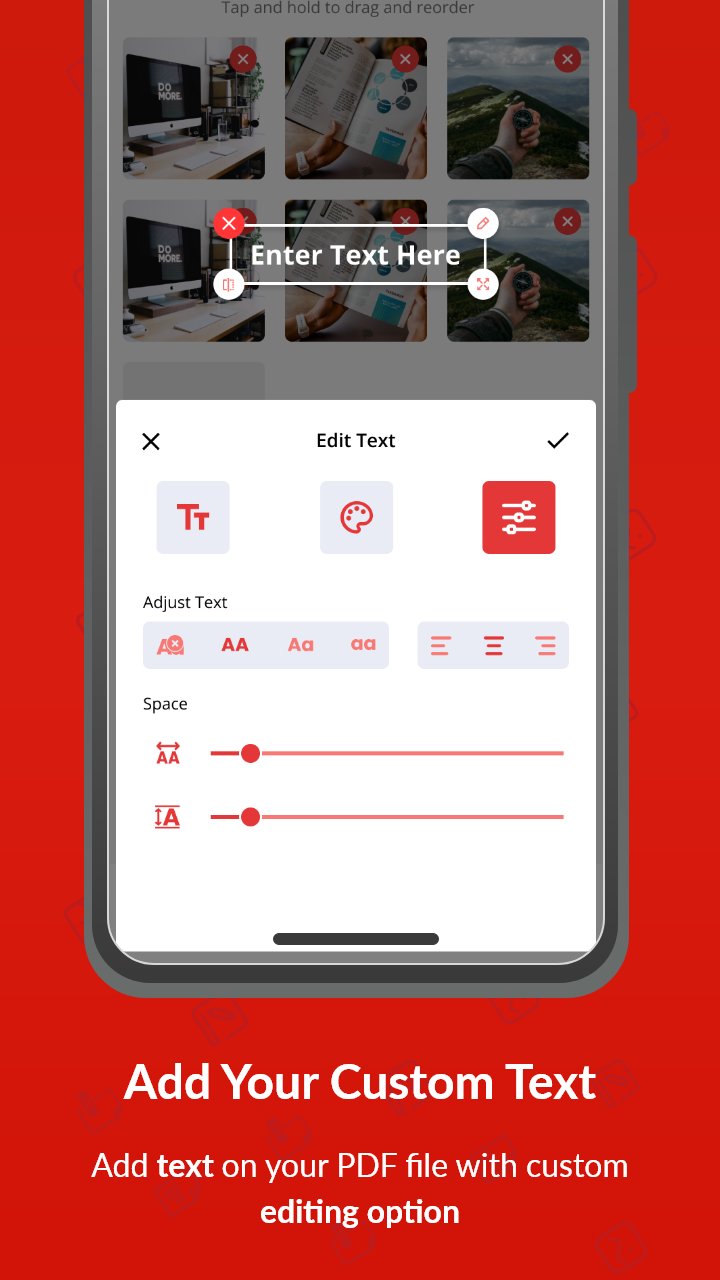
- Convert any image file to PDF.
- Convert camera photos to PDF
- Split and merge PDF files.
- Scan PDF files and convert to PDF.
- Password protection enabled.
- Make PDF files, rename and share.
- Light weight and user friendly.
- Night mode for battery saving.
- Easy sorting to manage files.
- Select multiple files and merge into one file.
- Select image from gallery or take new photo from camera.
Convert Camera Photo to PDF – PDF Scanner:
Now with Image to PDF converter app you take photos from camera directly and convert to PDF. Converting to PDF has never been so simple. Just a few clicks and photo to PDF converter will convert your files.
Split and Merge Feature – PDF Maker:
Image to PDF converter app brings you a new powerful feature that allows you to merge different PDF files into one. Also, if there is a big PDF file with multiple pages, you can split it into different files. You can also take out your favorite pages from that file.
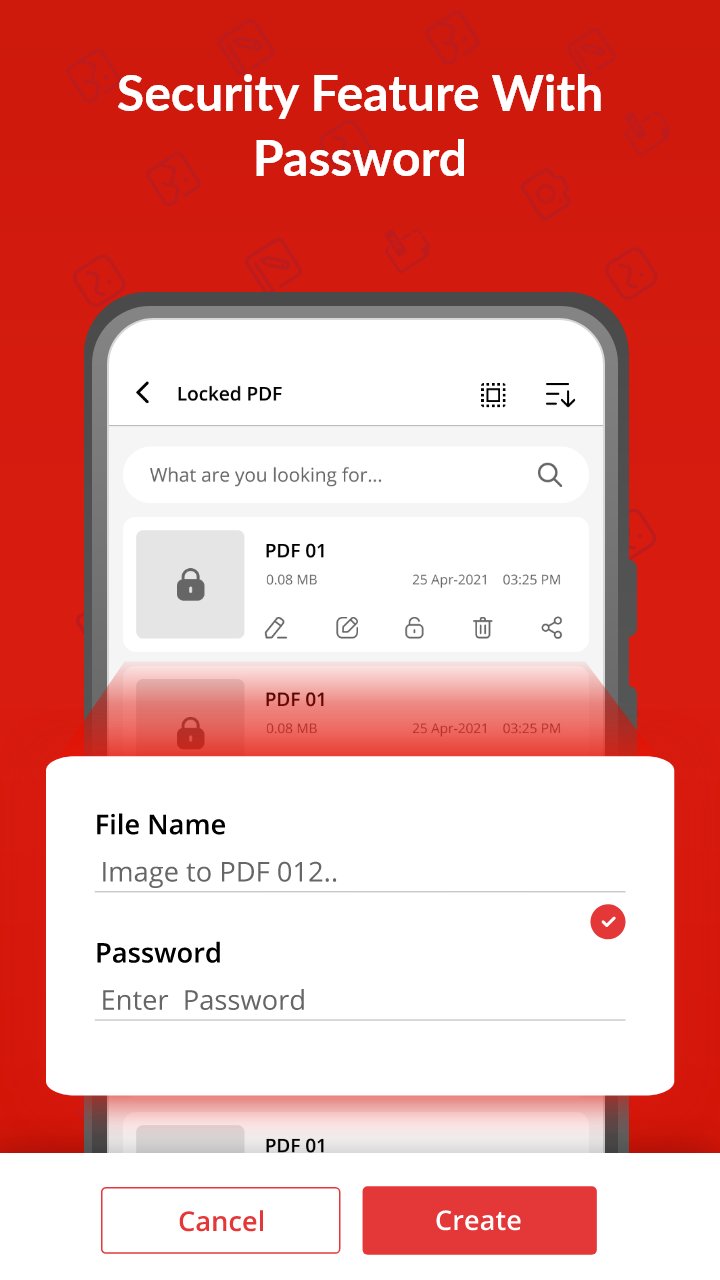
Password Protection – Photo to PDF converter:
We care about your safety. With high end protection system, now you can protect your important files with password. So that no one can access your secret files.
Easy Sorting – JPG to PDF converter:
With Photo to PDF converter, you can sort your PDF files as per your convenience. Sort according to Name, Date, Size etc. Now don’t miss any of your PDF files with auto sorting.
Lightweight and Simple – PDF Maker:
We are proud to present to you the most lightweight JPG to PDF converter – PDF scanner in app store. With a size of just 4 mb it’s the best image to PDF converter app.
Work Offline – Photo to PDF converter:
If you want to work with PDF files and you don’t have an internet connection, then this JPG to PDF converter is for you. Image to PDF converter works offline.
Search Bar for ease of access:
Finding your desired files from your phone is so easy with Photo to PDF converter. Just type the name of file in search bar and convert to PDF. That’s it. Give it a try.
PDF Scanner – Photo to PDF Converter:
This app also acts as a PDF scanner. Open camera scans any document or image and convert to PDF file.
Free PDF Maker:
Download the best PDF maker app now and start converting Photos to PDF. Simple and user-friendly interface makes it easy for anyone to use. The interface is so intuitive that anyone can convert their images to PDF.
預覽
標籤
工具訊息
開發商
EAGLE APPS
最新版本
1.3.0
更新時間
2025-10-21
類別
工具
同時可用
Google Play
更多
如何在電腦上用 GameLoop 玩 Image to PDF Converter App
1. 從官網下載GameLoop,然後運行exe文件安裝GameLoop
2. 打開GameLoop,搜索“Image to PDF Converter App”,在搜索結果中找到Image to PDF Converter App,點擊“安裝”
3. 享受在 GameLoop 上玩 Image to PDF Converter App 的樂趣
Minimum requirements
OS
Windows 8.1 64-bit or Windows 10 64-bit
GPU
GTX 1050
CPU
i3-8300
Memory
8GB RAM
Storage
1GB available space
Recommended requirements
OS
Windows 8.1 64-bit or Windows 10 64-bit
GPU
GTX 1050
CPU
i3-9320
Memory
16GB RAM
Storage
1GB available space