PDF Reader: Editor, converter 電腦版
EAGLE APPS
用GameLoop模拟器在電腦上玩PDF Reader: Editor, converter
PDF Reader: Editor, converter 電腦版
來自發行商 EAGLE APPS 的 PDF Reader: Editor, converter 能夠在安卓系統上運行。
現在,您可以在電腦上使用 GameLoop 模擬器流暢地玩 PDF Reader: Editor, converter。
在 GameLoop 遊戲庫或搜索結果中下載。 不需要再暢玩遊戲時盯著電池電量或被令人懊惱的來電打斷。
只需在電腦大屏幕上免費下載暢玩PDF Reader: Editor, converter 電腦版!
PDF Reader: Editor, converter 簡介
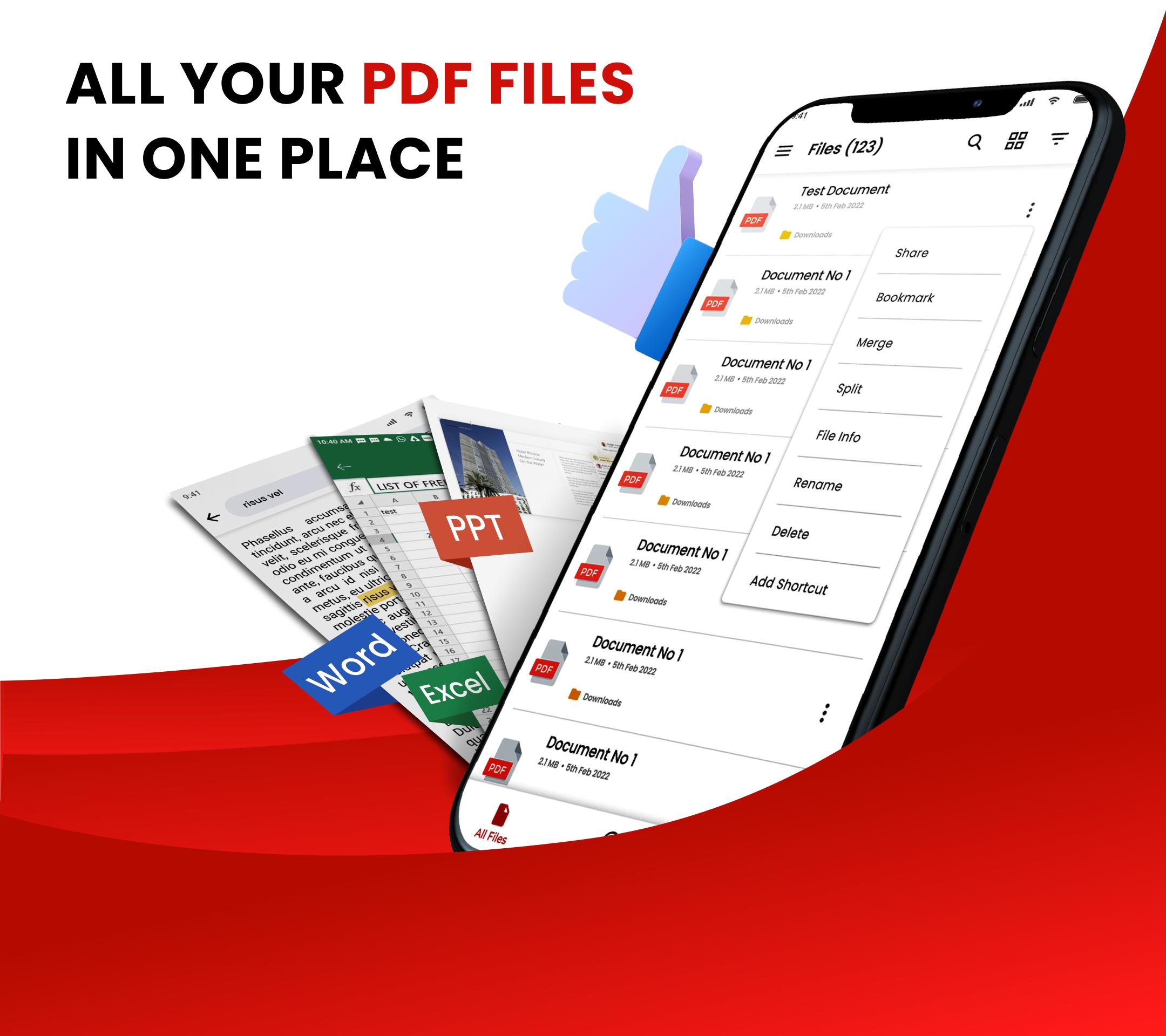
Searching for a straightforward and user-friendly tool to read documents? What you need is a Pdf reader: Editor, converter! You can quickly access, read, and neatly manage all of your PDF files in one location with its ability to automatically scan, locate, and list all of them on your phone.
Get this excellent office tool to help you with your job and studies. It doubles as a PDF editor, eBook reader, photo to pdf and pdf viewer with powerful OCR and camera scanner.
Get the PDF Reader: Editor, Converter app now!
Practical eBook reader:
👏Scrolling continuously and page by page
👏Both vertical and horizontal viewing modes
👏Use Reflow mode to read smoothly
👏Find text in a PDF and copy it with ease
👏Pages can be zoomed in and out.
👏Camera Scanner
This is a useful PDF editor:
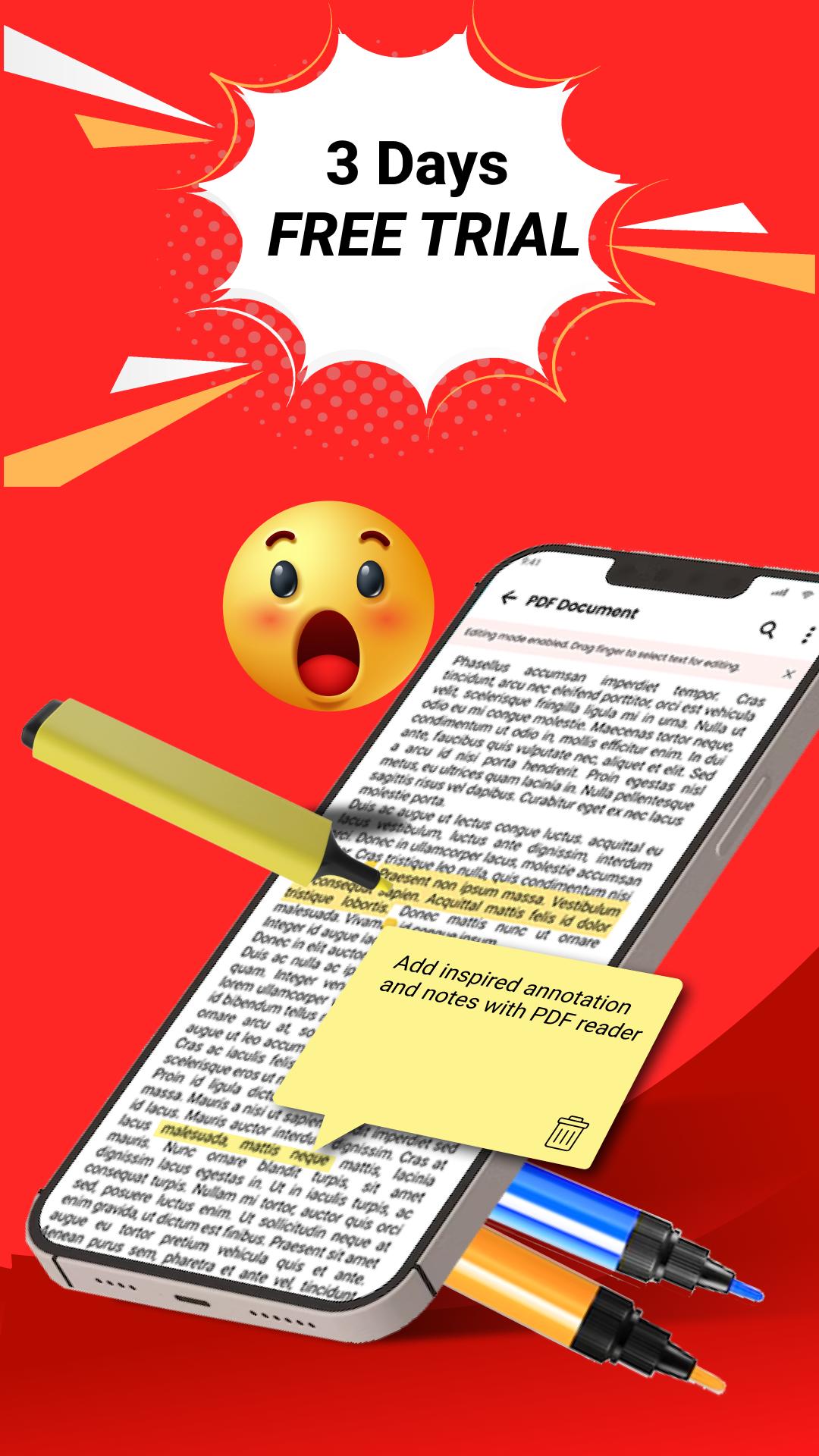
✒️ Annotate PDF files
✒️ ⸏Easily copy any text on a PDF file
✒️ Highlight paragraphs
✒️ Fast scanner
✒️ Take notes using underlining, strikethrough, etc.
Get Rich PDF Tools:
👍Document Scanner
👍Photo Scan
👍Photo to pdf
👍Images may be easily converted to PDF files
👍Split or merge PDF files quickly
👍Text can be added to PDF files at any moment.
PDF Converter:
A smart photo scanner/ document scanner app that turns your device into a portable PDF scanner/ pdf converter, can easily convert paper documents, picture to pdf and image to PDF/JPG in just one single tap.
PDF scanner app turns your device into a powerful portable pdf photo scanner that recognizes text automatically OCR and allows you to save to multiple file formats including PDF and JPEG.
Download PDF Reader: Editor, converter and enjoy ALL FEATURES!
Amazing Features:
1.Convert All Kinds of Documents to PDFs
Easily scan & convert all kinds of documents to PDF format in a simple tap - receipts, invoices, notes, documents, photos, business cards, certificates, whiteboards, etc. The fast scanner scan results pdf photos can be printed out instantly.
2. Easily Share Scanned Files
Pdf photos conveniently share scanned files in PDF or JPEG formats with friends via Email, or post them on social media. Save and view the scanned files anytime, anywhere.
3.Professional Quality Scan Results
Its precise border detecting, smart cropping, and auto enhancing features ensure the PDF outputs clear, sharp, and high-resolution picture to pdf/image to pdf. Multiple filter options are also provided to further optimize the scan results - photo, document, and clear, color, black & white.
預覽
標籤
工具效率提升訊息
開發商
EAGLE APPS
最新版本
3.5.5
更新時間
2025-01-27
類別
工具
同時可用
Google Play
更多
如何在電腦上用 GameLoop 玩 PDF Reader: Editor, converter
1. 從官網下載GameLoop,然後運行exe文件安裝GameLoop
2. 打開GameLoop,搜索“PDF Reader: Editor, converter”,在搜索結果中找到PDF Reader: Editor, converter,點擊“安裝”
3. 享受在 GameLoop 上玩 PDF Reader: Editor, converter 的樂趣
Minimum requirements
OS
Windows 8.1 64-bit or Windows 10 64-bit
GPU
GTX 1050
CPU
i3-8300
Memory
8GB RAM
Storage
1GB available space
Recommended requirements
OS
Windows 8.1 64-bit or Windows 10 64-bit
GPU
GTX 1050
CPU
i3-9320
Memory
16GB RAM
Storage
1GB available space