MRWA - Messages Recovery WA 電腦版
LookAndFeel Lab
用GameLoop模拟器在電腦上玩MRWA - Messages Recovery WA
MRWA - Messages Recovery WA 電腦版
來自發行商 LookAndFeel Lab 的 MRWA - Messages Recovery WA 能夠在安卓系統上運行。
現在,您可以在電腦上使用 GameLoop 模擬器流暢地玩 MRWA - Messages Recovery WA。
在 GameLoop 遊戲庫或搜索結果中下載。 不需要再暢玩遊戲時盯著電池電量或被令人懊惱的來電打斷。
只需在電腦大屏幕上免費下載暢玩MRWA - Messages Recovery WA 電腦版!
MRWA - Messages Recovery WA 簡介
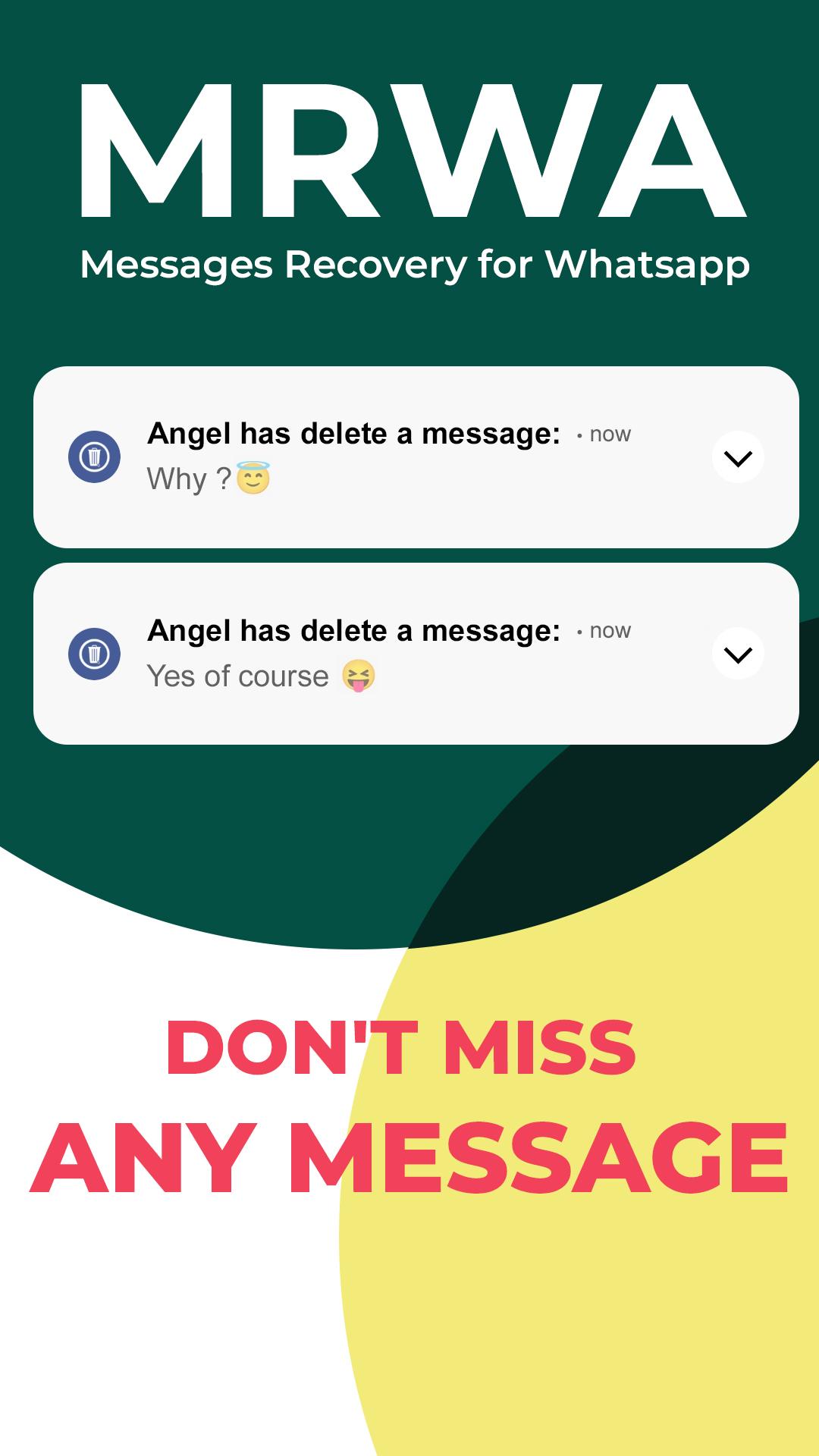
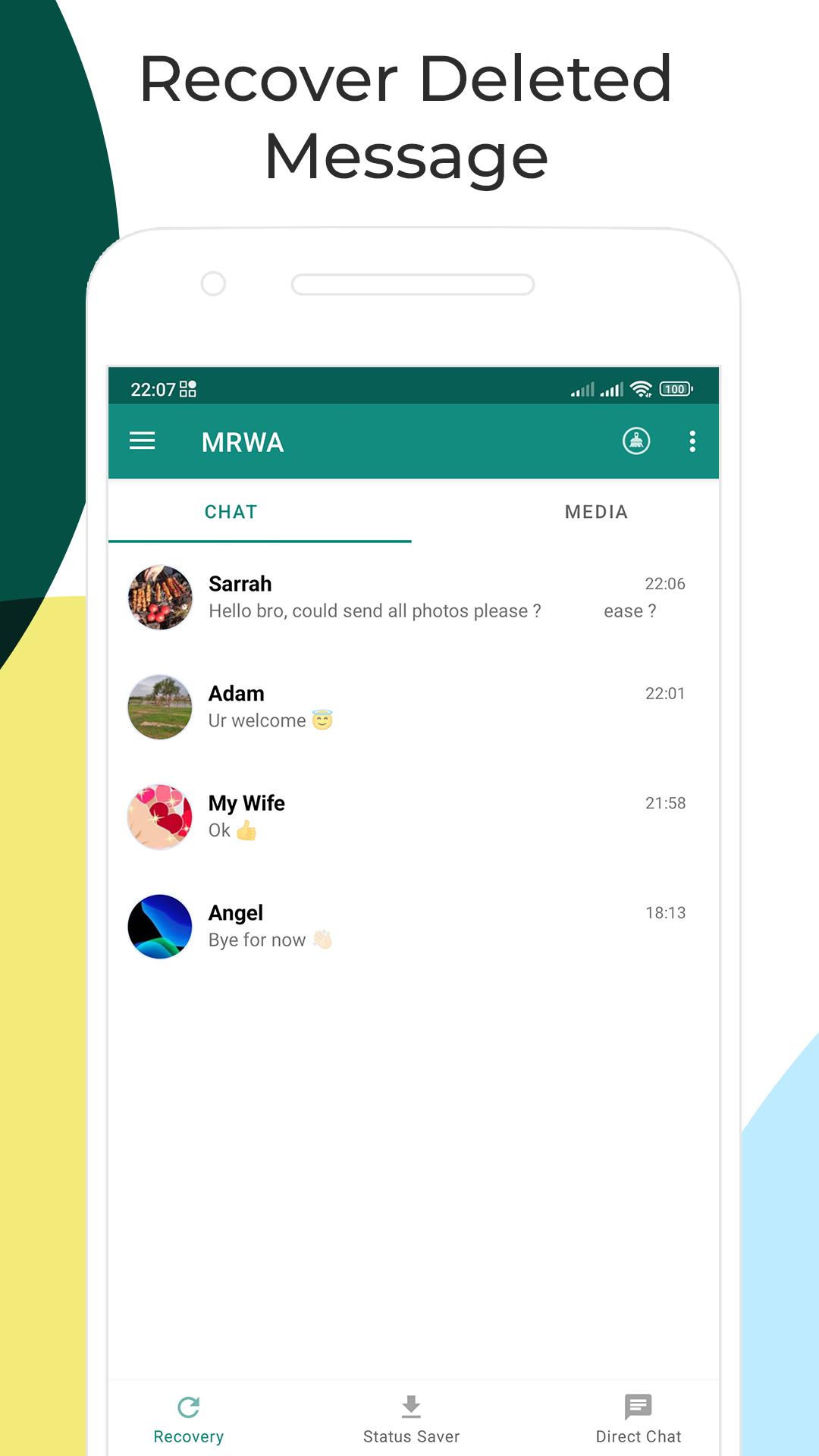
MRWA is an amazing messages recovery app for WhatsApp, it allows you to recover deleted messages and also any deleted media (images, videos, voice notes, animated gifs, audio and stickers) which is deleted before you see it.
So, using MRWA app you will never miss any deleted message!
MRWA app includes also two others features:
Status saver: you can now download any status that is shared by your friends on WhatsApp for free.
Direct chat: this allows you to start sending messages on WhatsApp to any number without saving it in your contacts.
Main Features for MRWA - Messages Recovery for WhatsApp
Recover Deleted Messages
MRWA app helps you to restore deleted messages by reading your device notifications.
Deleted messages recovery has never been easier!
Restore Deleted Media Files
Recover all sorts of media attachments such as images, videos, voice notes, audio, animated gifs, and stickers.
MRWA is the best tool for WhatsApp, not limited only to deleted messages recovery.
Status Saver
You can also use the status saver feature (for both images and videos) to save friends status or to share statuses with your friends.
Direct Chat
Start sending direct messages to any number on WhatsApp, without saving it in your contacts.
FAQ
How we recover text messages?
MRWA recovers text messages from notifications that you receive from your contact. So, when you receive a message, WhatsApp shows a notification with it's content, then MRWA get it and save it as a backup.
Text message isn't recovered, Why?
Since text messages are recovered through notifications, we can't recover them if you have muted a chat or you are currently reading it (you will not receive notification in this case).
Sometimes, MRWA recovers mesages but doesn't notifing. In this case you can open the MRWA app and get it manually.
MRWA has stopped working, What should I do?
MRWA app was probably stopped by the system. You can restart the recovery service by the option in the MRWA's lateral menu.
If the issue persists, go to your phone Settings > Battery, and add MRWA to the ignore optimisation list.
If you are using any task-killer or memory cleaner app, you should add MRWA to the white list.
How we recover media messages?
MRWA app observes the messaging app's media folder, Whenever a media message is deleted Android system informs the app to get a backup.
MRWA doesn't recover deleted media, why?
MRWA needs the media file to be downloaded to make a backup, and sometimes, when you're offline or due to a poor Internet connection or the media file is deleted so quickly, received media file might not get downloaded. Therefore MRWA can't be able to recover media messages.
Why I'm not able to see contact name for recovered media messages?
When a media messages is deleted, it doesn't contain the contact name. So, MRWA can't show the contact name.
Why I'm not able to see contact name for statuses?
Statuses files doesn't contain the contact name. So, MRWA can't show the contact name.
Why I can't see my sent messages, only those received?
Since MRWA app gets messages by reading notifications, and notifications only appear the messages that you reveive, this means MRWA can't retrieve the messages that you send.
MRWA is a free app, so if you like it, feel free to share it with your friends, and we would love to hear your feedbacks.
* This app doesn't belong to WhatsApp Inc, and it doesn't have any relationship with it.
預覽
標籤
效率提升訊息
開發商
LookAndFeel Lab
最新版本
0.12-beta02
更新時間
2023-10-26
類別
效率提升
同時可用
Google Play
更多
如何在電腦上用 GameLoop 玩 MRWA - Messages Recovery WA
1. 從官網下載GameLoop,然後運行exe文件安裝GameLoop
2. 打開GameLoop,搜索“MRWA - Messages Recovery WA”,在搜索結果中找到MRWA - Messages Recovery WA,點擊“安裝”
3. 享受在 GameLoop 上玩 MRWA - Messages Recovery WA 的樂趣
Minimum requirements
OS
Windows 8.1 64-bit or Windows 10 64-bit
GPU
GTX 1050
CPU
i3-8300
Memory
8GB RAM
Storage
1GB available space
Recommended requirements
OS
Windows 8.1 64-bit or Windows 10 64-bit
GPU
GTX 1050
CPU
i3-9320
Memory
16GB RAM
Storage
1GB available space