
ePhoto France 電腦版
Smartphone iD
用GameLoop模拟器在電腦上玩ePhoto France
ePhoto France 電腦版
來自發行商 Smartphone iD 的 ePhoto France 能夠在安卓系統上運行。
現在,您可以在電腦上使用 GameLoop 模擬器流暢地玩 ePhoto France。
在 GameLoop 遊戲庫或搜索結果中下載。 不需要再暢玩遊戲時盯著電池電量或被令人懊惱的來電打斷。
只需在電腦大屏幕上免費下載暢玩ePhoto France 電腦版!
ePhoto France 簡介
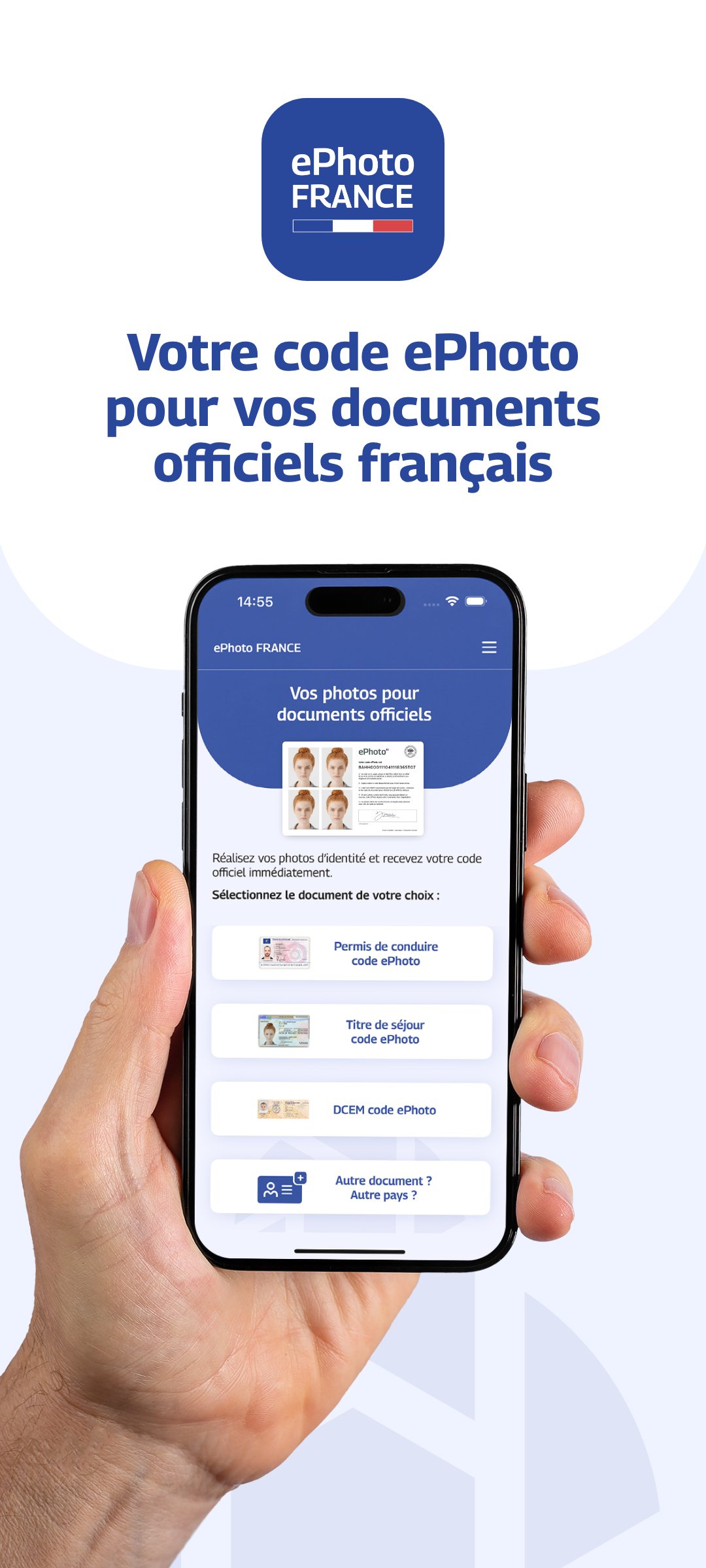
Take your ID photo with an ePhoto code directly from your smartphone.
With ePhoto France, take an ID photo that meets administrative standards and get your official ePhoto code for your online applications: driver's license, residence permit, DCEM (Document de Circulation pour Étranger Mineur - Travel Document for Foreign Minors), etc.
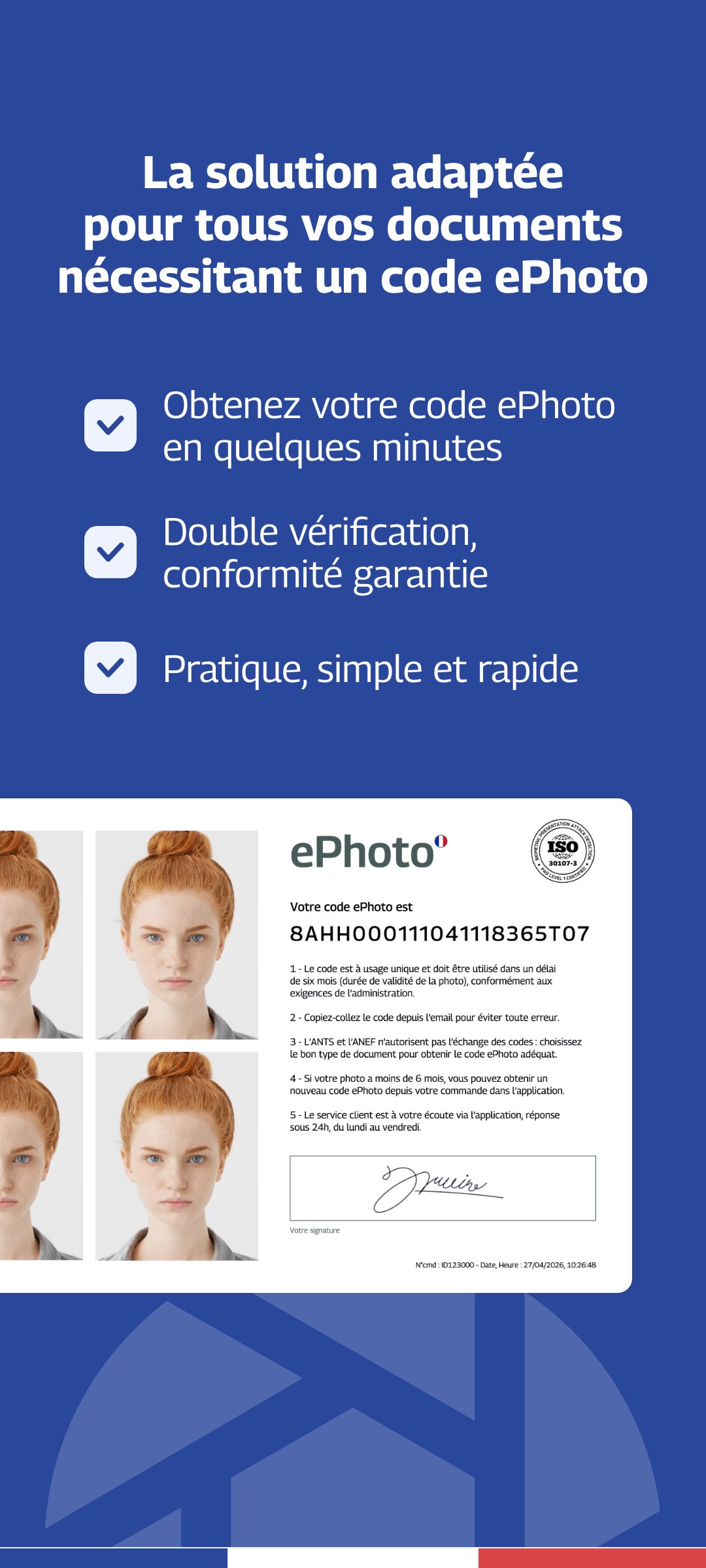
An ePhoto is a digital ID photo accompanied by an electronic signature.
The ePhoto code is required for certain online administrative procedures, particularly on the French government website.
Application compliant with the requirements of the Ministry of the Interior.
Thanks to our advanced verification technology combined with human review, your photos are checked to guarantee their compliance with official standards.
No need to look for a photo booth or a photographer.
Take your ID photos directly at home, with your smartphone.
Our solution is particularly suitable for:
- babies and children
- people living in rural areas
- people with reduced mobility
Take your photo and automatically get your ePhoto code and your ID photo in the correct format.
For which applications:
- Driver's license
- Residence permit
- DCEM (Travel document for foreign minors)
What you will receive:
- Your passport photo compliant with the standards
- Your digital signature
- Your ePhoto code
- Delivery by email in less than one hour
Guarantee:
Photo accepted by the administration or 100% refund.
Tips for a successful photo:
1 - Use a plain, light background
2 - Look directly at the camera
3 - Avoid any shadows on your face
4 - Take the photo in a well-lit area
Tip: Ask a friend or family member for help and use your smartphone's rear camera.
預覽
標籤
攝影訊息
開發商
Smartphone iD
最新版本
2.10
更新時間
2026-04-13
類別
攝影
同時可用
Google Play
更多
如何在電腦上用 GameLoop 玩 ePhoto France
1. 從官網下載GameLoop,然後運行exe文件安裝GameLoop
2. 打開GameLoop,搜索“ePhoto France”,在搜索結果中找到ePhoto France,點擊“安裝”
3. 享受在 GameLoop 上玩 ePhoto France 的樂趣
Minimum requirements
OS
Windows 8.1 64-bit or Windows 10 64-bit
GPU
GTX 1050
CPU
i3-8300
Memory
8GB RAM
Storage
1GB available space
Recommended requirements
OS
Windows 8.1 64-bit or Windows 10 64-bit
GPU
GTX 1050
CPU
i3-9320
Memory
16GB RAM
Storage
1GB available space