US Passport Photo 電腦版
Smartphone iD
用GameLoop模拟器在電腦上玩US Passport Photo
US Passport Photo 電腦版
來自發行商 Smartphone iD 的 US Passport Photo 能夠在安卓系統上運行。
現在,您可以在電腦上使用 GameLoop 模擬器流暢地玩 US Passport Photo。
在 GameLoop 遊戲庫或搜索結果中下載。 不需要再暢玩遊戲時盯著電池電量或被令人懊惱的來電打斷。
只需在電腦大屏幕上免費下載暢玩US Passport Photo 電腦版!
US Passport Photo 簡介
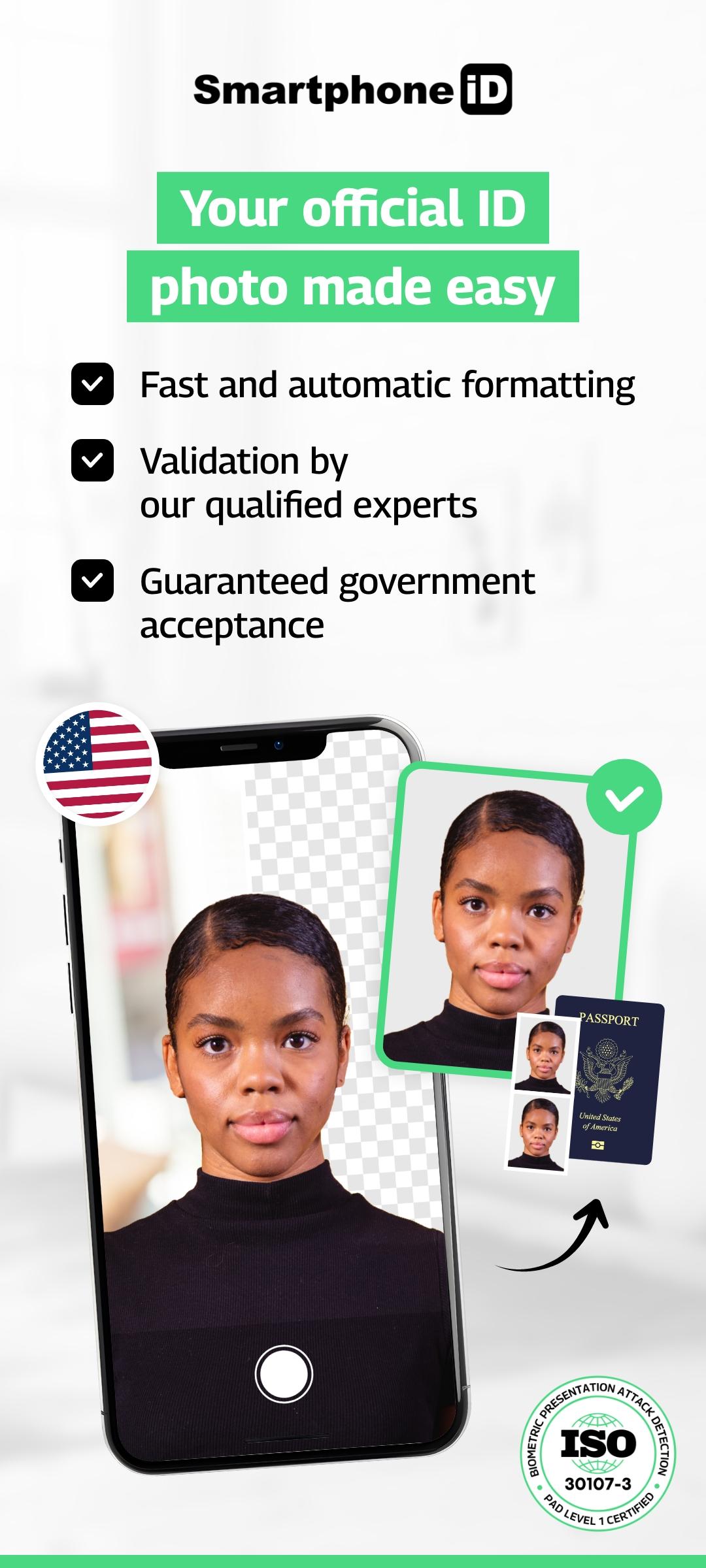
Passport photo – 100% accepted for all official US documents.
Take it from home. Fast, secure, and government-compliant.
Simple. Fast. Reliable service.
Since 2017, millions of users have trusted Smartphone iD to take official ID photos — without leaving home.Whether it’s for a passport, visa, Green Card, DMV license, or any government application, Smartphone iD provides a compliant photo in minutes, with step-by-step guidance.
Why choose Smartphone iD:
- 100% compliant with official US and international standards
- Unlimited retakes until your photo is approved
- Dual verification: AI + human expert review
- Track your order directly from the app
- Service available 24/7 — take your photo anytime
- Affordable, fast, and user-friendly
- GDPR & privacy compliant — full control over your data
How it works:
1. Select your country
2. Choose the document type (passport, visa, ID, Green Card…)
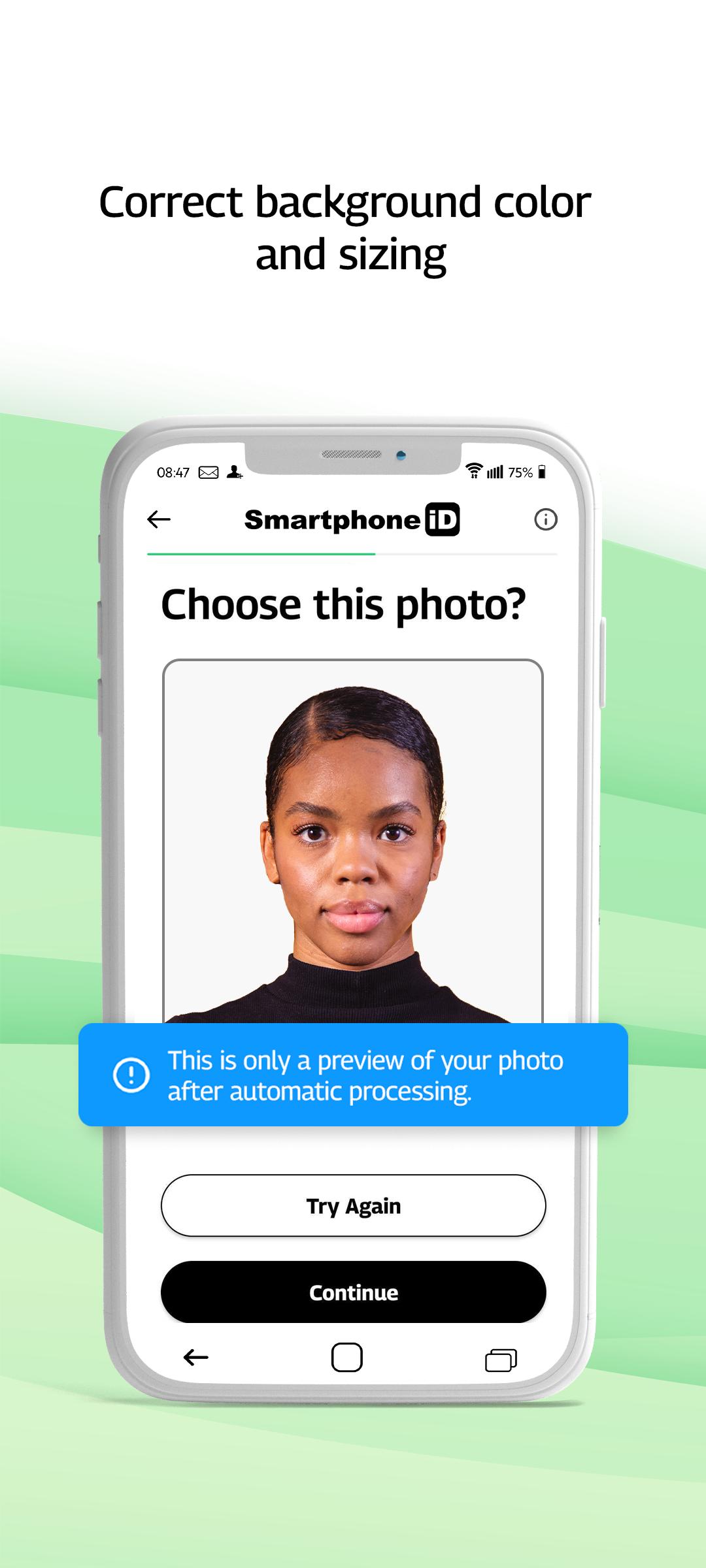
3. Take your photo with our guidance
4. Confirm your order and get your verified photo by email
Need a physical photo?You can order prints or download the file.
If you print it yourself, use a certified photo kiosk to ensure quality and acceptance.
Check our quick photo tips before starting — it speeds up approval.
預覽
標籤
攝影訊息
開發商
Smartphone iD
最新版本
2.21
更新時間
2025-09-11
類別
攝影
同時可用
Google Play
更多
如何在電腦上用 GameLoop 玩 US Passport Photo
1. 從官網下載GameLoop,然後運行exe文件安裝GameLoop
2. 打開GameLoop,搜索“US Passport Photo”,在搜索結果中找到US Passport Photo,點擊“安裝”
3. 享受在 GameLoop 上玩 US Passport Photo 的樂趣
Minimum requirements
OS
Windows 8.1 64-bit or Windows 10 64-bit
GPU
GTX 1050
CPU
i3-8300
Memory
8GB RAM
Storage
1GB available space
Recommended requirements
OS
Windows 8.1 64-bit or Windows 10 64-bit
GPU
GTX 1050
CPU
i3-9320
Memory
16GB RAM
Storage
1GB available space