Blend Collage 電腦版
Devkrushna Infotech
用GameLoop模拟器在電腦上玩Blend Collage
Blend Collage 電腦版
來自發行商 Devkrushna Infotech 的 Blend Collage 能夠在安卓系統上運行。
現在,您可以在電腦上使用 GameLoop 模擬器流暢地玩 Blend Collage。
在 GameLoop 遊戲庫或搜索結果中下載。 不需要再暢玩遊戲時盯著電池電量或被令人懊惱的來電打斷。
只需在電腦大屏幕上免費下載暢玩Blend Collage 電腦版!
Blend Collage 簡介
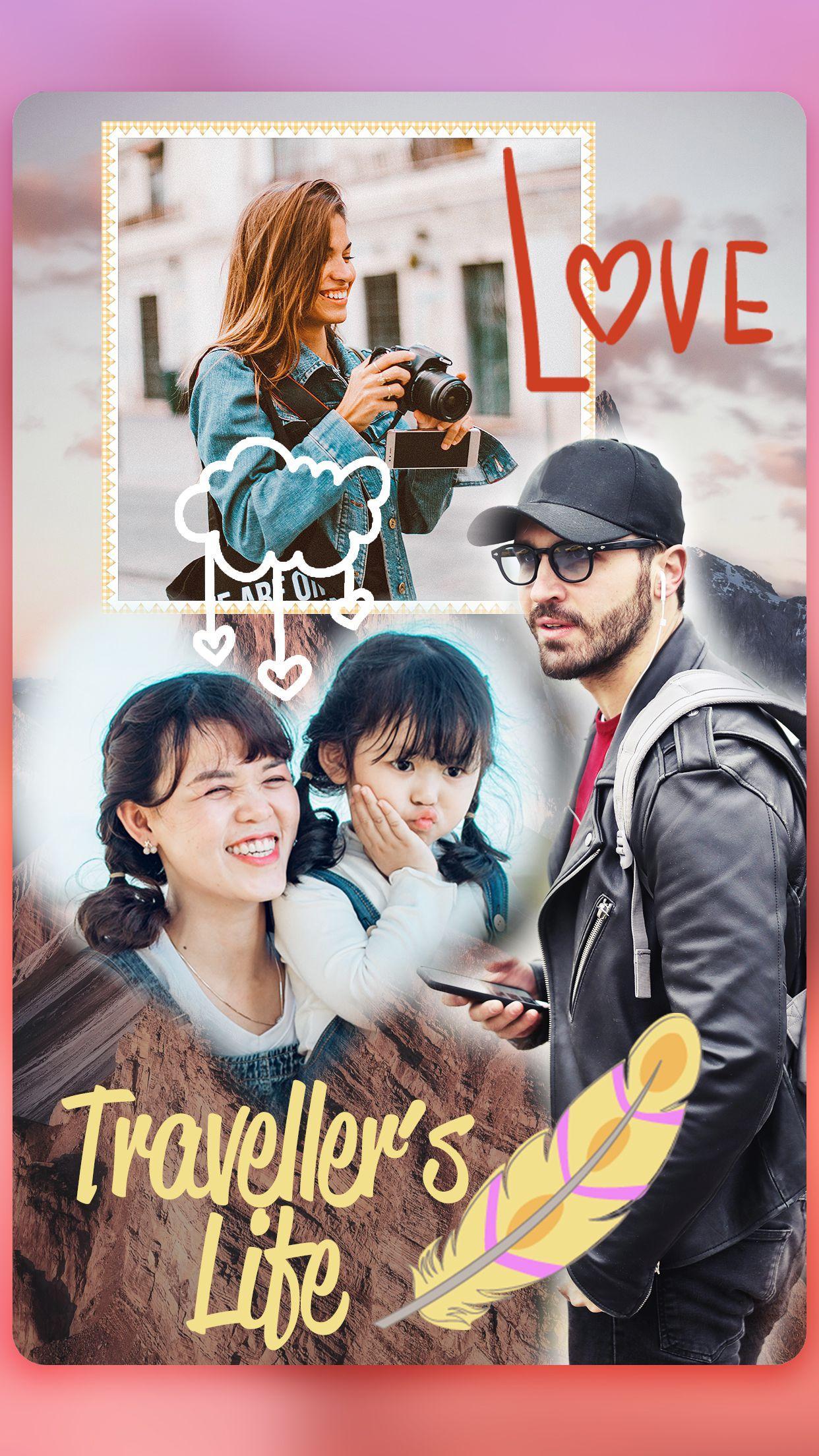
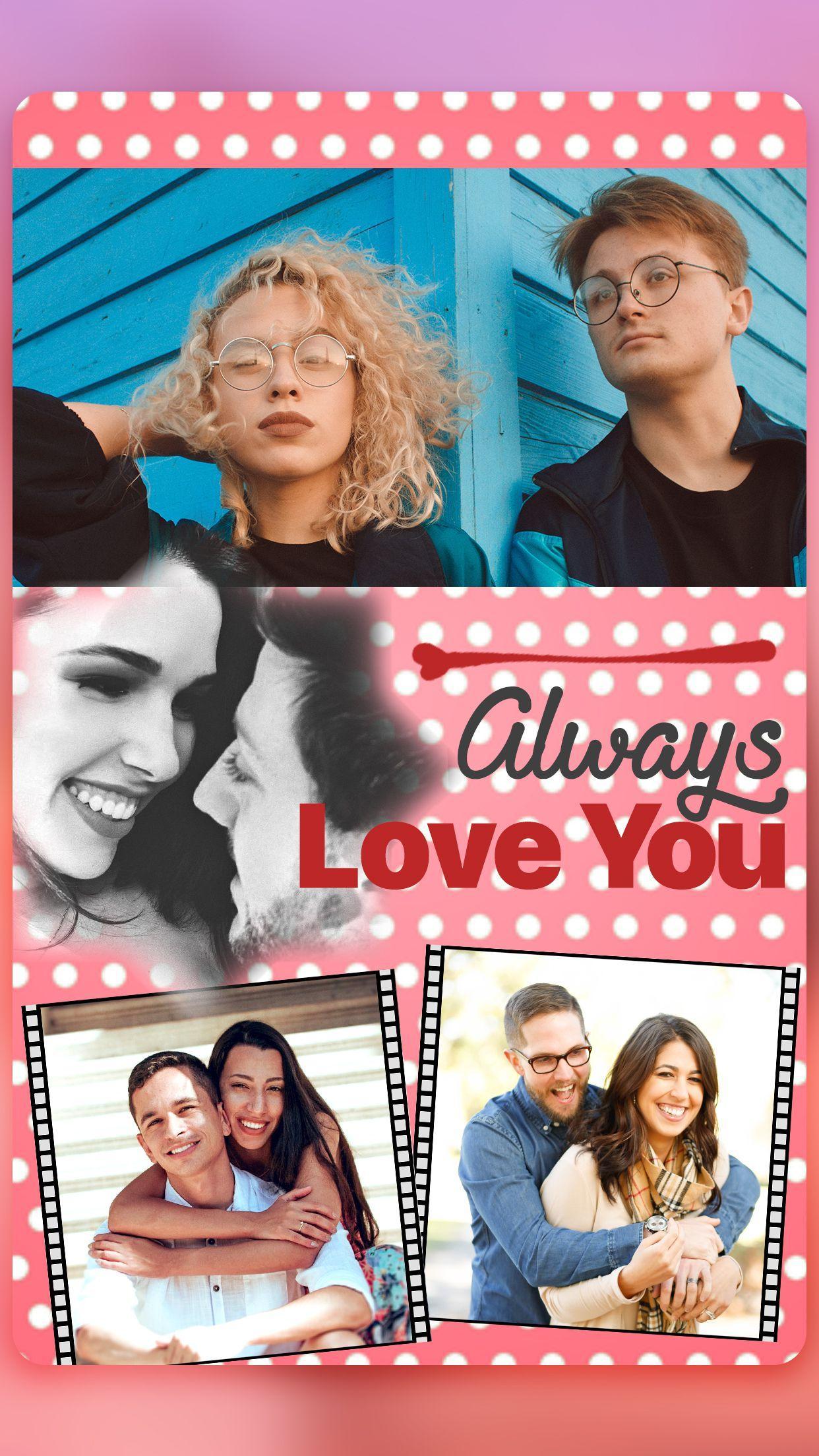
Free style collage is your personalized photo collage maker. In which you have to just choose your images and can make your photo collage any how you want in any style freely hens it’s called free style photo editor. There is a background color and textures are available in photo grid for making collage more attractive. Using Pic Collage we can make image popular and also can make scrapbook of pic collage.
Photo editor collage maker has many editing tool like photo filters, stickers, shape mask, frames, text to image, flip, rotate and etc. In Shape collage, by applying unique rich filters you can actually make DSLR look like professional photo. Shape Maker photo editor provides huge cool collection of stickers and frames. Create a story of your unforgettable moment with this Photo mixer and you can write story with photo with powerful text editor. Photo Collage Maker helps you to create perfect picture collages and Insta Collages.
Create multiple pic collage using photo blend. Pic Collage-Free style Collage, Reflection Stacked Photos Is an application blender photo that by using it you can gain popularity. Photo blend is the best of overlays for combine photo, It's easy to use, just create the collage in which way you want to.
Using Picmix you can perform operations on image like move, resize, zoom in/zoom out. Decorate your camera shots and pics in a scrapbook with funny album style to be the best person in one photo. After finishing creating the collage, the last step is saving or sharing it. It can be done by a single click and your image will be saved in your gallery.
App- Features:
- Make photo collage with Free style or Grid style
- Choose Backgrounds, frames and grids
- Large number of Stickers and Font styles
- Freely rotate, zoom in/out, and re-arrange your photos
- Apply shadow effect to your photo
- Easy to change border colors, backgrounds
- Apply shape masking. There is variant mask style is given
- Crop pictures and edit photo with Filter, Text
- Collage your photos like a magazine, a poster, or a themed album for Instagram
- Save photo in high resolution and share pictures to Instagram, Facebook, Whatsapp, etc
Everyone is artistic so you don't need to be a photographer or an artist , Install "Free Style Collage" now and make your insta collage right away.
預覽
標籤
攝影訊息
開發商
Devkrushna Infotech
最新版本
1.0
更新時間
2019-03-25
類別
攝影
同時可用
Google Play
更多
如何在電腦上用 GameLoop 玩 Blend Collage
1. 從官網下載GameLoop,然後運行exe文件安裝GameLoop
2. 打開GameLoop,搜索“Blend Collage”,在搜索結果中找到Blend Collage,點擊“安裝”
3. 享受在 GameLoop 上玩 Blend Collage 的樂趣
Minimum requirements
OS
Windows 8.1 64-bit or Windows 10 64-bit
GPU
GTX 1050
CPU
i3-8300
Memory
8GB RAM
Storage
1GB available space
Recommended requirements
OS
Windows 8.1 64-bit or Windows 10 64-bit
GPU
GTX 1050
CPU
i3-9320
Memory
16GB RAM
Storage
1GB available space