Camera Scanner - PDF Scan App 電腦版
Devkrushna Infotech
用GameLoop模拟器在電腦上玩Camera Scanner - PDF Scan App
Camera Scanner - PDF Scan App 電腦版
來自發行商 Devkrushna Infotech 的 Camera Scanner - PDF Scan App 能夠在安卓系統上運行。
現在,您可以在電腦上使用 GameLoop 模擬器流暢地玩 Camera Scanner - PDF Scan App。
在 GameLoop 遊戲庫或搜索結果中下載。 不需要再暢玩遊戲時盯著電池電量或被令人懊惱的來電打斷。
只需在電腦大屏幕上免費下載暢玩Camera Scanner - PDF Scan App 電腦版!
Camera Scanner - PDF Scan App 簡介
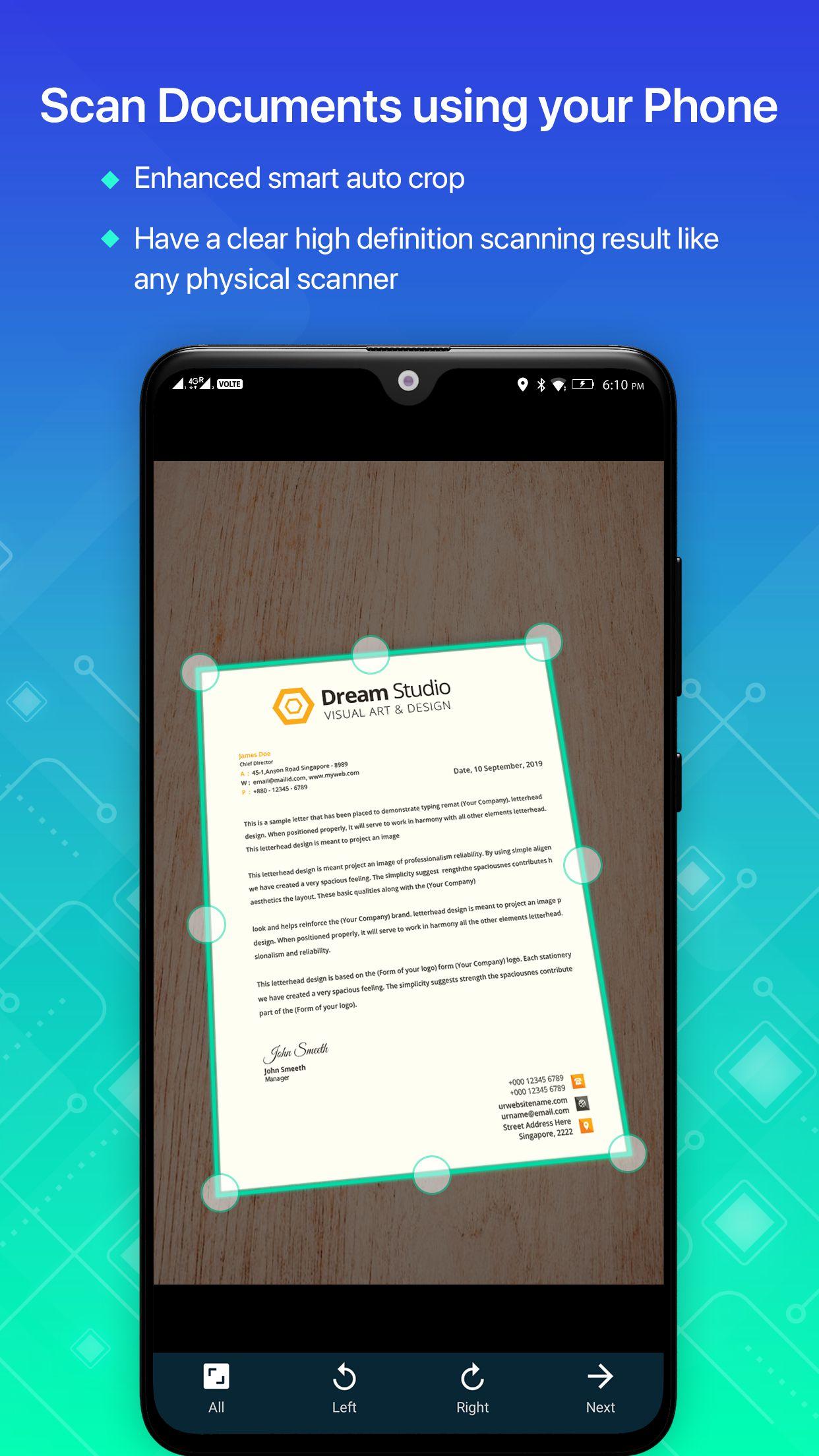
Now convert your smart phone into a mini document scanner and enjoy the high quality image in your device within just one touch with Camera Scanner application. PDF scanner app is for scanning documents, images easily in a few minutes. It is like incorporating a scanner with extensive functionality to the mobile to use it at any time and place, edit, make lists and share the files obtained in PDF or JPEG format. Camera Scanner is a little scanner app that turns android device into a portable document scanner, photo scanner, pdf scanner and scan everything.
Scan documents with your Smartphone has never been so easy, with the scanner app you can scan color documents, photos, images and text. Scanner app is a must for every person be it a school student, college student, business person or any other person. Camera scanner app lets you scan your photographs and documents in high quality which makes it easy for the person to read the texts present. Apart from this, there are many auto correcting features that the app provides like adjusting the brightness and filters the image for the better and good quality result.
Just use your phone camera to photo scan and digitize all kinds of paper documents: receipts, notes, invoices, whiteboard discussions, business cards, certificates, etc. Your scanned document will be available in image and PDF format, so it works as a pdf creator too.
FEATURES:
• Scan your document
• Enhance the scan quality automatically/Manually
• Enhancement includes smart cropping and many more
• Document naming, storage inside the app and search
• With this option you can make folder and lists of scanned documents
• Adding or Deleting one page or the whole document
• Easily manage your files and folders, in order to organize your documents better
• Convert scanned images to the best quality PDF file
• Share PDF/JPEG files
This camera scanner app saves a huge amount of both time and money. So get this amazing free mini pocket scanner app now in your smart phones and get the scanning done from any part of the world and send the scanned image to any person at any location.
Advanced Features:-
- Document Digitization
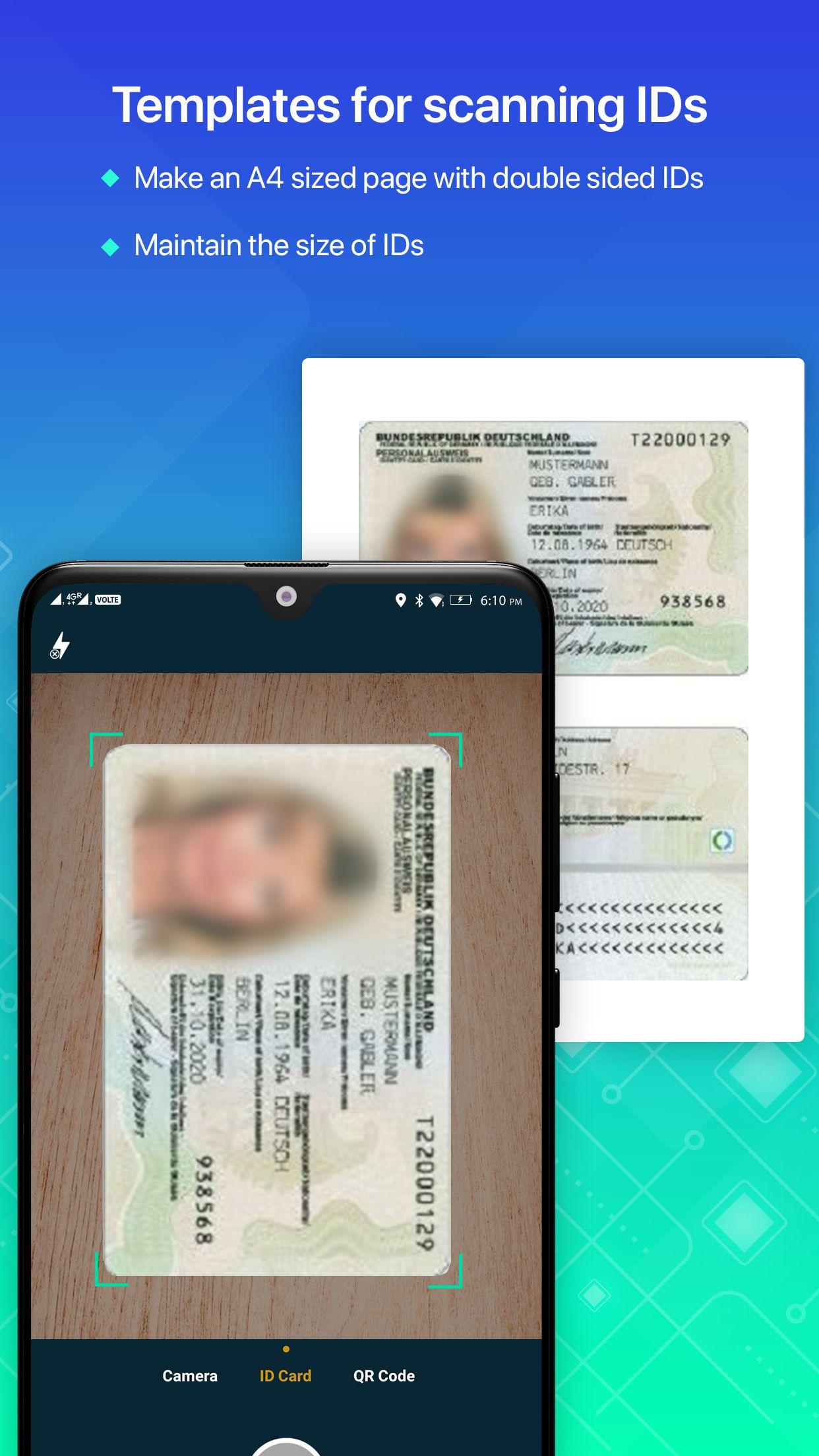
Use this Document Scanner app to digitize all kinds of paper documents like bills, notes, book pages, certificates, invoices, whiteboard or blackboard discussions, cards, etc.
- Image to Pdf Converter
Just select some images or take a picture with your camera and convert it into a PDF file.
- QR Code Scanner
QR code reader can scan and decode all kinds of QR codes and barcodes.
- PDF Creator
The integrated Jpeg into PDF app turns your pictures or photos into PDF files. You can choose between different preferences for the page margin, orientation, and size, add watermark, also you can use password to protect pdf.
- Image to Text Converter
OCR Text Recognition feature recognizes texts from images for later searching, editing or sharing.
預覽
標籤
效率提升訊息
開發商
Devkrushna Infotech
最新版本
5.0.0
更新時間
2022-05-04
類別
效率提升
同時可用
Google Play
更多
如何在電腦上用 GameLoop 玩 Camera Scanner - PDF Scan App
1. 從官網下載GameLoop,然後運行exe文件安裝GameLoop
2. 打開GameLoop,搜索“Camera Scanner - PDF Scan App”,在搜索結果中找到Camera Scanner - PDF Scan App,點擊“安裝”
3. 享受在 GameLoop 上玩 Camera Scanner - PDF Scan App 的樂趣
Minimum requirements
OS
Windows 8.1 64-bit or Windows 10 64-bit
GPU
GTX 1050
CPU
i3-8300
Memory
8GB RAM
Storage
1GB available space
Recommended requirements
OS
Windows 8.1 64-bit or Windows 10 64-bit
GPU
GTX 1050
CPU
i3-9320
Memory
16GB RAM
Storage
1GB available space