
Mom or Dad: Baby Photo Editor 電腦版
LinaSoft
用GameLoop模拟器在電腦上玩Mom or Dad: Baby Photo Editor
Mom or Dad: Baby Photo Editor 電腦版
來自發行商 LinaSoft 的 Mom or Dad: Baby Photo Editor 能夠在安卓系統上運行。
現在,您可以在電腦上使用 GameLoop 模擬器流暢地玩 Mom or Dad: Baby Photo Editor。
在 GameLoop 遊戲庫或搜索結果中下載。 不需要再暢玩遊戲時盯著電池電量或被令人懊惱的來電打斷。
只需在電腦大屏幕上免費下載暢玩Mom or Dad: Baby Photo Editor 電腦版!
Mom or Dad: Baby Photo Editor 簡介
An AI baby photo editor, an AI baby generator, and the free mom or dad look-alike test — all in one app! Settle the family argument and create stunning baby photos.
👶 WHO DO I LOOK LIKE? FREE FOREVER
The original mom or dad look alike test. Add mom, dad and baby photos to get a playful Face Report. Ever wonder who does my baby look like? Find out with an overall mom-vs-dad percentage, plus a face similarity breakdown of eyes, nose, mouth, and smile. This family resemblance test is unlimited and free, always. Compare parents and see if your child is a true look alike!
📸 159 PHOTO THEMES, 14 CATEGORIES
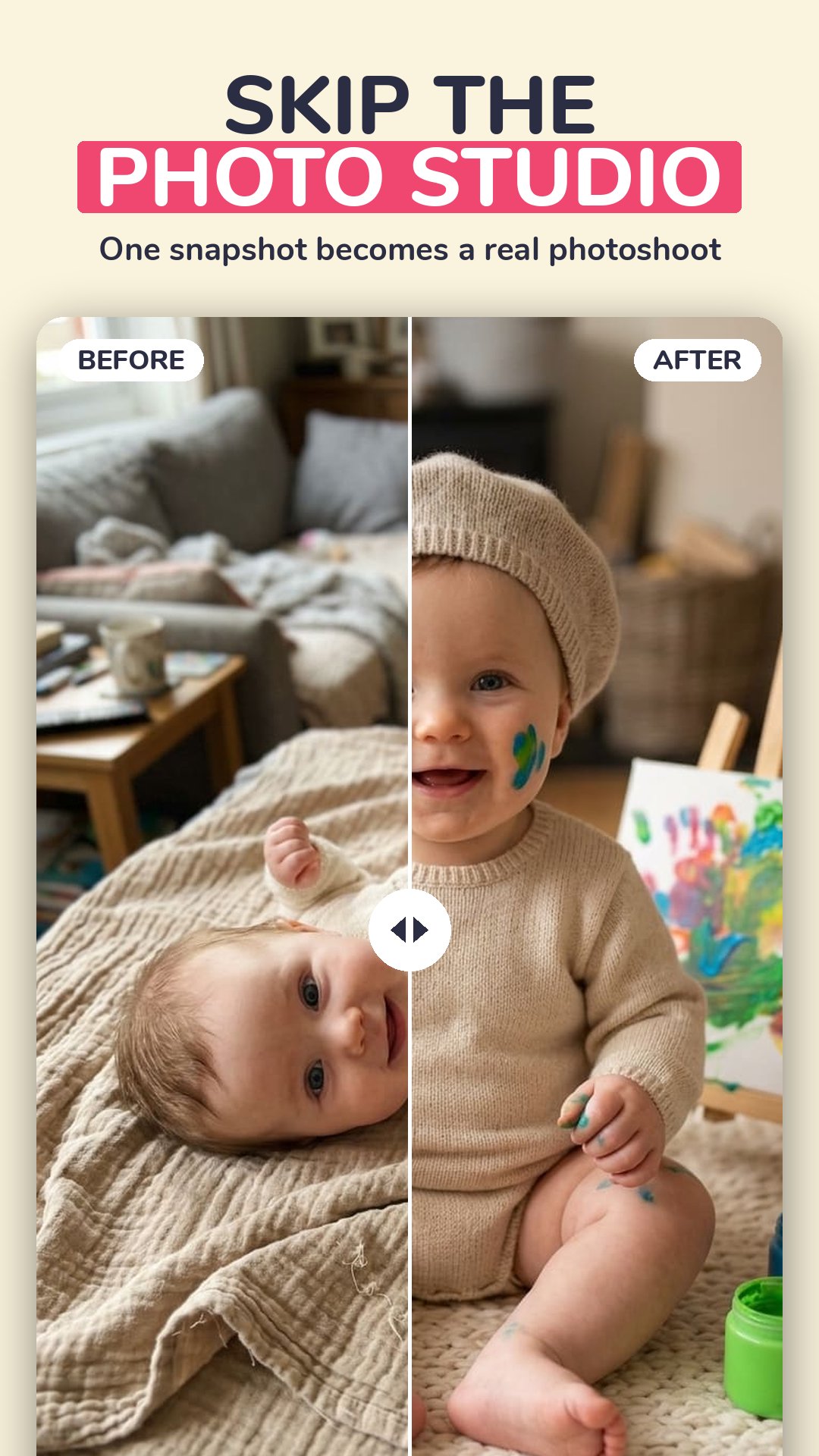
Why book a baby photo studio? Create over 1,000 different photos of your own baby — 159 themes in six styles, from one snapshot on your phone. No booking, no travel, no studio fee. A complete AI baby photo editor in your pocket:
• Monthly Milestones — month-by-month milestone photos
• Newborn Classics — newborn photoshoot ideas
• Holidays and World Festivals
• Seasons, Fantasy, Sports, Animal Friends
• Little Professions, Sweet Treats, Art Styles
• Around the World, Family Portraits, Time Travel
🍼 AI BABY GENERATOR: YOUR FUTURE BABY
What would our baby look like? Add two parent photos and meet your future baby. Pick a boy or a girl and see them at four ages — newborn, six years old, teenager and grown up. This AI baby face generator blends eyes, nose, mouth, hair and skin tone from both parents. The ultimate baby predictor and future face maker!
🚀 KID GROWN UP
Curious about their future face? Use our aging app feature to see one photo of your child aged five steps ahead: 16, 25, 35, 50 and 70. A fun age progression and future kids generator.
🧑⚕️ PROFESSIONS
Doctor, police officer, astronaut, pilot, engineer, teacher, footballer, chef or CEO. Nine careers to try on with this AI kid generator.
⏳ TIME MACHINE
First day of school, the luxury life, or a 1990s high-school yearbook portrait.
🎨 SIX STYLES
Realistic, cute, studio, cartoon, anime or royal, on any theme.
🌍 MADE FOR YOUR COUNTRY
Local photo ideas curated for 22 markets, and the whole app in 29 languages.
Your photos are never stored on our servers. Results are AI-generated, for entertainment only.
🔓 TRY IT FREE
Create your first photos free — they carry a small watermark. Premium by Avo Studio unlocks every theme and tool, removes the watermark, and renews weekly or monthly until you cancel. Fair usage limits apply.
Privacy policy: https://avoparenting.com/legal/privacy
Terms of use: https://avoparenting.com/legal/terms
預覽

標籤
子女教養訊息
開發商
LinaSoft
最新版本
4.1.9
更新時間
2026-10-01
類別
子女教養
同時可用
Google Play
更多
如何在電腦上用 GameLoop 玩 Mom or Dad: Baby Photo Editor
1. 從官網下載GameLoop,然後運行exe文件安裝GameLoop
2. 打開GameLoop,搜索“Mom or Dad: Baby Photo Editor”,在搜索結果中找到Mom or Dad: Baby Photo Editor,點擊“安裝”
3. 享受在 GameLoop 上玩 Mom or Dad: Baby Photo Editor 的樂趣
Minimum requirements
OS
Windows 8.1 64-bit or Windows 10 64-bit
GPU
GTX 1050
CPU
i3-8300
Memory
8GB RAM
Storage
1GB available space
Recommended requirements
OS
Windows 8.1 64-bit or Windows 10 64-bit
GPU
GTX 1050
CPU
i3-9320
Memory
16GB RAM
Storage
1GB available space