background video recorder PC
lock screen passcode
قم بتنزيل background video recorder على جهاز الكمبيوتر باستخدام GameLoop Emulator
background video recorder على الكمبيوتر الشخصي
background video recorder ، القادم من المطور lock screen passcode ، يعمل على نظام Android في الماضي.
الآن ، يمكنك لعب background video recorder على جهاز الكمبيوتر باستخدام GameLoop بسلاسة.
قم بتنزيله في مكتبة GameLoop أو في نتائج البحث. لا مزيد من الانتباه إلى البطارية أو المكالمات المحبطة في الوقت الخطأ بعد الآن.
ما عليك سوى الاستمتاع بجهاز background video recorder على الشاشة الكبيرة مجانًا!
background video recorder مقدمة
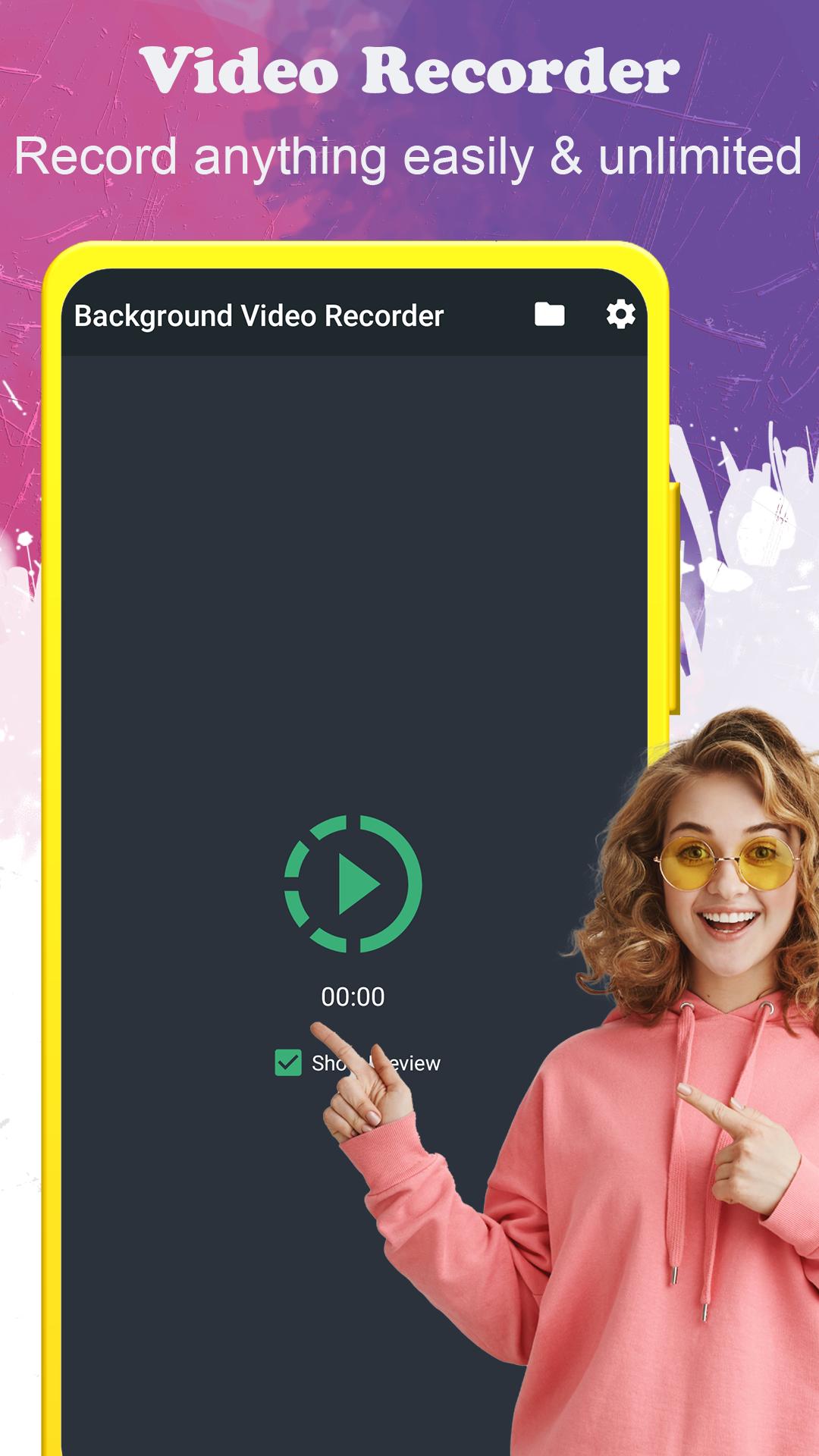
background video recorder (BVR) is an app camera that normally helps you recording video in the background camera preview. With many functions useful as continue recording when screen off or schedule to recording. Easy use app by one click Video Recorder shortcut (Quick Record). Support multiple over 50 languages.
Main features:
★ An unlimited number of video recordings.
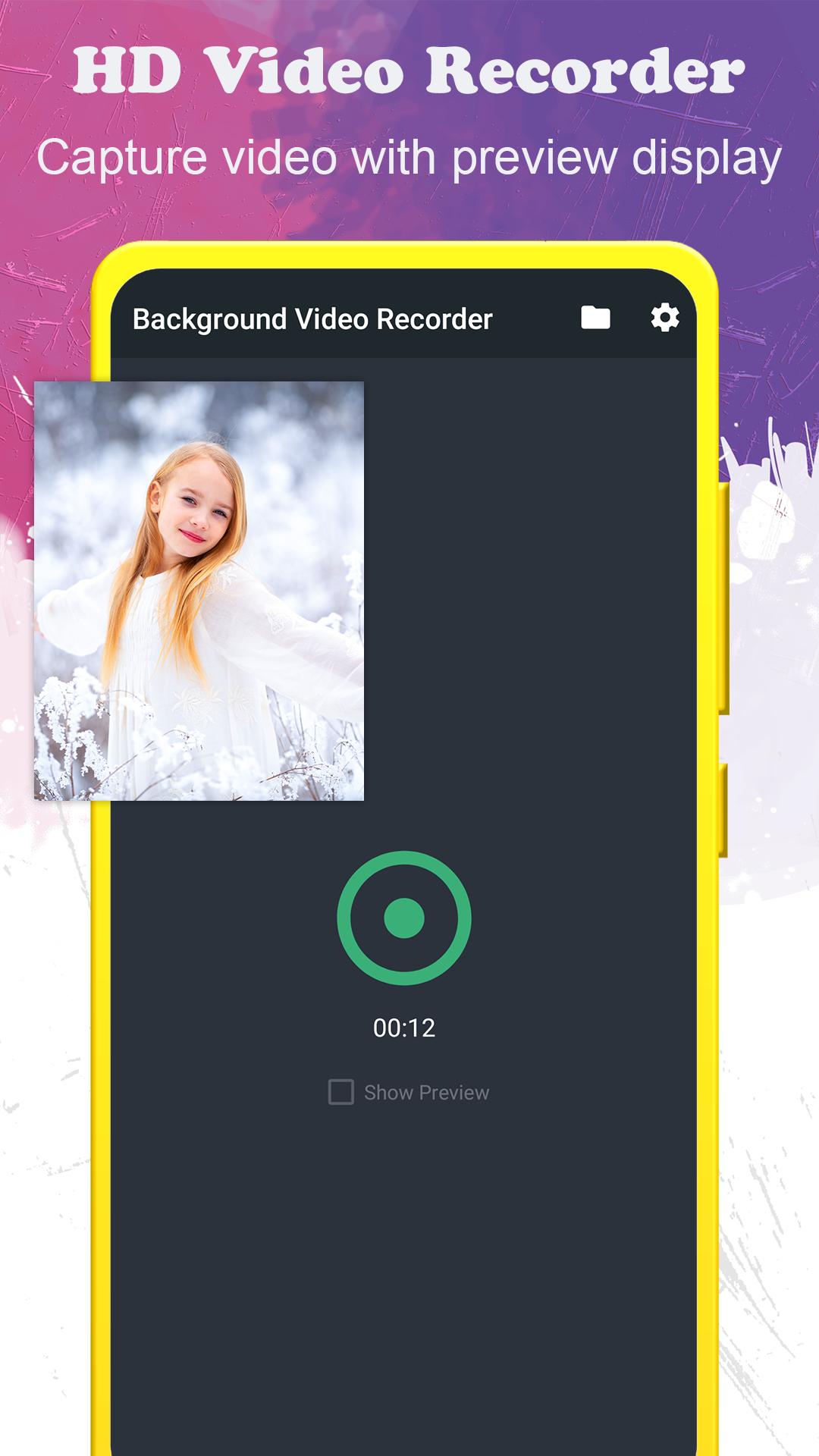
★ Record with or without preview (as you config).
★ Support save the video recording on SD card (external SD card)
★ One-touch to start/stop recording.
★ Support video orientation
★ Can record during a phone call.
★ Turn the screen off and continue recording in background mode.
★ Supports front and back camera.
★ Full HD video (1920x1080) recording.
★ Easy to config duration, camera, and video quality.
★ Check free storage before recording.
★ Easy to open the folder containing recorded videos.
★ Protect app by passcode locks.
All feedback and feature requests related to the operation of the application, as well as many other questions, can be sent the following email of the support team: nqhuy14071995@gmail.com
If you like our app, please take a minute to rate it on the Google Play market.
معاينة
العلامات
Video-Playersمعلومة
مطور
lock screen passcode
احدث اصدار
6.8.19
آخر تحديث
2025-10-06
فئة
Video-players-editors
متاح على
Google Play
أظهر المزيد
كيف تلعب background video recorder مع GameLoop على جهاز الكمبيوتر
1. قم بتنزيل GameLoop من الموقع الرسمي ، ثم قم بتشغيل ملف exe لتثبيت GameLoop.
2. افتح GameLoop وابحث عن "background video recorder" ، وابحث عن background video recorder في نتائج البحث وانقر على "تثبيت".
3. استمتع بلعب background video recorder على GameLoop.
Minimum requirements
OS
Windows 8.1 64-bit or Windows 10 64-bit
GPU
GTX 1050
CPU
i3-8300
Memory
8GB RAM
Storage
1GB available space
Recommended requirements
OS
Windows 8.1 64-bit or Windows 10 64-bit
GPU
GTX 1050
CPU
i3-9320
Memory
16GB RAM
Storage
1GB available space