App lock - Fingerprint PC
lock screen passcode
قم بتنزيل App lock - Fingerprint على جهاز الكمبيوتر باستخدام GameLoop Emulator
App lock - Fingerprint على الكمبيوتر الشخصي
App lock - Fingerprint ، القادم من المطور lock screen passcode ، يعمل على نظام Android في الماضي.
الآن ، يمكنك لعب App lock - Fingerprint على جهاز الكمبيوتر باستخدام GameLoop بسلاسة.
قم بتنزيله في مكتبة GameLoop أو في نتائج البحث. لا مزيد من الانتباه إلى البطارية أو المكالمات المحبطة في الوقت الخطأ بعد الآن.
ما عليك سوى الاستمتاع بجهاز App lock - Fingerprint على الشاشة الكبيرة مجانًا!
App lock - Fingerprint مقدمة
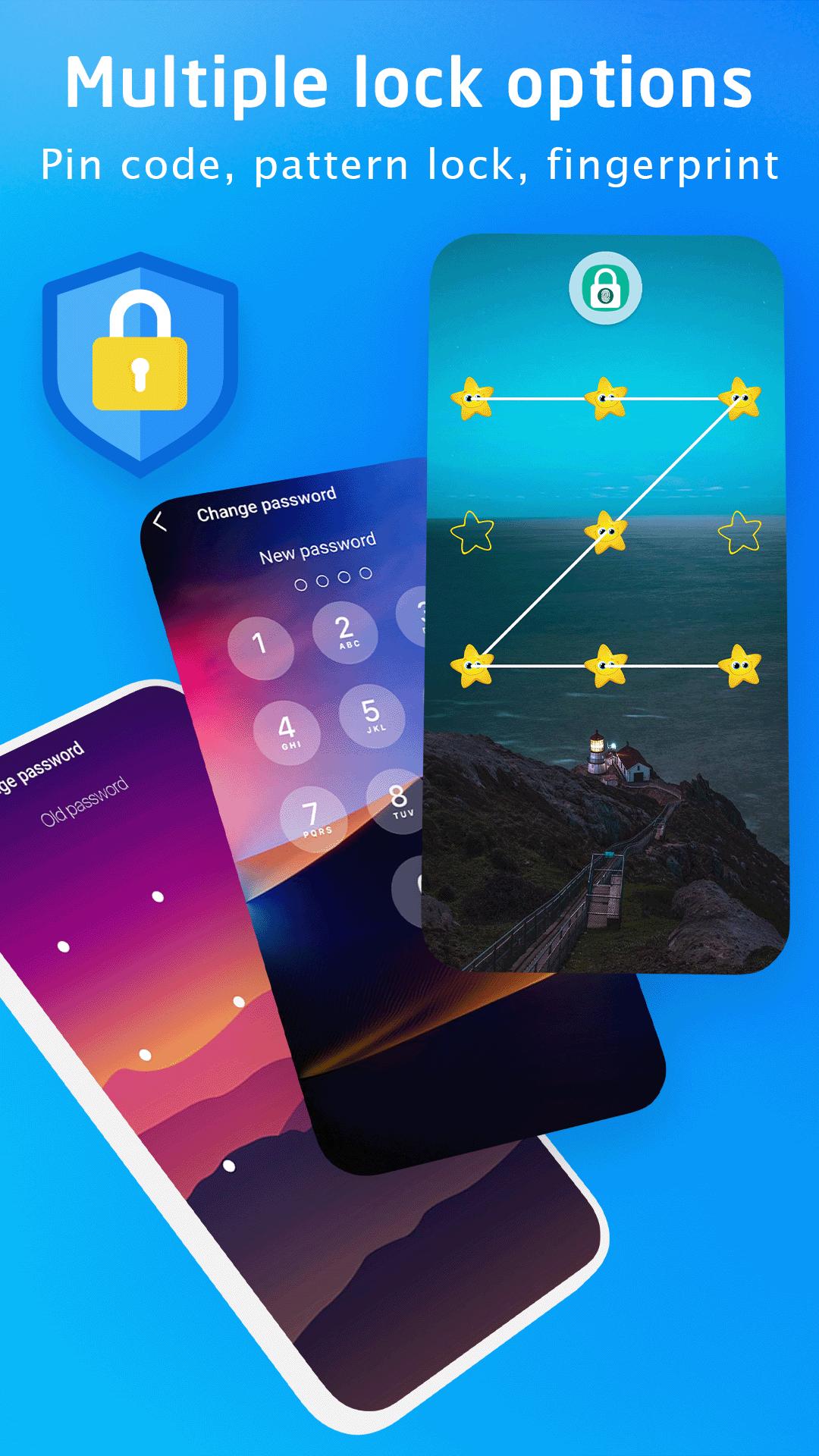
This Applock application with PIN code, pattern or fingerprint support for your applications.
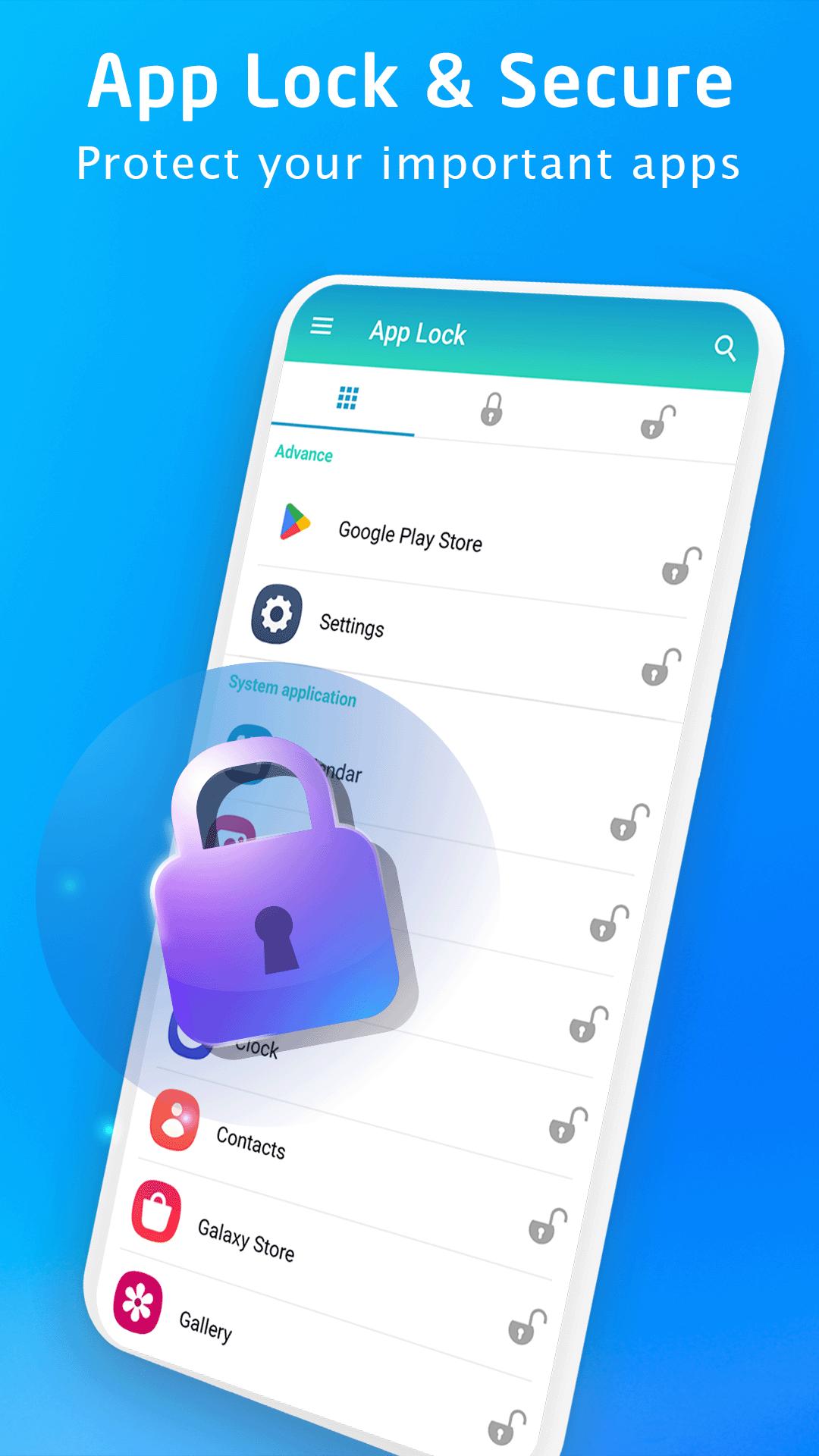
Lock all apps like: Facebook, WhatsApp, Instagram, Zalo, Twitter, SMS, Contacts, Messenger, Settings, Library, Gmail, Browser, Play Store ...
Protect applications every time when you access with a password that only you know. Support quick access to applications with fingerprints (Works on fingerprint supported devices on Android 6.0 above) quickly and safely.
*FEATURES:
★ App locker is to lock System apps, social network apps, Gallery apps and games.
★ Unlock with Passcode, Pattern or Fingerprint (On Android 6.0 above).
★ Support Locking newly installed apps, a notification will appear right after installing an app to help protect your privacy.
★ Fingerprint app lock: Instant unlock with your fingerprint for fingerprint supported devices (on Android 6.0 above).
★ Automatically set color in app lock screen for popular apps and system apps.
★ Easily search for apps to lock
★ Change application lock screen Wallpaper with extremely beautiful templates available
★ Beautiful and colored application lock screen interface compatible with the application.
Download, use the App lock application for free now.
Please email us if your device is not supported, we will try our best to support it.
معاينة
العلامات
أدواتمعلومة
مطور
lock screen passcode
احدث اصدار
2.4
آخر تحديث
2025-09-19
فئة
أدوات
متاح على
Google Play
أظهر المزيد
كيف تلعب App lock - Fingerprint مع GameLoop على جهاز الكمبيوتر
1. قم بتنزيل GameLoop من الموقع الرسمي ، ثم قم بتشغيل ملف exe لتثبيت GameLoop.
2. افتح GameLoop وابحث عن "App lock - Fingerprint" ، وابحث عن App lock - Fingerprint في نتائج البحث وانقر على "تثبيت".
3. استمتع بلعب App lock - Fingerprint على GameLoop.
Minimum requirements
OS
Windows 8.1 64-bit or Windows 10 64-bit
GPU
GTX 1050
CPU
i3-8300
Memory
8GB RAM
Storage
1GB available space
Recommended requirements
OS
Windows 8.1 64-bit or Windows 10 64-bit
GPU
GTX 1050
CPU
i3-9320
Memory
16GB RAM
Storage
1GB available space