
Zippie: File Achiver & Reader PC
Apero Technologies Group - TrustedApp
قم بتنزيل Zippie: File Achiver & Reader على جهاز الكمبيوتر باستخدام GameLoop Emulator
Zippie: File Achiver & Reader على الكمبيوتر الشخصي
Zippie: File Achiver & Reader ، القادم من المطور Apero Technologies Group - TrustedApp ، يعمل على نظام Android في الماضي.
الآن ، يمكنك لعب Zippie: File Achiver & Reader على جهاز الكمبيوتر باستخدام GameLoop بسلاسة.
قم بتنزيله في مكتبة GameLoop أو في نتائج البحث. لا مزيد من الانتباه إلى البطارية أو المكالمات المحبطة في الوقت الخطأ بعد الآن.
ما عليك سوى الاستمتاع بجهاز Zippie: File Achiver & Reader على الشاشة الكبيرة مجانًا!
Zippie: File Achiver & Reader مقدمة
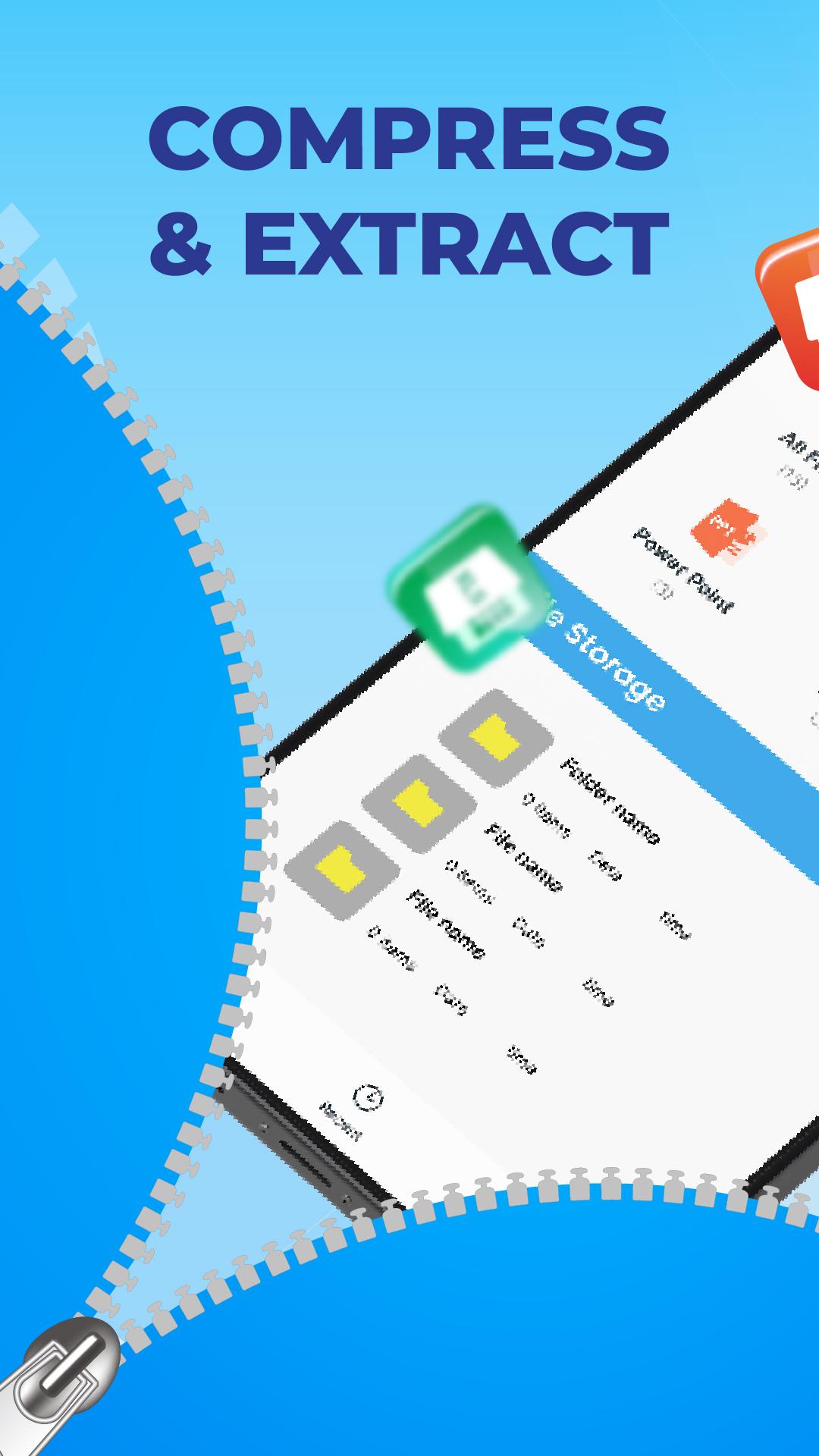
Compress and extract all file formats with just 1 compact application, no need for a PC or laptop. Compress multiple documents and photos, videos, audio quickly and simply.
This application supports you to extract and compress all files of large sizes in a few seconds. You don't need to use professional zip openers and rar compressors for each file type, saving time significantly. The Zippie app supports storing files in many formats (zip, rar, tar, 7z, ...) and decompressing immediately with just a few simple operations.
Why is the Zippie app so great?
📂 Professional, powerful compressor: the application allows to select and compress multiple files at the same time, easily packing large files into 1 zip folder. Transfer files and share them quickly with friends just only single file.
📚 Extract zip and rar files quickly: image, video, document, audio files are decompressed quickly without other extractors. Powerful and strong decompression application.
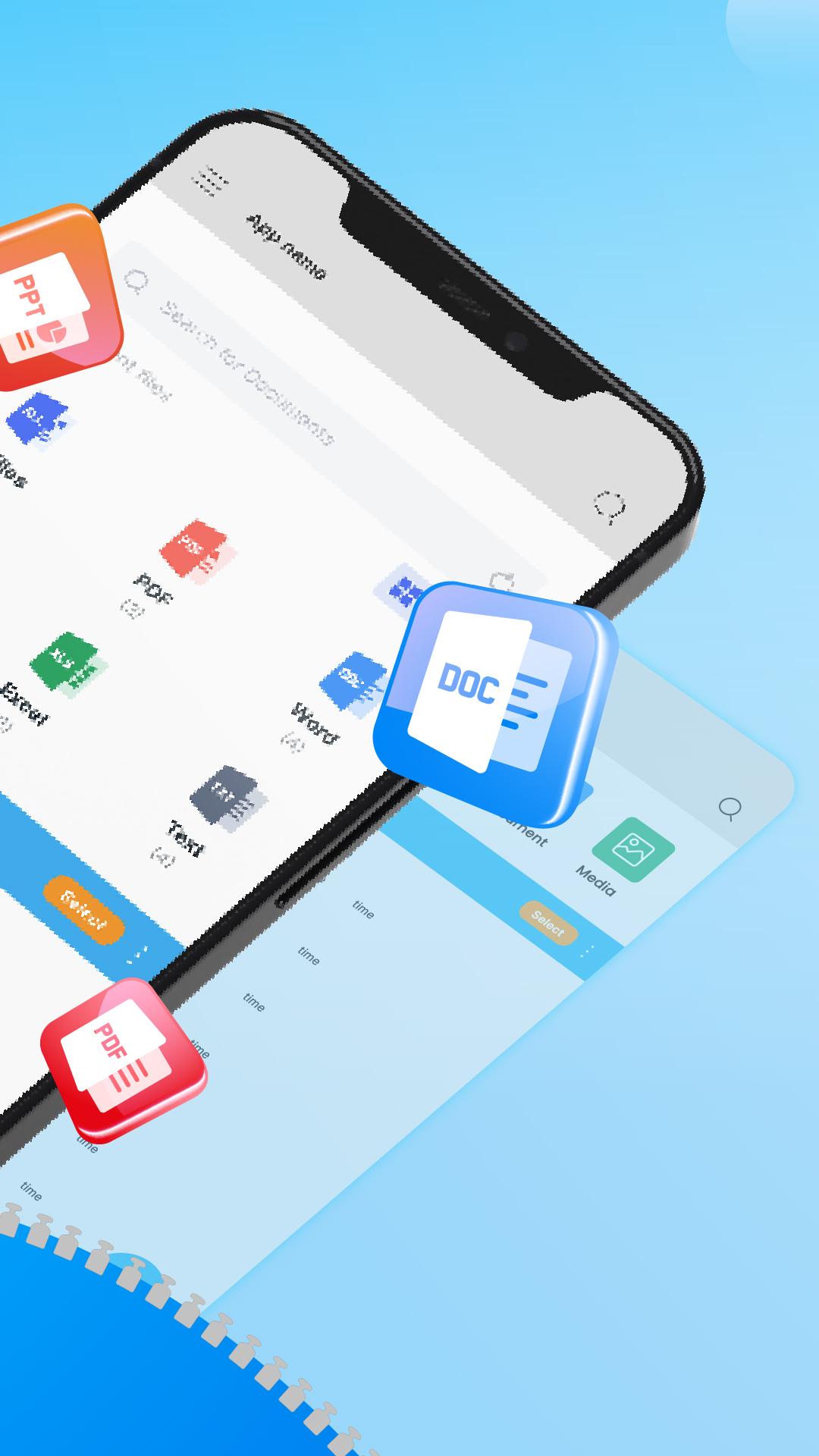
📥 Store and manage files: organize and store your files neatly in the vault. You can create a vault to replace your document warehouse with a lower capacity. You can rename photos, videos, document files, and audio files for easy search.
👌 Save storage space: Use zip and compressed files to reduce file storage space in your data warehouse
💡 Supports all file formats: all file types such as PPT, PPTX, XLS, PNG, JPG, and more are easily packed into a compressed file at once. Users will not need to wait for uploading or downloading one by one, easily control the number of transferred files.
Other features of Zippie
- Create archives folder by desired name before or after compression, extraction
- Format options for compressed files: rar, zip, tar, 7z,...
- Select storage address for zip folders
- Preview subfolders before file wrapping happens without wifi and Internet connection
- Store all different types of documents and files with a huge storage
- View files by grid or list format
- Export files with high quality, fast speed
- Quick, security sharing
This Zippie application helps solve problems about file compression and decompression with just one touch. Using zip files to reduce storage space and pack odd files in one place, quick and smooth searching and sharing.
This application is not only a simple zip file extractor, it is also a multi-function compressor, rar extractor for various document types, zip opener, zip reader and more.
Our Zippie application will not let you down. We look forward to receiving your positive feedback and review to continue to improve and develop the app in the future.
Thank you and have a nice day!
معاينة
العلامات
أدواتمعلومة
مطور
Apero Technologies Group - TrustedApp
احدث اصدار
1.2
آخر تحديث
2023-10-01
فئة
أدوات
متاح على
Google Play
أظهر المزيد
كيف تلعب Zippie: File Achiver & Reader مع GameLoop على جهاز الكمبيوتر
1. قم بتنزيل GameLoop من الموقع الرسمي ، ثم قم بتشغيل ملف exe لتثبيت GameLoop.
2. افتح GameLoop وابحث عن "Zippie: File Achiver & Reader" ، وابحث عن Zippie: File Achiver & Reader في نتائج البحث وانقر على "تثبيت".
3. استمتع بلعب Zippie: File Achiver & Reader على GameLoop.
Minimum requirements
OS
Windows 8.1 64-bit or Windows 10 64-bit
GPU
GTX 1050
CPU
i3-8300
Memory
8GB RAM
Storage
1GB available space
Recommended requirements
OS
Windows 8.1 64-bit or Windows 10 64-bit
GPU
GTX 1050
CPU
i3-9320
Memory
16GB RAM
Storage
1GB available space