
WiMAX Key Checker PC
joeykrim
قم بتنزيل WiMAX Key Checker على جهاز الكمبيوتر باستخدام GameLoop Emulator
WiMAX Key Checker على الكمبيوتر الشخصي
WiMAX Key Checker ، القادم من المطور joeykrim ، يعمل على نظام Android في الماضي.
الآن ، يمكنك لعب WiMAX Key Checker على جهاز الكمبيوتر باستخدام GameLoop بسلاسة.
قم بتنزيله في مكتبة GameLoop أو في نتائج البحث. لا مزيد من الانتباه إلى البطارية أو المكالمات المحبطة في الوقت الخطأ بعد الآن.
ما عليك سوى الاستمتاع بجهاز WiMAX Key Checker على الشاشة الكبيرة مجانًا!
WiMAX Key Checker مقدمة
** WARNING: ONLY for the Sprint HTC Evo or Sprint HTC Shift with root access. WiMAX (4G) key check will NOT work on ANY other device or under ANY other conditions. **
** DISCLAIMER: The average user will not encounter these issues and will not need this application. **
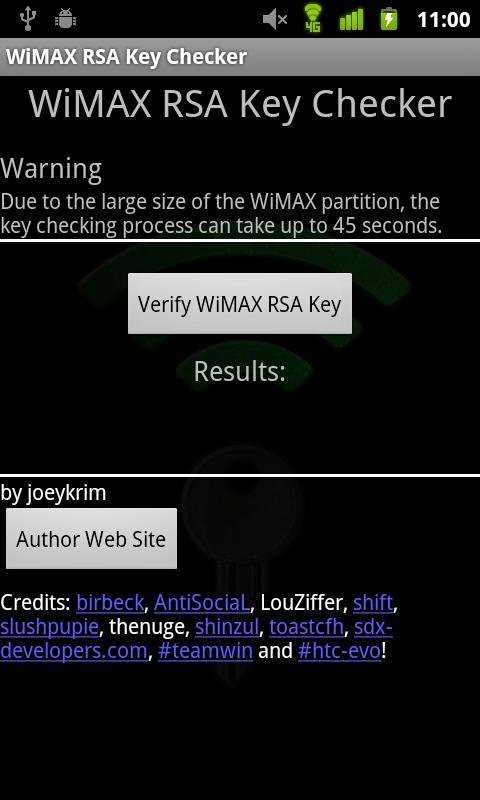
Purpose: Troubleshoot WiMAX (4G) connection issues on the Sprint HTC EVO or Sprint HTC Shift due to potentially missing RSA Encryption Keys. Assist Sprint HTC EVO or Sprint HTC Shift enthusiasts by providing a simple method of WiMAX (4G) RSA Key presence verification.
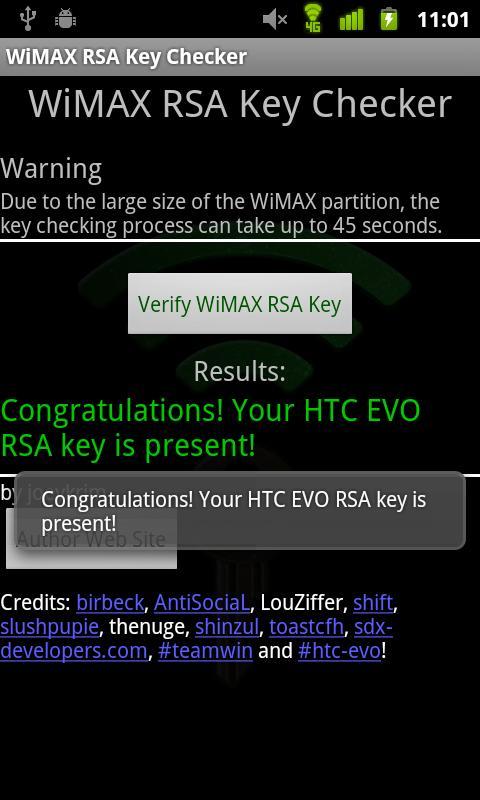
This application allows the user to easily find out whether or not their WiMAX RSA Key is present. The WiMAX RSA key is required in order for WiMAX to properly operate.
A very important step in troubleshooting WiMAX connection issues includes determining whether or not WiMAX RSA key is present.
Unfortunately, sometimes during the process of customizing and modifying the Sprint HTC EVO or Sprint HTC Shift the WiMAX RSA key is erased. If the key is lost, WiMAX will not work.
Please provide feedback based on the limited set of features currently present. This is my first application and I've done my best to make sure it provides the basic functionality. In future versions I hope to improve many aspects.
Please bear with me as I work to improve it! Feel free to email me with suggestions, comments and feedback!
Open source project: http://www.github.com/joeykrim/WimaxKeys
معاينة
العلامات
أدواتمعلومة
مطور
joeykrim
احدث اصدار
3.0
آخر تحديث
2012-03-04
فئة
أدوات
متاح على
Google Play
أظهر المزيد
كيف تلعب WiMAX Key Checker مع GameLoop على جهاز الكمبيوتر
1. قم بتنزيل GameLoop من الموقع الرسمي ، ثم قم بتشغيل ملف exe لتثبيت GameLoop.
2. افتح GameLoop وابحث عن "WiMAX Key Checker" ، وابحث عن WiMAX Key Checker في نتائج البحث وانقر على "تثبيت".
3. استمتع بلعب WiMAX Key Checker على GameLoop.
Minimum requirements
OS
Windows 8.1 64-bit or Windows 10 64-bit
GPU
GTX 1050
CPU
i3-8300
Memory
8GB RAM
Storage
1GB available space
Recommended requirements
OS
Windows 8.1 64-bit or Windows 10 64-bit
GPU
GTX 1050
CPU
i3-9320
Memory
16GB RAM
Storage
1GB available space