
WhatLog | online last seen PC
MihApps
قم بتنزيل WhatLog | online last seen على جهاز الكمبيوتر باستخدام GameLoop Emulator
WhatLog | online last seen على الكمبيوتر الشخصي
WhatLog | online last seen ، القادم من المطور MihApps ، يعمل على نظام Android في الماضي.
الآن ، يمكنك لعب WhatLog | online last seen على جهاز الكمبيوتر باستخدام GameLoop بسلاسة.
قم بتنزيله في مكتبة GameLoop أو في نتائج البحث. لا مزيد من الانتباه إلى البطارية أو المكالمات المحبطة في الوقت الخطأ بعد الآن.
ما عليك سوى الاستمتاع بجهاز WhatLog | online last seen على الشاشة الكبيرة مجانًا!
WhatLog | online last seen مقدمة
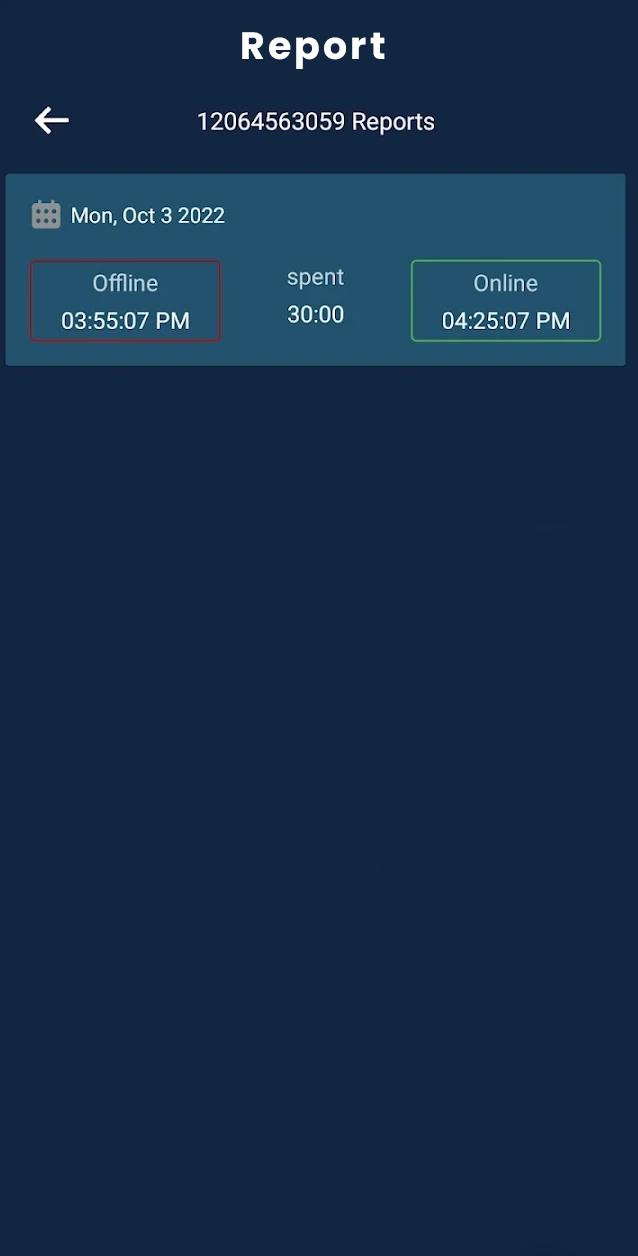
The Last Seen - Online Tracker is an app that lets you know when someone is online on WhatsApp. It sends notifications quickly while someone is online. On the clock view of this app, you can see all time durations. This is especially useful if you are looking forward to someone but he/she isn't always there.
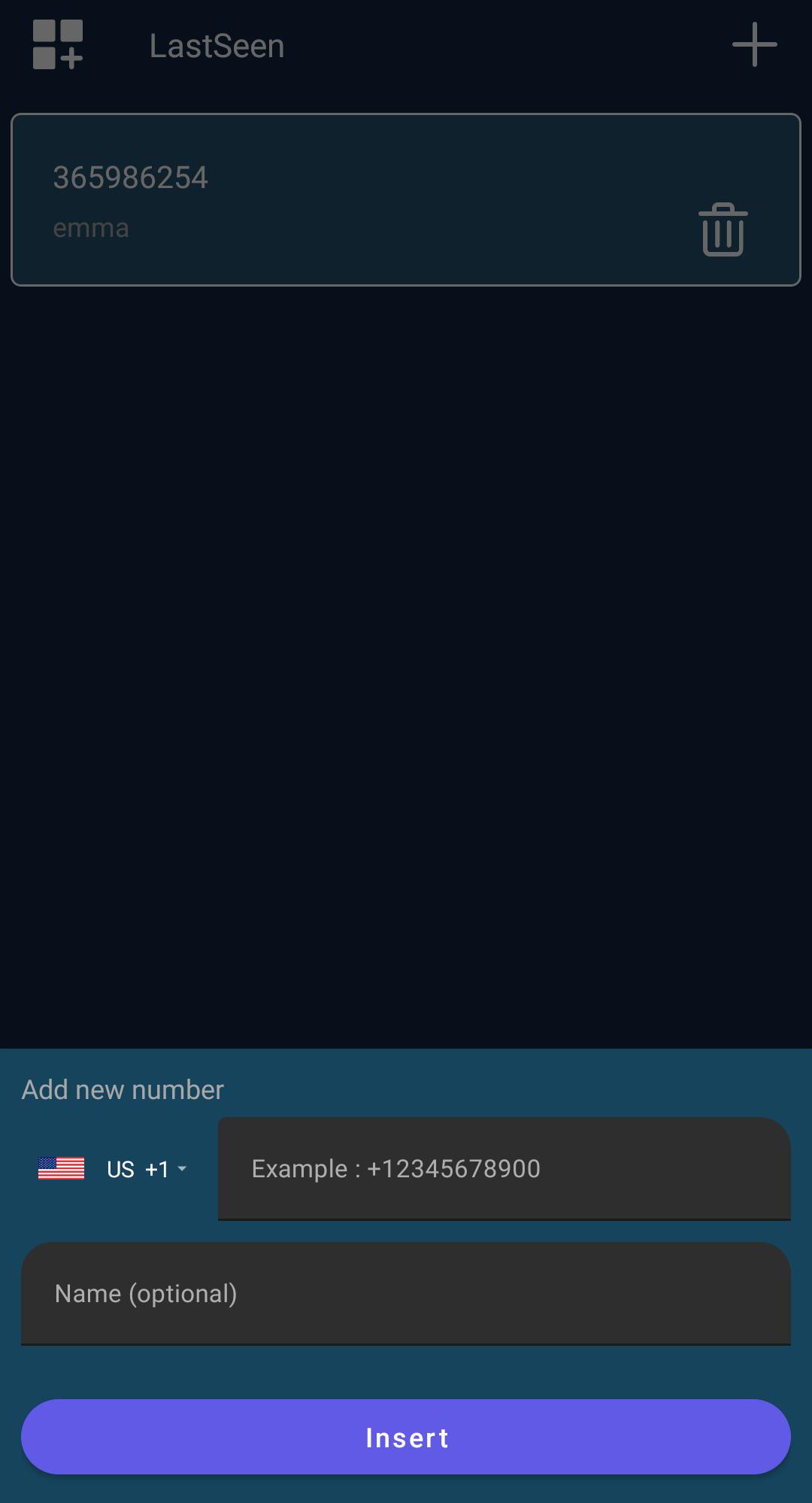
When you have added all of your contacts. Click on the three dots in the bottom right corner to install the tracking period.
Key features:
- Friendly UI & Easy to use
- Easy to turn on and off notification tone
- instant notifications
- Easy to view reports in colorful charts
- add up to 10 numbers
Second, it shows the last seen timings along with the calculated duration. Secondly, you will be informed about the exact timings every time your child or loved one goes offline or online.
Additionally, you can filter out positive days or hours. Further, you can display whether two numbers are talking to each other on a certain day/hour.
معاينة
العلامات
أدواتمعلومة
مطور
MihApps
احدث اصدار
3.0.0
آخر تحديث
2022-11-06
فئة
أدوات
متاح على
Google Play
أظهر المزيد
كيف تلعب WhatLog | online last seen مع GameLoop على جهاز الكمبيوتر
1. قم بتنزيل GameLoop من الموقع الرسمي ، ثم قم بتشغيل ملف exe لتثبيت GameLoop.
2. افتح GameLoop وابحث عن "WhatLog | online last seen" ، وابحث عن WhatLog | online last seen في نتائج البحث وانقر على "تثبيت".
3. استمتع بلعب WhatLog | online last seen على GameLoop.
Minimum requirements
OS
Windows 8.1 64-bit or Windows 10 64-bit
GPU
GTX 1050
CPU
i3-8300
Memory
8GB RAM
Storage
1GB available space
Recommended requirements
OS
Windows 8.1 64-bit or Windows 10 64-bit
GPU
GTX 1050
CPU
i3-9320
Memory
16GB RAM
Storage
1GB available space