
Article Publisher PC
Complete_Apps
قم بتنزيل Article Publisher على جهاز الكمبيوتر باستخدام GameLoop Emulator
Article Publisher على الكمبيوتر الشخصي
Article Publisher ، القادم من المطور Complete_Apps ، يعمل على نظام Android في الماضي.
الآن ، يمكنك لعب Article Publisher على جهاز الكمبيوتر باستخدام GameLoop بسلاسة.
قم بتنزيله في مكتبة GameLoop أو في نتائج البحث. لا مزيد من الانتباه إلى البطارية أو المكالمات المحبطة في الوقت الخطأ بعد الآن.
ما عليك سوى الاستمتاع بجهاز Article Publisher على الشاشة الكبيرة مجانًا!
Article Publisher مقدمة
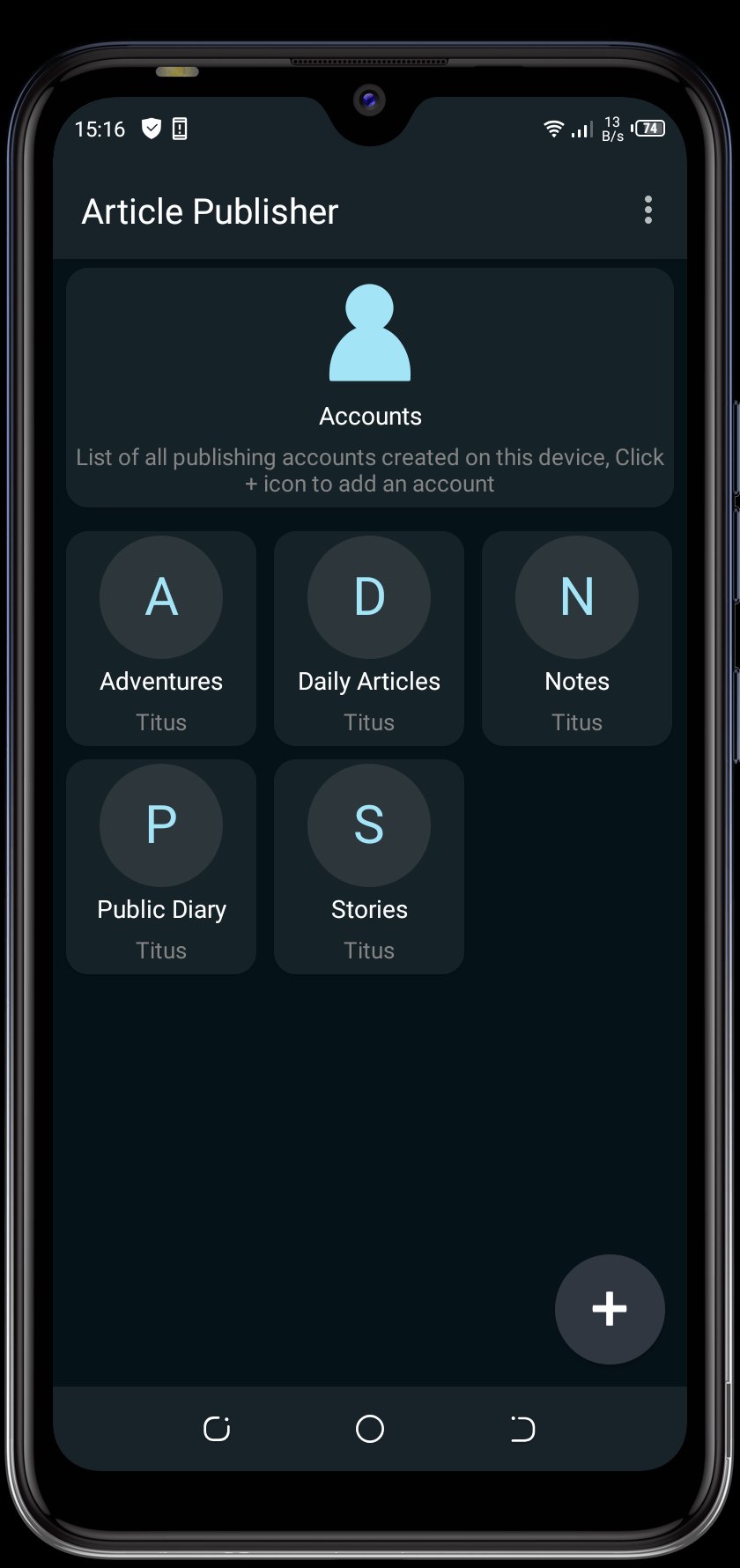
Article Publisher is an app for writing and publishing articles online. It is based on a minimalist publishing tool created by Telegram that allows you to create richly formatted posts and push them to the Web in just a click. The posts also get beautiful Instant View on Telegram.
FEATURES
- Write and publish articles efficiently
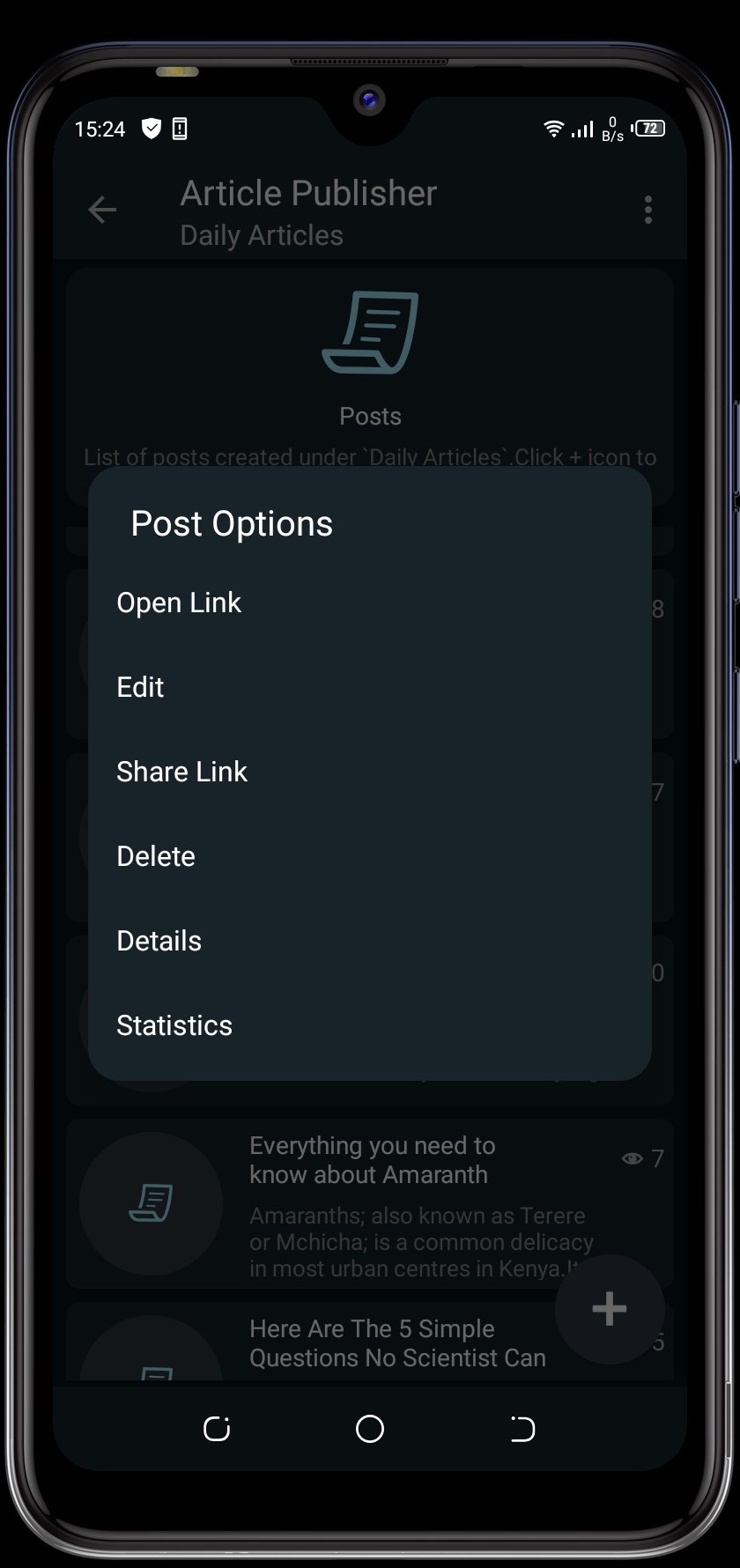
- Edit and delete articles
- View posts statistics
- Use HTML Markup or plain text to format posts
- Create multiple accounts
- Share your posts everywhere
- Post anonymously
- Dark theme
- WYSIWYG editor
- Login from management bot
- Undo redo feature
- Preview before publish article
- Set up password
- Import and export accounts to storage
- No web hosting required
- It's free to use
معاينة
العلامات
أدواتمعلومة
مطور
Complete_Apps
احدث اصدار
1.9
آخر تحديث
2024-09-22
فئة
أدوات
متاح على
Google Play
أظهر المزيد
كيف تلعب Article Publisher مع GameLoop على جهاز الكمبيوتر
1. قم بتنزيل GameLoop من الموقع الرسمي ، ثم قم بتشغيل ملف exe لتثبيت GameLoop.
2. افتح GameLoop وابحث عن "Article Publisher" ، وابحث عن Article Publisher في نتائج البحث وانقر على "تثبيت".
3. استمتع بلعب Article Publisher على GameLoop.
Minimum requirements
OS
Windows 8.1 64-bit or Windows 10 64-bit
GPU
GTX 1050
CPU
i3-8300
Memory
8GB RAM
Storage
1GB available space
Recommended requirements
OS
Windows 8.1 64-bit or Windows 10 64-bit
GPU
GTX 1050
CPU
i3-9320
Memory
16GB RAM
Storage
1GB available space