Split Multitasking Dual Screen PC
Art DS Apps
قم بتنزيل Split Multitasking Dual Screen على جهاز الكمبيوتر باستخدام GameLoop Emulator
Split Multitasking Dual Screen على الكمبيوتر الشخصي
Split Multitasking Dual Screen ، القادم من المطور Art DS Apps ، يعمل على نظام Android في الماضي.
الآن ، يمكنك لعب Split Multitasking Dual Screen على جهاز الكمبيوتر باستخدام GameLoop بسلاسة.
قم بتنزيله في مكتبة GameLoop أو في نتائج البحث. لا مزيد من الانتباه إلى البطارية أو المكالمات المحبطة في الوقت الخطأ بعد الآن.
ما عليك سوى الاستمتاع بجهاز Split Multitasking Dual Screen على الشاشة الكبيرة مجانًا!
Split Multitasking Dual Screen مقدمة
Make multitasking easier with Split Screen, a simple split screen app that lets you use two apps at the same time. Open two selected apps together in split screen mode and switch between tasks without repeatedly moving between apps.
# Key Features
> Split Screen Multitasking :
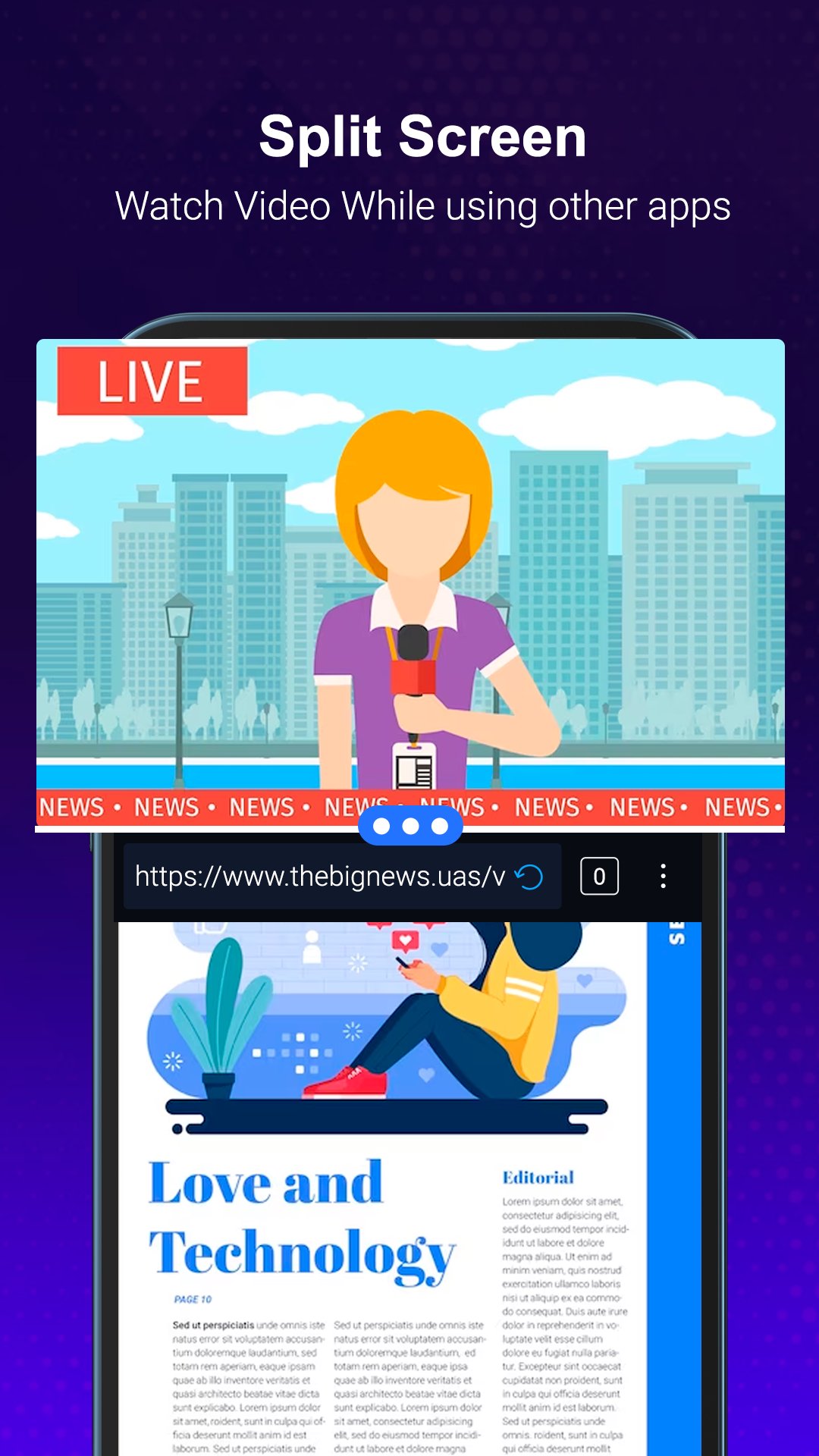
Select two apps from your installed app list and launch them together in split screen mode. This makes it convenient to browse, message, watch content, take notes, or manage other tasks side by side.
* Save App Combinations :
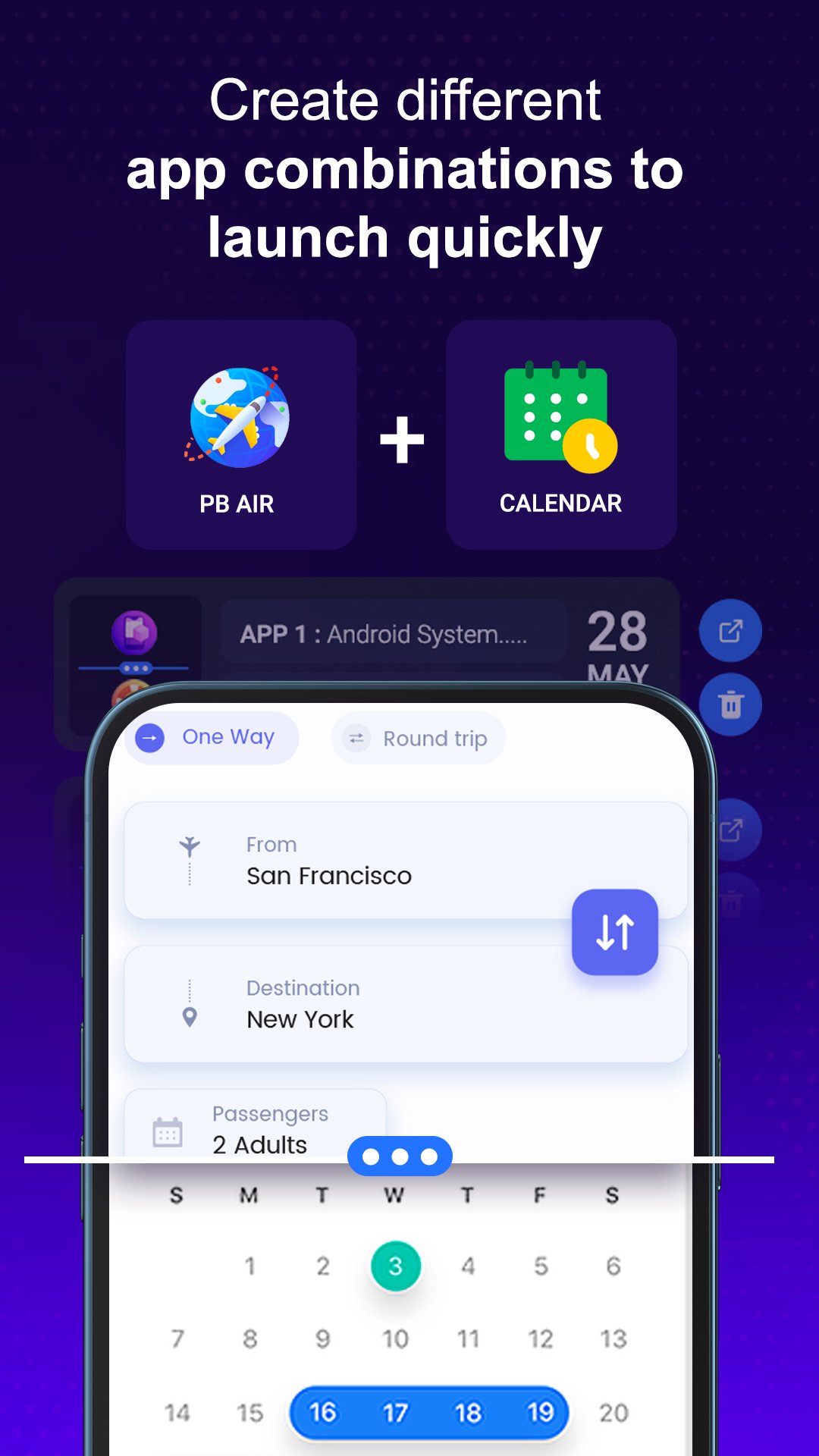
Create and save your favorite two-app combinations for quick access. Launch frequently used app pairs whenever you need them.
Built-In Productivity Tools :
> Simple & Easy to Use :
A clean interface makes it easy to select apps, create combinations, and start split screen multitasking.
Make Multitasking More Convenient
Use Split Screen to organize two apps on your screen at the same time and make everyday multitasking more convenient. Whether you want to use two apps side by side or quickly access useful floating tools, this app provides an easy way to get more done.
Note: Split screen behavior can vary depending on the Android version and device manufacturer.
معاينة
العلامات
أدواتمعلومة
مطور
Art DS Apps
احدث اصدار
1.10
آخر تحديث
2026-08-13
فئة
أدوات
متاح على
Google Play
أظهر المزيد
كيف تلعب Split Multitasking Dual Screen مع GameLoop على جهاز الكمبيوتر
1. قم بتنزيل GameLoop من الموقع الرسمي ، ثم قم بتشغيل ملف exe لتثبيت GameLoop.
2. افتح GameLoop وابحث عن "Split Multitasking Dual Screen" ، وابحث عن Split Multitasking Dual Screen في نتائج البحث وانقر على "تثبيت".
3. استمتع بلعب Split Multitasking Dual Screen على GameLoop.
Minimum requirements
OS
Windows 8.1 64-bit or Windows 10 64-bit
GPU
GTX 1050
CPU
i3-8300
Memory
8GB RAM
Storage
1GB available space
Recommended requirements
OS
Windows 8.1 64-bit or Windows 10 64-bit
GPU
GTX 1050
CPU
i3-9320
Memory
16GB RAM
Storage
1GB available space